
The only true IDE experience for authoring Mermaid Diagrams
Built on the IntelliJ platform
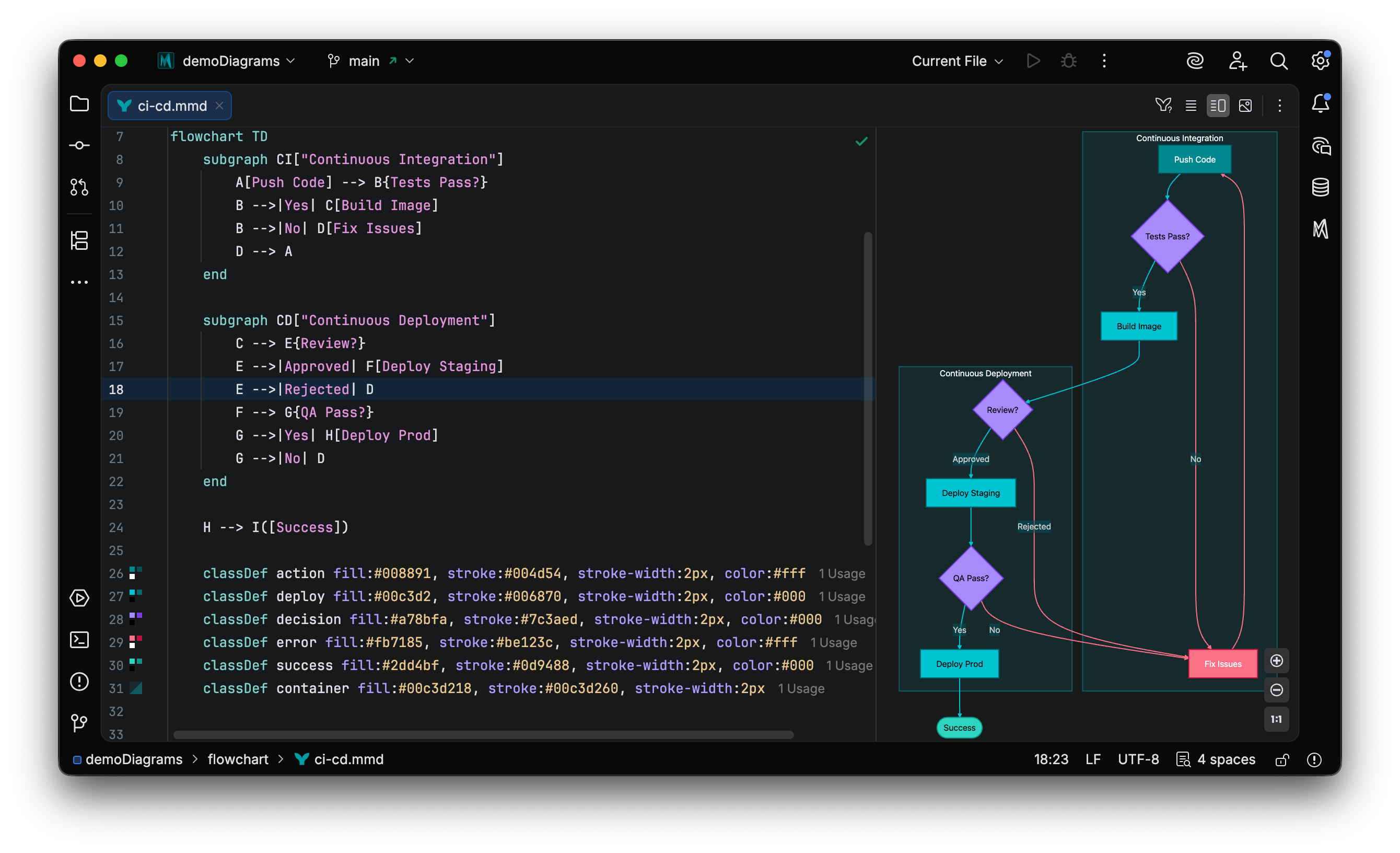
Built on deep semantic understanding
Custom parsers analyze your diagrams the way an IDE analyzes code—enabling intelligent features that text editors can't provide.
AI-Powered Generation
MCP tools leverage Mermaid Studio's code intelligence, empowering AI assistants to generate valid diagrams autonomously. Works with Claude, Copilot, Cursor, and more.
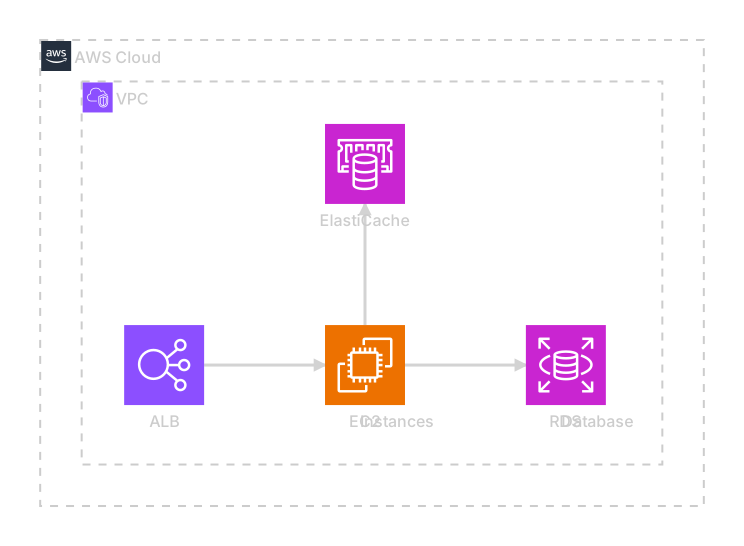
Smart Completion
Suggests existing nodes, valid keywords, and structural elements based on context.
Live Preview
See your diagram render in real-time. Click any element to jump to its definition.
Safe Refactoring
Rename any element and all references update automatically.
Real-time Validation
Catch errors as you type. Semantic analysis goes beyond basic syntax checking.
Export & Sync
Generate PNG or SVG. Auto-sync keeps exported files updated when your diagram changes.
Markdown Integration
Syntax highlighting in Mermaid code fences. Rendered diagrams in Markdown preview.
One plugin. Every diagram.
Full support for all native Mermaid diagram types with tailored syntax highlighting, completion, and validation for each.
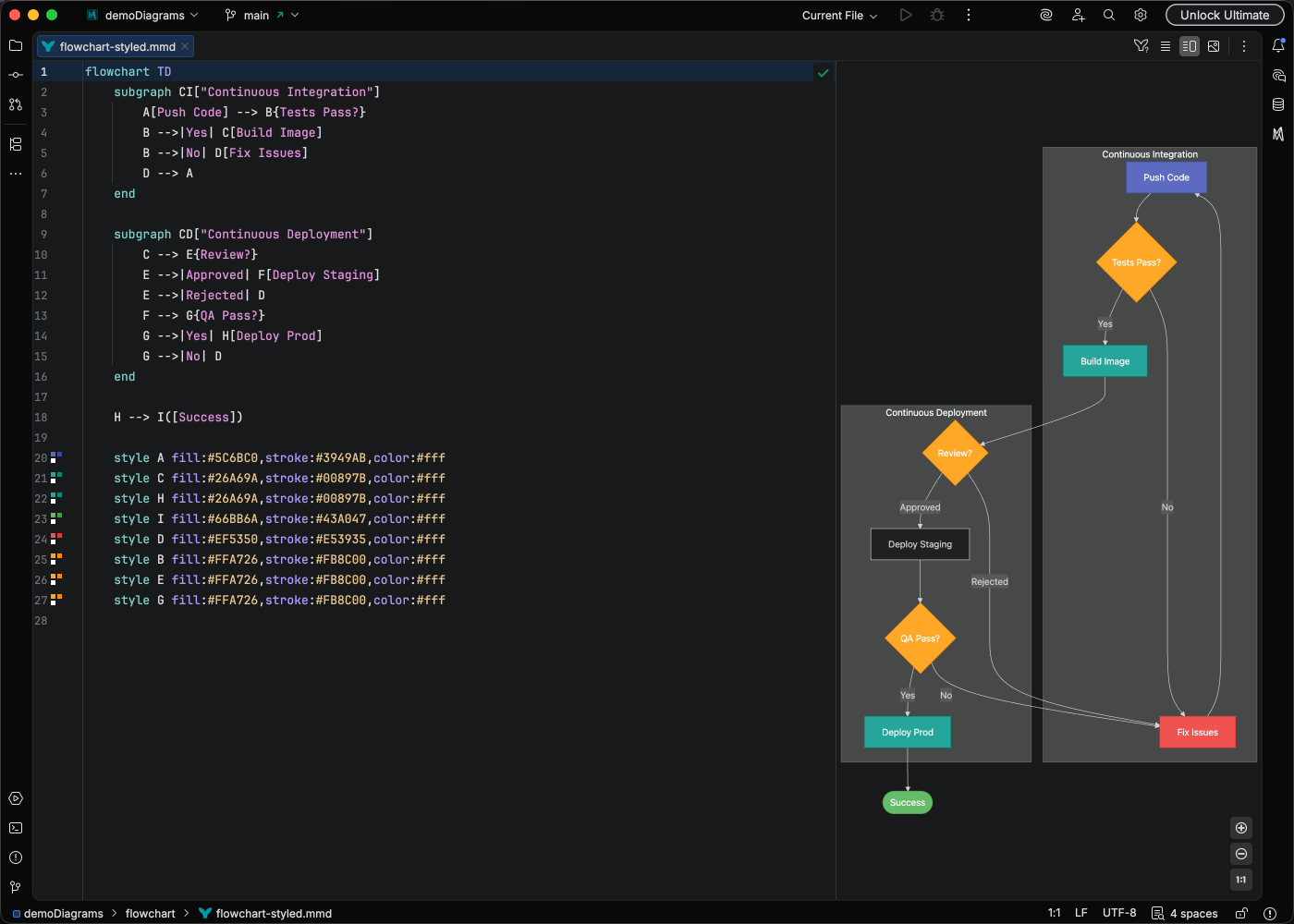 Flowchart
 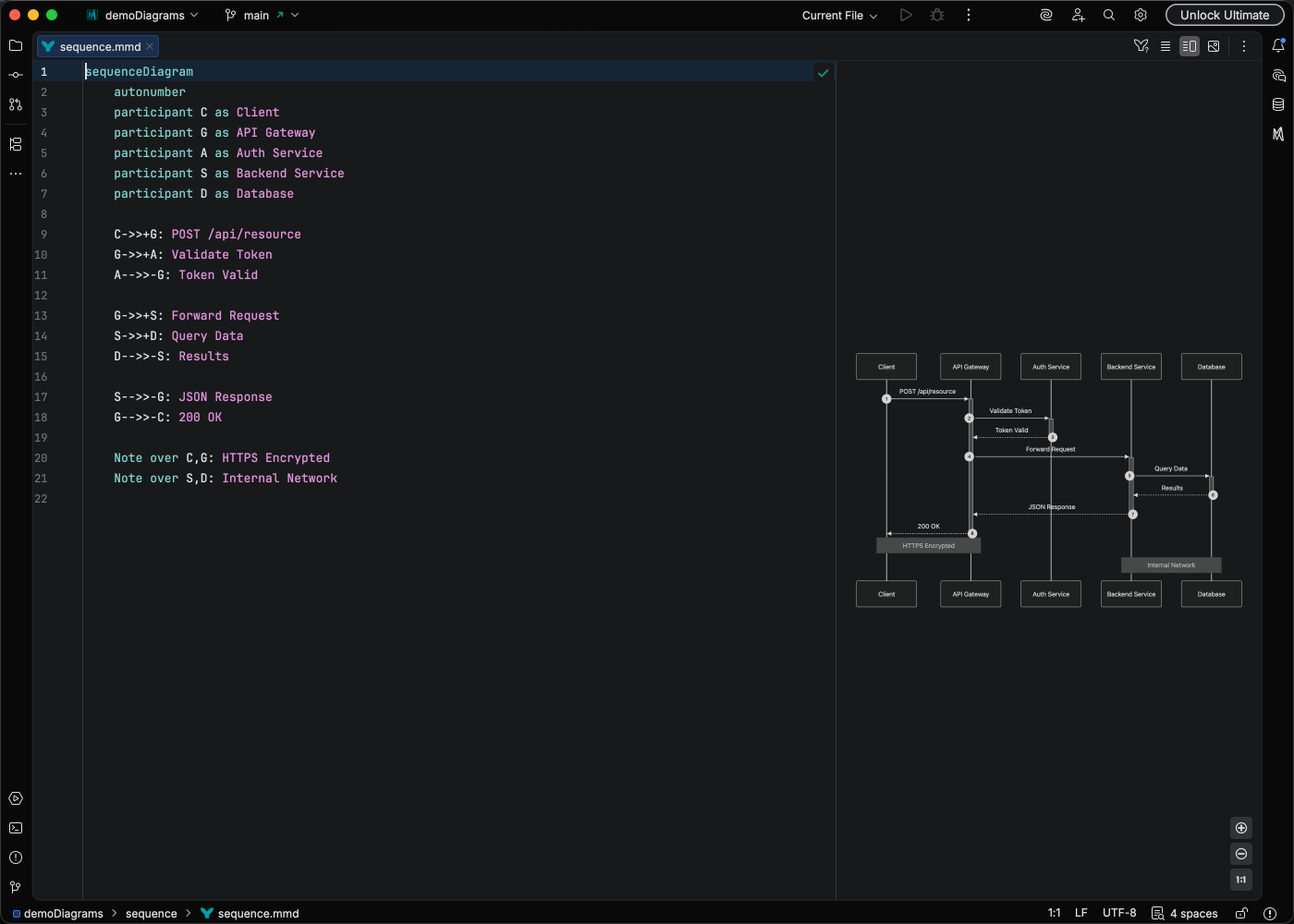 Sequence
 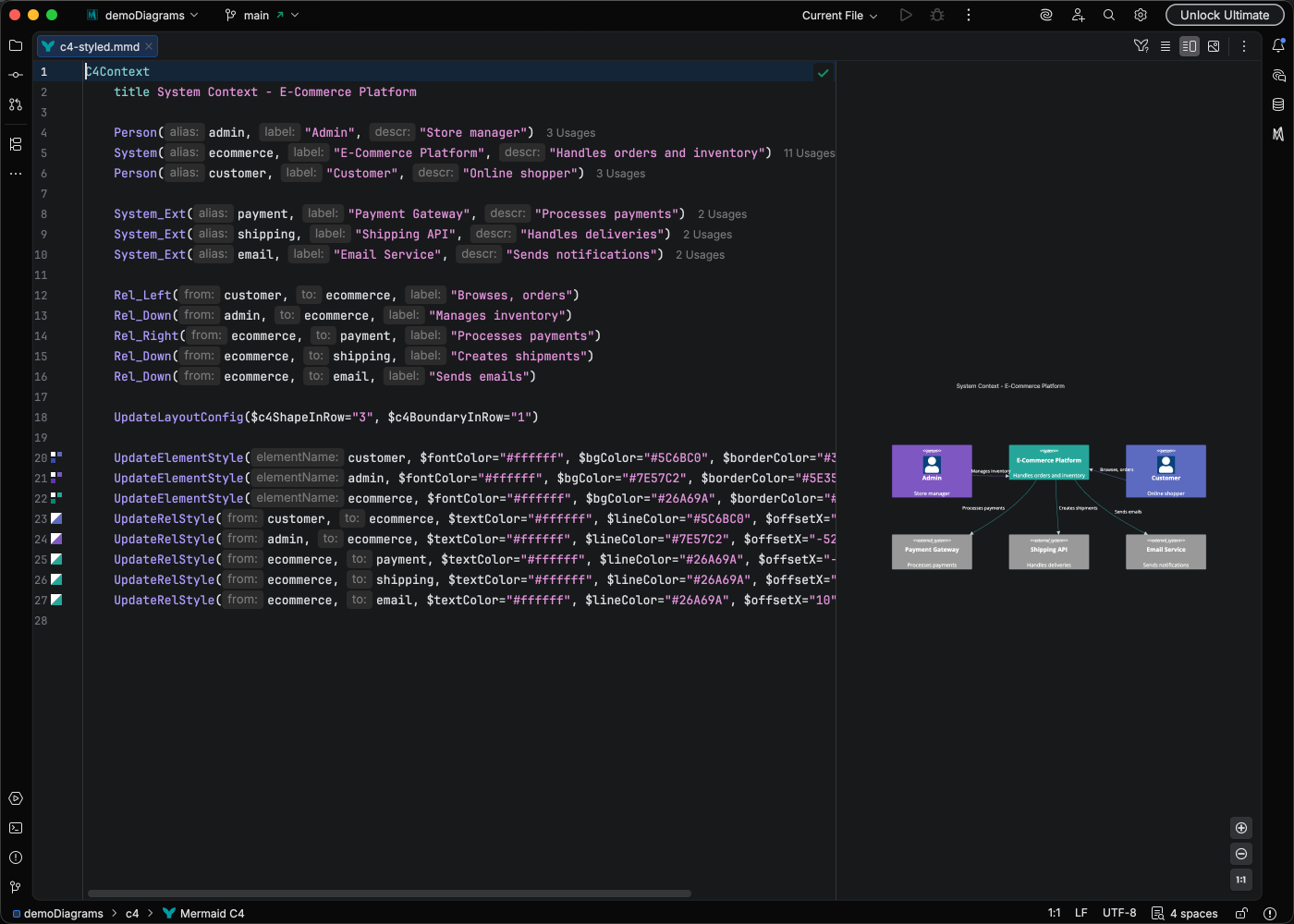 C4 Context
 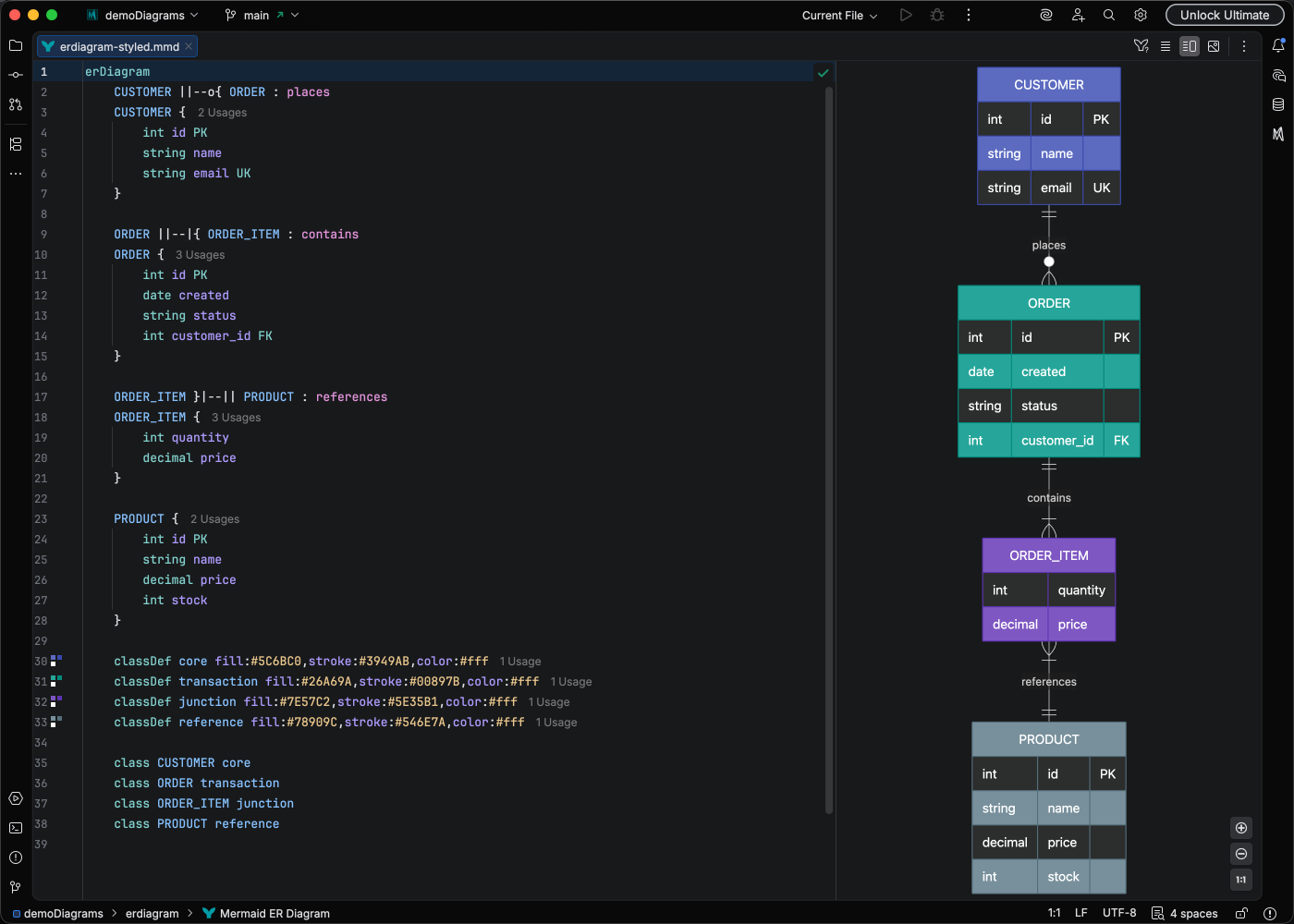 ER Diagram
 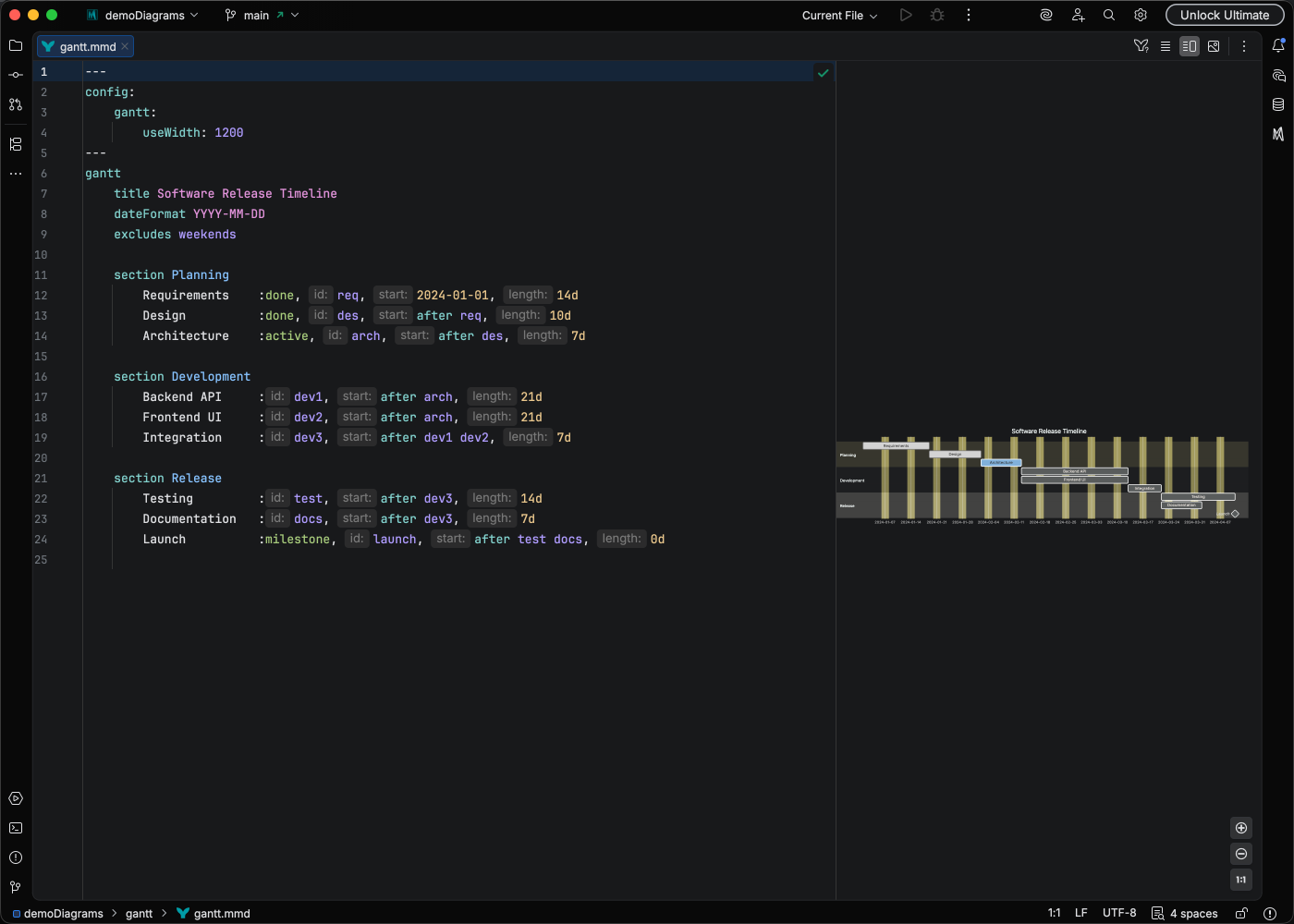 Gantt
Gantt 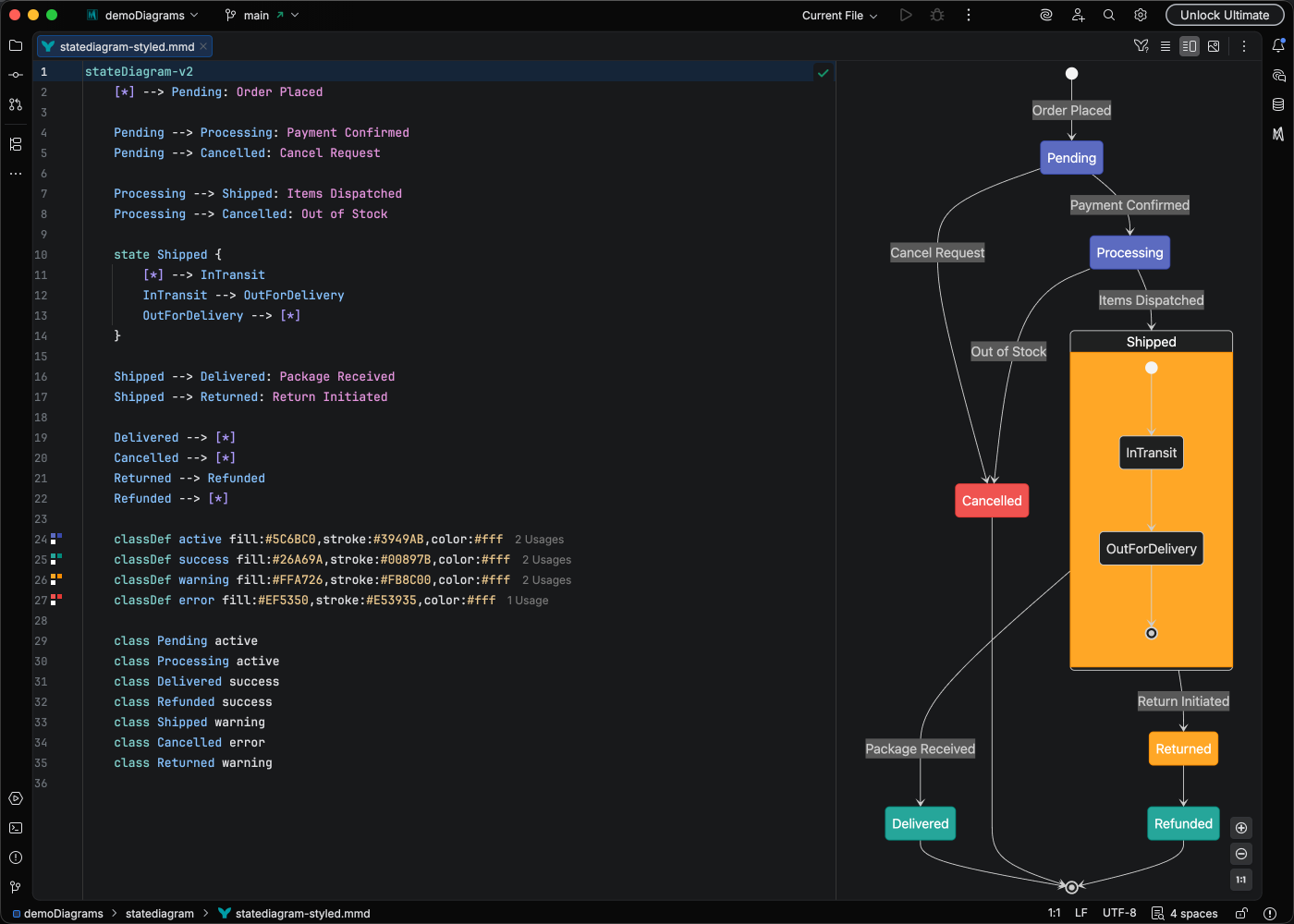 State
State Your IDE. Your workflow.
Works seamlessly in every IntelliJ-based IDE.


JetBrains and the JetBrains IDE logos are trademarks of JetBrains s.r.o.
New to IntelliJ? Get started for free.
Setup guide