
The smartest way to author Mermaid diagrams
Write Mermaid.js diagrams with deep language support, or edit them directly in the live preview, all in your JetBrains IDE. Your coding agent gets the same parser, inspections, and renderer through MCP, whether it uses a hosted model or a local one.
30-day Studio trial. Or install the free edition.
36k installs
on JetBrains Marketplace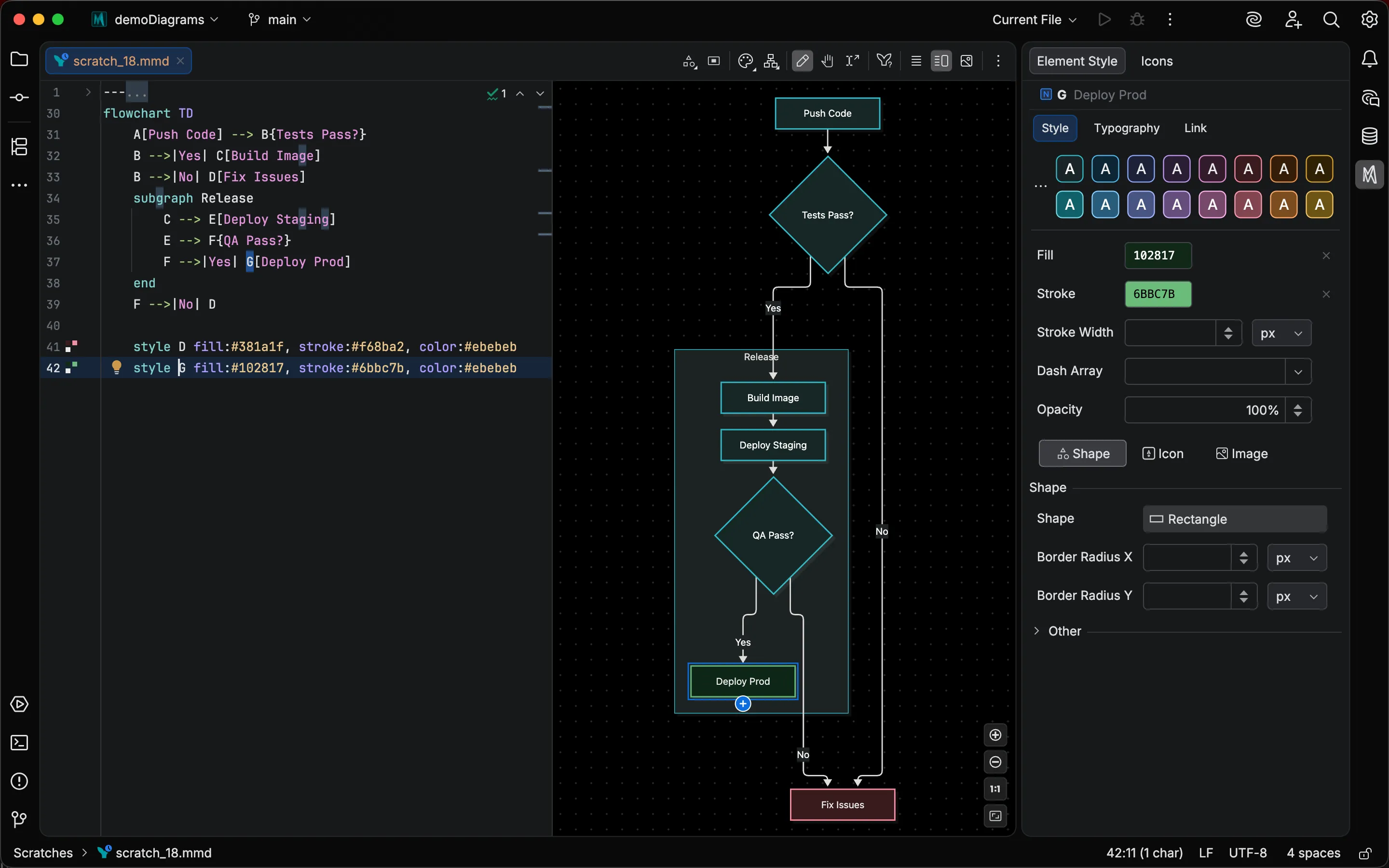
Actually treat your diagrams as code
Most Mermaid.js editors stop at highlighting and a preview. Mermaid Studio parses diagrams into their nodes, references, and relationships, so completion, refactoring, and inspections work the way they do in your code.
-
Contextual code completion
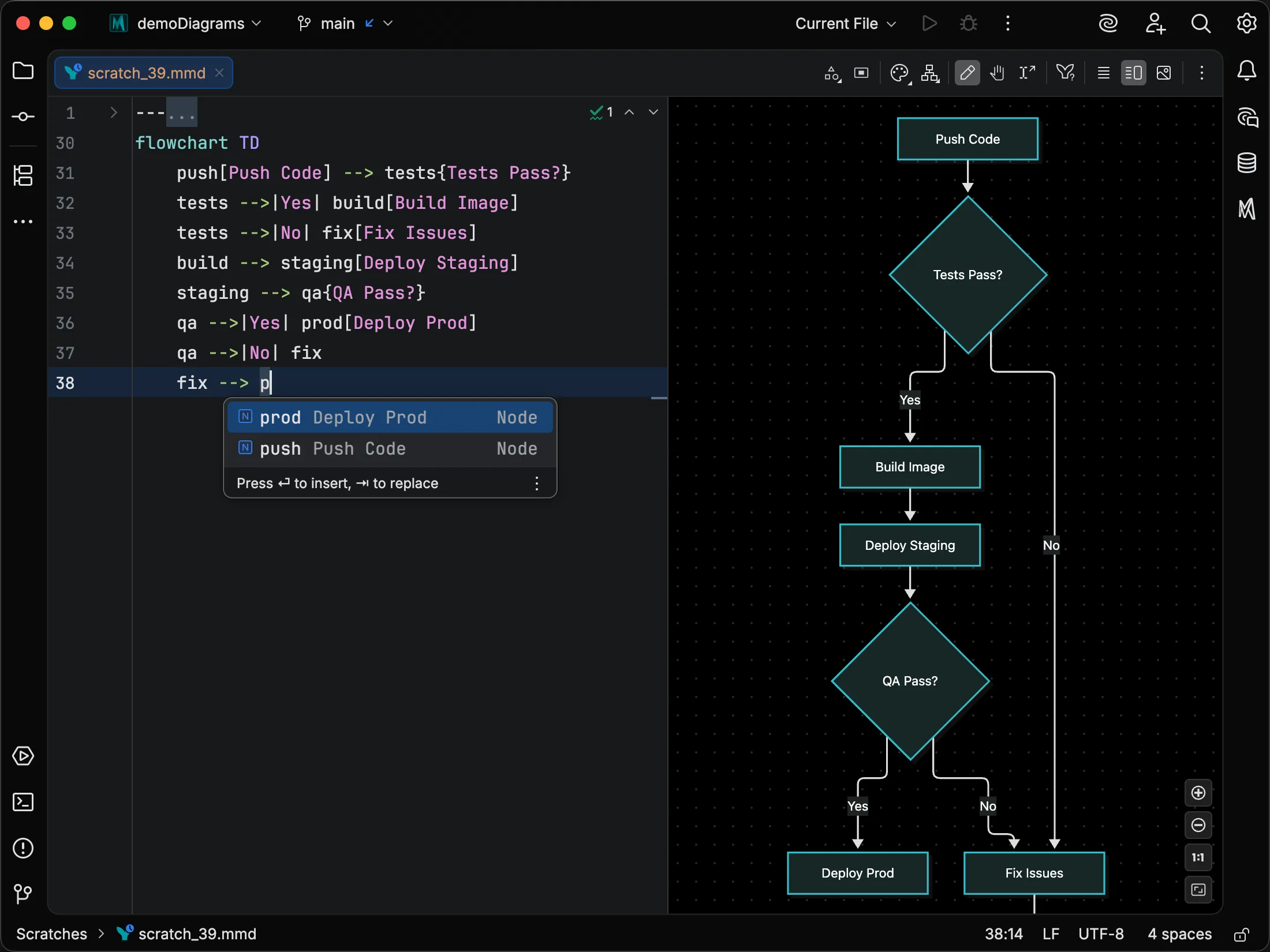
Suggestions draw on the diagram you're writing and where the caret sits, so you see only what's valid there, including the nodes and classes you've already defined.
-
Inspections and quick‑fixes
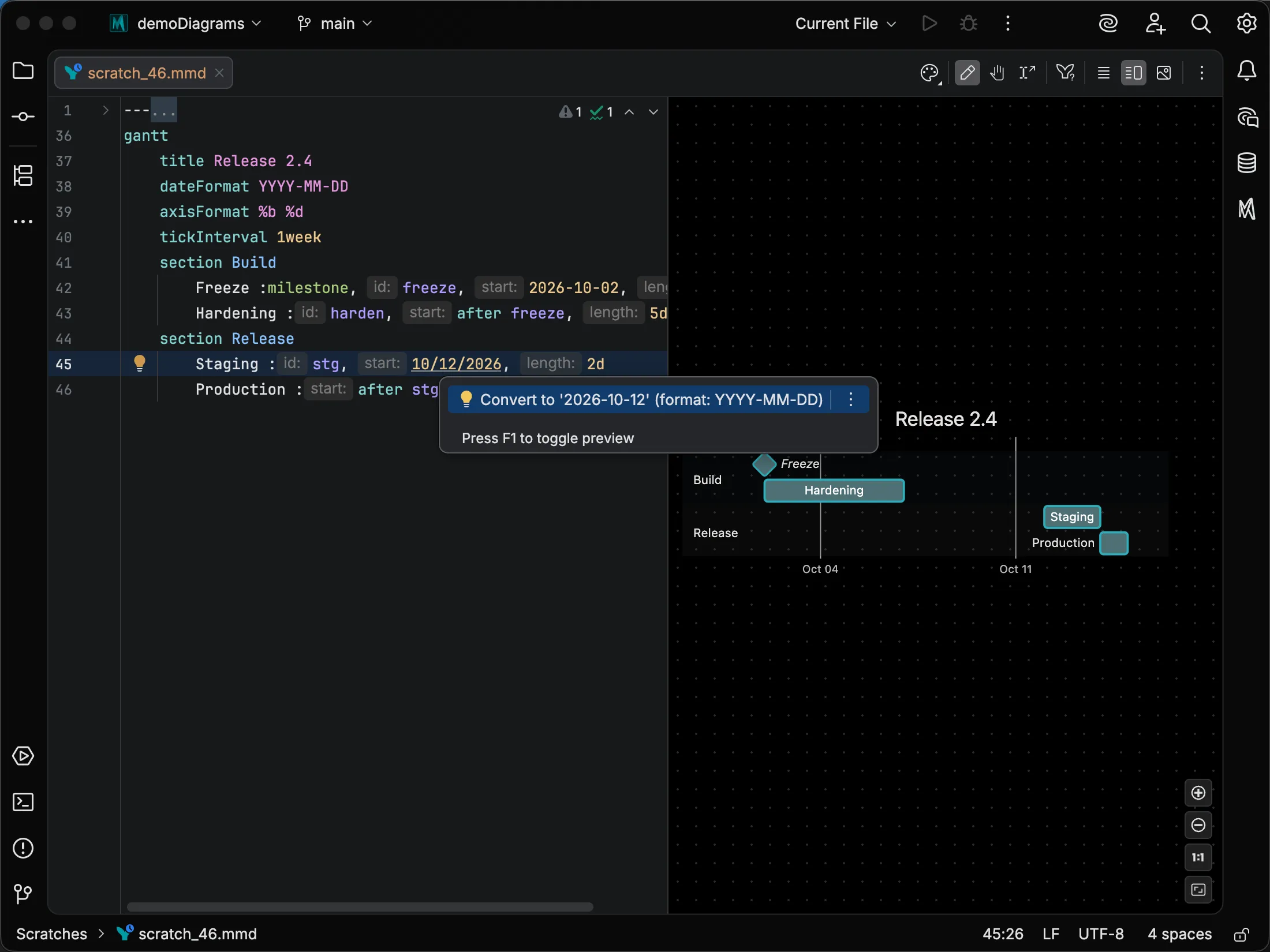
Diagram-specific inspections catch mistakes a syntax check misses, and quick-fixes resolve them in place.
-
Rename refactoring
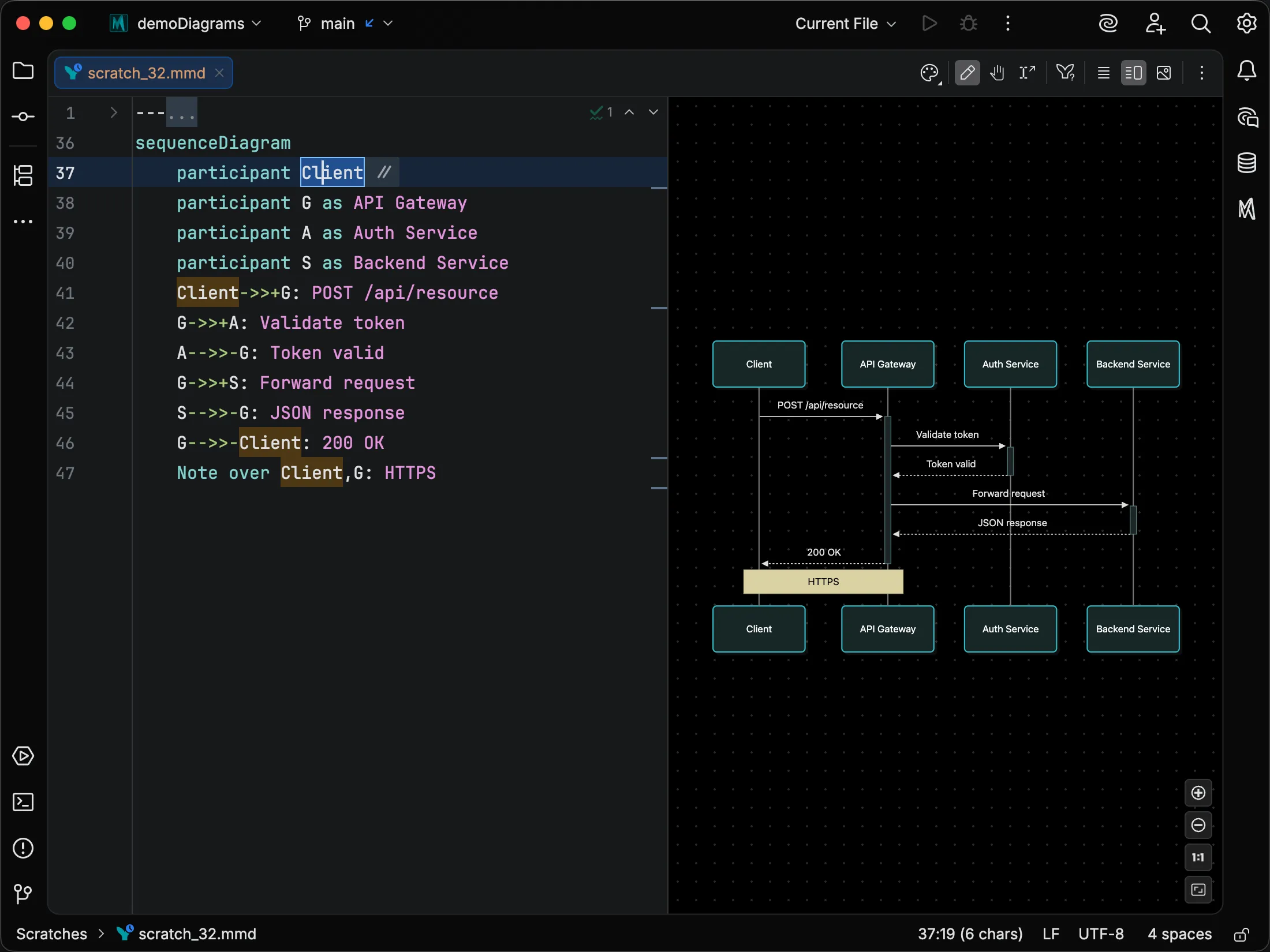
Rename a node, class, or subgraph, and Mermaid Studio updates every reference in the diagram. You can restructure a large diagram without find and replace.
-
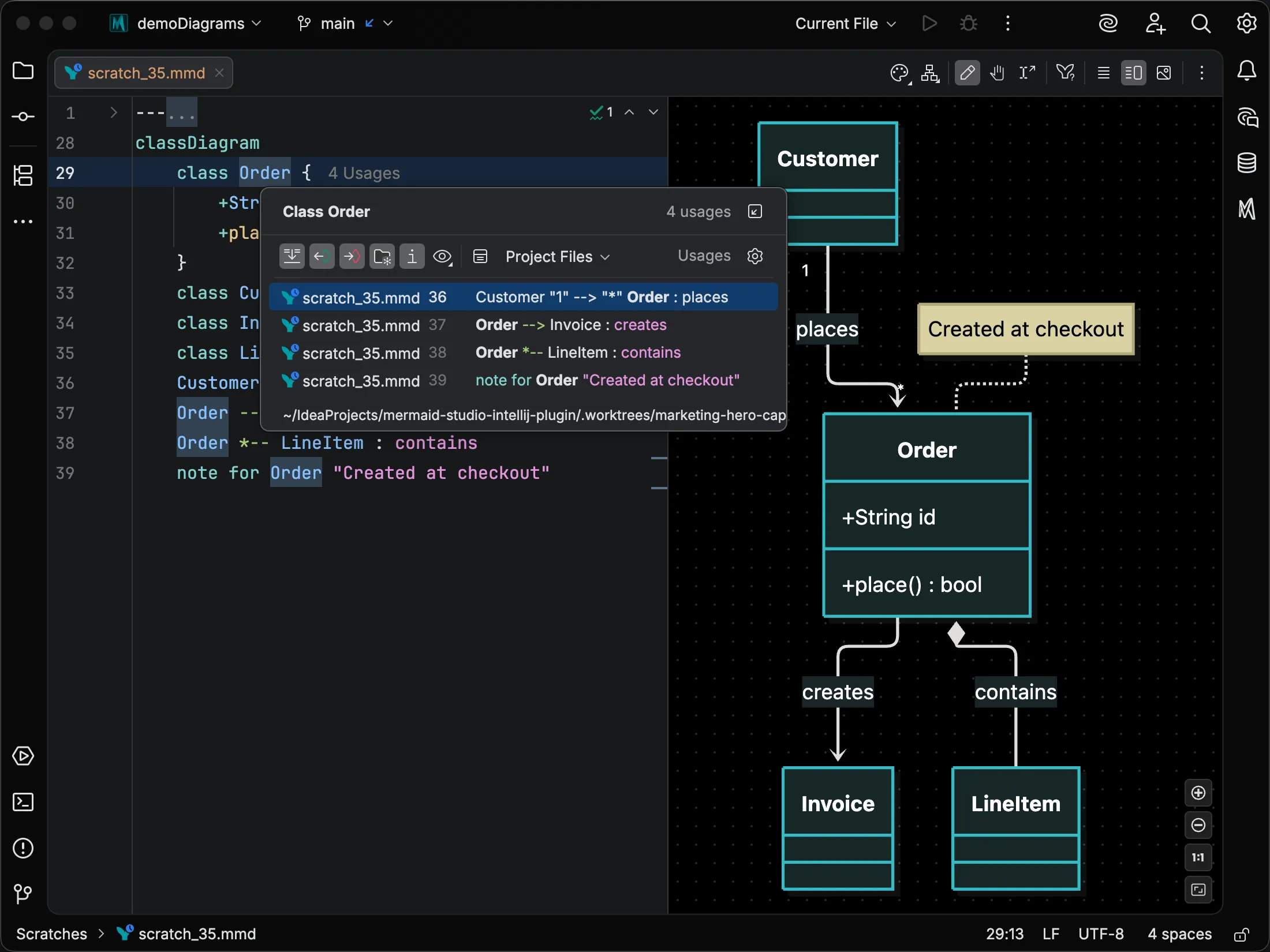
Find Usages and navigation
Go to Declaration and Find Usages work on nodes, classes, and entities, so you can find your way around a 200-line diagram.
-
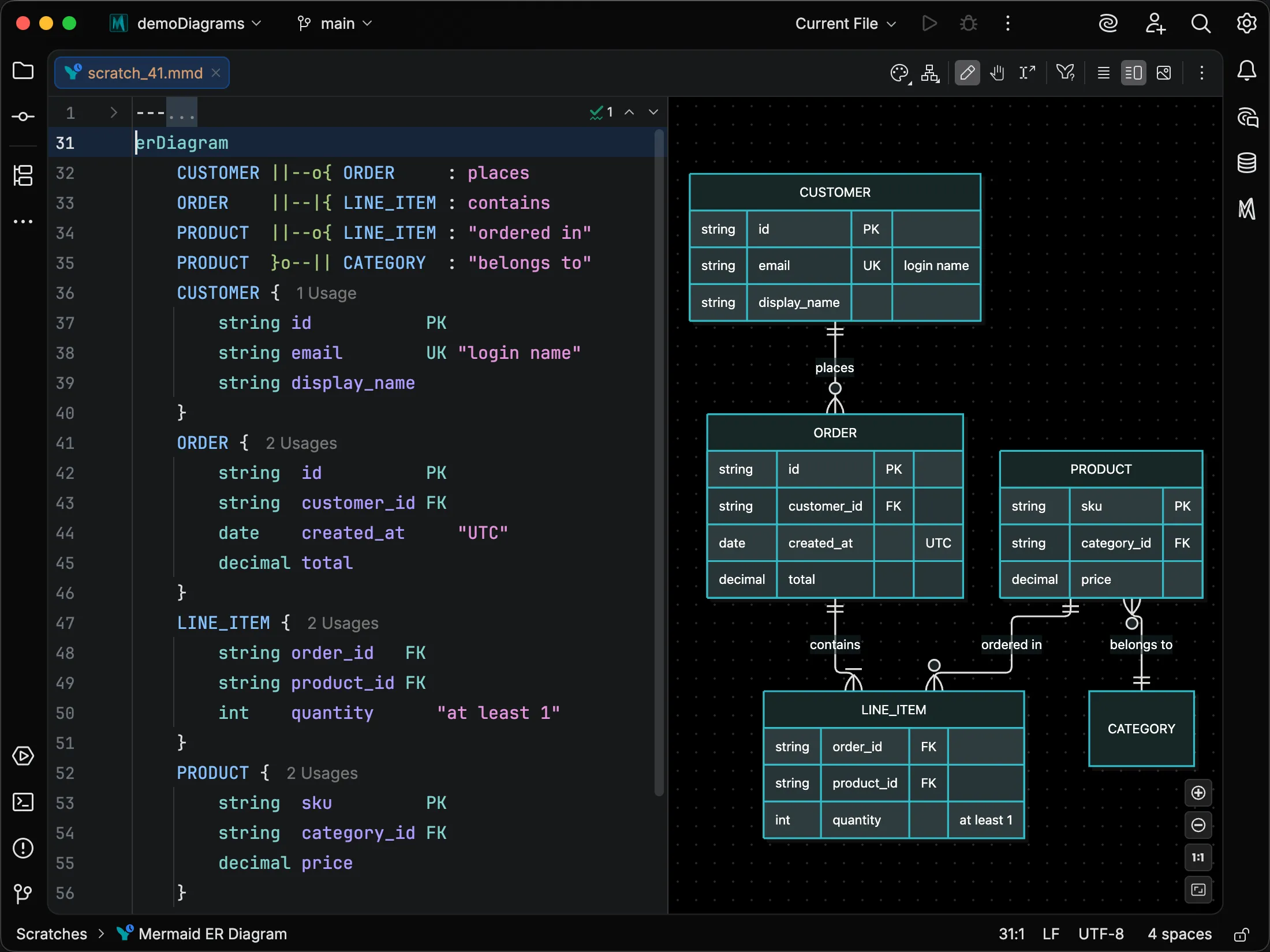
Highlighting and formatting
Semantic highlighting colors each part of the diagram by its role, and Reformat Code applies formatting built around the diagram's structure, so the source reads clearly as it grows.
Edit diagrams directly in the preview
Fixing a layout in text is a cycle of editing, re-rendering, and repeating. Switch the live preview to Edit Mode and work on flowcharts and other supported diagrams directly: add nodes, drag to connect them, and restyle any element from the Element Style pane. Each change becomes a targeted edit to your source that keeps your comments and formatting intact.
Explore visual editing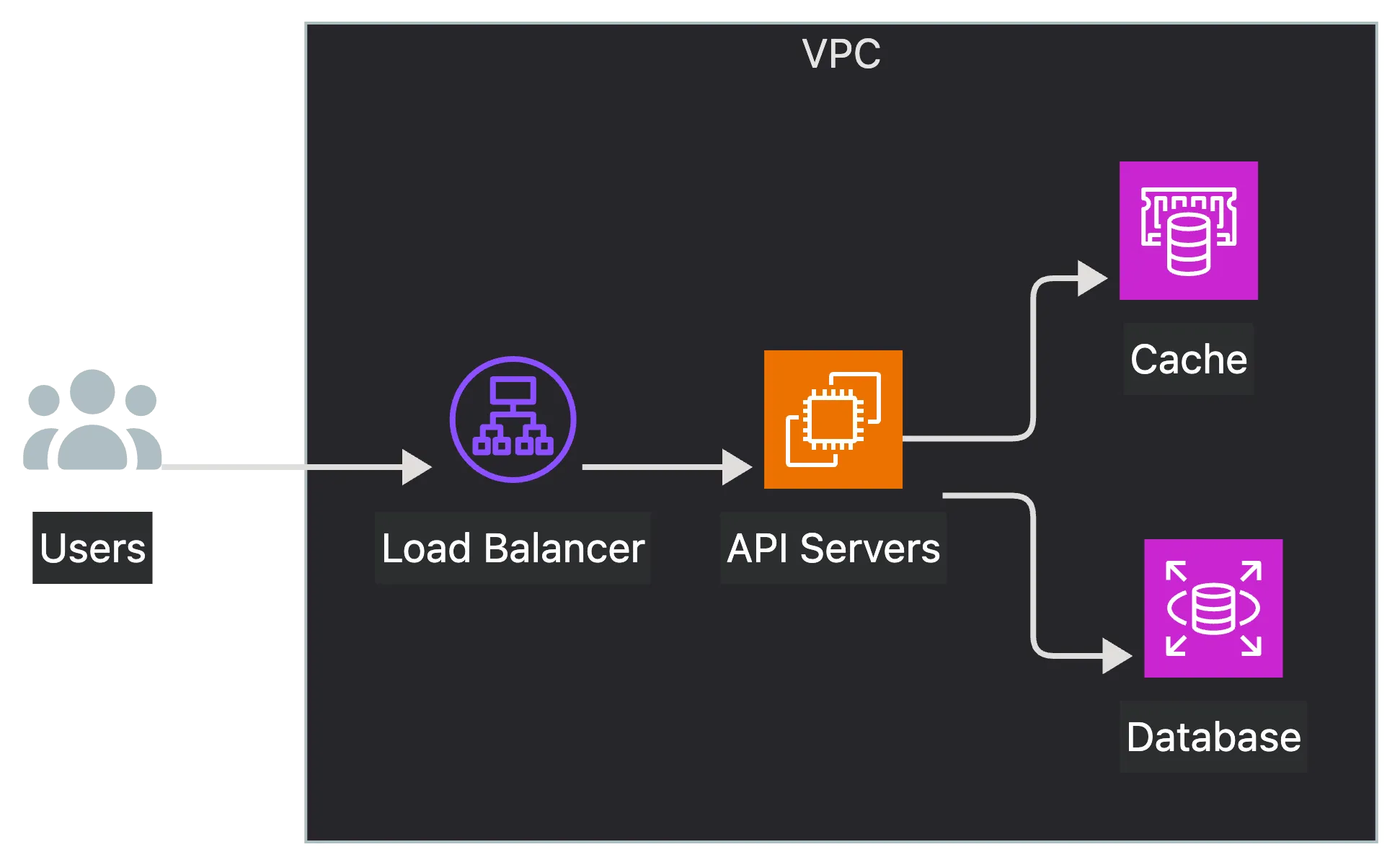
Better diagrams from your coding agent
Coding agents write Mermaid.js from their training data, so they invent syntax, guess at icon names, and never see the diagram they produced. Mermaid Studio's MCP tools give your agent the parser, inspections, icon index, and renderer the IDE uses, so it can validate its output and review the render before handing it back to you.
The problem is worst for newer diagram types, which barely appear in any model's training data. The syntax guides are bundled with the plugin and validation runs inside your IDE, so any MCP-capable agent can check its work against them, whether it uses a hosted model or a local one. With a local model, the whole loop works offline.
Set up MCP toolsBeautiful light and dark themes for your diagrams
Mermaid Studio ships eight bundled themes, each with matched light and dark variants, or you can generate a branded one from a single seed color. The theme is written into your diagram as plain Mermaid.js frontmatter, so it looks the same wherever Mermaid.js renders it.
Try every paid feature free for 30 days
Install the Mermaid Studio plugin for code intelligence, visual editing, MCP tools for coding agents, and advanced styling.
Style, export, and embed
- MarkdownCompletion, inspections, and the Element Style pane inside
mermaidcode fences. - Theme CSSCSS language support in
themeCSS, with completions derived from the live preview. - Icon setsFontAwesome, AWS, Azure, and GCP bundled, plus any Iconify collection.
- ExportSharp PNG exports of even large diagrams, up to 12,000 pixels on a side, plus SVG.
- Print to PDFPaper size, margins, and page presets for printed diagrams.
- Auto-sync exportsMatching diagrams re-export whenever you change their source.
Every native Mermaid.js diagram type in every JetBrains IDE
Mermaid Studio supports everything from flowcharts and sequence diagrams to Wardley maps and Ishikawa diagrams, and the feature matrix shows what each type supports. Android Studio is supported from Quail 2026.1. New to IntelliJ? Start with the setup guide.


JetBrains and the JetBrains IDE logos are trademarks of JetBrains s.r.o.
Choose your depth. Every diagram type is included.
Free covers highlighting, live preview, and export for every type. Core adds code intelligence for the six core diagram types, along with paid tools such as MCP tools, visual editing, and custom themes. Studio extends that language support to every diagram type, free for 30 days. Free and Core are part of the separate Mermaid Studio Core plugin.