Skip to content

Diagram Types

Mermaid Studio provides full language support for all native Mermaid.js diagram types. Each diagram type has syntax highlighting, validation, code completion, and live preview.

The only unsupported diagram type is ZenUML, which is a third-party integration rather than a native Mermaid type.

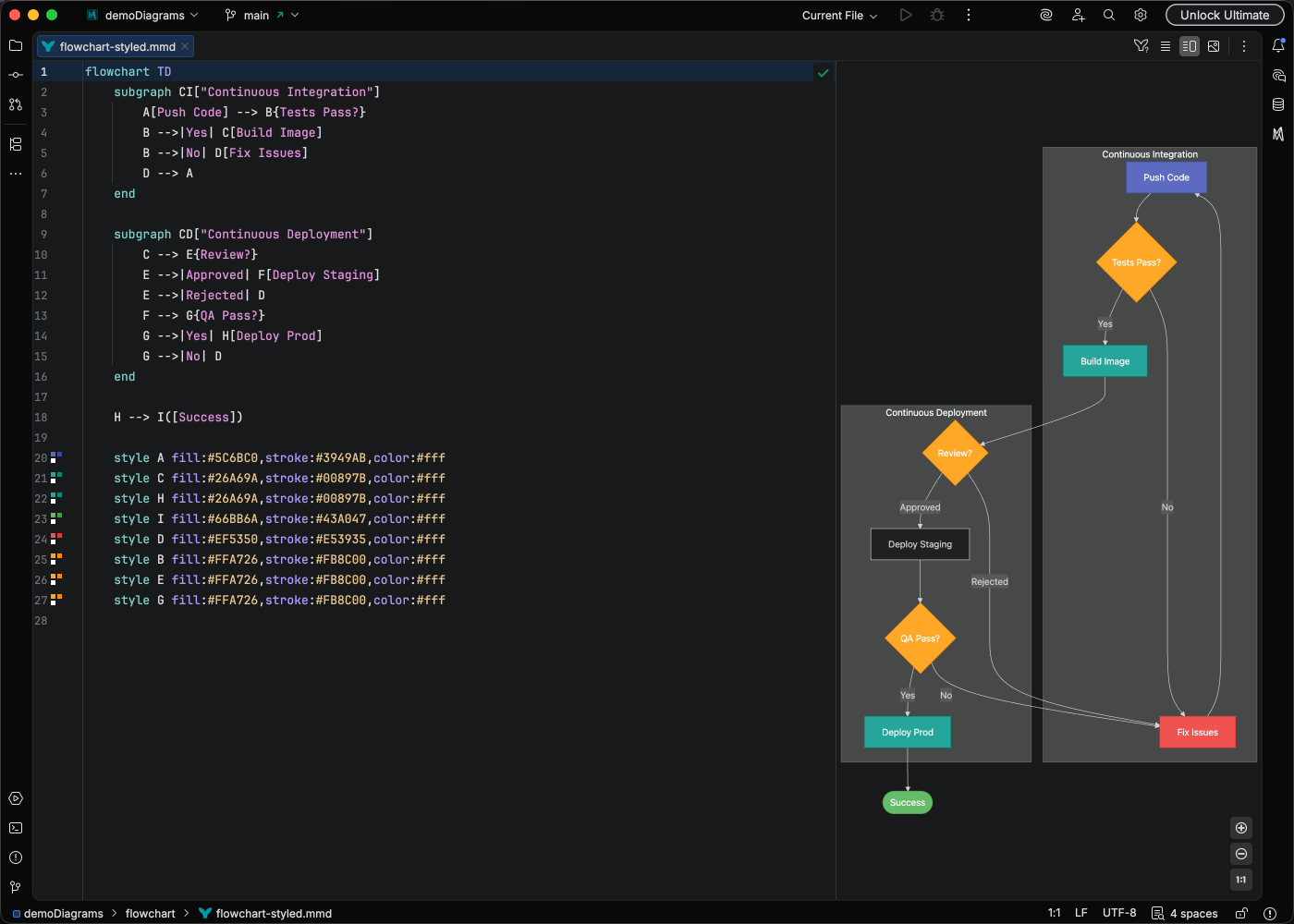
The classic diagram type for processes, workflows, and decision trees.

flowchart TD
A[Start] --> B{Decision}
B -->|Yes| C[Action 1]
B -->|No| D[Action 2]
C --> E[End]
D --> E

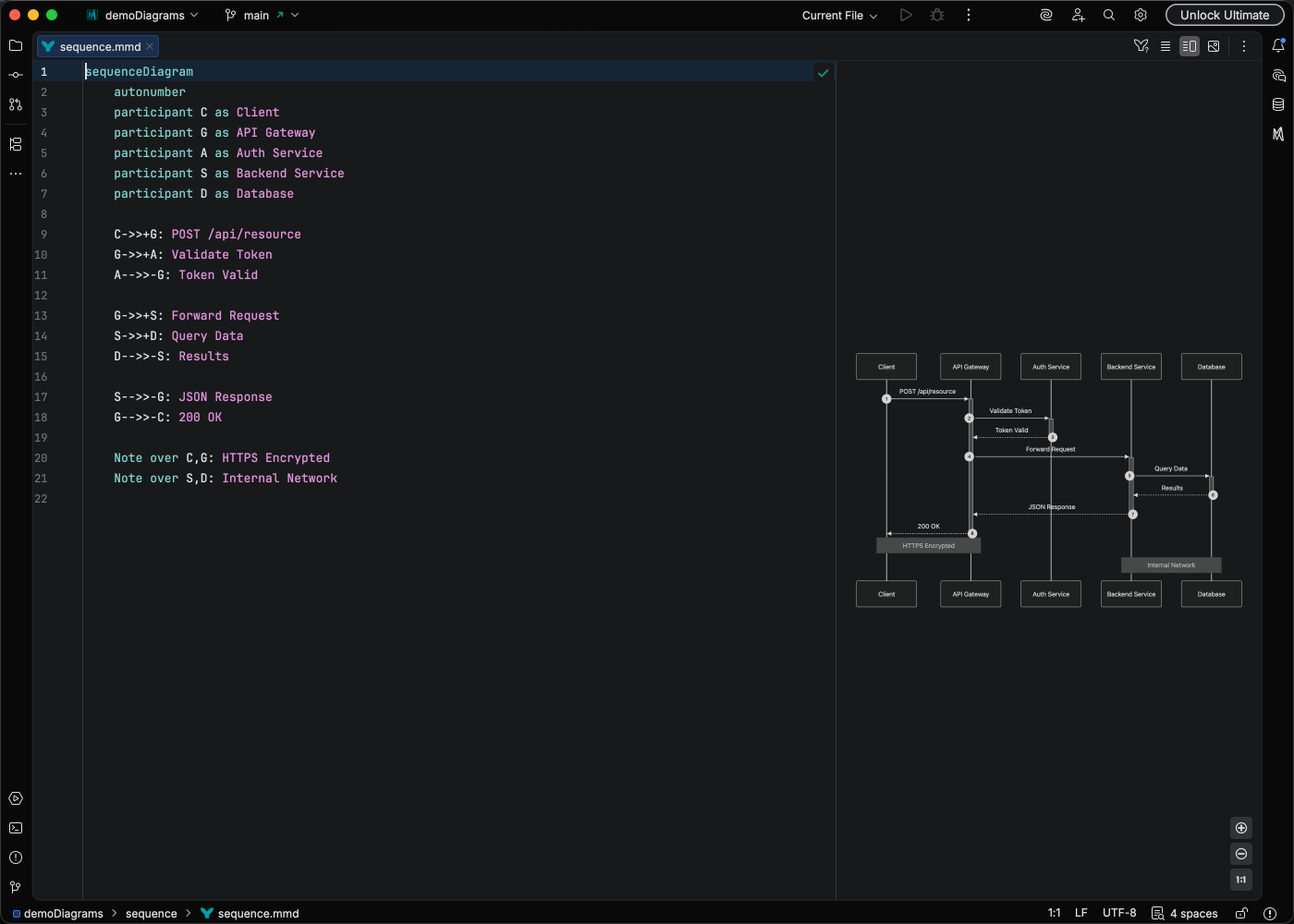
Model interactions between participants over time.

sequenceDiagram
participant Client
participant Server
participant Database
Client->>Server: Request
Server->>Database: Query
Database-->>Server: Results
Server-->>Client: Response

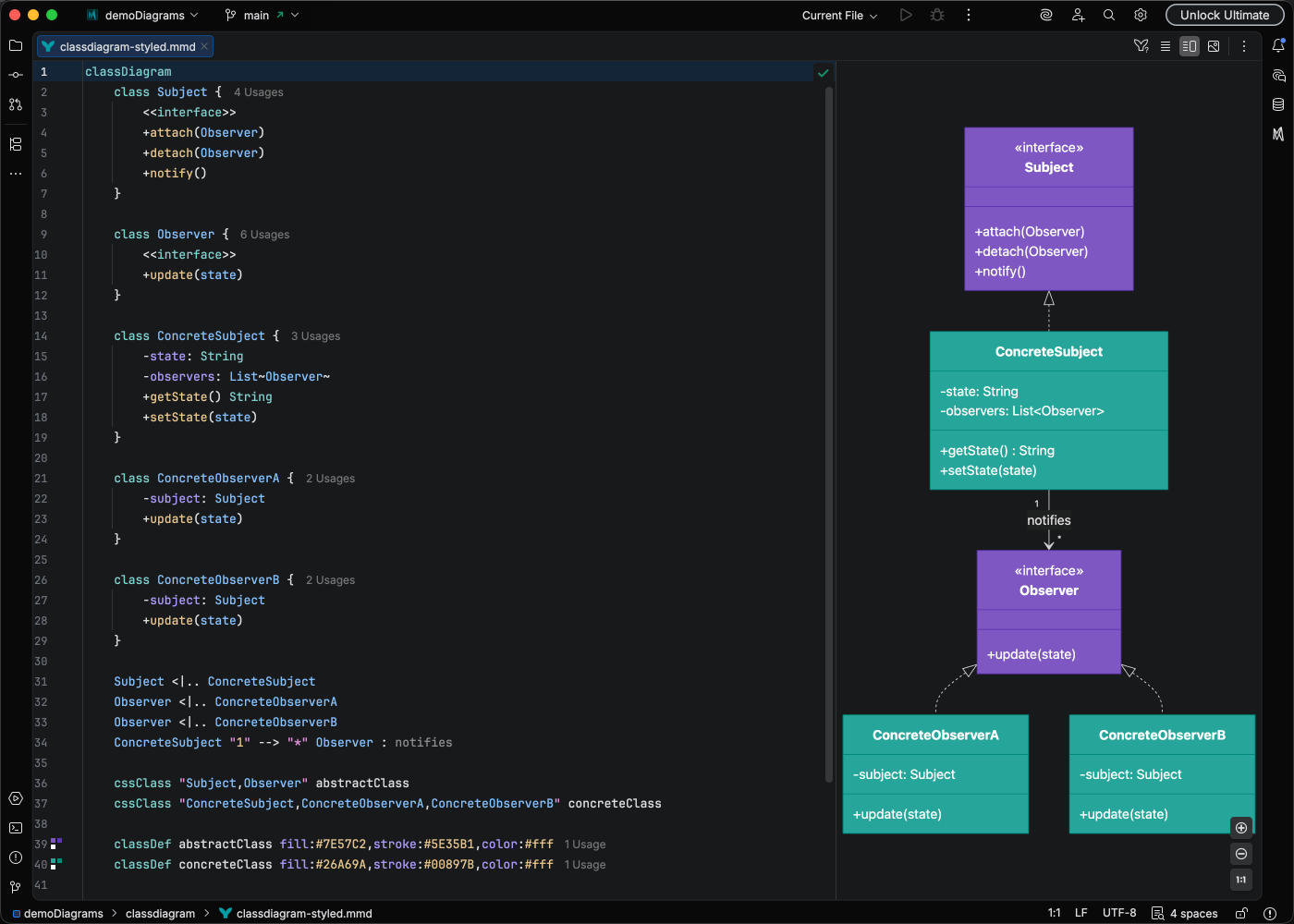
Document object-oriented designs and relationships.

classDiagram
class Animal {
+String name
+int age
+makeSound()
}
class Dog {
+bark()
}
Animal <|-- Dog

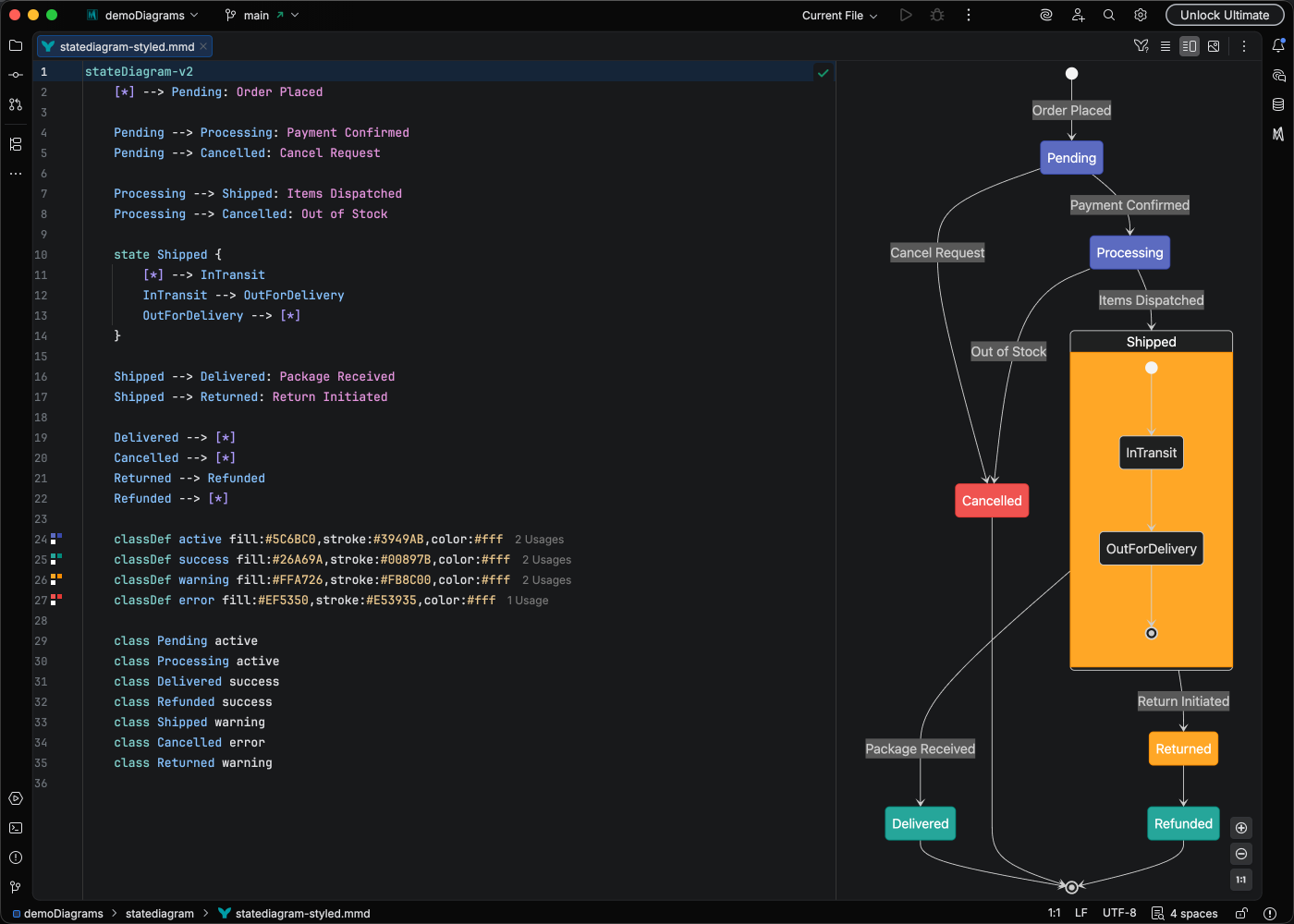
Model state machines and transitions.

stateDiagram-v2
[*] --> Idle
Idle --> Processing : Start
Processing --> Complete : Finish
Processing --> Error : Fail
Complete --> [*]
Error --> Idle : Reset

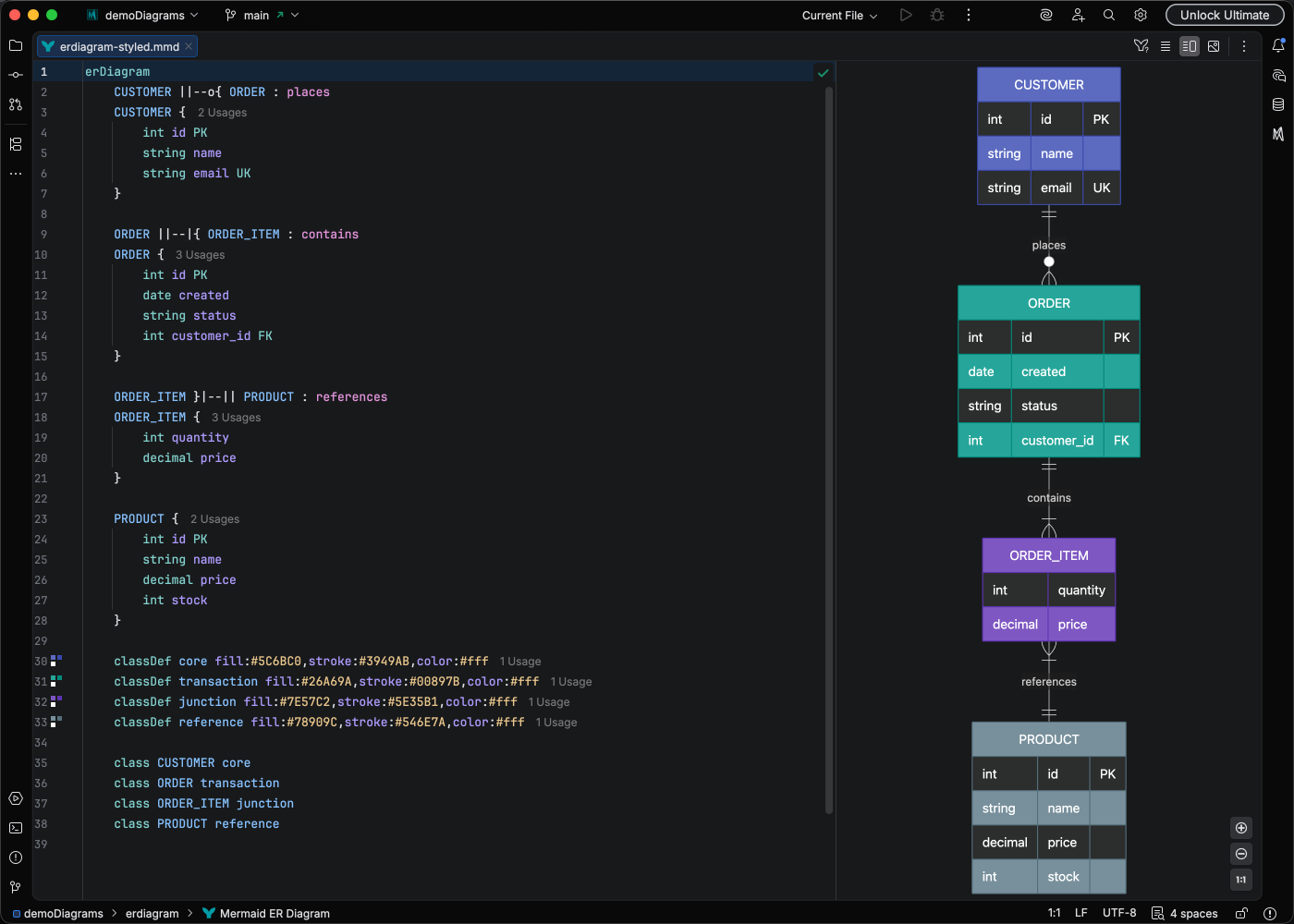
Define entity relationships for databases.

erDiagram
CUSTOMER ||--o{ ORDER : places
ORDER ||--|{ LINE_ITEM : contains
PRODUCT ||--o{ LINE_ITEM : "is in"

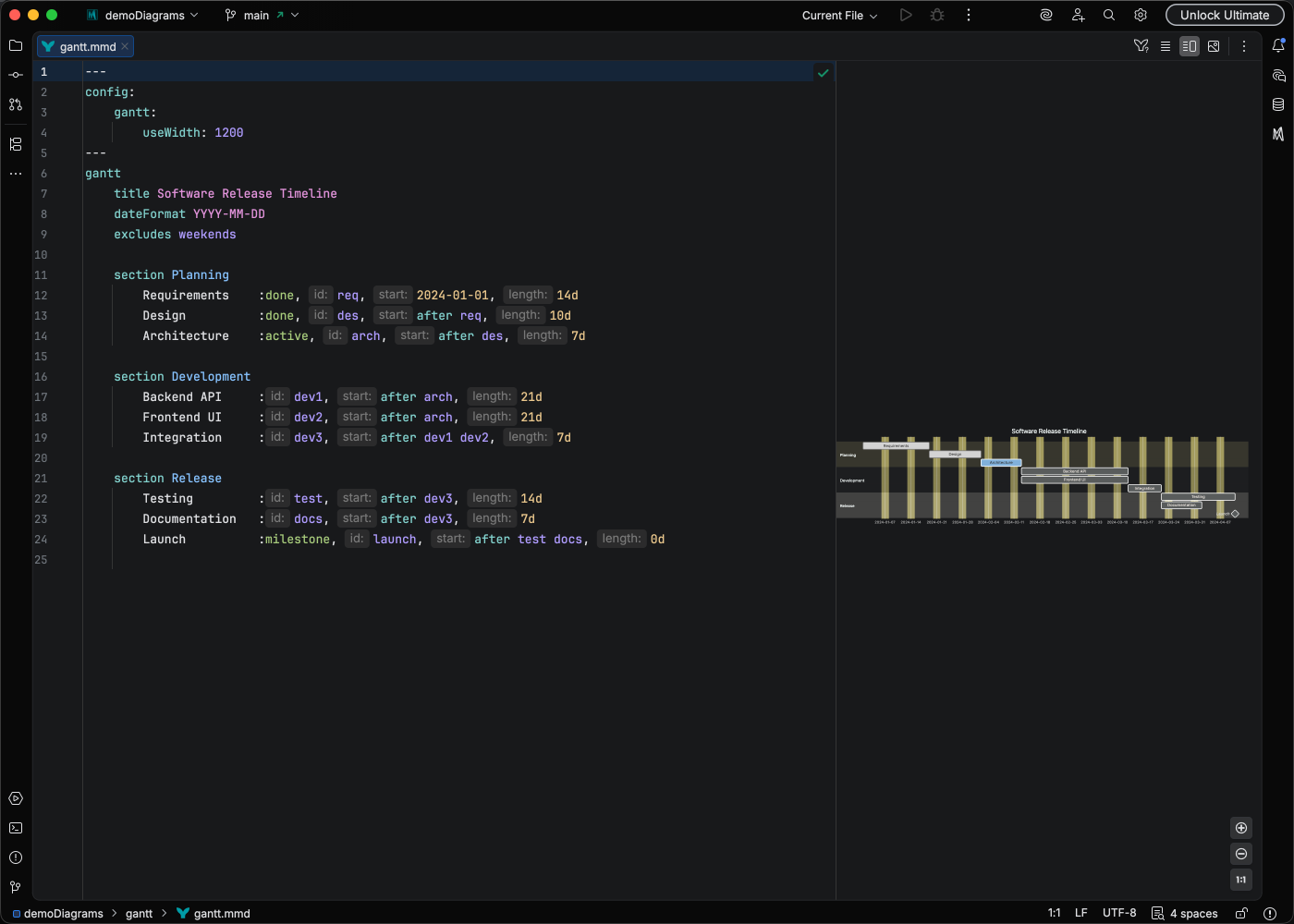
Plan and track project schedules.

gantt
title Project Timeline
dateFormat YYYY-MM-DD
section Phase 1
Task 1: 2024-01-01, 30d
Task 2: after Task 1, 20d
section Phase 2
Task 3: 2024-02-15, 25d

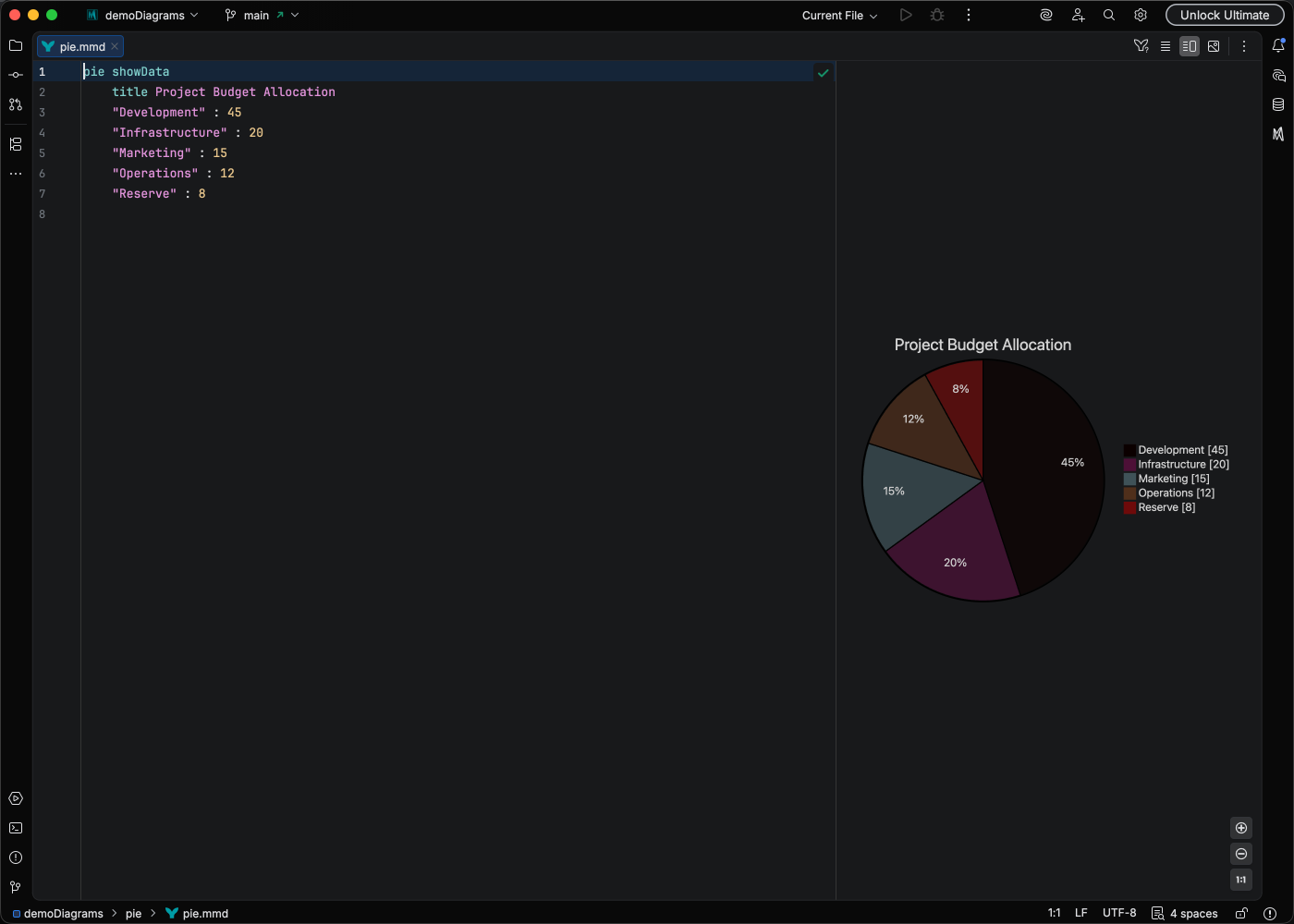
Visualize proportional data.

pie title Technology Usage
"JavaScript" : 40
"Python" : 30
"Java" : 20
"Other" : 10

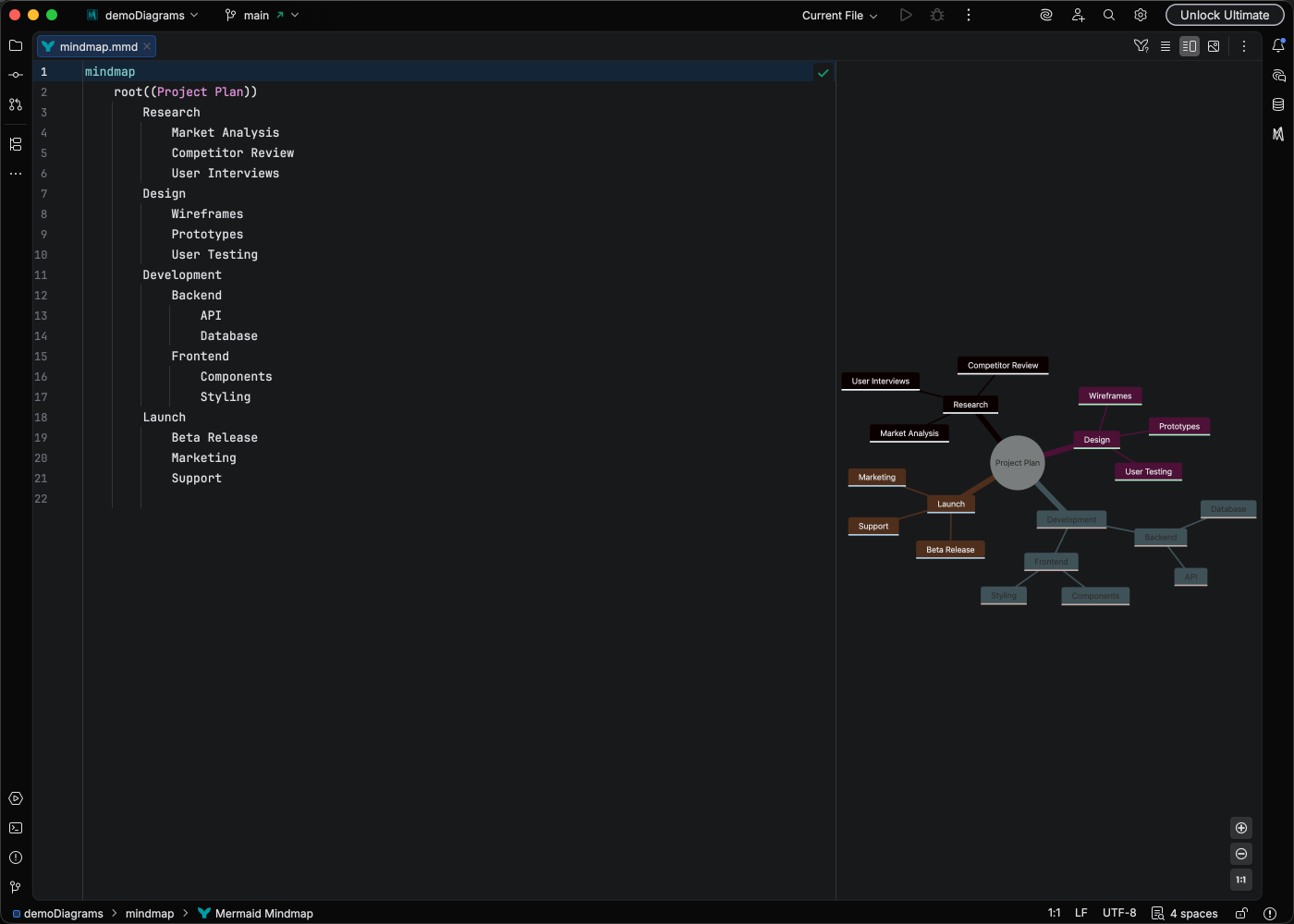
Organize ideas hierarchically.

mindmap
root((Project))
Research
User Interviews
Market Analysis
Design
Wireframes
Prototypes
Development
Frontend
Backend

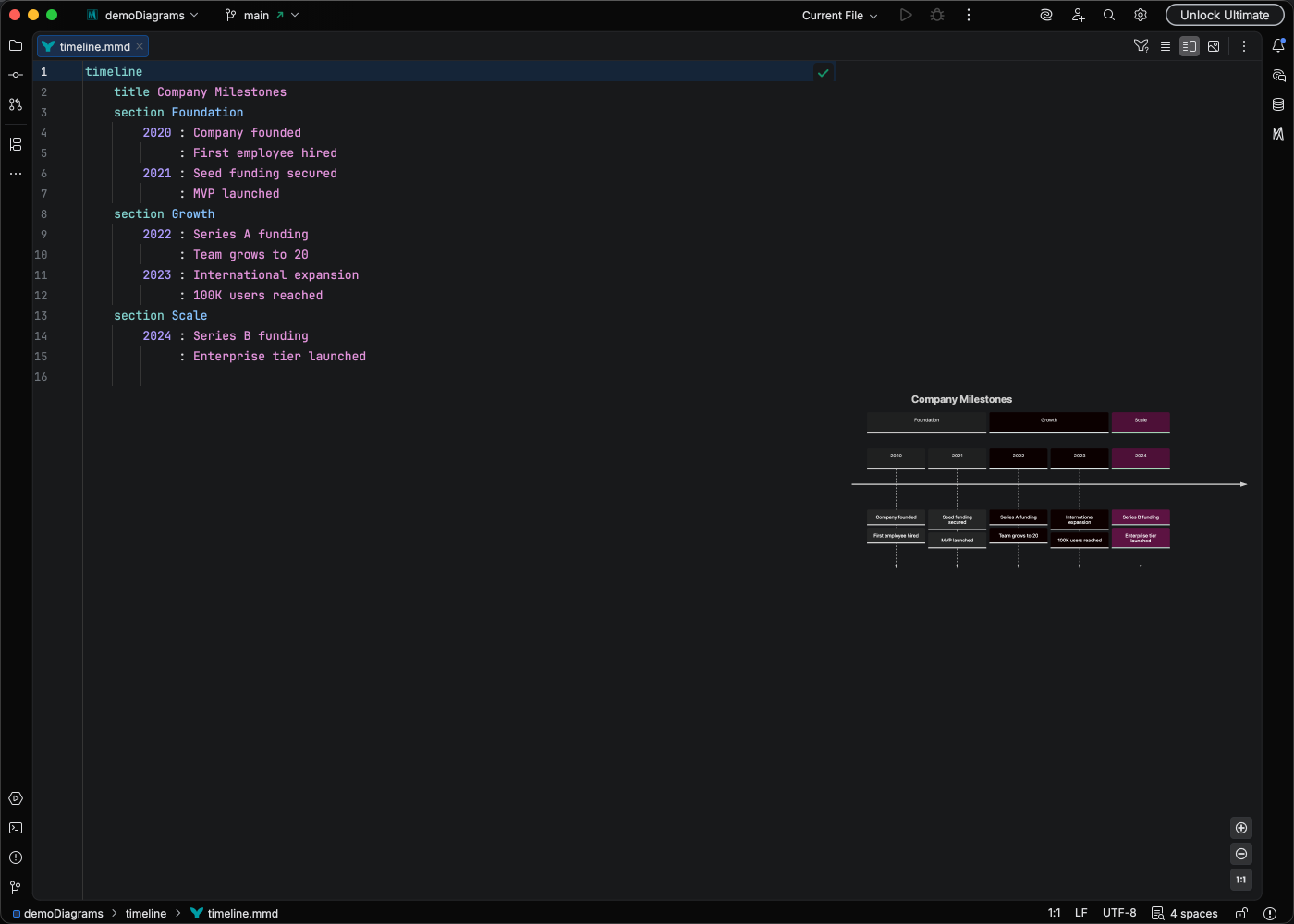
Visualize chronological events.

timeline
title Product Roadmap
2024 Q1 : Planning : Research
2024 Q2 : Development : Alpha Release
2024 Q3 : Beta Testing
2024 Q4 : Launch

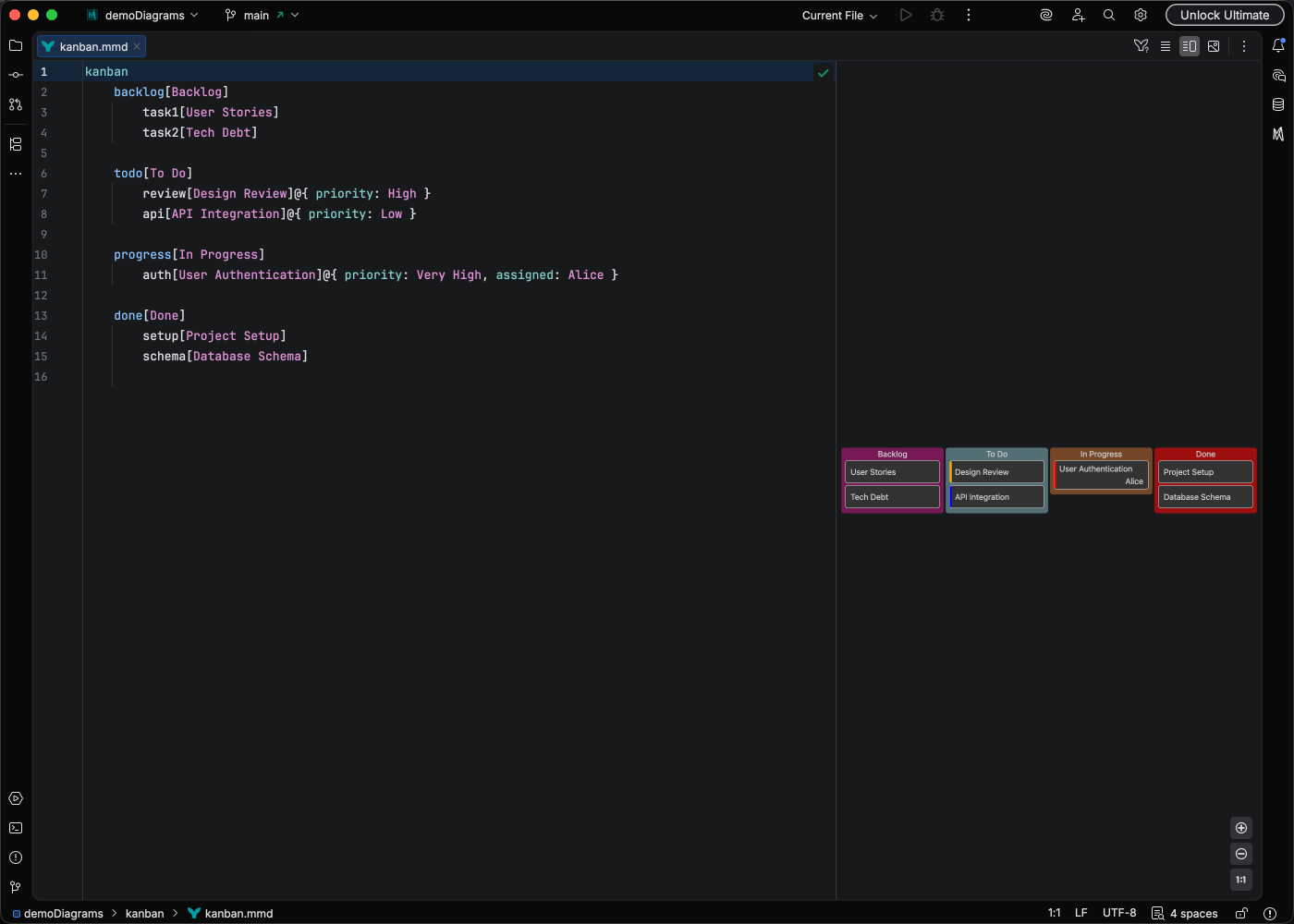
Represent task boards and workflows.

kanban
column1[Todo]
task1[Design mockups]
task2[Write specs]
column2[In Progress]
task3[Implement API]
column3[Done]
task4[Setup project]

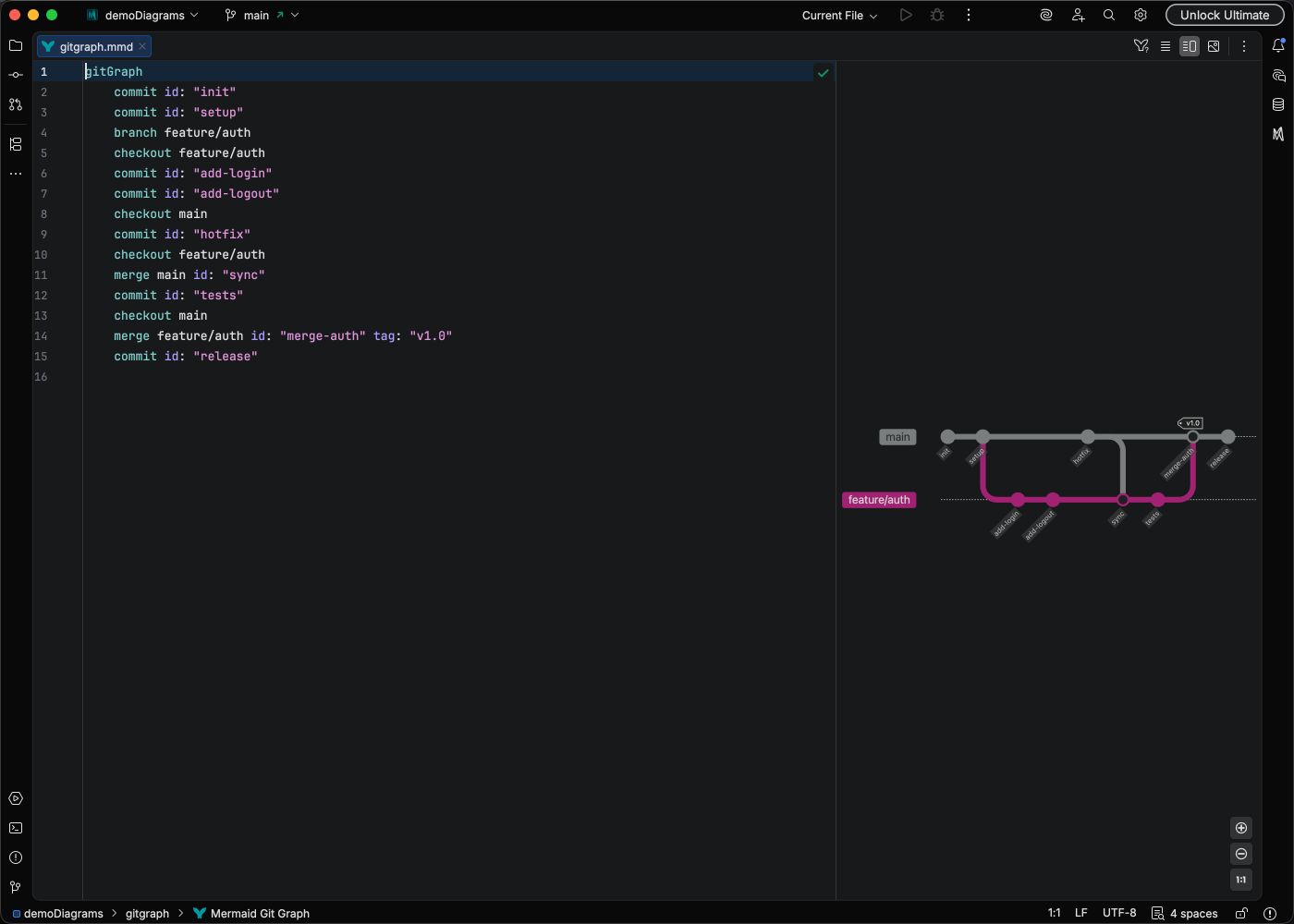
Visualize version control history.

gitGraph
commit
branch develop
checkout develop
commit
commit
checkout main
merge develop
commit

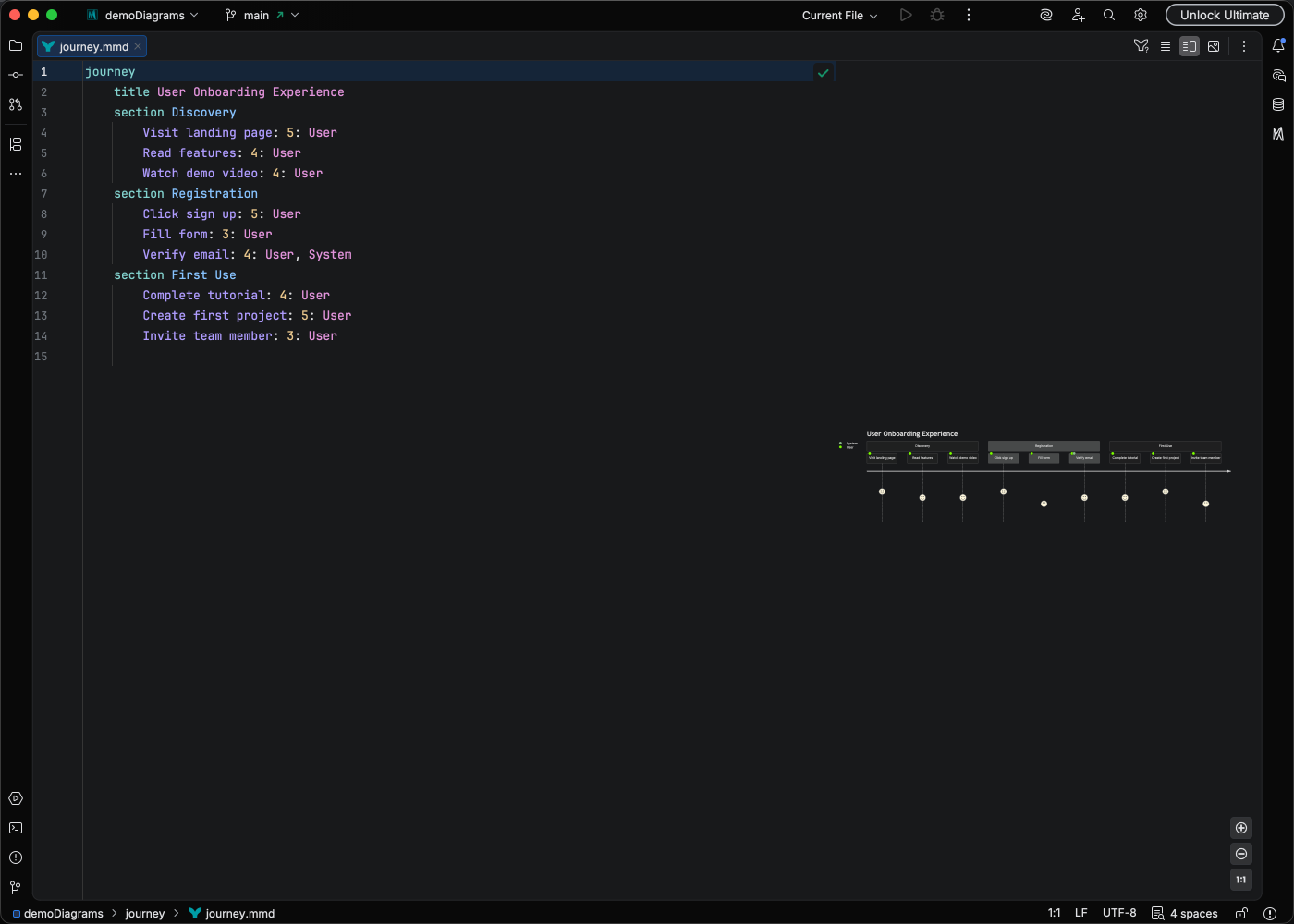
Map customer experiences.

journey
title User Onboarding
section Sign Up
Visit website: 5: User
Create account: 3: User
section First Use
Complete tutorial: 4: User
Create first project: 5: User

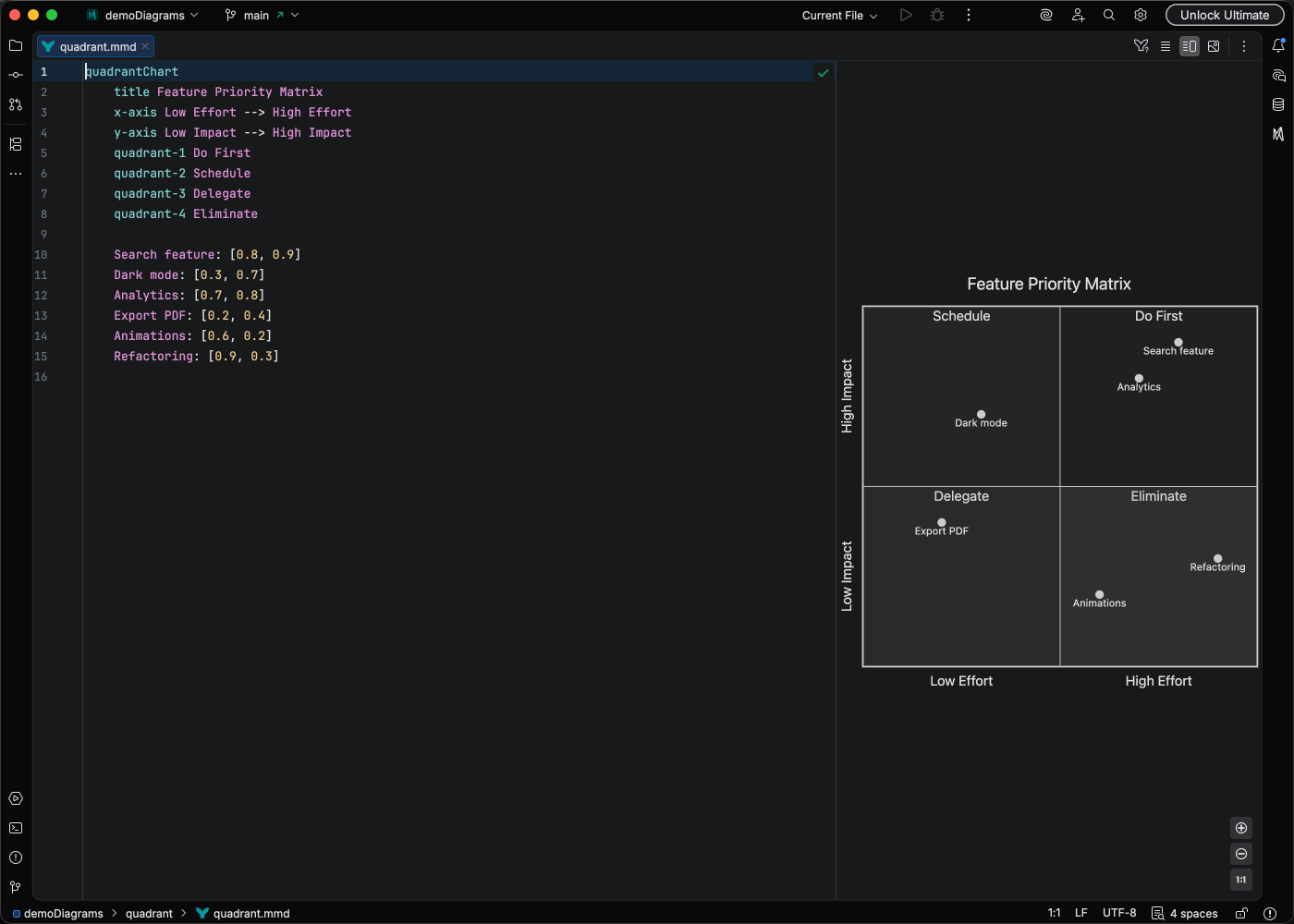
Four-quadrant analysis visualization.

quadrantChart
title Priority Matrix
x-axis Low Effort --> High Effort
y-axis Low Impact --> High Impact
quadrant-1 Quick Wins
quadrant-2 Major Projects
quadrant-3 Fill-ins
quadrant-4 Thankless Tasks
Feature A: [0.3, 0.8]
Feature B: [0.7, 0.9]

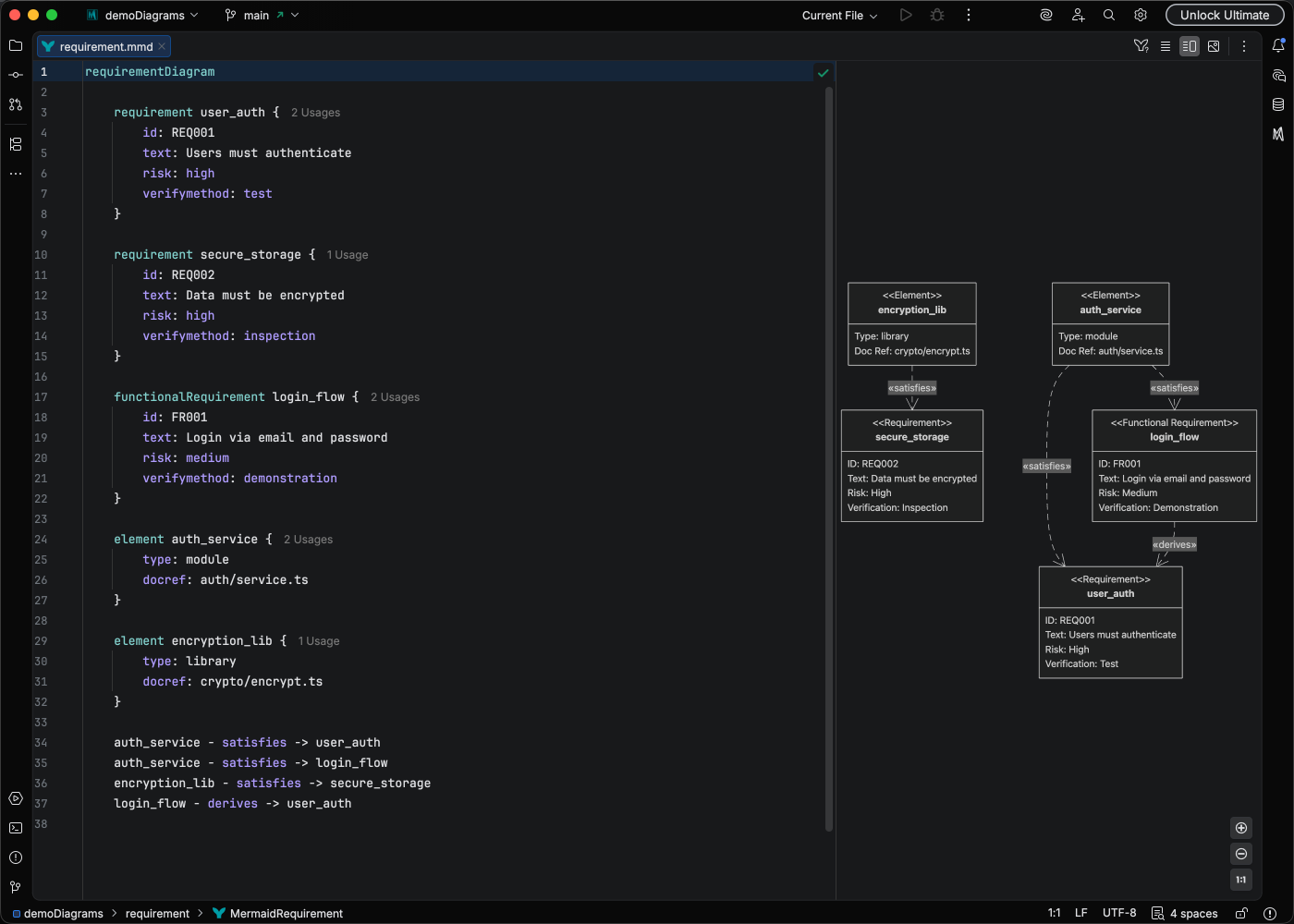
Document system requirements and relationships.

requirementDiagram
requirement UserAuth {
id: REQ-001
text: System shall authenticate users
risk: high
verifymethod: test
}
element LoginService {
type: module
}
LoginService - satisfies -> UserAuth

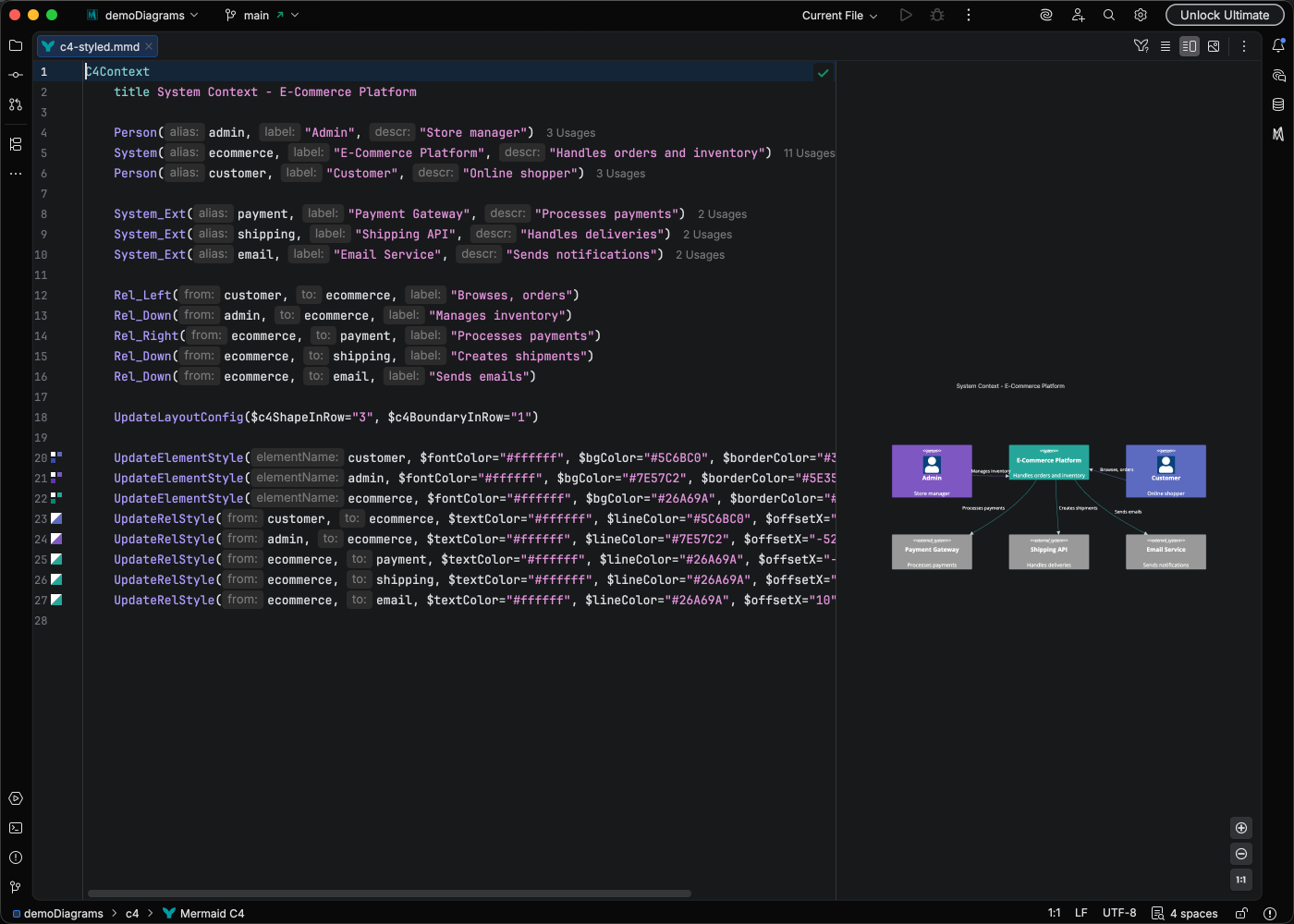
Software architecture using the C4 model.

C4Context
title System Context Diagram
Person(user, "User", "A user of the system")
System(system, "My System", "The system being built")
System_Ext(email, "Email System", "Sends emails")
Rel(user, system, "Uses")
Rel(system, email, "Sends emails using")

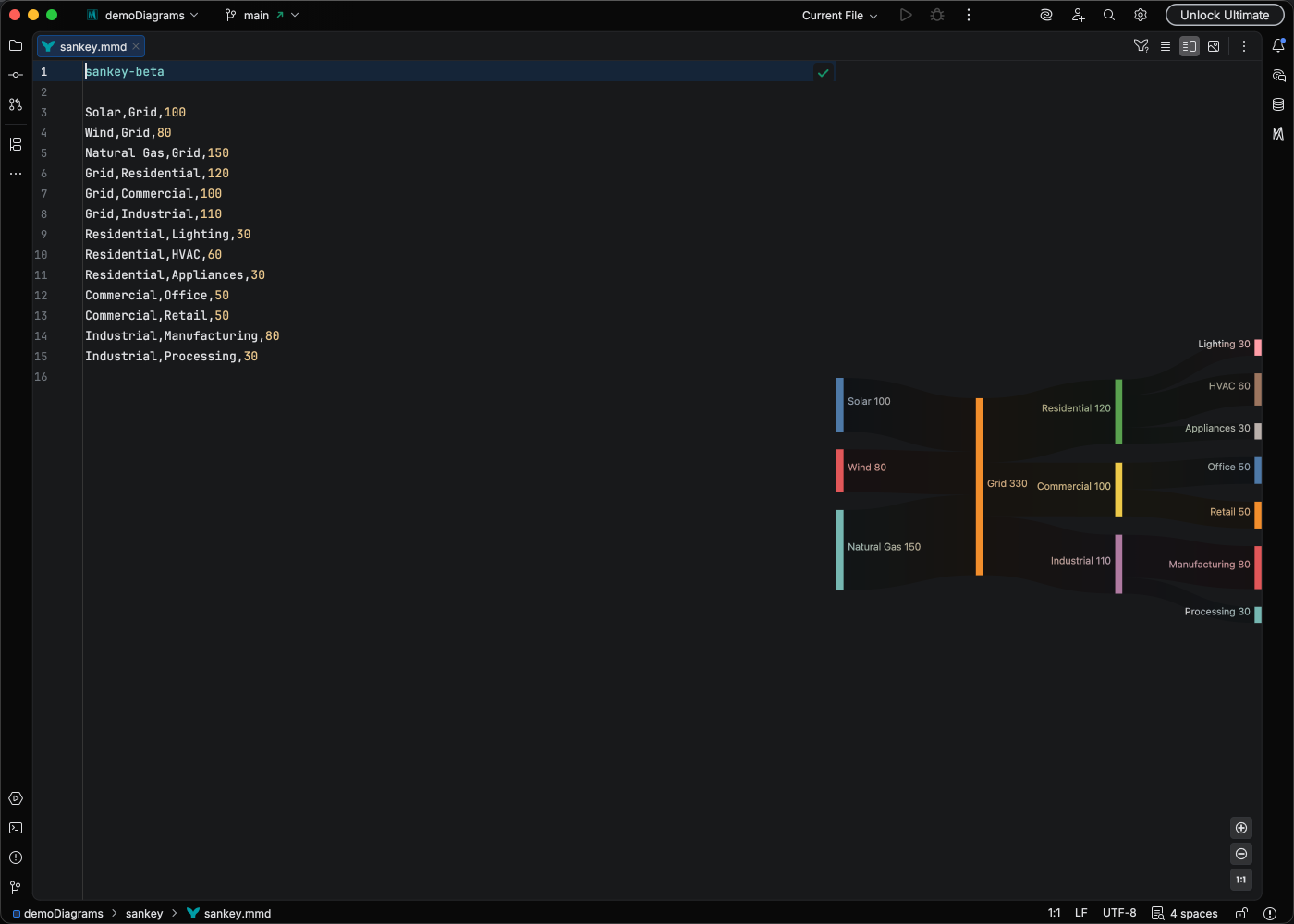
Flow diagrams with proportional arrows.

sankey-beta
Source1,Target1,100
Source1,Target2,50
Source2,Target2,75

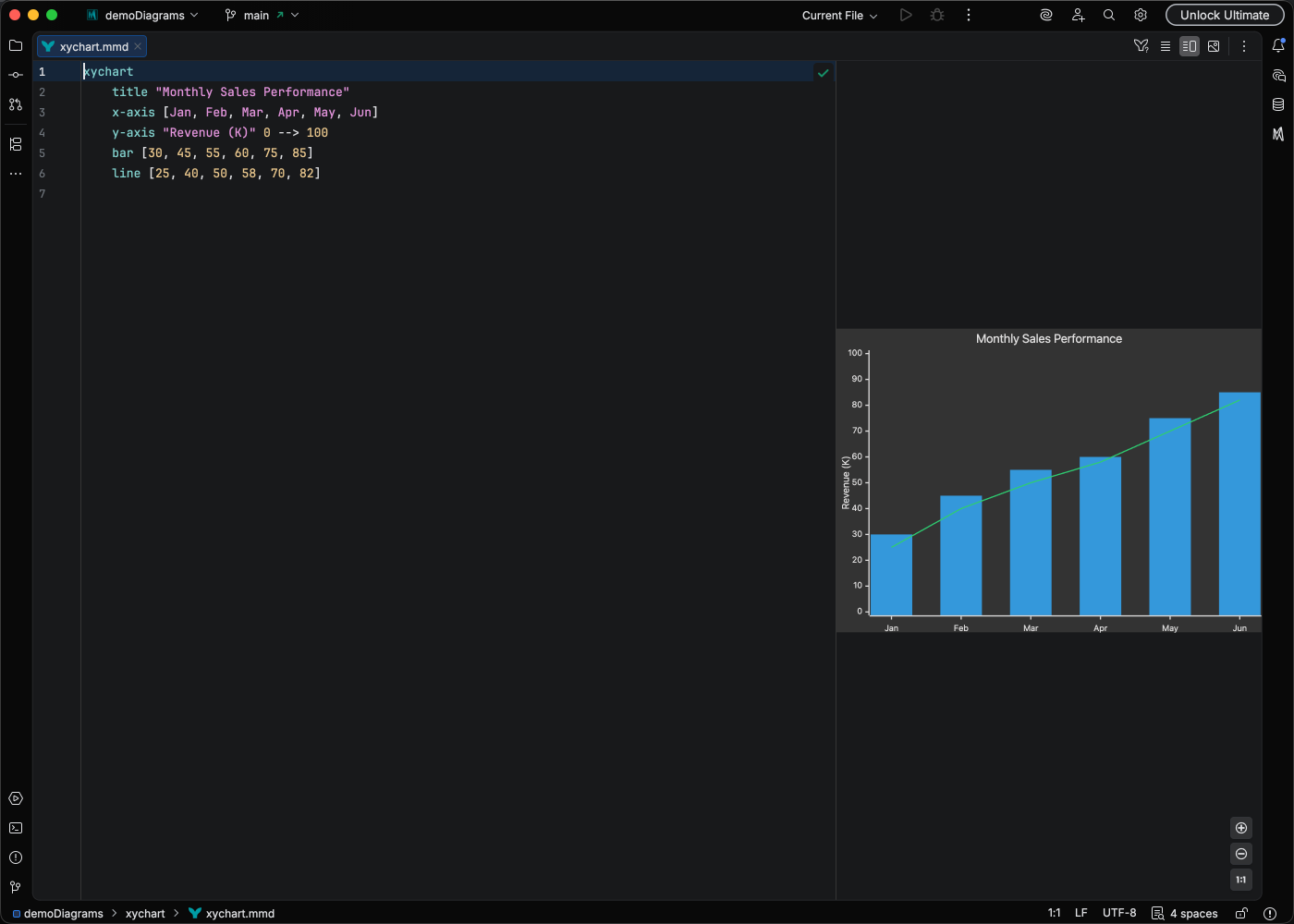
General purpose charting for data visualization.

xychart-beta
title "Sales Revenue"
x-axis [Jan, Feb, Mar, Apr, May]
y-axis "Revenue (k$)" 0 --> 100
bar [50, 60, 75, 80, 95]
line [50, 60, 75, 80, 95]

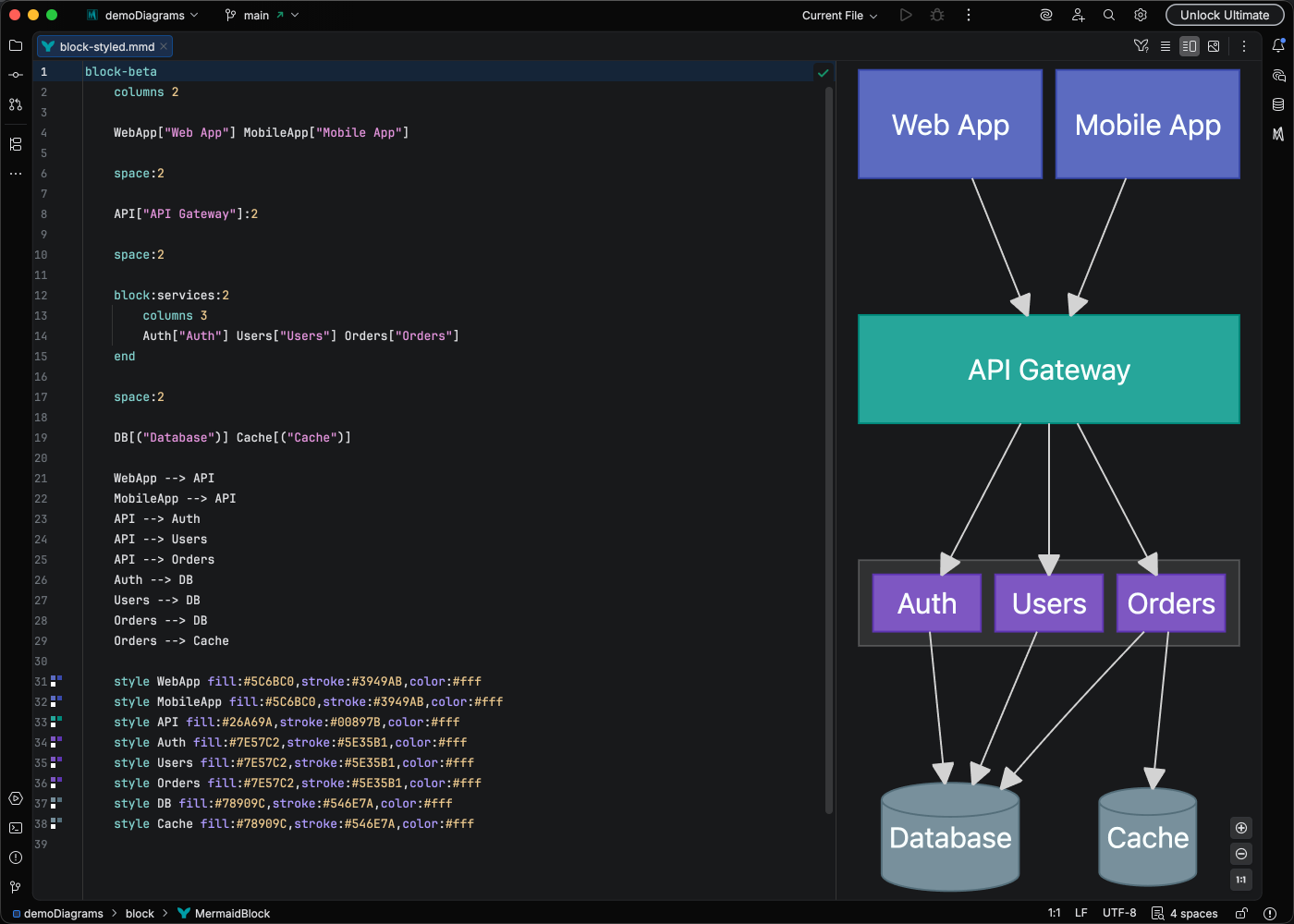
Block-based architectural diagrams.

block-beta
columns 3
a["Frontend"] b["API"] c["Database"]
a --> b --> c

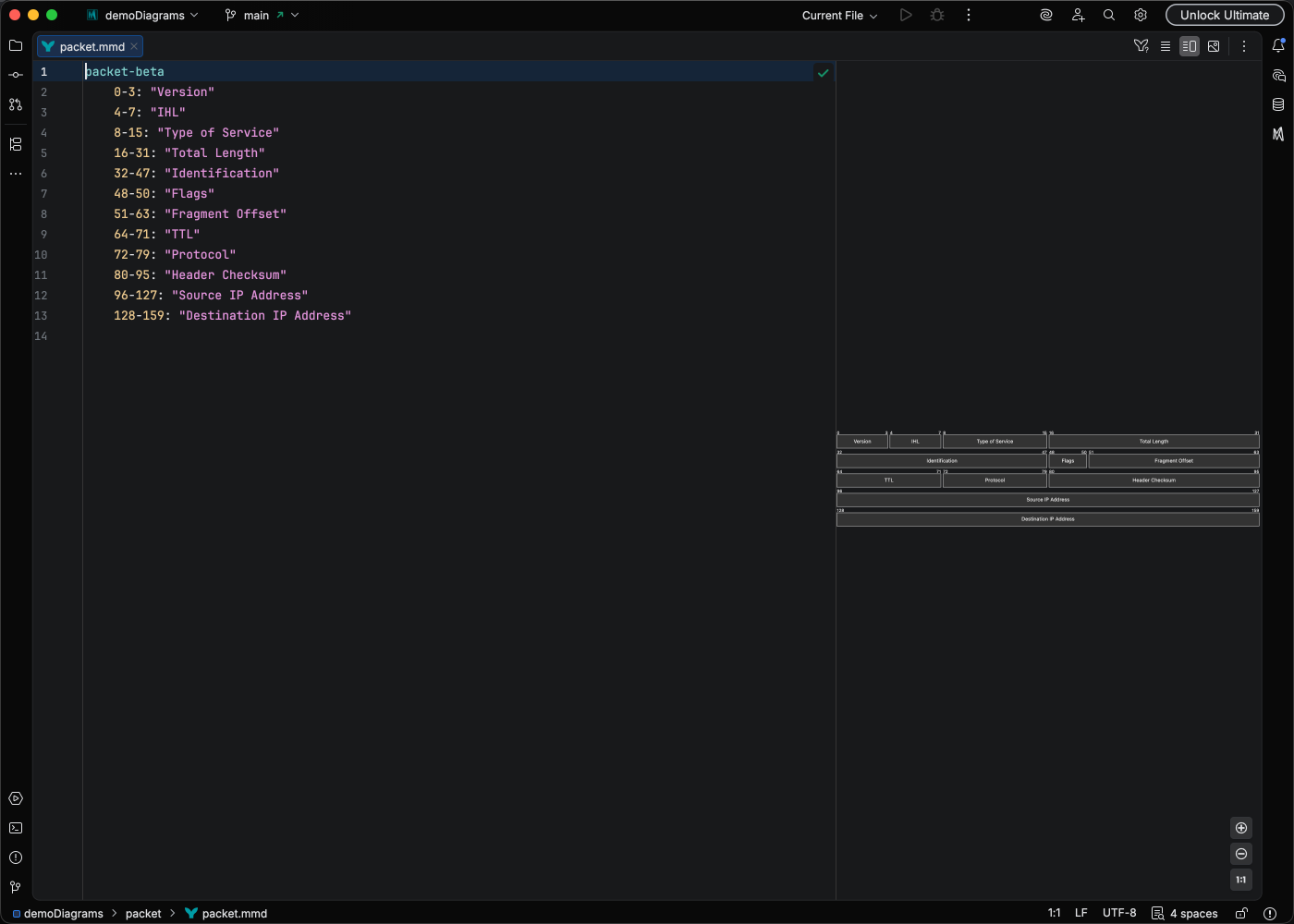
Network packet structure visualization.

packet-beta
0-15: "Source Port"
16-31: "Destination Port"
32-63: "Sequence Number"
64-95: "Acknowledgment Number"

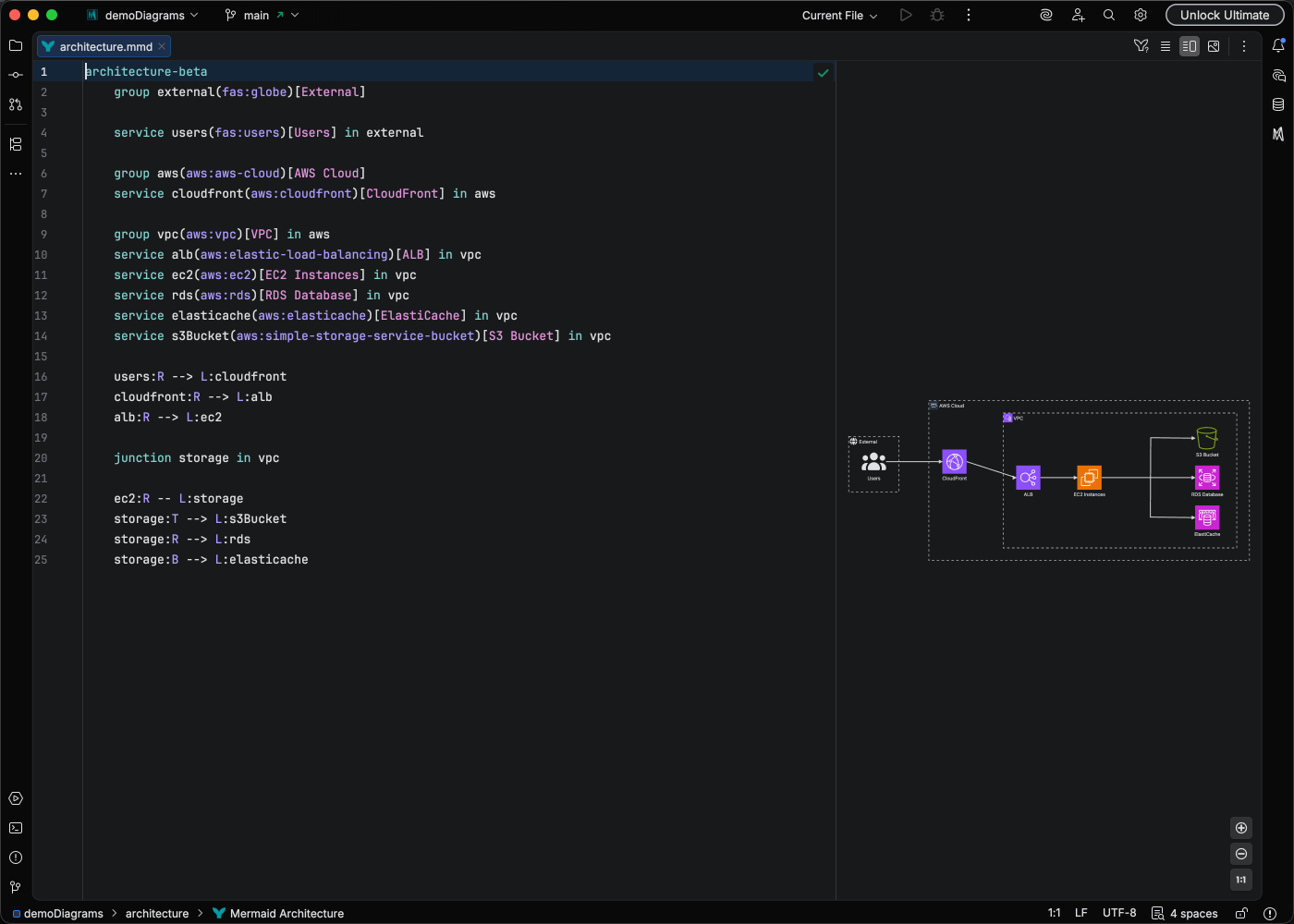
System architecture visualization.

architecture-beta
group cloud(cloud)[Cloud]
service api(server)[API] in cloud
service db(database)[Database] in cloud
api:R --> L:db

Mermaid Studio recognizes files with .mmd and .mermaid extensions. The diagram type is automatically detected from the content.

All diagram types work within Markdown code blocks:

# My Documentation
```mermaid
flowchart LR
A --> B --> C
```

The Mermaid code block receives full language support including syntax highlighting, validation, and preview.