
Flowchart
Last updated:
Flowcharts are the most versatile diagram type in Mermaid, perfect for visualizing processes, decision trees, and system workflows. Mermaid Studio provides the most comprehensive support for flowcharts.
Syntax Highlighting
Section titled “Syntax Highlighting”Syntax highlighting integrates directly with IntelliJ’s color scheme system, so diagram colors always match your editor theme.
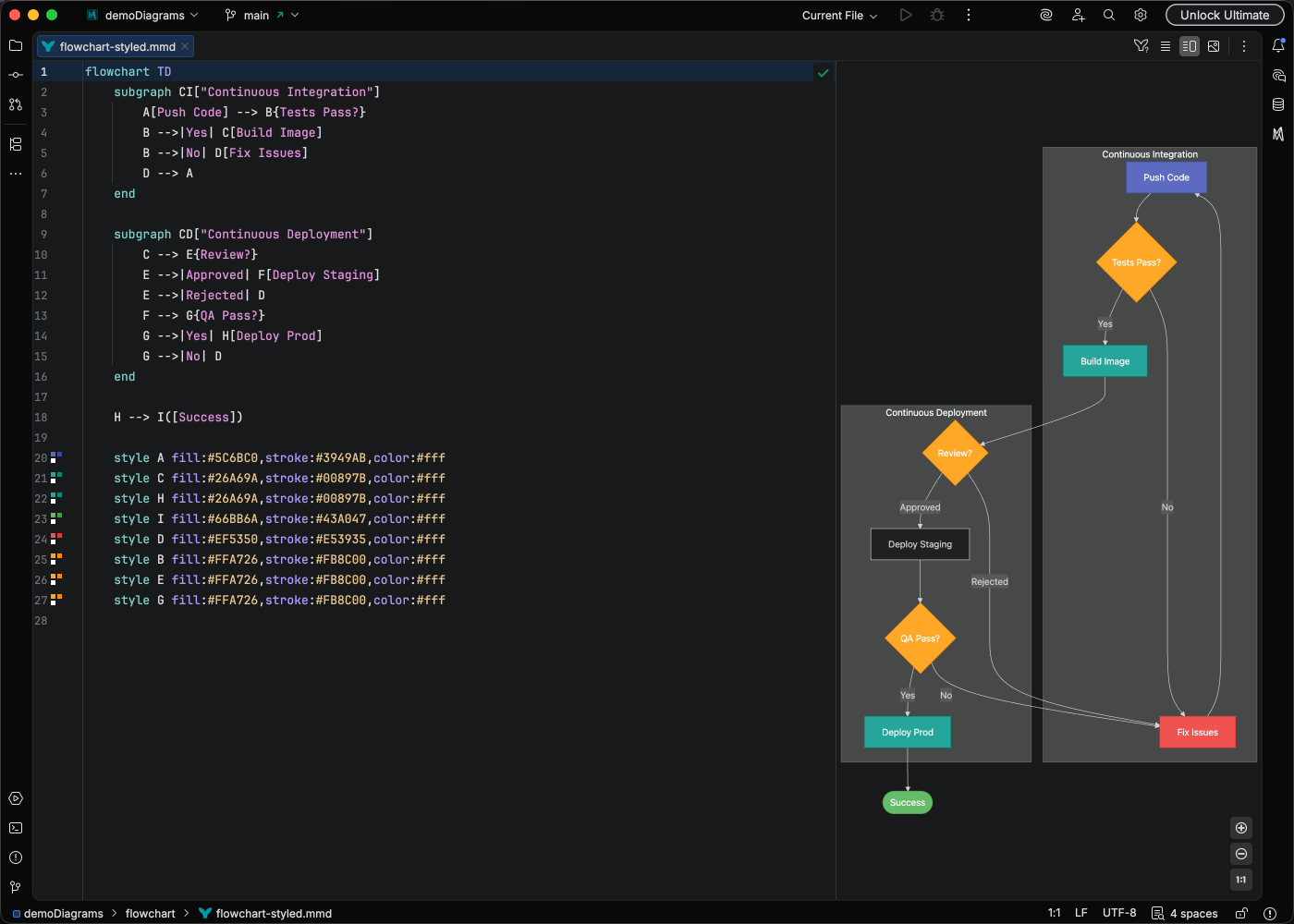
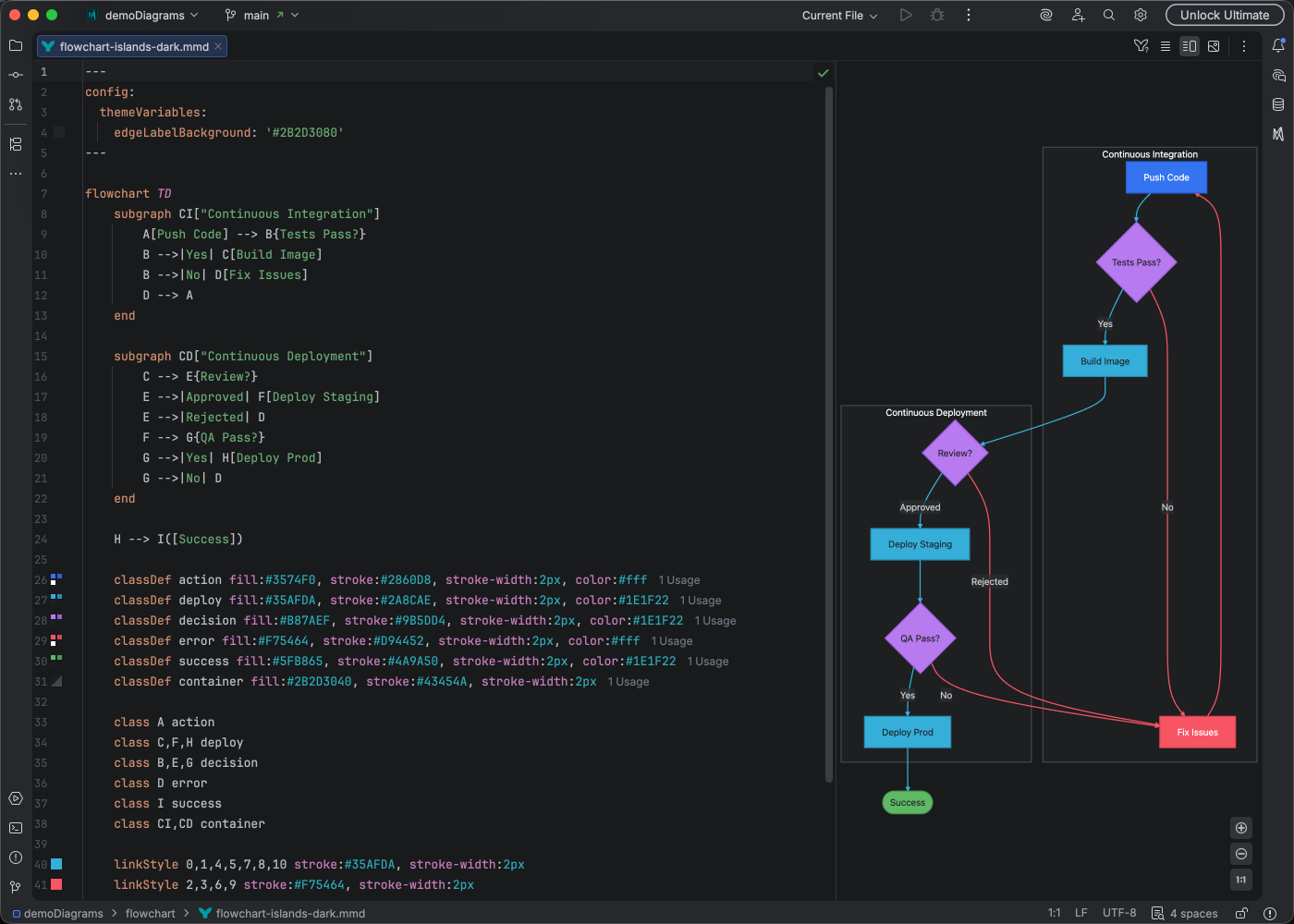
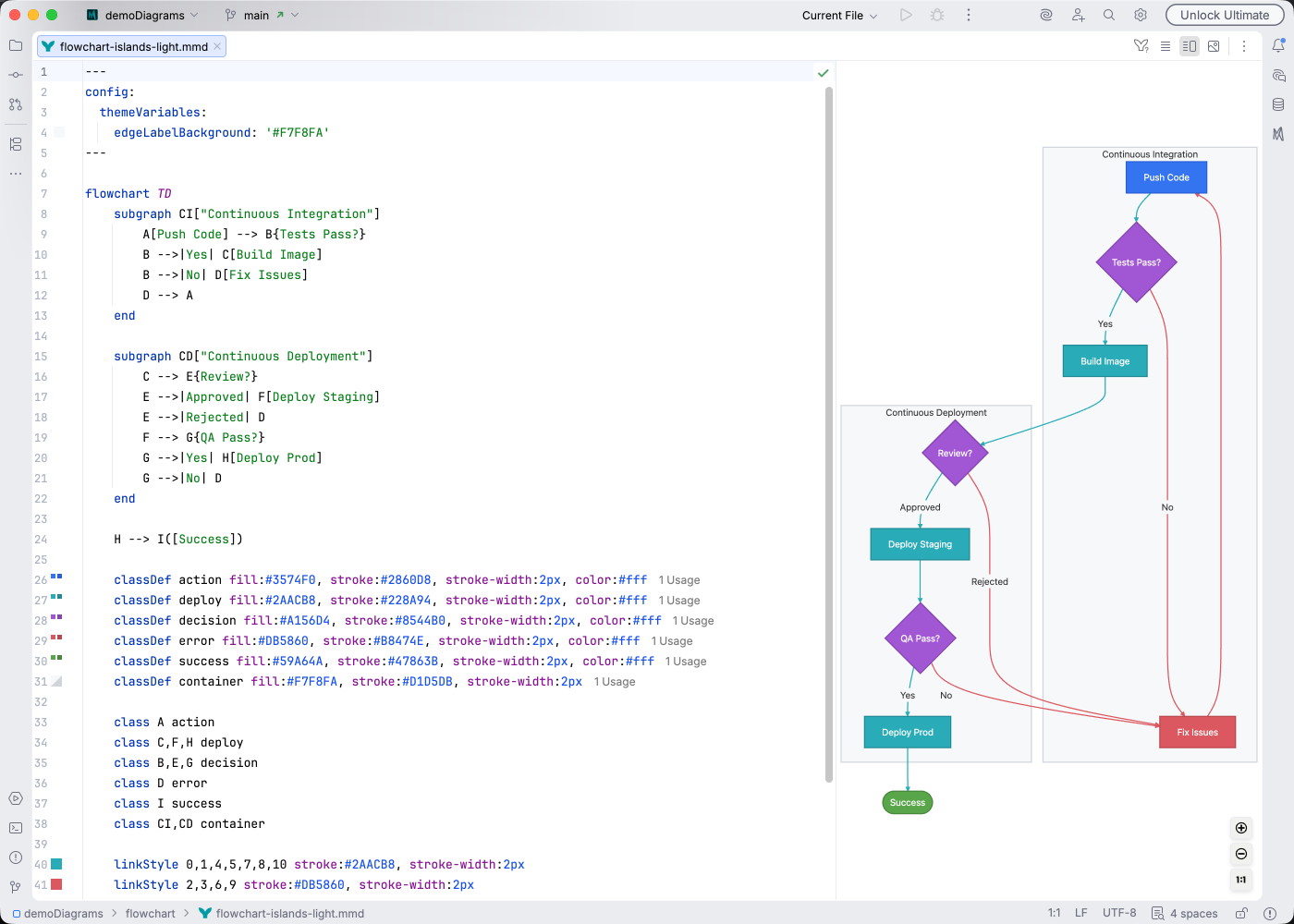
IDE Support
Section titled “IDE Support”Mermaid Studio provides comprehensive support for flowcharts:
- Syntax highlighting - Color-coded keywords, nodes, edges, and HTML tags in labels
- Code completion - Suggestions for node shapes, arrow types, keywords, and icons in generalized shapes
- Refactoring - Rename node IDs, subgraph IDs, CSS class names, and edge IDs across your entire diagram
- Find usages - See everywhere a node, subgraph, or CSS class is referenced
- Go to Related - Navigate between links and their
linkStyledeclarations, and fromlinkStyleindices to the declaring link - Code folding - Collapse subgraphs in large diagrams
- Formatting - Auto-format your diagram code with multiline string alignment
- Inspections - Detect undefined nodes, duplicate IDs, non-referenceable subgraph IDs, unclosed HTML tags, CSS class suffixes on generalized shapes, and more
- Brace matching - Navigate between paired brackets
- Code Vision - Relationship counts at a glance
- Color provider - See hex colors inline in style definitions
- Structure view - Hierarchical overview with subgraph nesting, node deduplication, and a unified Styles section
- Style Pane - Visual property editor with presets, node shape editing, and link styling controls
- Documentation - Hover with Cmd/Ctrl to see node labels, subgraph details, and type icons
- Navigation bar - Quick access to diagram elements with context-aware icons
Quick Syntax Reference
Section titled “Quick Syntax Reference”Directions:
TDorTB- Top to bottomLR- Left to rightRL- Right to leftBT- Bottom to top
Node shapes:
[Text]- Rectangle([Text])- Stadium/pill{Text}- Diamond (decision)[/Text/]- Parallelogram (input/output)((Text))- Circle
Edges:
-->- Arrow---- Line-.->- Dotted arrow==>- Thick arrow-->|Label|- Arrow with textanimate A --> B- Animated edge
Subgraphs:
flowchart LR subgraph Backend API --> DB end subgraph Frontend UI --> API endFor the complete syntax reference, see the Mermaid.js Flowchart documentation.