
Entity Relationship Diagram
Last updated:
Entity Relationship (ER) diagrams document database structures and the relationships between tables. Mermaid Studio provides full language support for designing and maintaining your data models.
Syntax Highlighting
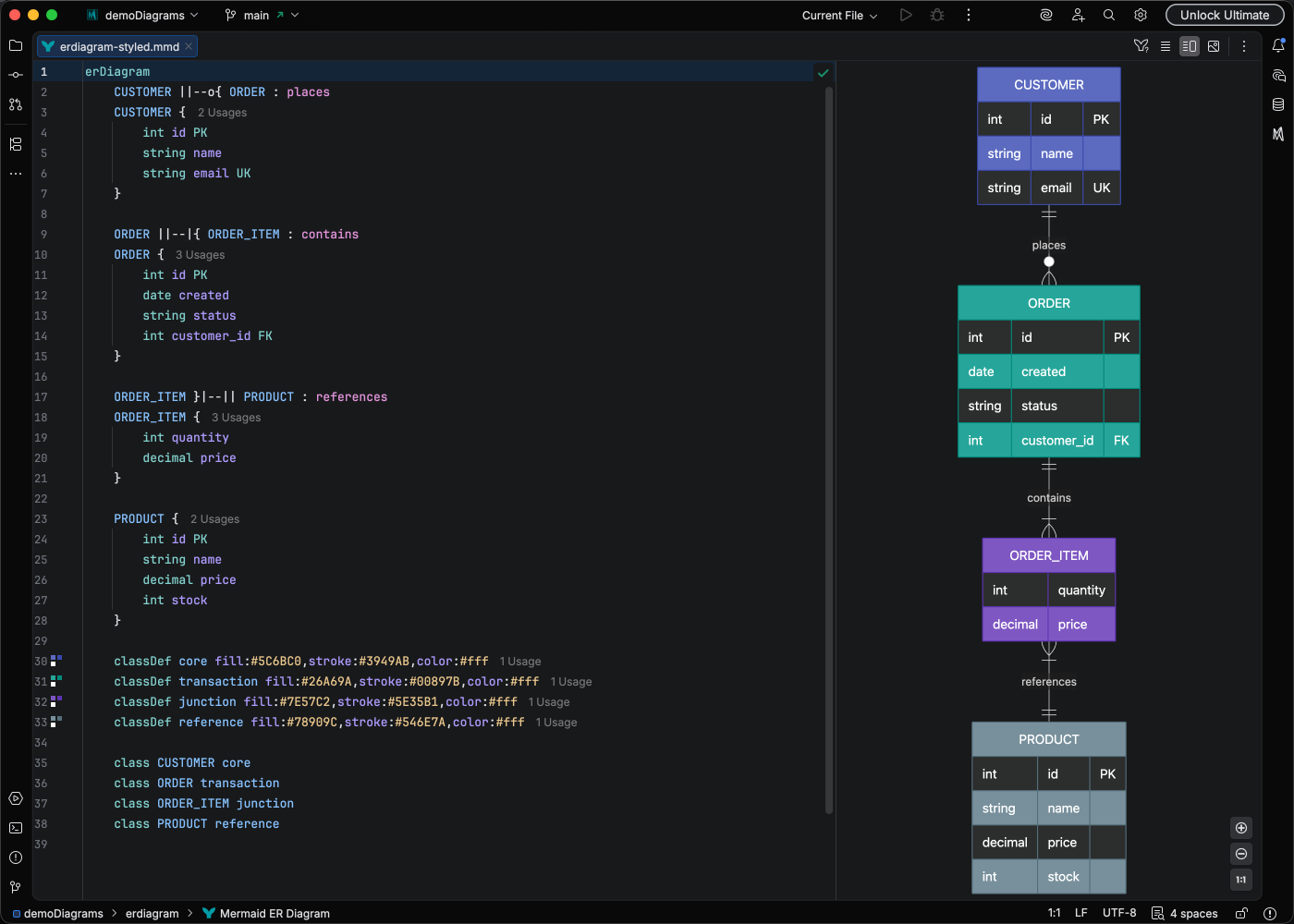
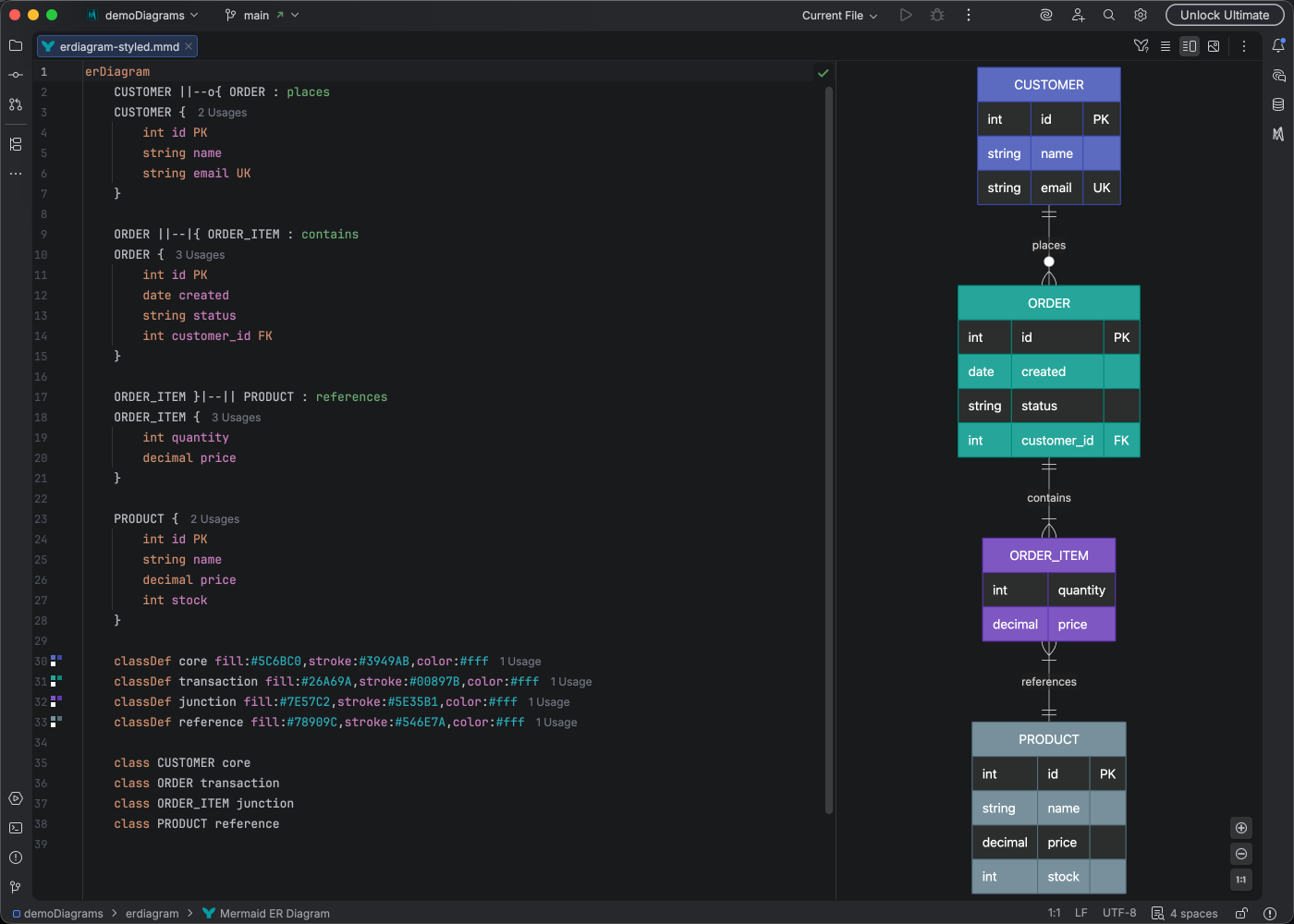
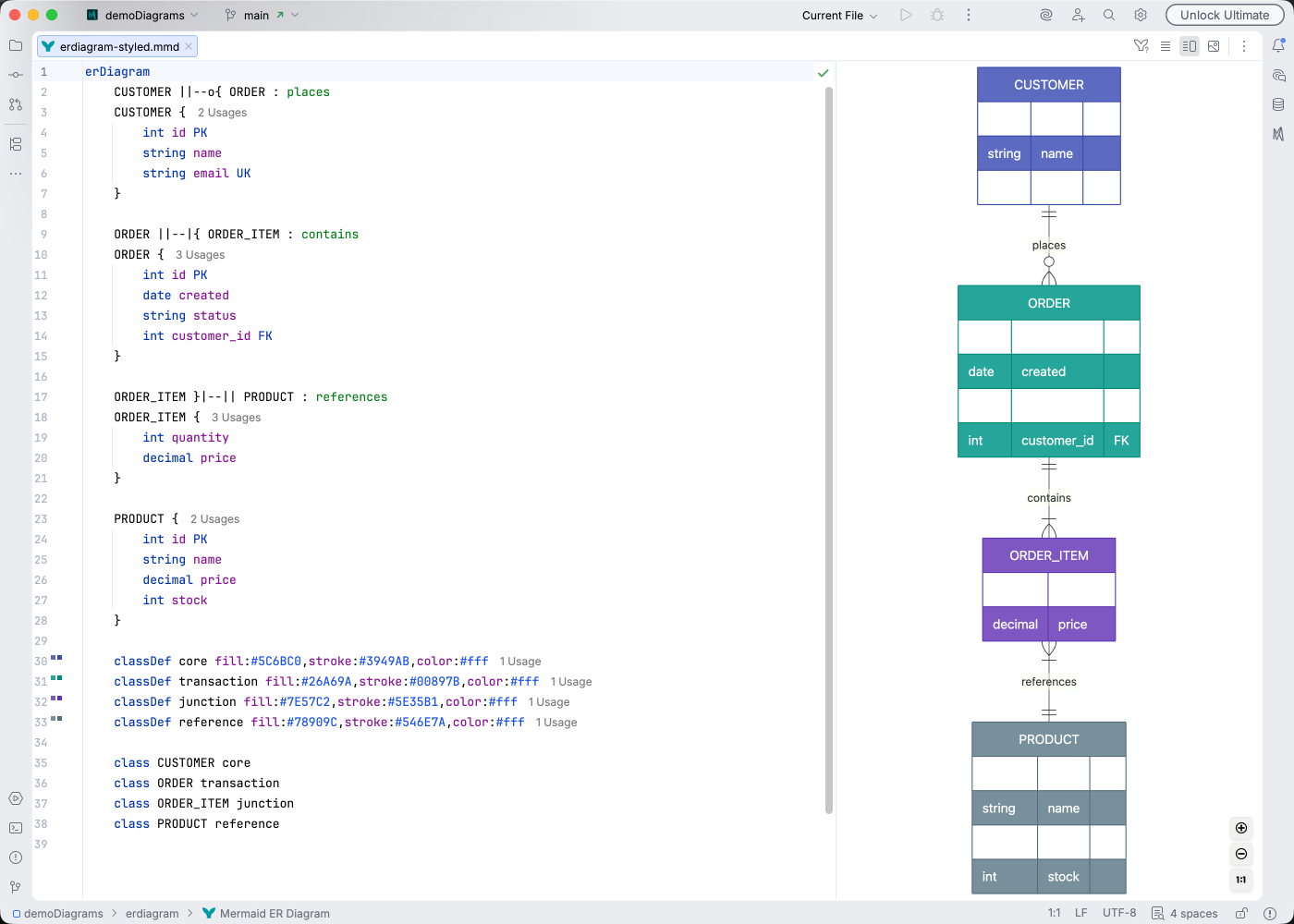
Section titled “Syntax Highlighting”Syntax highlighting integrates directly with IntelliJ’s color scheme system, so diagram colors always match your editor theme.
IDE Support
Section titled “IDE Support”ER diagrams have comprehensive IDE support:
- Syntax highlighting - Distinct colors for entities, attributes, and relationships
- Code completion - Suggestions for relationship types, attribute modifiers, and entity references
- Refactoring - Rename entities and update all references
- Find usages - See where entities are referenced in relationships
- Code Vision - Inline hints showing relationship counts
- Color provider - Preview and pick colors for styling
- Navigation bar - Quick access to entities in large schemas
- Code folding - Collapse entity definitions
- Formatting - Auto-format your diagram code
- Inspections - Detect undefined entities and invalid relationships
- Brace matching - Navigate entity definition boundaries
- Structure view - Hierarchical overview of entities and relationships
- Intentions - Quick fixes for common issues
Quick Syntax Reference
Section titled “Quick Syntax Reference”Relationship cardinality:
||- Exactly oneo|- Zero or one}|- One or moreo{- Zero or more
Common patterns:
||--o{- One to many (optional)||--|{- One to many (required)}o--o{- Many to many
Entity attributes:
erDiagram USER { int id PK string email UK int role_id FK string name }Attribute modifiers: PK (primary key), FK (foreign key), UK (unique key)
For the complete syntax reference, see the Mermaid.js ER Diagram documentation.