
C4 Diagram
Last updated:
C4 diagrams implement the C4 model for visualizing software architecture at different levels of abstraction. Mermaid Studio provides comprehensive support for all C4 diagram types, making it easy to document your system architecture.
Syntax Highlighting
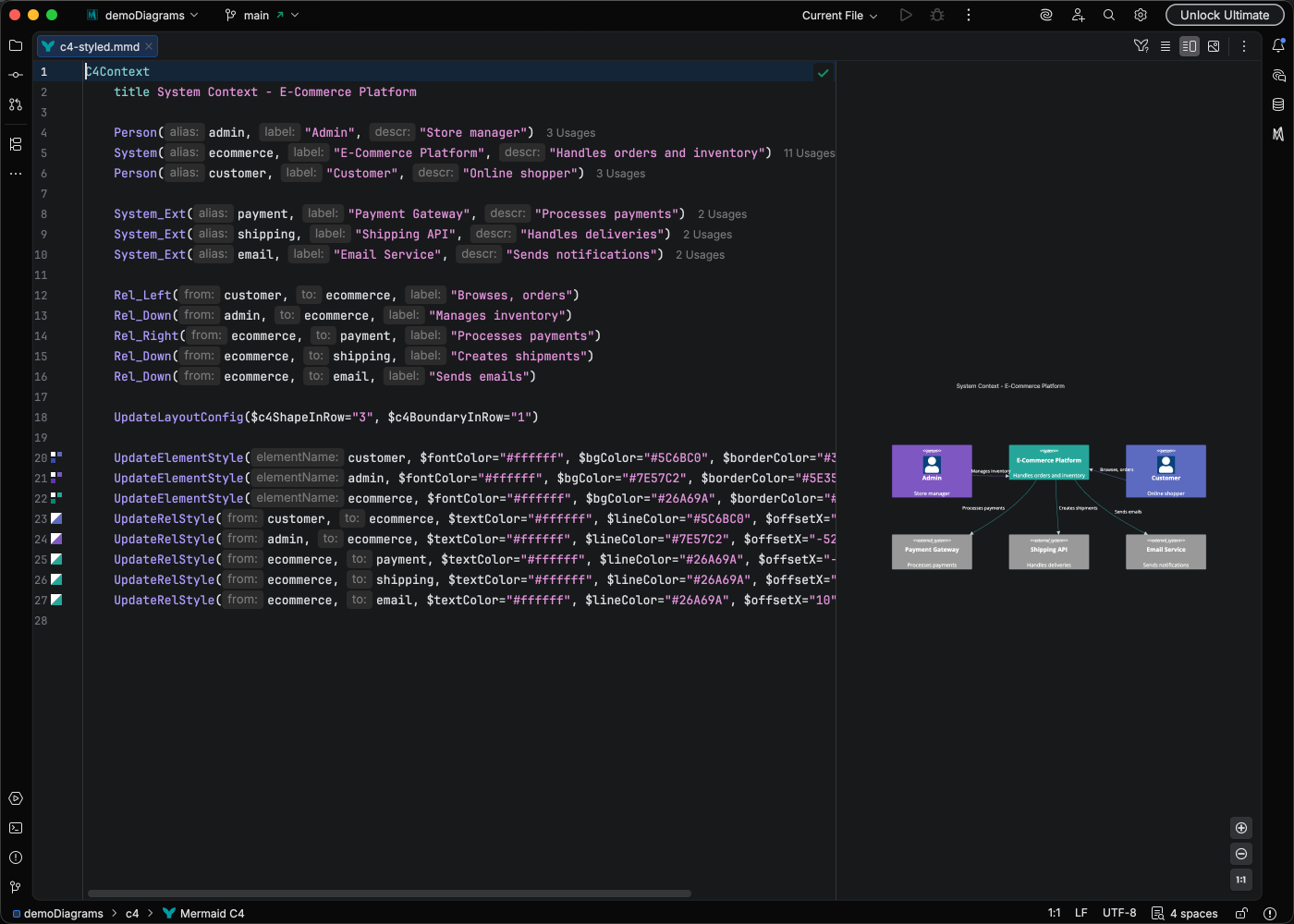
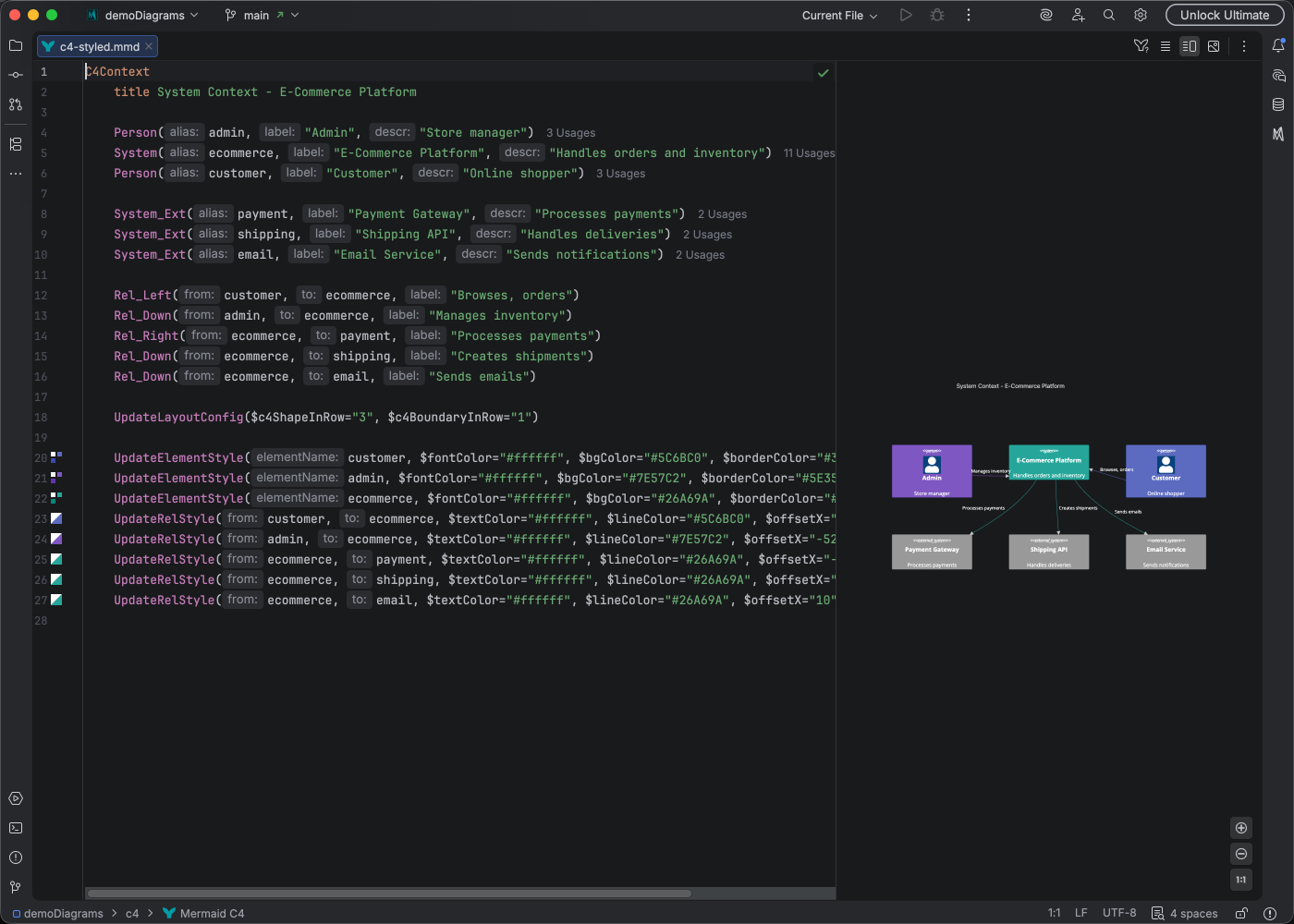
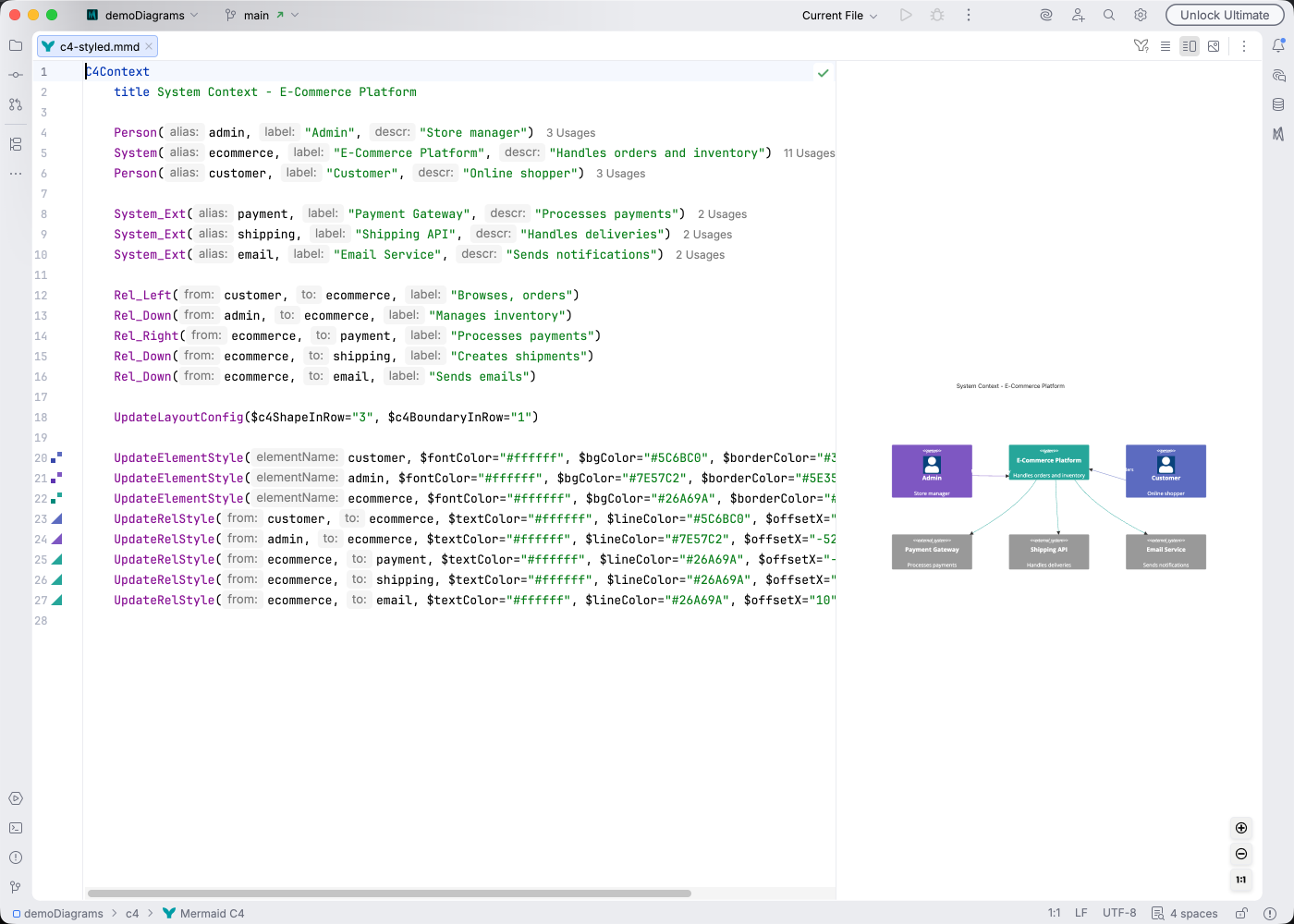
Section titled “Syntax Highlighting”Syntax highlighting integrates directly with IntelliJ’s color scheme system, so diagram colors always match your editor theme.
IDE Support
Section titled “IDE Support”Mermaid Studio provides comprehensive support for C4 diagrams:
- Syntax highlighting - Color-coded elements, boundaries, and relationships
- Code completion - Suggestions for C4 elements and relationship types
- Documentation hover - See element descriptions on hover
- Refactoring - Rename elements and update all references
- Find usages - See where elements are referenced
- Inlay hints - Inline parameter hints for clarity
- Code Vision - Relationship counts at a glance
- Navigation bar - Quick access to elements
- Brace matching - Navigate boundary delimiters
- Code folding - Collapse boundaries and containers
- Formatting - Auto-format your diagram code
- Inspections - Detect undefined references
- Color provider - Preview and pick colors for styling
- Structure view - Hierarchical overview of elements and boundaries
Quick Syntax Reference
Section titled “Quick Syntax Reference”Diagram types:
C4Context- System context (highest level)C4Container- Container diagramC4Component- Component diagramC4Dynamic- Dynamic/sequence view
Elements:
C4Container Person(user, "User", "Description") System(sys, "System", "Description") System_Ext(ext, "External", "Description") Container(cont, "Container", "Tech", "Description") ContainerDb(db, "Database", "PostgreSQL", "Stores data")Boundaries:
C4Container System_Boundary(b1, "My System") { Container(api, "API", "Node.js") ContainerDb(db, "Database", "PostgreSQL") }Relationships:
Rel(from, to, "label")- Basic relationshipRel(from, to, "label", "technology")- With technologyBiRel(a, b, "label")- Bidirectional
For the complete syntax reference, see the Mermaid.js C4 Diagram documentation.