
State Diagram
Last updated:
State diagrams visualize the states an entity can be in and the transitions between those states. They are invaluable for modeling workflows, user interfaces, protocol behavior, and any system with distinct operational modes.
Syntax Highlighting
Section titled “Syntax Highlighting”Syntax highlighting integrates directly with IntelliJ’s color scheme system, so diagram colors always match your editor theme.
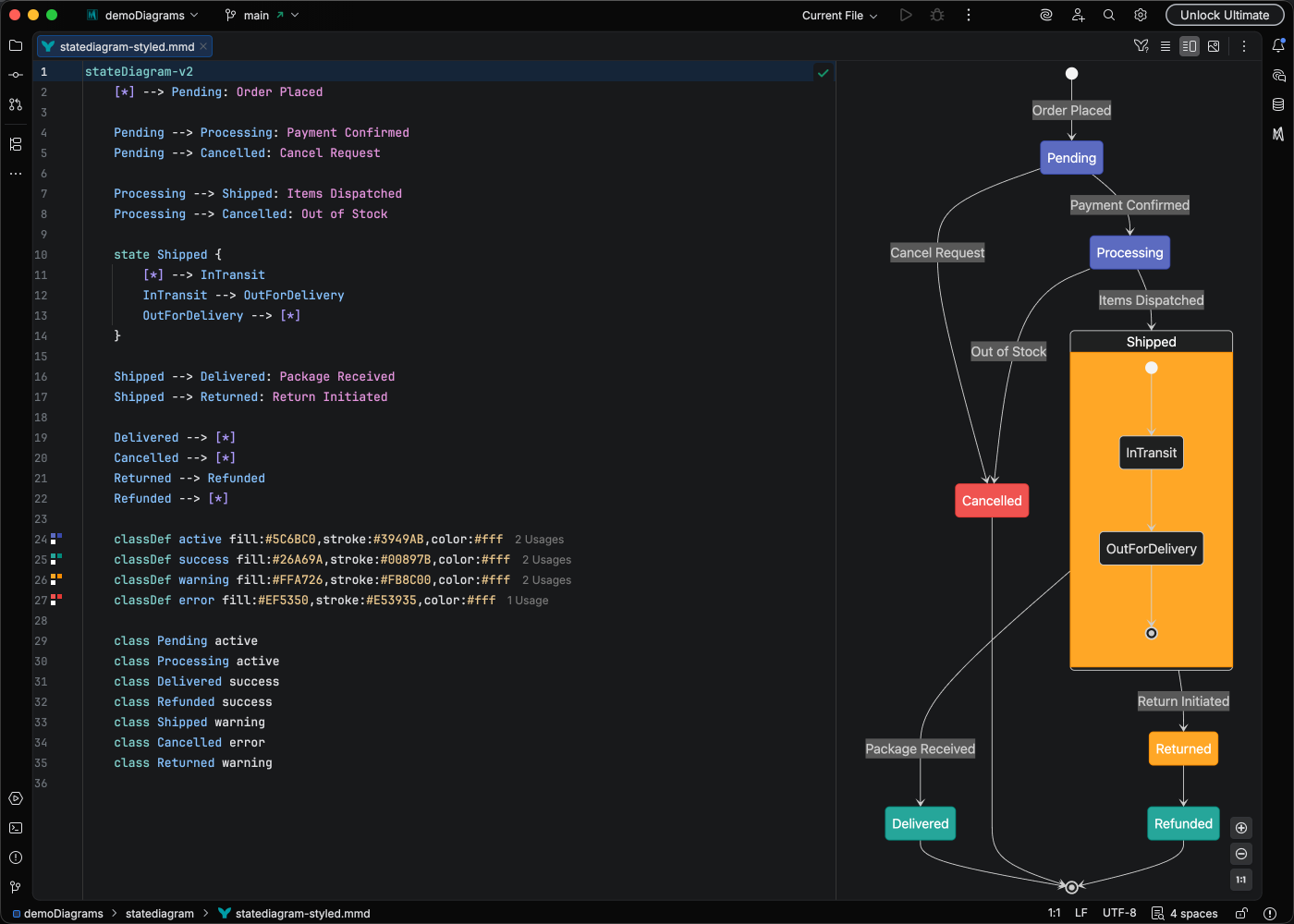
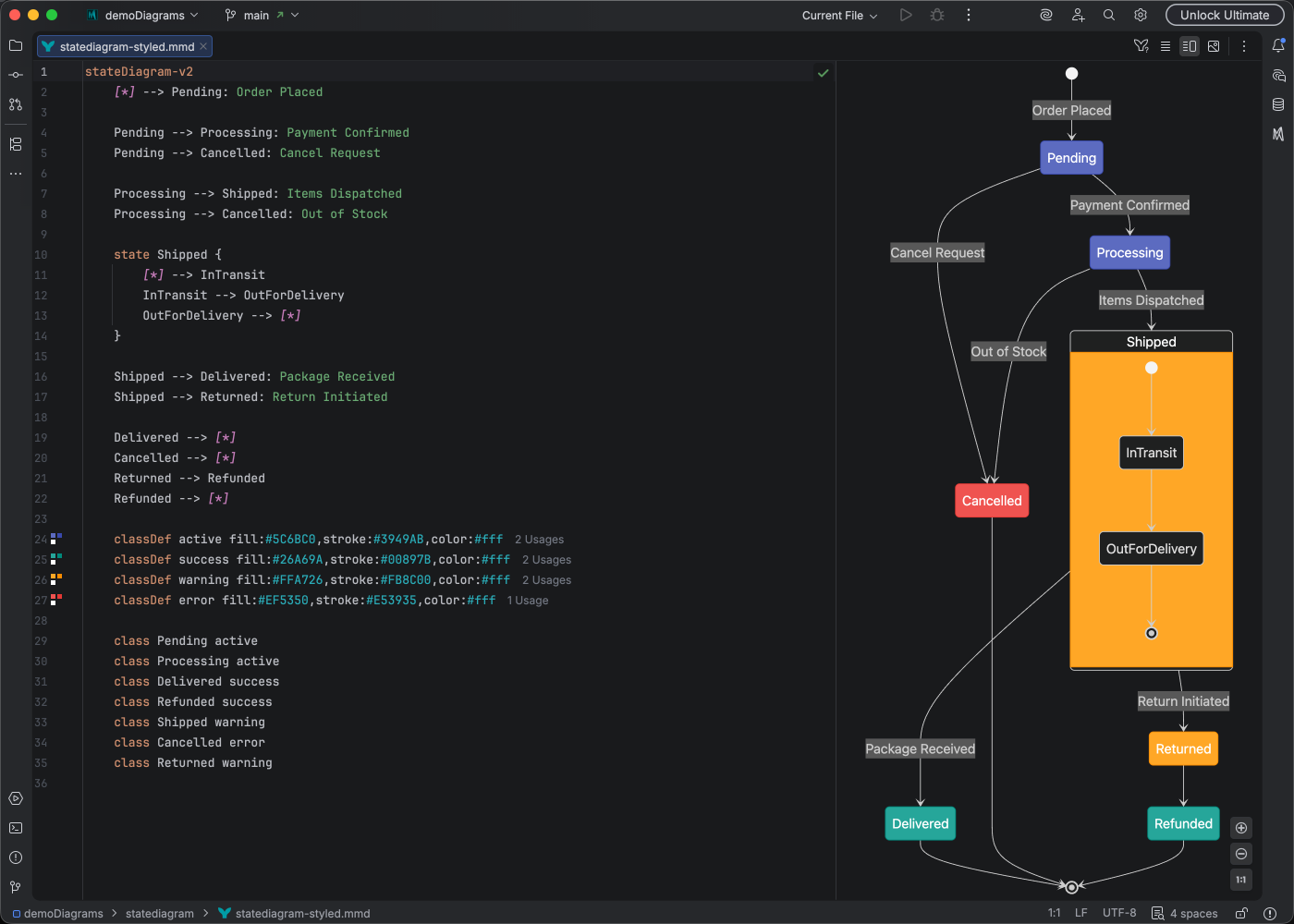
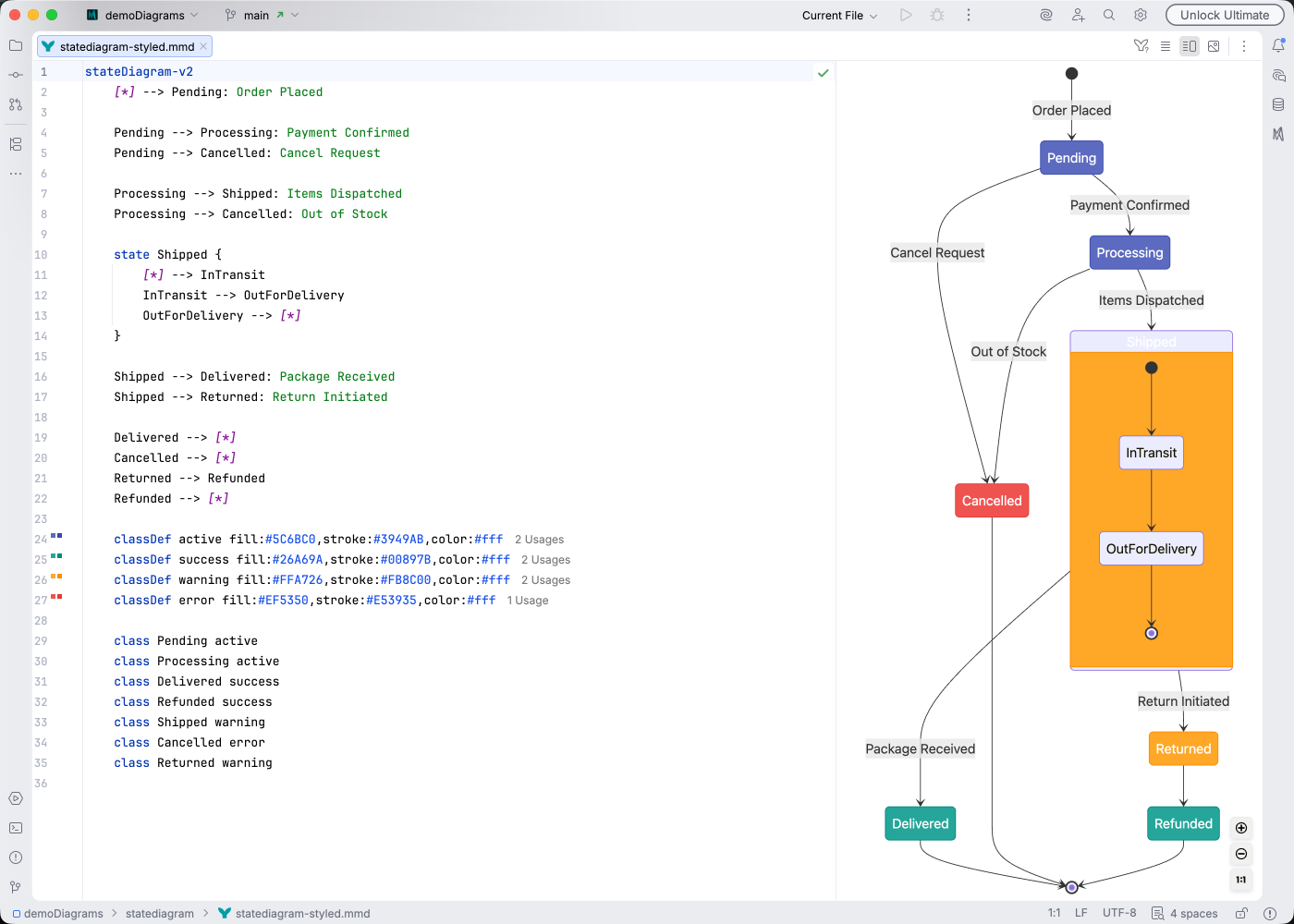
IDE Support
Section titled “IDE Support”Mermaid Studio provides comprehensive support for state diagrams:
- Syntax highlighting for states, transitions, and labels
- Code completion for state syntax and keywords
- Rename refactoring to update state names across the diagram
- Find usages to locate state references
- Code folding to collapse composite states
- Brace matching for nested state definitions
- Inspections for detecting unreachable states and invalid transitions
- Code Vision showing transition counts
- Color provider for styling state colors
Quick Syntax Reference
Section titled “Quick Syntax Reference”stateDiagram-v2 [*] --> Active
state Active { [*] --> Working Working --> Waiting : pause Waiting --> Working : resume }
Active --> Inactive : disable Inactive --> Active : enable Inactive --> [*]
note right of Active : Main operational stateKey elements:
[*]- Initial and final statesstate1 --> state2- Transition between statesstate1 --> state2 : event- Transition with event labelstate Name { }- Composite (nested) statenote- Add notes to states
For complete syntax details, see the Mermaid State Diagram documentation.