
Sequence Diagram
Last updated:
Sequence diagrams show how processes interact with each other over time. They are essential for documenting API flows, system integrations, and protocol specifications.
Syntax Highlighting
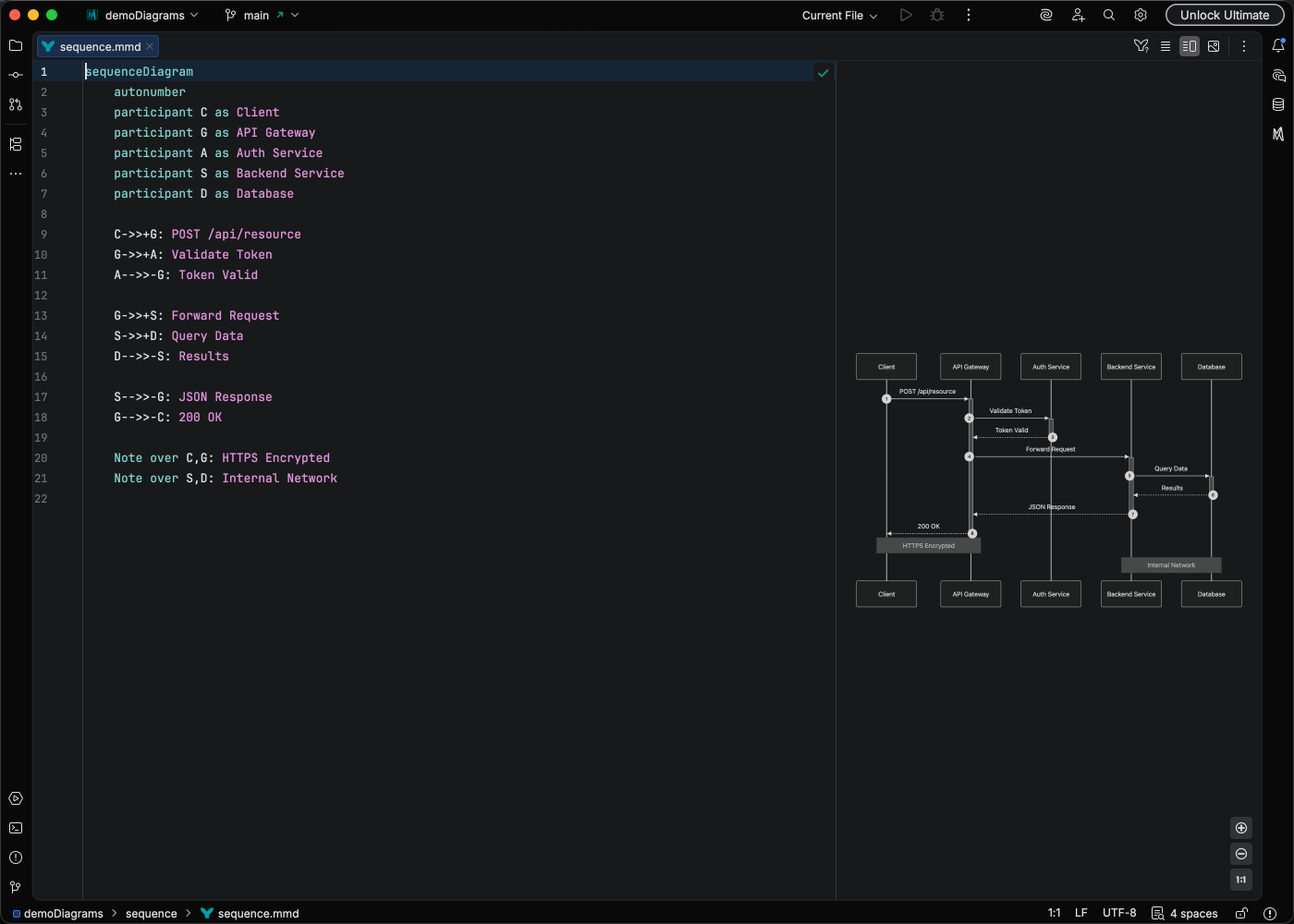
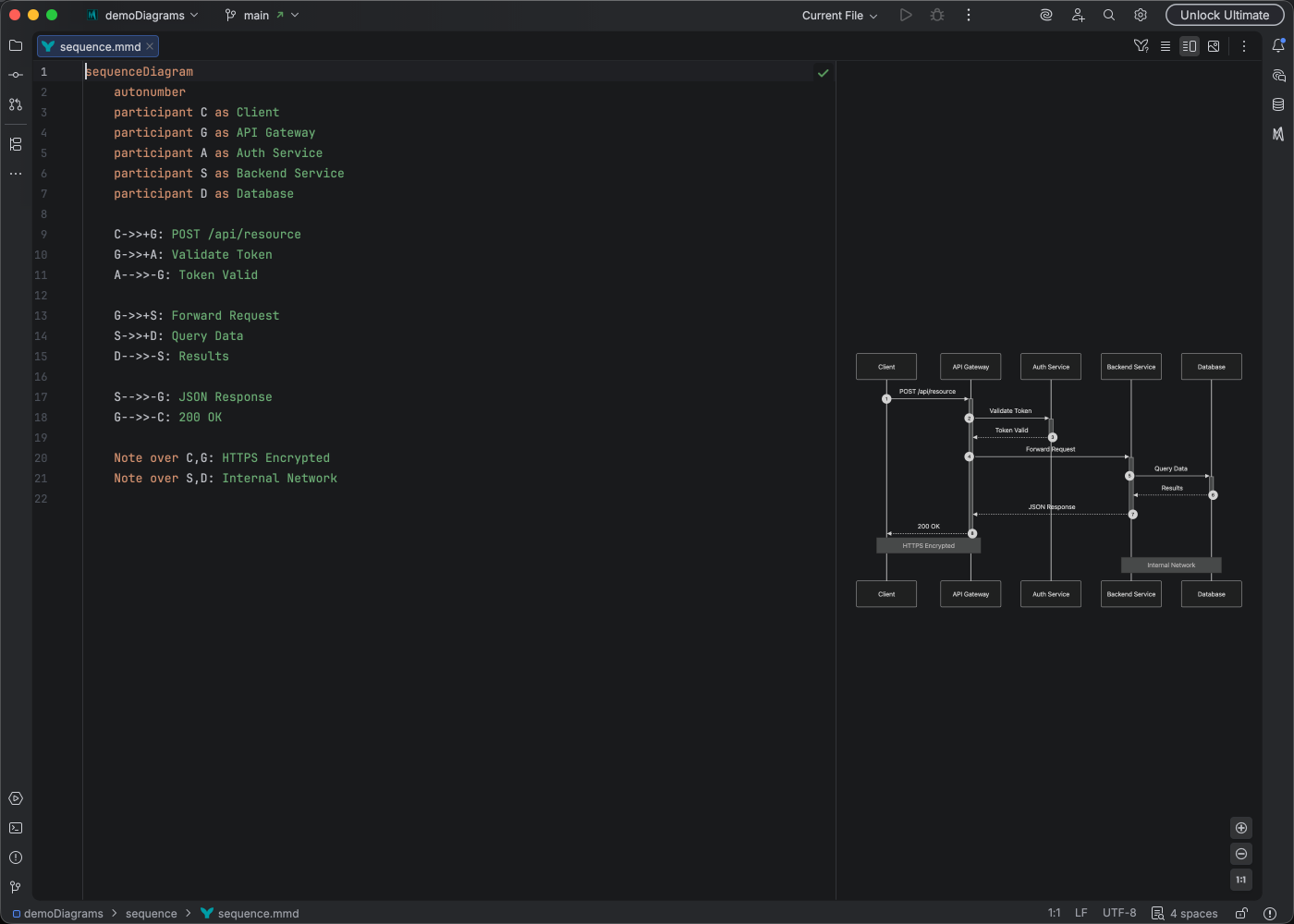
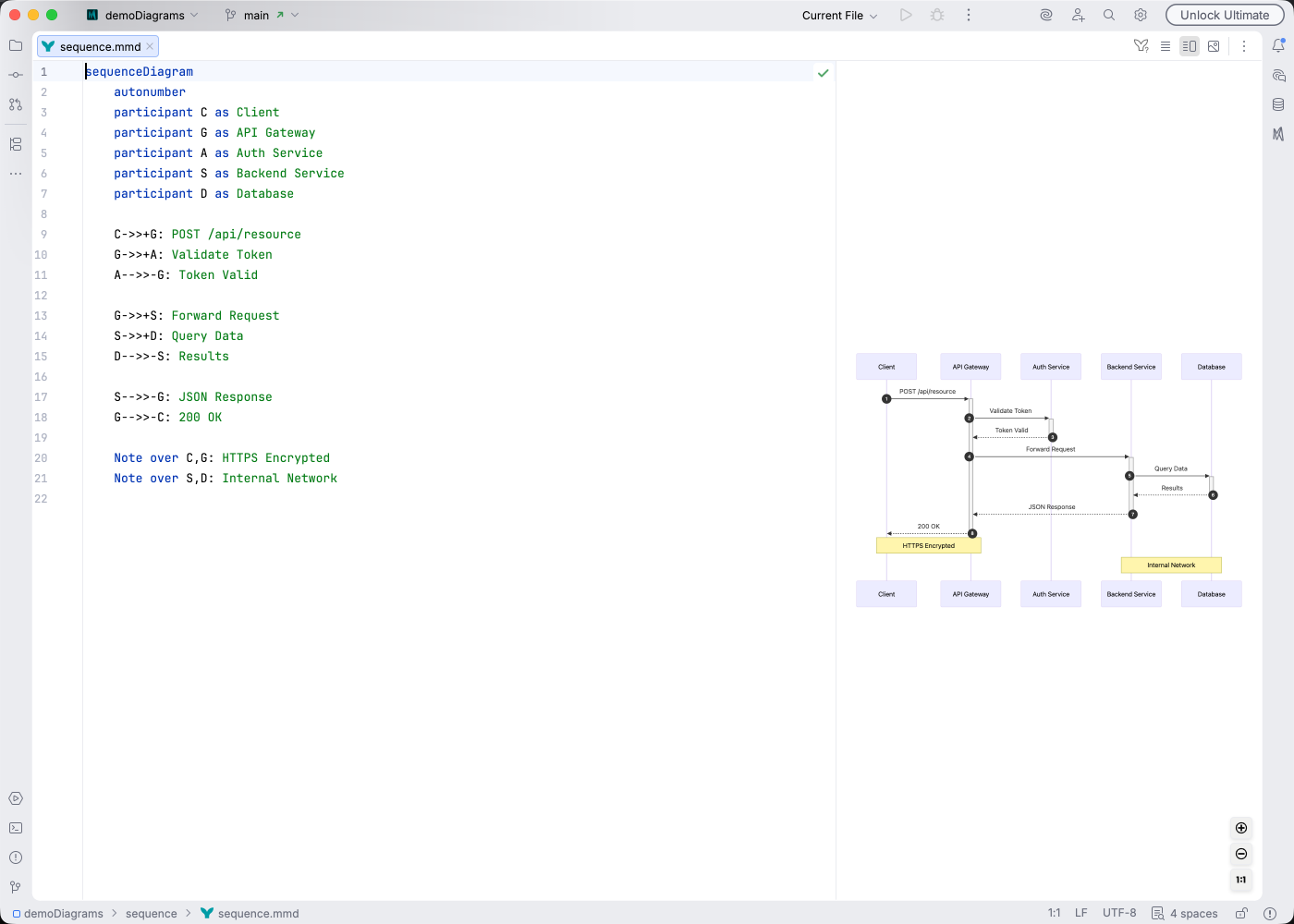
Section titled “Syntax Highlighting”Syntax highlighting integrates directly with IntelliJ’s color scheme system, so diagram colors always match your editor theme.
IDE Support
Section titled “IDE Support”Mermaid Studio provides comprehensive support for sequence diagrams:
- Syntax highlighting for participants and messages
- Code completion for participant names and message syntax
- Documentation hover for element information
- Rename refactoring to update participant names
- Find usages to locate participant references
- Code folding to collapse activation blocks and loops
- Formatting to clean up diagram structure
- Inspections to catch common errors
- Brace matching for block navigation
- Color provider for customizing diagram colors
Quick Syntax Reference
Section titled “Quick Syntax Reference”Participants
Section titled “Participants”sequenceDiagram participant A as Alice participant B as Bob A->>B: HelloMessage Types
Section titled “Message Types”| Syntax | Meaning |
|---|---|
-> | Solid line |
--> | Dashed line |
->> | Solid with arrowhead |
-->> | Dashed with arrowhead |
-x | Solid with cross |
--x | Dashed with cross |
<->> | Bidirectional |
-) | Half-arrow (Mermaid 11.13.0+) |
--) | Dashed half-arrow (Mermaid 11.13.0+) |
Activation
Section titled “Activation”sequenceDiagram Client->>+Server: Request Server-->>-Client: ResponsesequenceDiagram Alice->>Bob: Hello Note right of Bob: Bob thinks Bob-->>Alice: Hi!For full syntax details, see the Mermaid sequence diagram documentation.