
Gantt Chart
Last updated:
Gantt charts visualize project schedules, showing tasks, their durations, and dependencies over time. They are essential for project planning, tracking milestones, and communicating timelines to stakeholders.
Syntax Highlighting
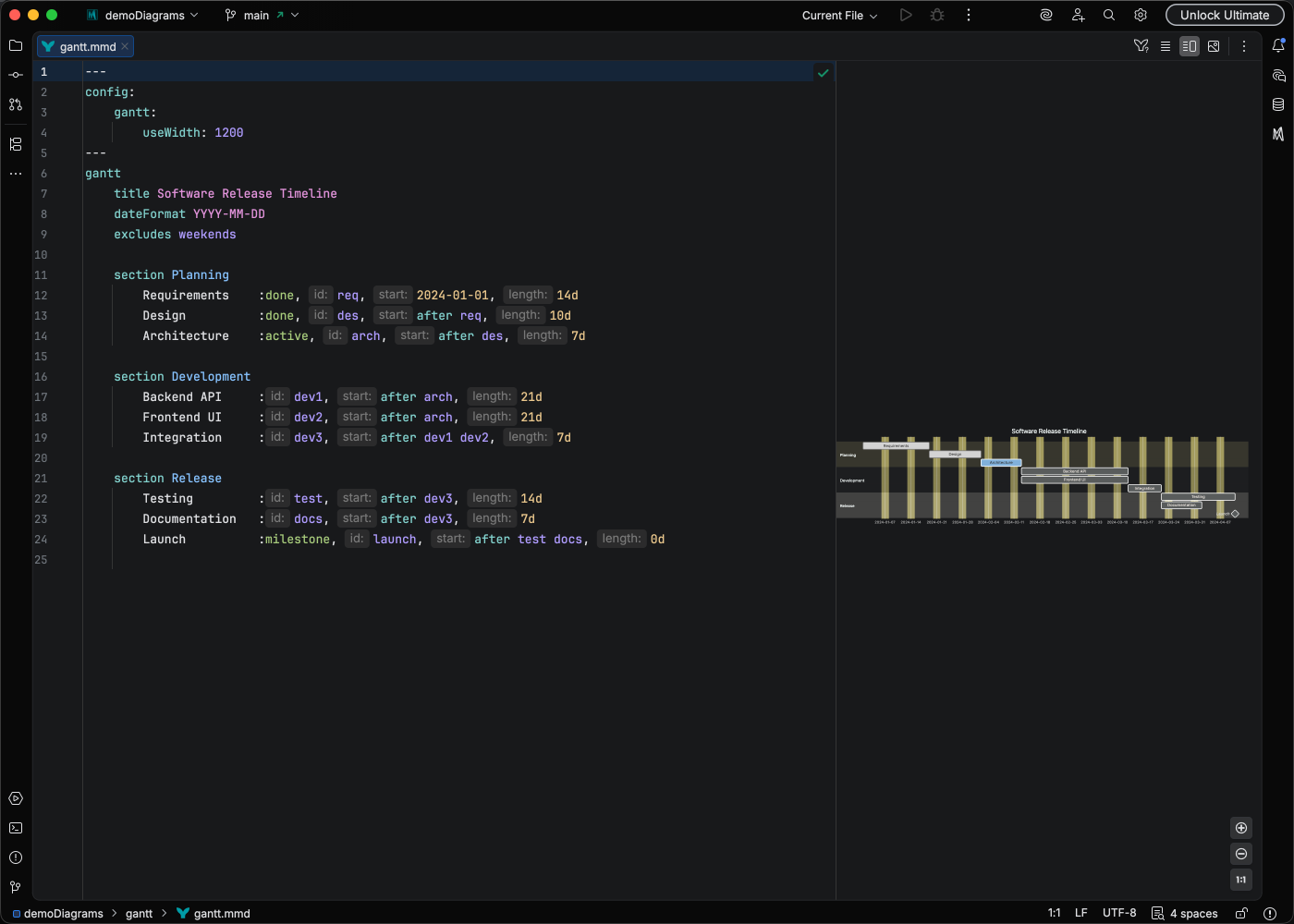
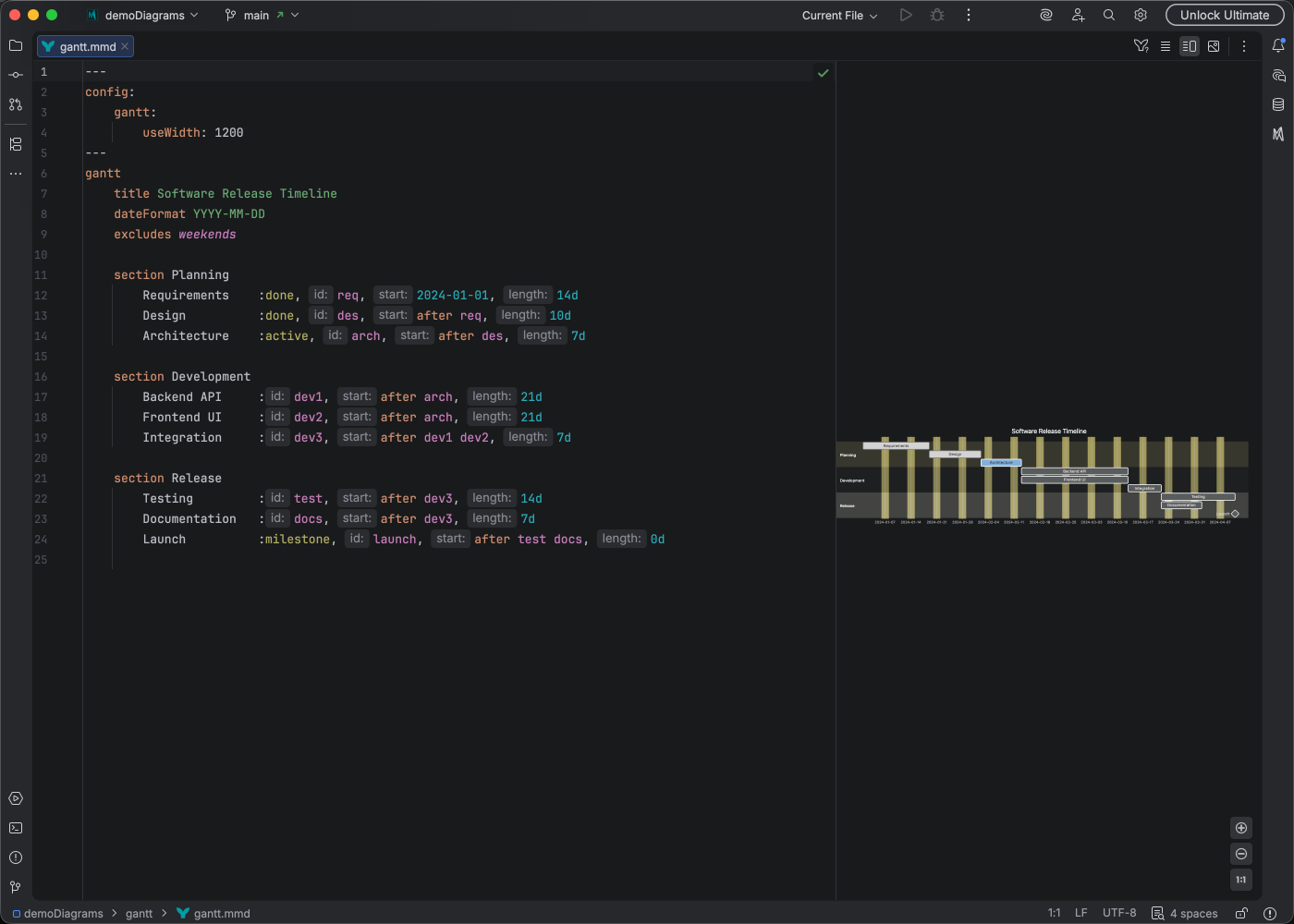
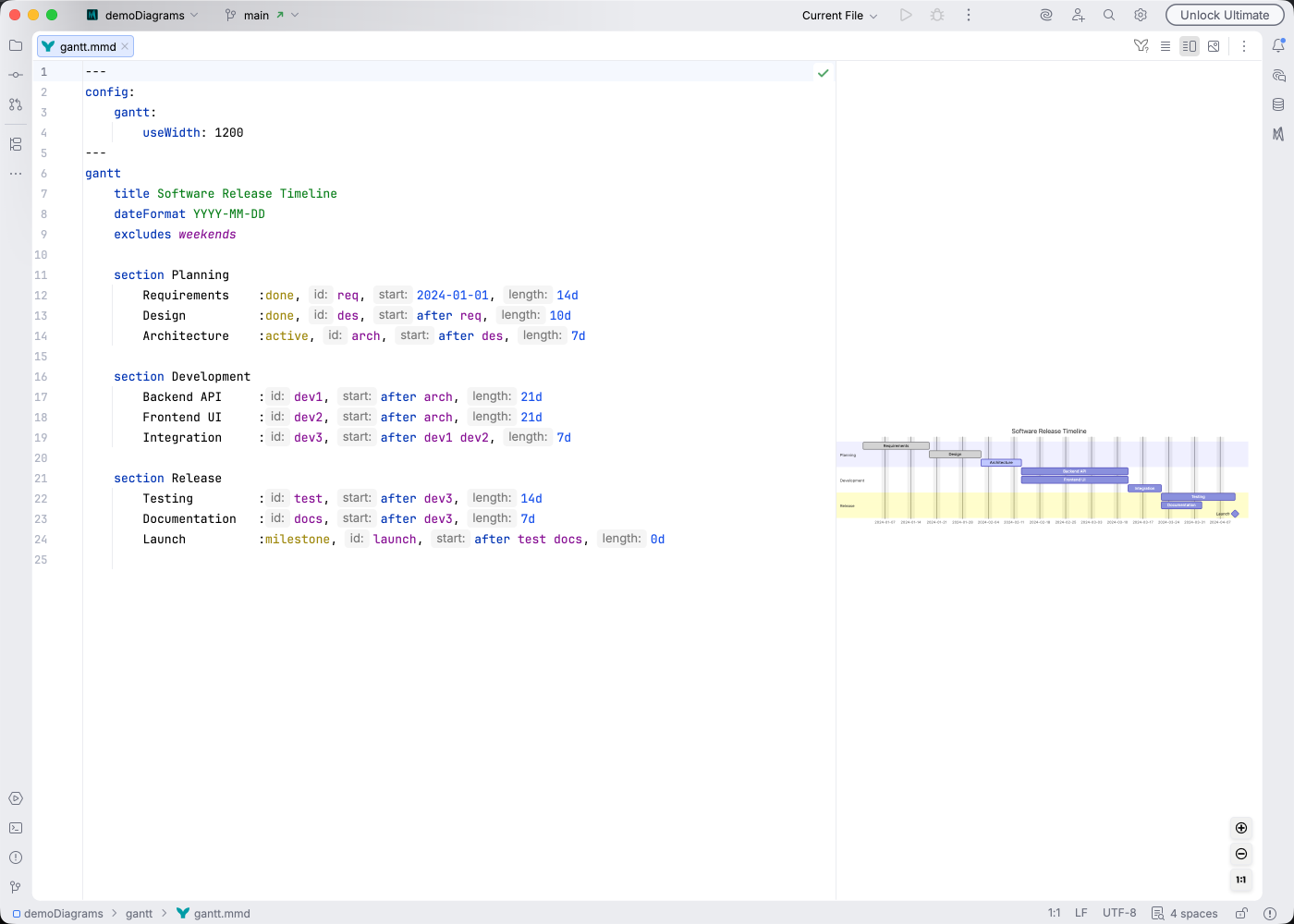
Section titled “Syntax Highlighting”Syntax highlighting integrates directly with IntelliJ’s color scheme system, so diagram colors always match your editor theme.
IDE Support
Section titled “IDE Support”Mermaid Studio provides comprehensive support for Gantt charts:
- Syntax highlighting for tasks, dates, and sections
- Inlay hints showing calculated dates and durations inline
- Code completion for keywords and task references
- Rename refactoring to update task IDs safely
- Find usages to locate task references
- Code folding to collapse sections
- Formatting to clean up task definitions
- Inspections for detecting date conflicts and invalid references
Quick Syntax Reference
Section titled “Quick Syntax Reference”gantt title My Project dateFormat YYYY-MM-DD
section Planning Task 1 :t1, 2024-01-01, 7d Task 2 :t2, after t1, 5d
section Execution Milestone :milestone, m1, after t2, 0d Task 3 :active, t3, after m1, 10d Task 4 :crit, t4, after t3, 14dKey elements:
title- Set the chart titledateFormat- Specify date format (e.g.,YYYY-MM-DD)section- Group related tasks:id, start, duration- Define task timingafter taskId- Create dependenciescrit,active,done- Task status markers
For complete syntax details, see the Mermaid Gantt documentation.