
Markdown
Last updated:
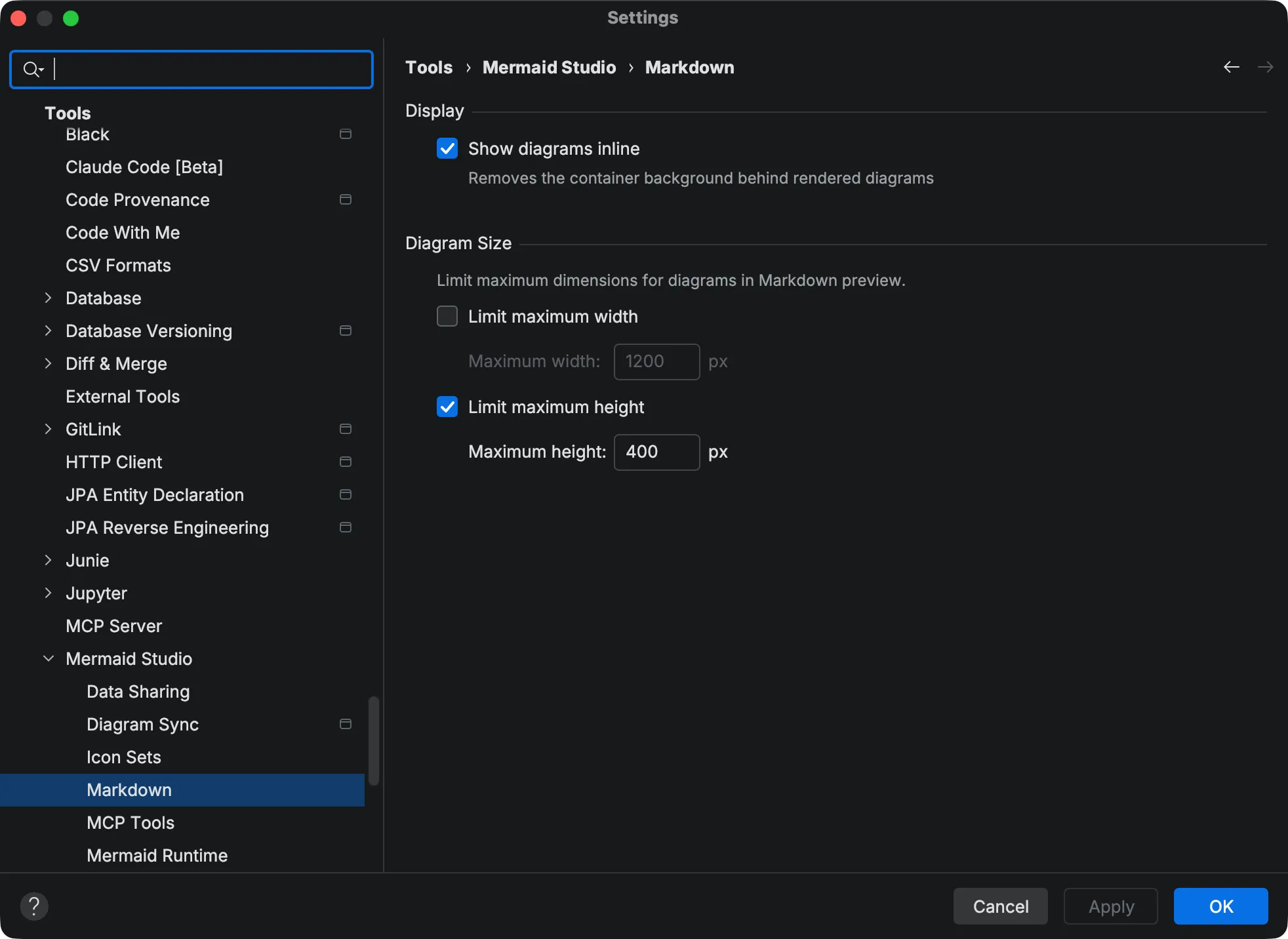
Configure how Mermaid diagrams appear in the Markdown preview at Settings > Tools > Mermaid Studio > Markdown.
Inline Display
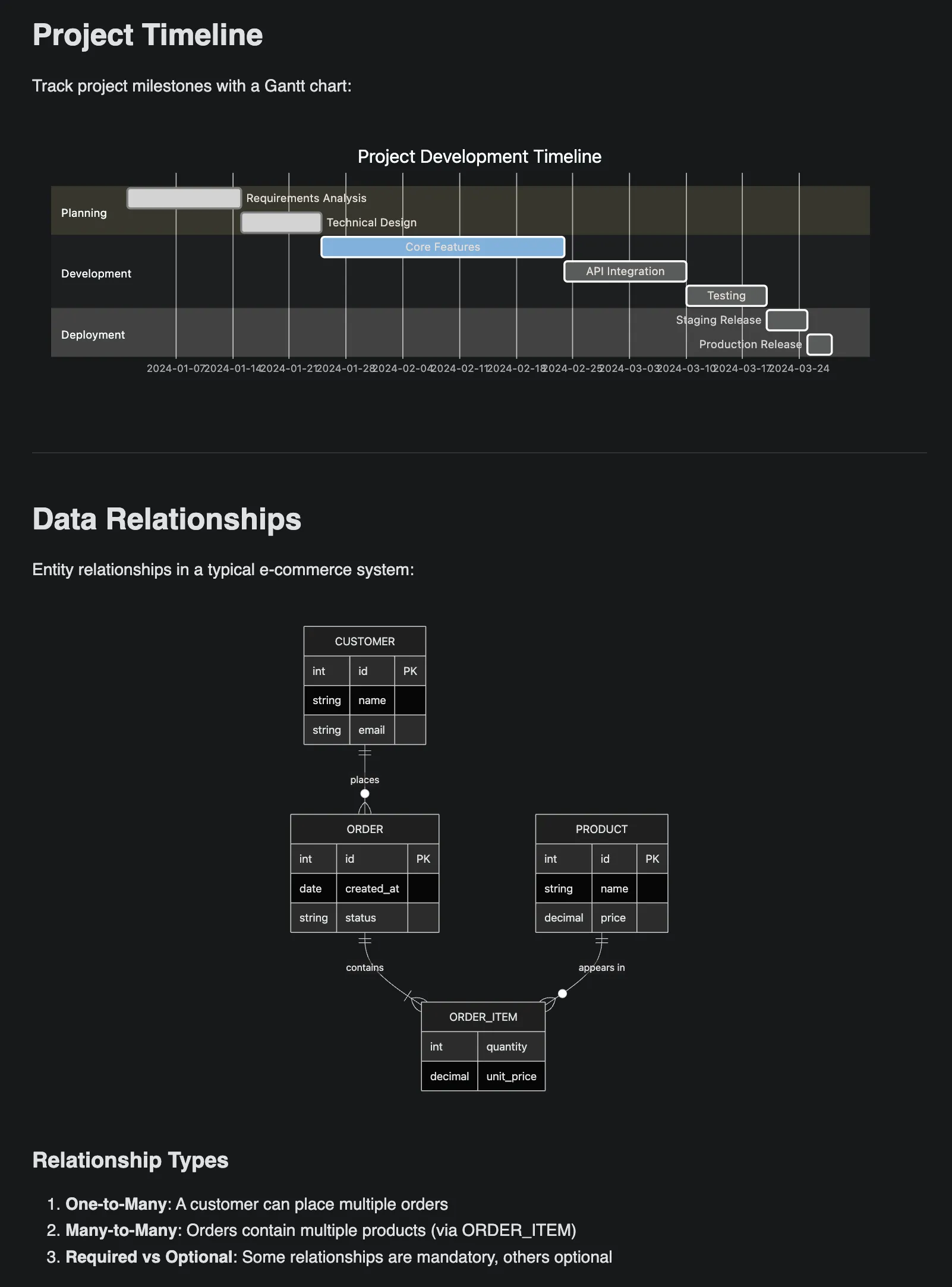
Section titled “Inline Display”By default, rendered diagrams are shown inside a container with a subtle background. Enable Show diagrams inline to remove the container background, letting diagrams blend directly into the page.
Maximum Diagram Size
Section titled “Maximum Diagram Size”Large diagrams can dominate the preview and make it difficult to read surrounding content. Use the size limits to constrain diagram dimensions:
| Setting | Default | Description |
|---|---|---|
| Limit maximum width | Off | When enabled, constrains diagram width to the specified pixel value |
| Maximum width | 1200 px | Maximum width in pixels (100 - 20,000) |
| Limit maximum height | Off | When enabled, constrains diagram height to the specified pixel value |
| Maximum height | 800 px | Maximum height in pixels (100 - 20,000) |
Diagrams that exceed the configured limits are scaled down proportionally. Diagrams smaller than the limits are not affected.
Settings take effect immediately in all open Markdown previews.