
Sankey Diagram
Last updated:
Mermaid Studio provides language support for Sankey diagrams inside IntelliJ IDEA and other JetBrains IDEs. Sankey diagrams visualize flows between nodes where the arrow width represents the quantity or magnitude, which makes them a natural fit for showing energy transfers, budget allocations, or user journey flows.
Syntax Highlighting
Section titled “Syntax Highlighting”Syntax highlighting integrates directly with IntelliJ’s color scheme system, so diagram colors always match your editor theme.
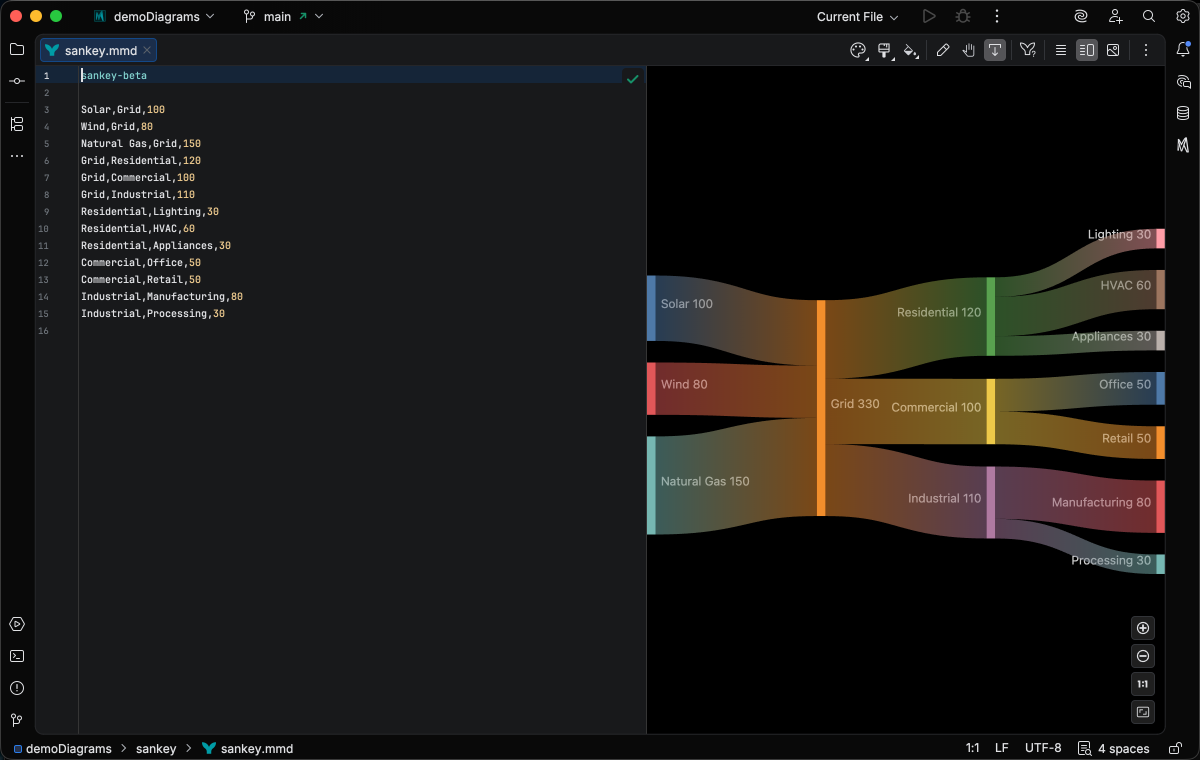
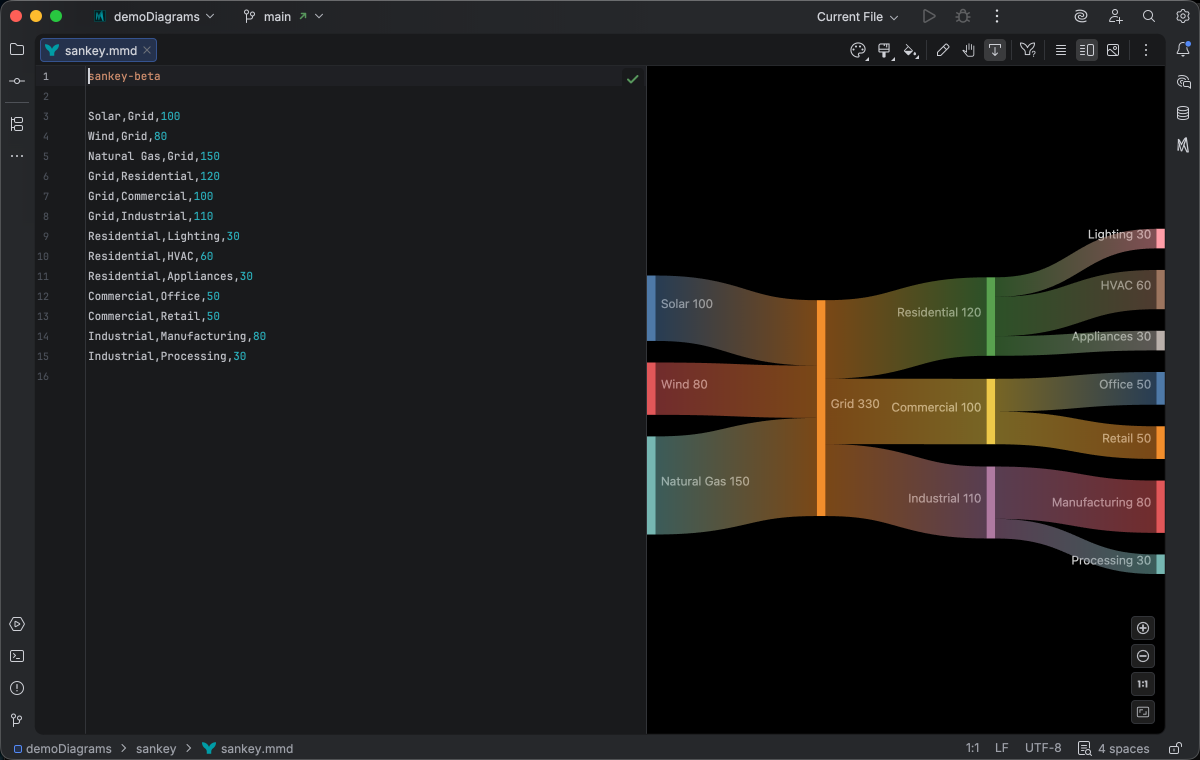
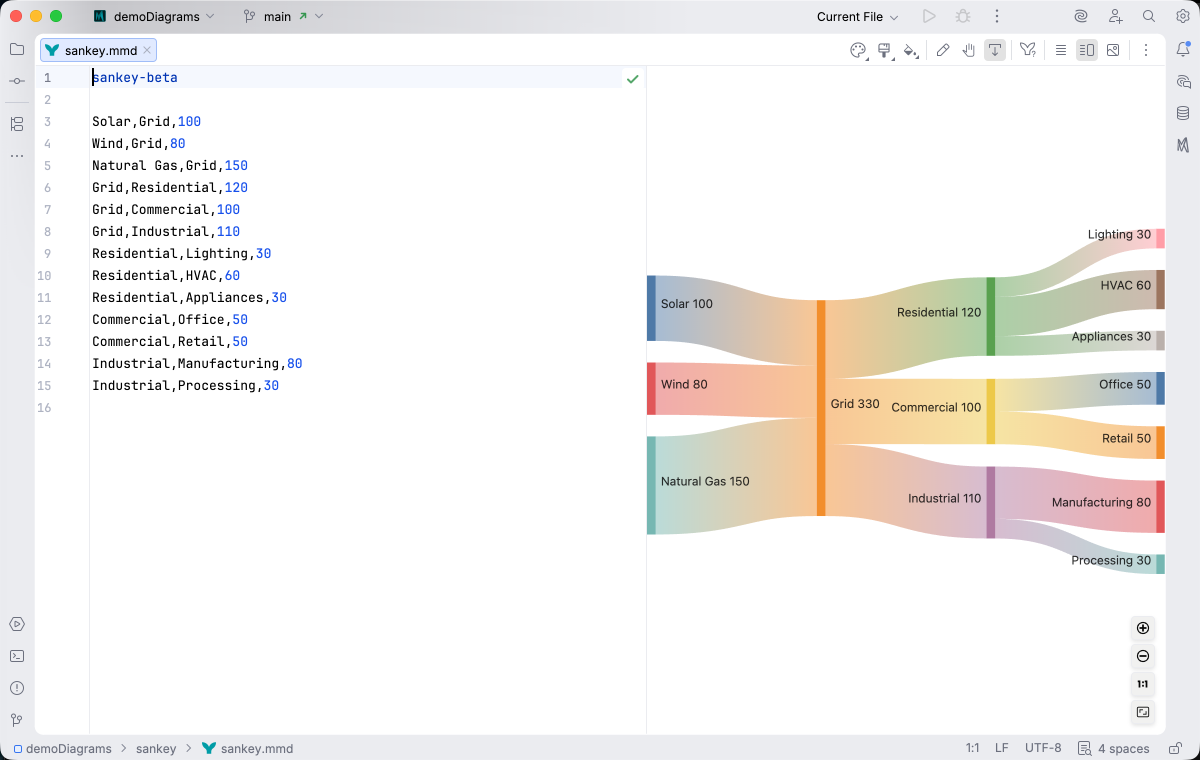
IDE Support
Section titled “IDE Support”The summary below shows the IDE support Mermaid Studio ships for Sankey diagrams, grouped by capability.
The line-comment action (
A dedicated Grammar-Kit parser backs the highlighting, so tokens are colored by what they mean in the diagram (a type reference versus a label versus a style), not just what they look like. The same parser validates the syntax as you type, flagging malformed statements in place instead of letting one mistake cascade through the file.
This is the foundation richer features build on; the same grammar drives completions, refactoring, and inspections.
Per-diagram annotators apply rule-based highlighting above the lexer and parser, running on every keystroke and painting their results directly in the editor. Mermaid Studio uses them across the full range the platform supports: highlighting that token types alone cannot decide (coloring a reference by what it resolves to), semantic errors and warnings (an edge pointing at an undefined node, an invalid direction value), and inline cues such as marking duplicate labels. Unlike inspections (configurable checks listed in Settings), annotators are always on, whether a rule ends in a color or a warning.
As you type, Mermaid Studio offers context-aware suggestions filtered to what’s valid at the cursor: node shapes, arrow types, keywords, icon names, identifiers, frontmatter keys, theme variables, and more. Completions cut down on typos and make the diagram syntax self-documenting.
Completion and validation for the YAML frontmatter block above the diagram body, driven by the diagram type’s slice of the Mermaid.js config schema. Config keys, enum values, and color properties complete as you type, and unknown or mistyped keys are flagged in place.
Inspections are static analyzers that run continuously and surface problems as you edit: duplicate IDs, undefined references, malformed syntax, deprecated patterns, missing required fields. Each inspection has a configurable severity (error, warning, info), can be suppressed inline, and most ship with a quick fix that resolves the issue with one keystroke.
This is where most of the editorial intelligence lives: a diagram type with rich inspections is much harder to break in subtle ways.
Rename refactoring (
Find Usages (
Bundled and user-authored color themes with light and dark variants that apply to this diagram type from the Appearance menu or the Switch Diagram Theme action. Applying a theme writes the resolved theme variables into the diagram’s frontmatter, so the file renders the same outside the IDE.
References are resolved by order: the first occurrence of a node name is its declaration, and rename and find usages treat later occurrences as references to it.
Quick Syntax Reference
Section titled “Quick Syntax Reference”Basic Flow Syntax
Section titled “Basic Flow Syntax”Each line defines a flow with three comma-separated values:
Source,Target,Value- Source: The origin node name
- Target: The destination node name
- Value: The numeric flow quantity (determines arrow width)
Multiple Flows
Section titled “Multiple Flows”sankey-beta Source A,Target 1,100 Source A,Target 2,50 Source B,Target 2,75 Target 1,Final,100 Target 2,Final,125- Larger values create wider arrows
- Nodes are automatically created when referenced
- Flows can chain through intermediate nodes
- Use descriptive node names for clarity
For full syntax details, see the Mermaid.js Sankey documentation.