
Scratch Files
Last updated:
Scratch files let you quickly create temporary Mermaid diagrams without adding files to your project. They’re perfect for experimenting with diagram syntax, drafting ideas, or creating one-off diagrams.
Creating a Mermaid Scratch File
Section titled “Creating a Mermaid Scratch File”Due to platform limitations, IntelliJ’s built-in New Scratch File action doesn’t include Mermaid in its file type list. Mermaid Studio provides a dedicated action instead.
-
Open the Find Action dialog with
Command + Shift + A CmdShiftA Control + Shift + A CtrlShiftA -
Search for New Mermaid Scratch File and select it
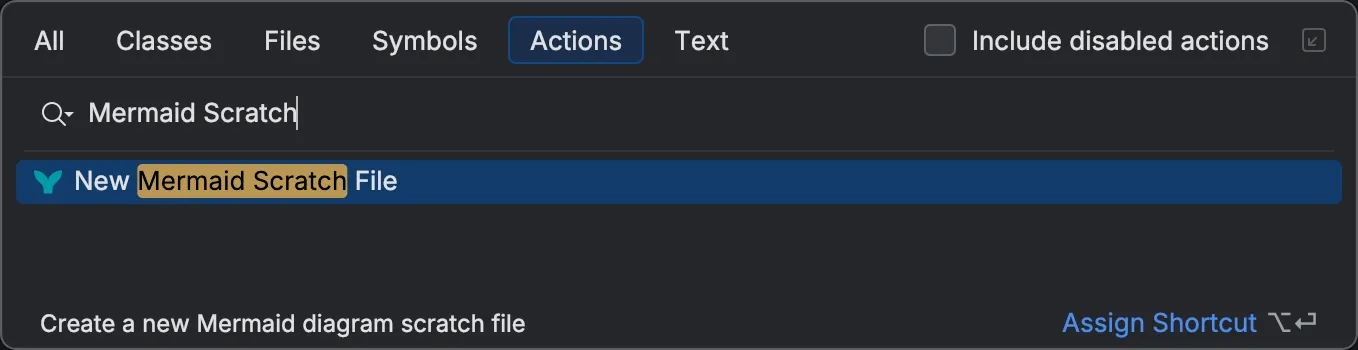
-
A new scratch file opens with full Mermaid Studio support
Because the scratch file starts empty, a sample picker banner appears at the top of the editor so you can start from a working example.
You can also add the action to a keyboard shortcut or toolbar for faster access.
Scratch File Location
Section titled “Scratch File Location”Scratch files are stored in the IDE’s configuration directory, separate from your project files. To view all your scratch files, open the Scratches and Consoles node in the Project view.