
Ishikawa (Fishbone) Diagram
Last updated:
Mermaid Studio provides language support for Ishikawa diagrams (also known as fishbone or cause-and-effect diagrams) inside IntelliJ IDEA and other JetBrains IDEs. Ishikawa diagrams organize potential causes of a problem into categories branching off a central spine, and are widely used in quality management and root cause analysis.
Syntax Highlighting
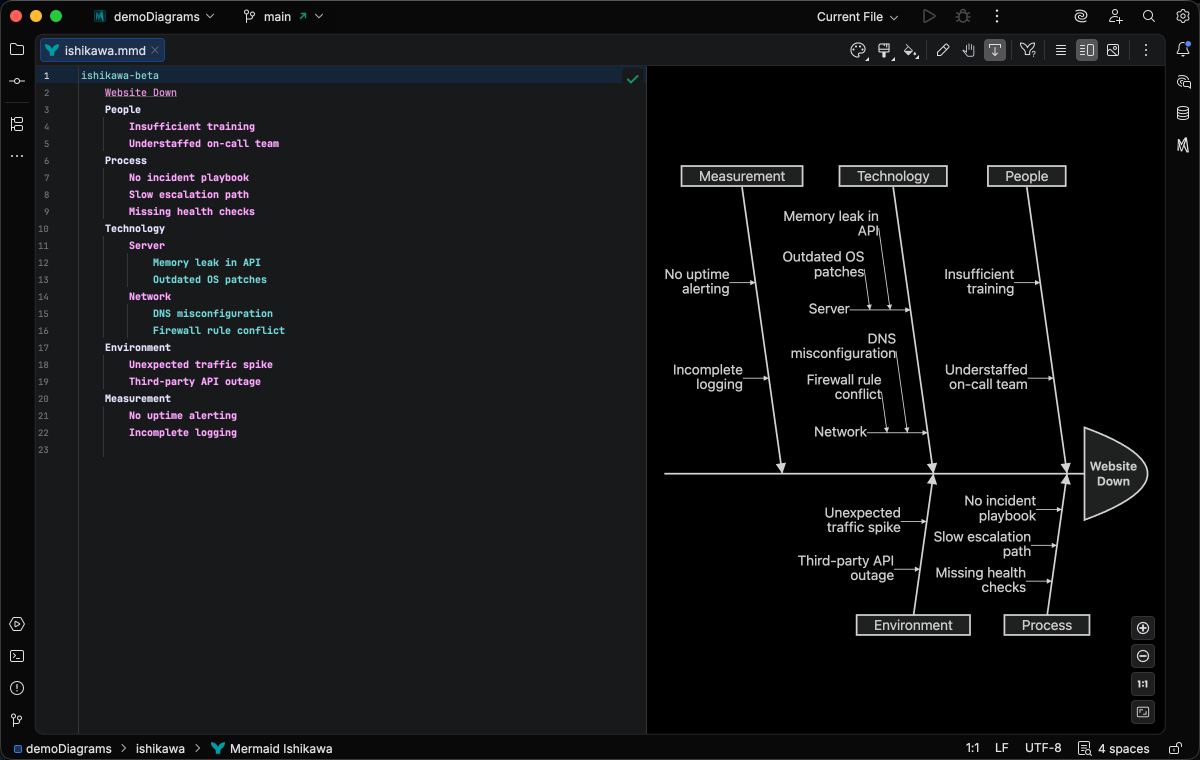
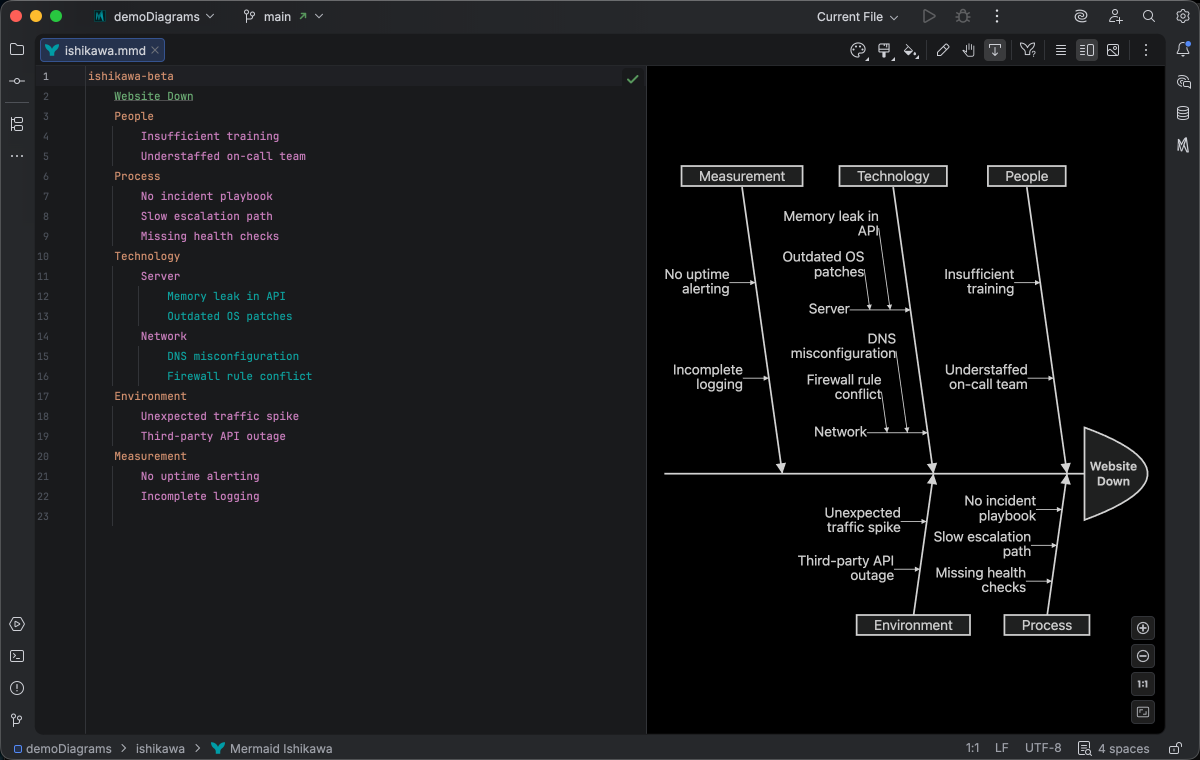
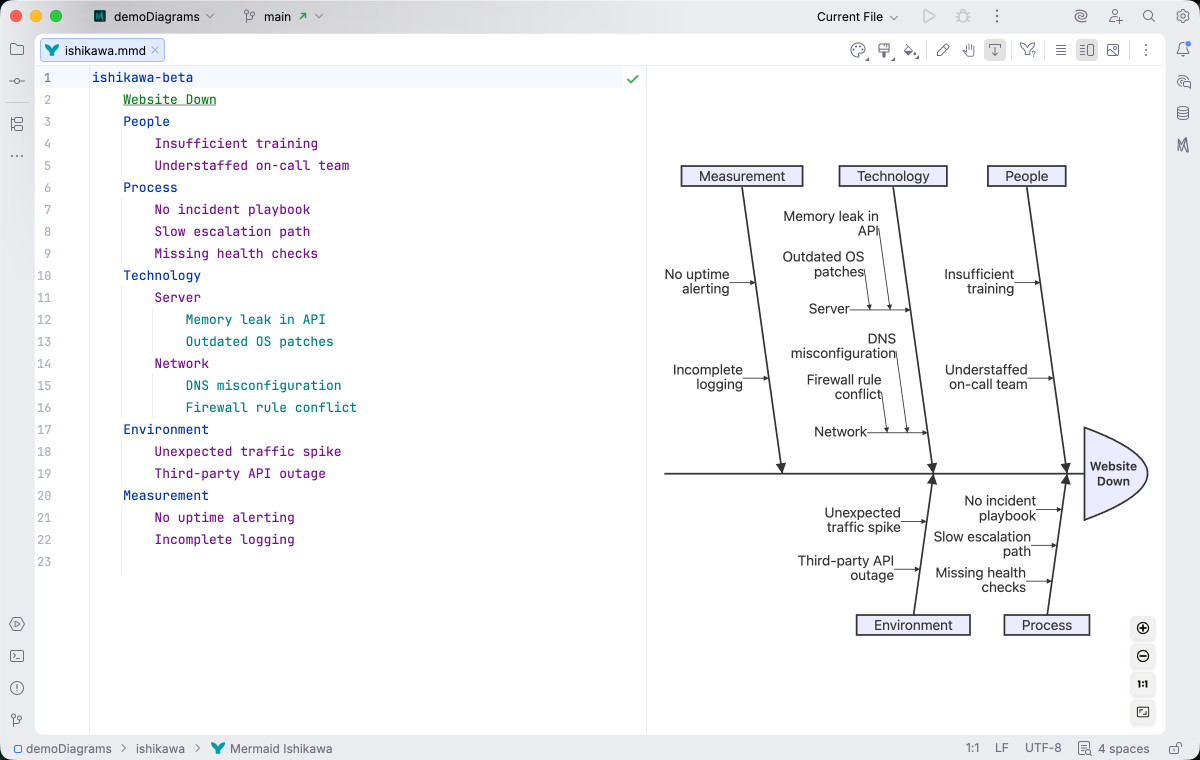
Section titled “Syntax Highlighting”Syntax highlighting integrates directly with IntelliJ’s color scheme system, so diagram colors always match your editor theme.
IDE Support
Section titled “IDE Support”The summary below shows the IDE support Mermaid Studio ships for Ishikawa diagrams, grouped by capability.
Folding lets you collapse and expand structural blocks of the diagram source (subgraphs, frontmatter, multi-line strings) directly in the editor gutter. It keeps long diagrams navigable without forcing you to scroll past detail you don’t need right now.
Use the gutter triangles, Code → Folding, or the standard JetBrains shortcuts (
The line-comment action (
The formatter rewrites your diagram source to a canonical layout (consistent indentation, alignment of multi-line links, normalized whitespace around operators) without changing semantics.
It also clears up the whitespace mistakes that the Mermaid.js parser is picky about, normalizing spacing between tokens so the parser accepts the diagram on the first read instead of throwing a confusing syntax error.
Run it with Code → Reformat Code (
A dedicated Grammar-Kit parser backs the highlighting, so tokens are colored by what they mean in the diagram (a type reference versus a label versus a style), not just what they look like. The same parser validates the syntax as you type, flagging malformed statements in place instead of letting one mistake cascade through the file.
This is the foundation richer features build on; the same grammar drives completions, refactoring, and inspections.
Per-diagram annotators apply rule-based highlighting above the lexer and parser, running on every keystroke and painting their results directly in the editor. Mermaid Studio uses them across the full range the platform supports: highlighting that token types alone cannot decide (coloring a reference by what it resolves to), semantic errors and warnings (an edge pointing at an undefined node, an invalid direction value), and inline cues such as marking duplicate labels. Unlike inspections (configurable checks listed in Settings), annotators are always on, whether a rule ends in a color or a warning.
Completion and validation for the YAML frontmatter block above the diagram body, driven by the diagram type’s slice of the Mermaid.js config schema. Config keys, enum values, and color properties complete as you type, and unknown or mistyped keys are flagged in place.
A dedicated page under Settings → Editor → Color Scheme for the diagram type, listing every highlighting attribute its parser produces with a live preview. This is what makes the difference between “the theme colors it somehow” and “you decide exactly how keywords, identifiers, labels, and styles render”.
Inspections are static analyzers that run continuously and surface problems as you edit: duplicate IDs, undefined references, malformed syntax, deprecated patterns, missing required fields. Each inspection has a configurable severity (error, warning, info), can be suppressed inline, and most ship with a quick fix that resolves the issue with one keystroke.
This is where most of the editorial intelligence lives: a diagram type with rich inspections is much harder to break in subtle ways.
The Structure tool window (
Bundled and user-authored color themes with light and dark variants that apply to this diagram type from the Appearance menu or the Switch Diagram Theme action. Applying a theme writes the resolved theme variables into the diagram’s frontmatter, so the file renders the same outside the IDE.
Highlighting is depth-based, so each indentation level of causes gets its own color. The formatter aligns line comments with the following node, keeping fully commented branches readable as branches.
Quick Syntax Reference
Section titled “Quick Syntax Reference”ishikawa-betaWebsite DowntimeInfrastructure Server overload Network failureSoftware Memory leak Unhandled exceptionProcess No monitoring Slow incident responsePeople Insufficient training Key person dependencyKey elements:
- Start with
ishikawa-beta(orishikawa). Requires Mermaid.js 11.13.0+ - The first line after the keyword is the event - the problem being analyzed (the “head” of the fish)
- Subsequent lines are causes (the “bones” of the fishbone)
- Indentation determines hierarchy - deeper indentation creates sub-causes
- Use
<br>or<br/>for multi-line labels
For complete syntax details, see the Mermaid.js Ishikawa documentation.