
Timeline Diagram
Last updated:
Mermaid Studio provides language support for Timeline diagrams inside IntelliJ IDEA and other JetBrains IDEs. Timeline diagrams display events in chronological order, which makes them useful for roadmaps, historical events, or project milestones.
Syntax Highlighting
Section titled “Syntax Highlighting”Syntax highlighting integrates directly with IntelliJ’s color scheme system, so diagram colors always match your editor theme.
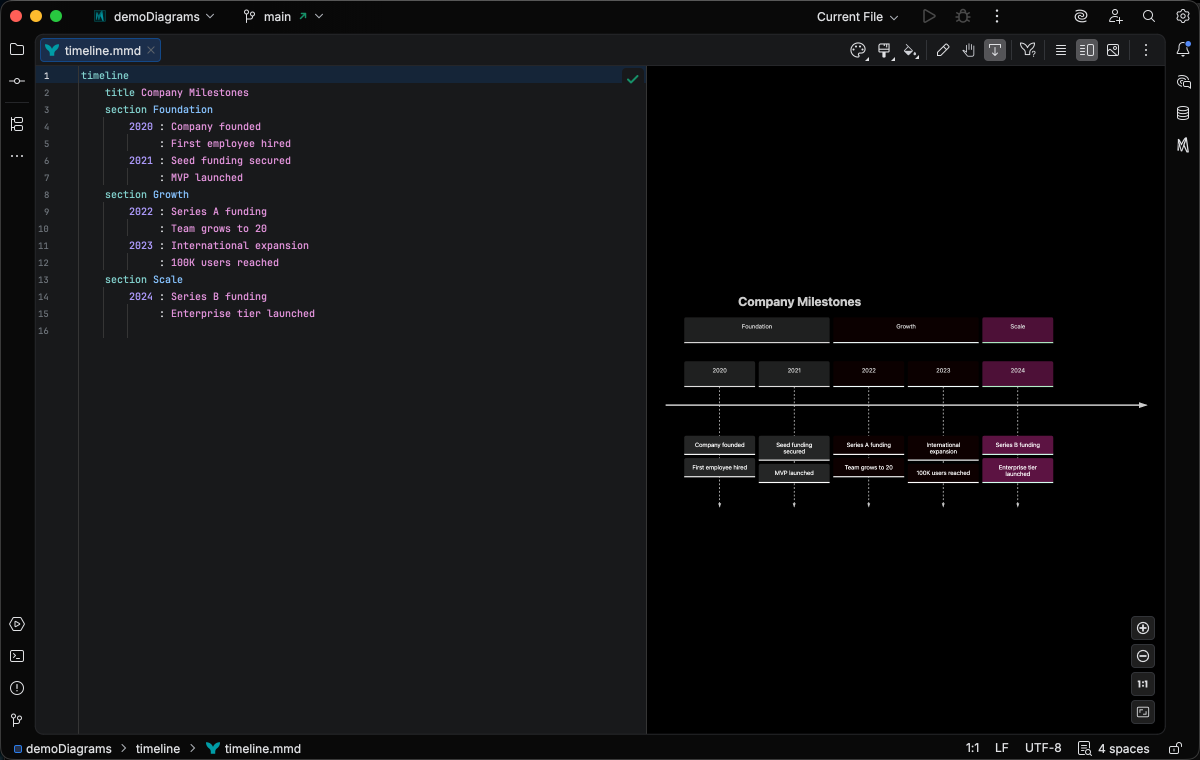
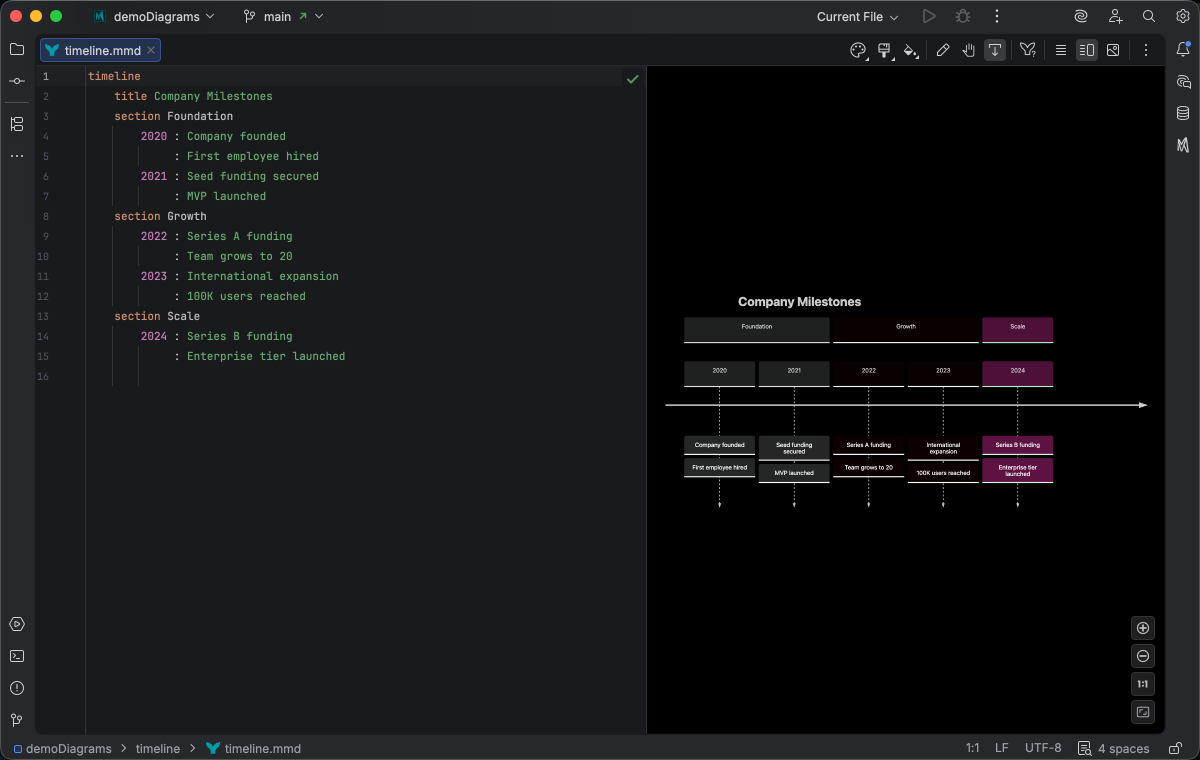
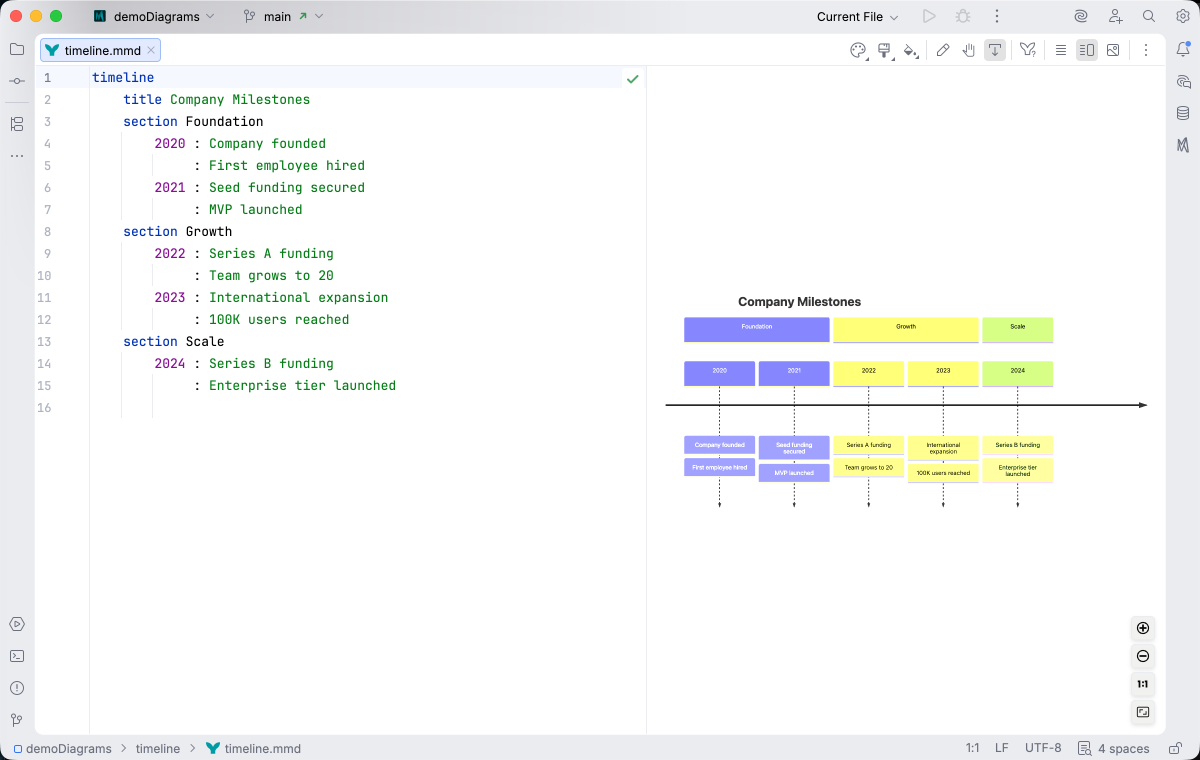
IDE Support
Section titled “IDE Support”The summary below shows the IDE support Mermaid Studio ships for timeline diagrams, grouped by capability.
Folding lets you collapse and expand structural blocks of the diagram source (subgraphs, frontmatter, multi-line strings) directly in the editor gutter. It keeps long diagrams navigable without forcing you to scroll past detail you don’t need right now.
Use the gutter triangles, Code → Folding, or the standard JetBrains shortcuts (
The line-comment action (
The formatter rewrites your diagram source to a canonical layout (consistent indentation, alignment of multi-line links, normalized whitespace around operators) without changing semantics.
It also clears up the whitespace mistakes that the Mermaid.js parser is picky about, normalizing spacing between tokens so the parser accepts the diagram on the first read instead of throwing a confusing syntax error.
Run it with Code → Reformat Code (
Pressing
A dedicated Grammar-Kit parser backs the highlighting, so tokens are colored by what they mean in the diagram (a type reference versus a label versus a style), not just what they look like. The same parser validates the syntax as you type, flagging malformed statements in place instead of letting one mistake cascade through the file.
This is the foundation richer features build on; the same grammar drives completions, refactoring, and inspections.
Per-diagram annotators apply rule-based highlighting above the lexer and parser, running on every keystroke and painting their results directly in the editor. Mermaid Studio uses them across the full range the platform supports: highlighting that token types alone cannot decide (coloring a reference by what it resolves to), semantic errors and warnings (an edge pointing at an undefined node, an invalid direction value), and inline cues such as marking duplicate labels. Unlike inspections (configurable checks listed in Settings), annotators are always on, whether a rule ends in a color or a warning.
As you type, Mermaid Studio offers context-aware suggestions filtered to what’s valid at the cursor: node shapes, arrow types, keywords, icon names, identifiers, frontmatter keys, theme variables, and more. Completions cut down on typos and make the diagram syntax self-documenting.
Completion and validation for the YAML frontmatter block above the diagram body, driven by the diagram type’s slice of the Mermaid.js config schema. Config keys, enum values, and color properties complete as you type, and unknown or mistyped keys are flagged in place.
Bundled and user-authored color themes with light and dark variants that apply to this diagram type from the Appearance menu or the Switch Diagram Theme action. Applying a theme writes the resolved theme variables into the diagram’s frontmatter, so the file renders the same outside the IDE.
Direction
Section titled “Direction”Timelines accept an optional direction after the timeline keyword. Only LR (left-to-right) and TD (top-down) are recognized by the Mermaid.js renderer, so Mermaid Studio’s lexer validates these values and flags anything else. Completion is provided by TimelineDirectionCompletionContributor.
Left-to-right:
timeline LR title Product Releases 2022 : v0.1 Beta 2023 : v1.0 : v1.1 2024 : v2.0 2025 : v3.0 : v3.1 : v3.2 2026 : v4.0Top-down:
timeline TD title Product Releases 2022 : v0.1 Beta 2023 : v1.0 : v1.1 2024 : v2.0 2025 : v3.0 : v3.1 : v3.2 2026 : v4.0Direction keywords are case-insensitive.
Learn More
Section titled “Learn More”For complete syntax documentation including sections and styling options, see the Mermaid.js Timeline documentation.