
Mindmap
Last updated:
Mermaid Studio provides language support for Mermaid mindmap diagrams in IntelliJ IDEA and other JetBrains IDEs. Mindmaps help you organize ideas hierarchically around a central concept, and are a natural fit for brainstorming, planning, and visualizing the structure of complex topics.
Syntax Highlighting
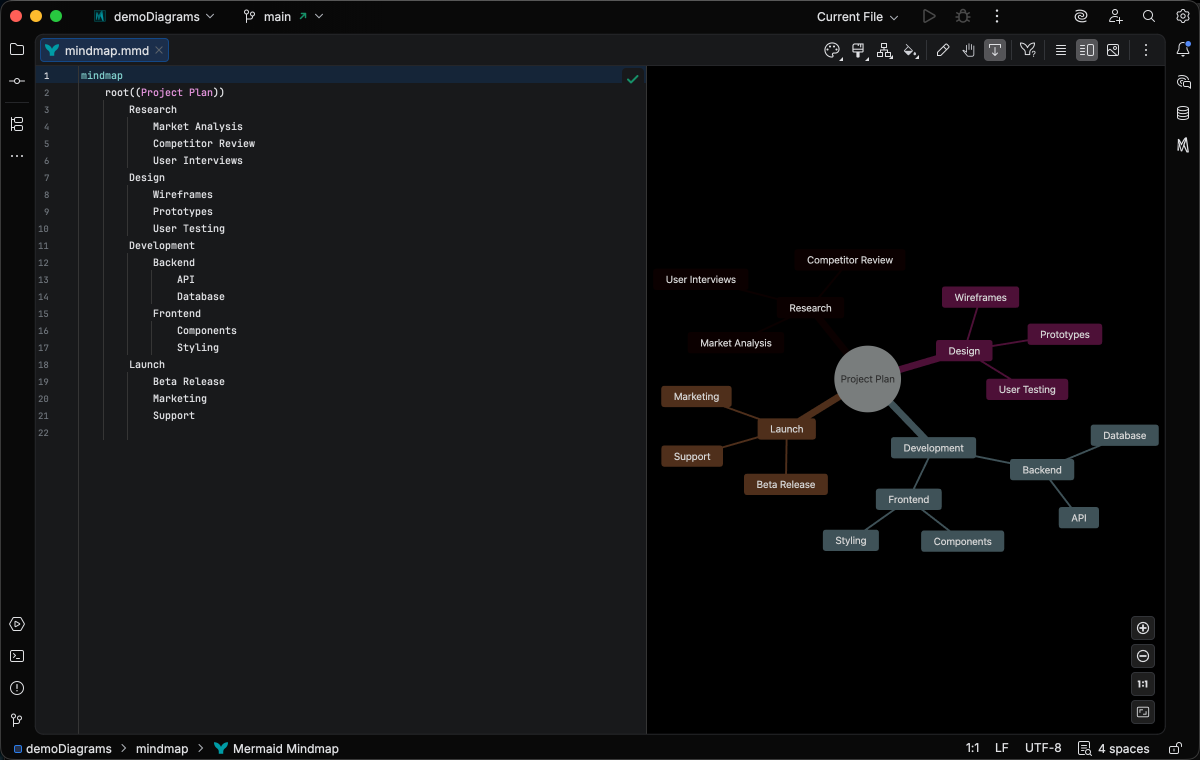
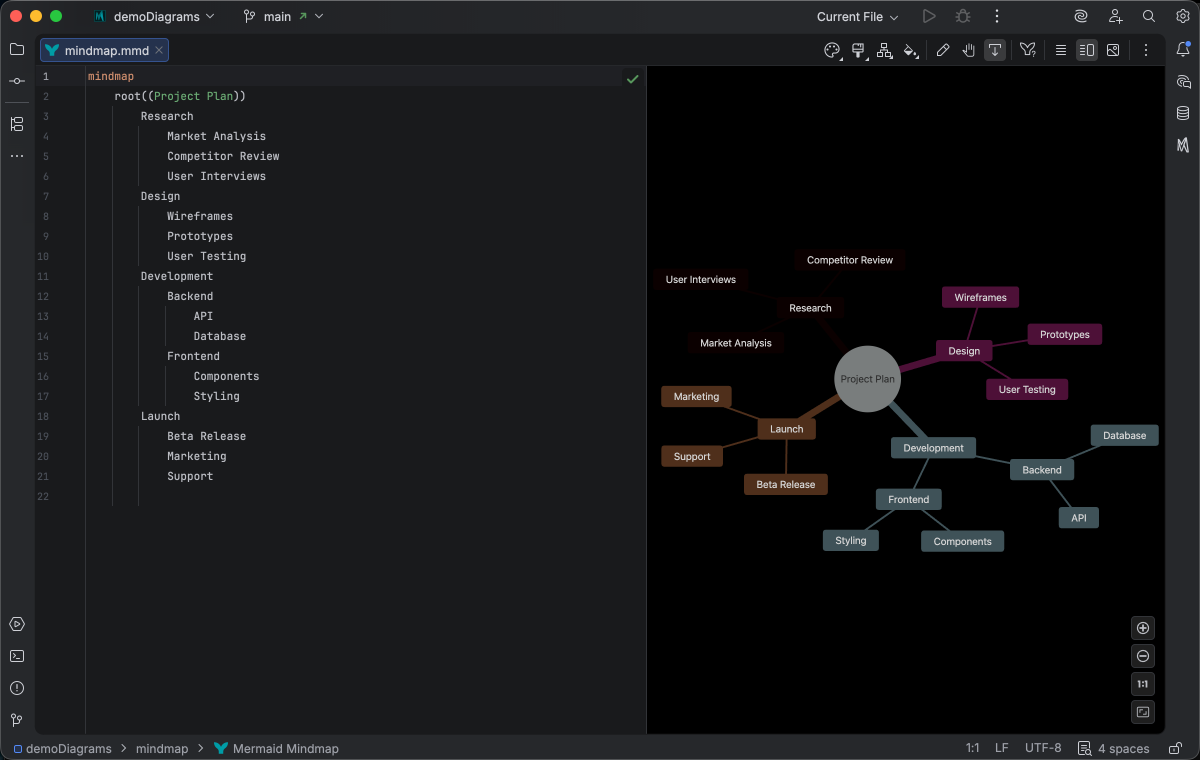
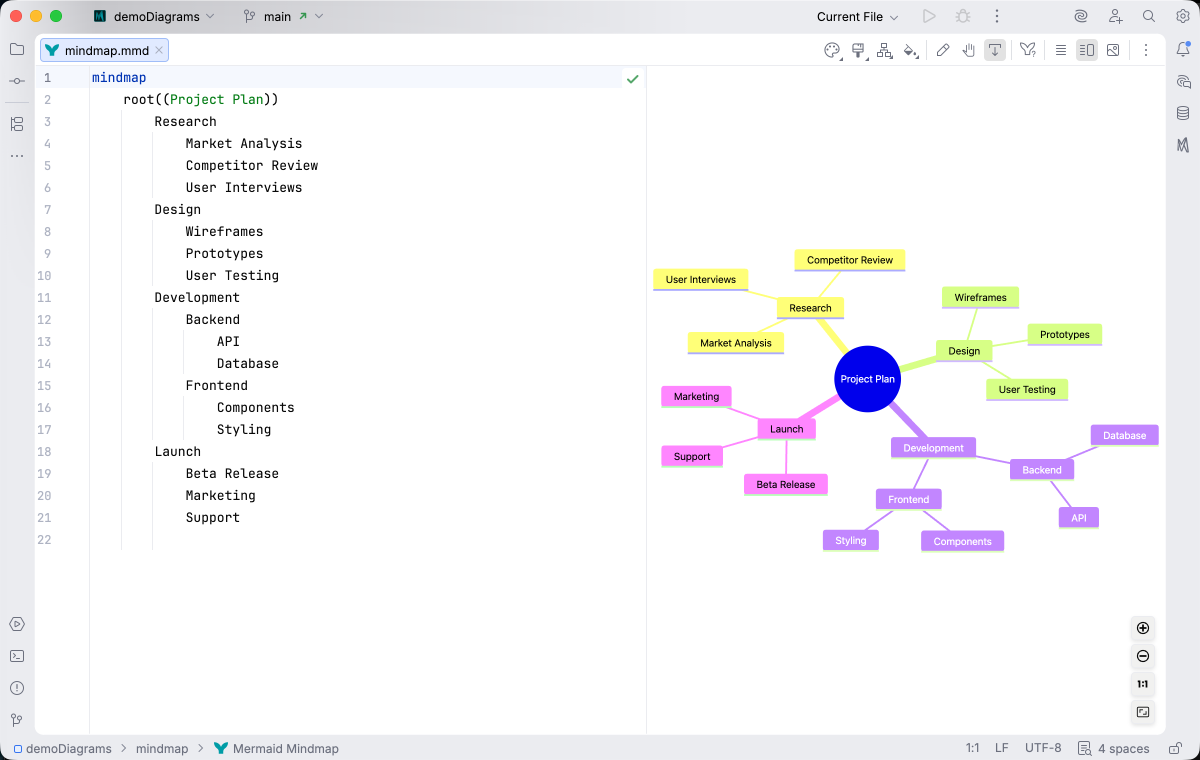
Section titled “Syntax Highlighting”Syntax highlighting integrates directly with IntelliJ’s color scheme system, so diagram colors always match your editor theme.
IDE Support
Section titled “IDE Support”The summary below shows the IDE support Mermaid Studio ships for mindmaps, grouped by capability.
Folding lets you collapse and expand structural blocks of the diagram source (subgraphs, frontmatter, multi-line strings) directly in the editor gutter. It keeps long diagrams navigable without forcing you to scroll past detail you don’t need right now.
Use the gutter triangles, Code → Folding, or the standard JetBrains shortcuts (
When the cursor sits next to a bracket, brace, or paren, Mermaid Studio highlights its matching pair across the whole diagram and lets you jump between them. This is especially valuable in nested syntax (subgraph blocks, JSON-style style strings, multi-shape labels) where it’s easy to lose track of which closer goes with which opener.
The line-comment action (
The formatter rewrites your diagram source to a canonical layout (consistent indentation, alignment of multi-line links, normalized whitespace around operators) without changing semantics.
It also clears up the whitespace mistakes that the Mermaid.js parser is picky about, normalizing spacing between tokens so the parser accepts the diagram on the first read instead of throwing a confusing syntax error.
Run it with Code → Reformat Code (
Pressing
A dedicated Grammar-Kit parser backs the highlighting, so tokens are colored by what they mean in the diagram (a type reference versus a label versus a style), not just what they look like. The same parser validates the syntax as you type, flagging malformed statements in place instead of letting one mistake cascade through the file.
This is the foundation richer features build on; the same grammar drives completions, refactoring, and inspections.
Per-diagram annotators apply rule-based highlighting above the lexer and parser, running on every keystroke and painting their results directly in the editor. Mermaid Studio uses them across the full range the platform supports: highlighting that token types alone cannot decide (coloring a reference by what it resolves to), semantic errors and warnings (an edge pointing at an undefined node, an invalid direction value), and inline cues such as marking duplicate labels. Unlike inspections (configurable checks listed in Settings), annotators are always on, whether a rule ends in a color or a warning.
Completion and validation for the YAML frontmatter block above the diagram body, driven by the diagram type’s slice of the Mermaid.js config schema. Config keys, enum values, and color properties complete as you type, and unknown or mistyped keys are flagged in place.
Inspections are static analyzers that run continuously and surface problems as you edit: duplicate IDs, undefined references, malformed syntax, deprecated patterns, missing required fields. Each inspection has a configurable severity (error, warning, info), can be suppressed inline, and most ship with a quick fix that resolves the issue with one keystroke.
This is where most of the editorial intelligence lives: a diagram type with rich inspections is much harder to break in subtle ways.
Rename refactoring (
The Structure tool window (
Bundled and user-authored color themes with light and dark variants that apply to this diagram type from the Appearance menu or the Switch Diagram Theme action. Applying a theme writes the resolved theme variables into the diagram’s frontmatter, so the file renders the same outside the IDE.
Quick Syntax Reference
Section titled “Quick Syntax Reference”Root Node Shapes
Section titled “Root Node Shapes”mindmap root((Circle Root))The root node uses double parentheses for a circular shape. Regular text creates a default rectangular shape.
Node Shapes
Section titled “Node Shapes”| Syntax | Shape |
|---|---|
id[text] | Square |
id(text) | Rounded |
id((text)) | Circle |
id))text(( | Bang |
id)text( | Cloud |
id{{text}} | Hexagon |
Hierarchy
Section titled “Hierarchy”Indentation defines the parent-child relationships. Child nodes are indented under their parent:
mindmap root Level 1 Child A Level 2 Child Level 1 Child BFor full syntax details, see the Mermaid.js mindmap documentation.