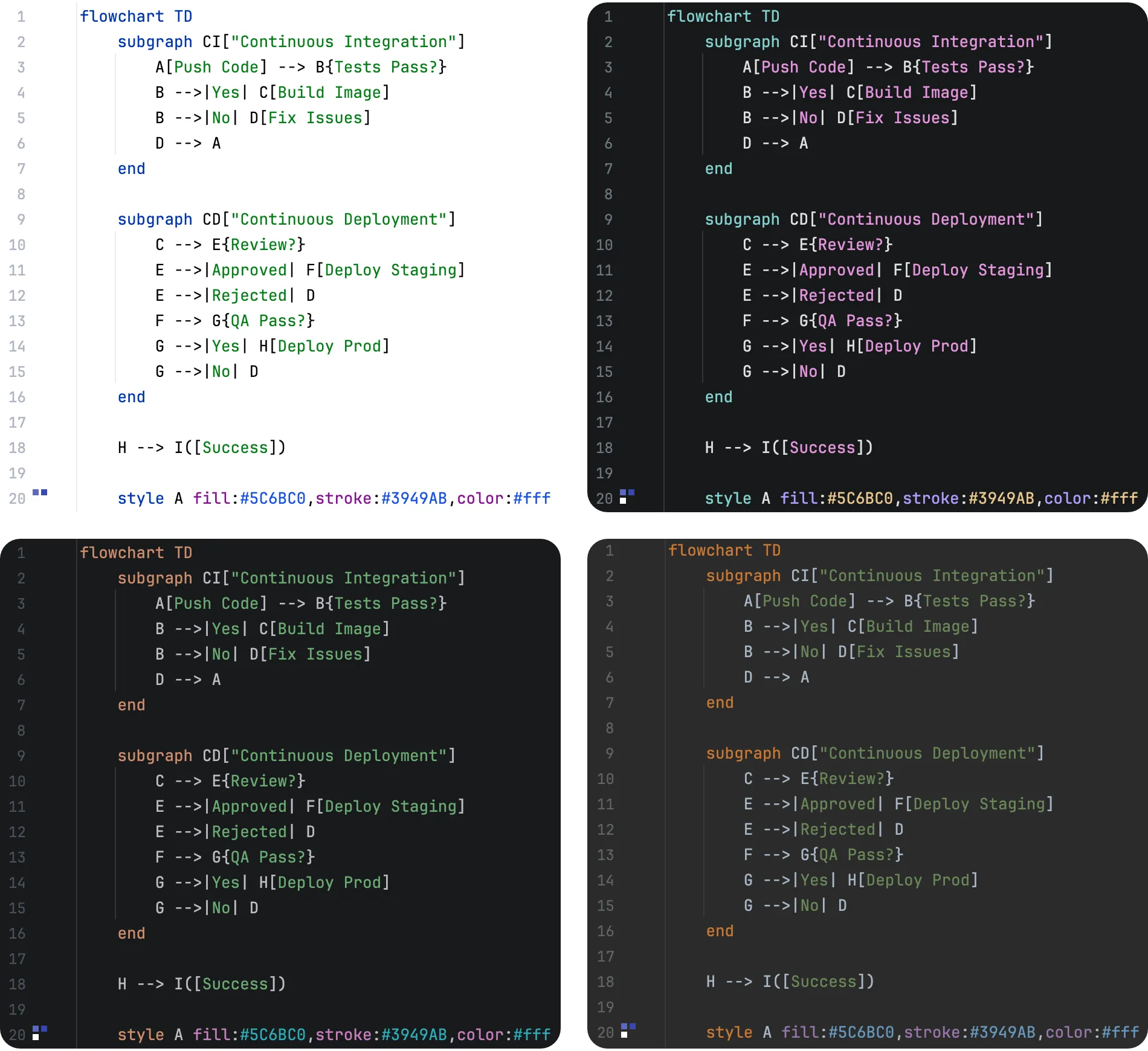
Syntax Highlighting
Last updated:
Mermaid Studio highlights every supported diagram type. Most types are backed by dedicated Grammar-Kit based parsers that understand the structure and semantics of each diagram, and a few run on a shared basic highlighting tier while their dedicated grammars are on the roadmap.
Semantic Syntax Highlighting
Section titled “Semantic Syntax Highlighting”Most syntax highlighters use regular expressions to identify tokens based on simple patterns. This works well for many languages, but Mermaid.js presents a unique challenge: 20+ diagram types, each with its own syntax, where the same text can have entirely different meanings depending on context.
Mermaid Studio uses dedicated parsers that understand each diagram type’s grammar. This enables semantic highlighting: coloring tokens based on what they mean, not just what they look like. You can see at a glance whether something is a node ID, a label, a type reference, or a keyword.
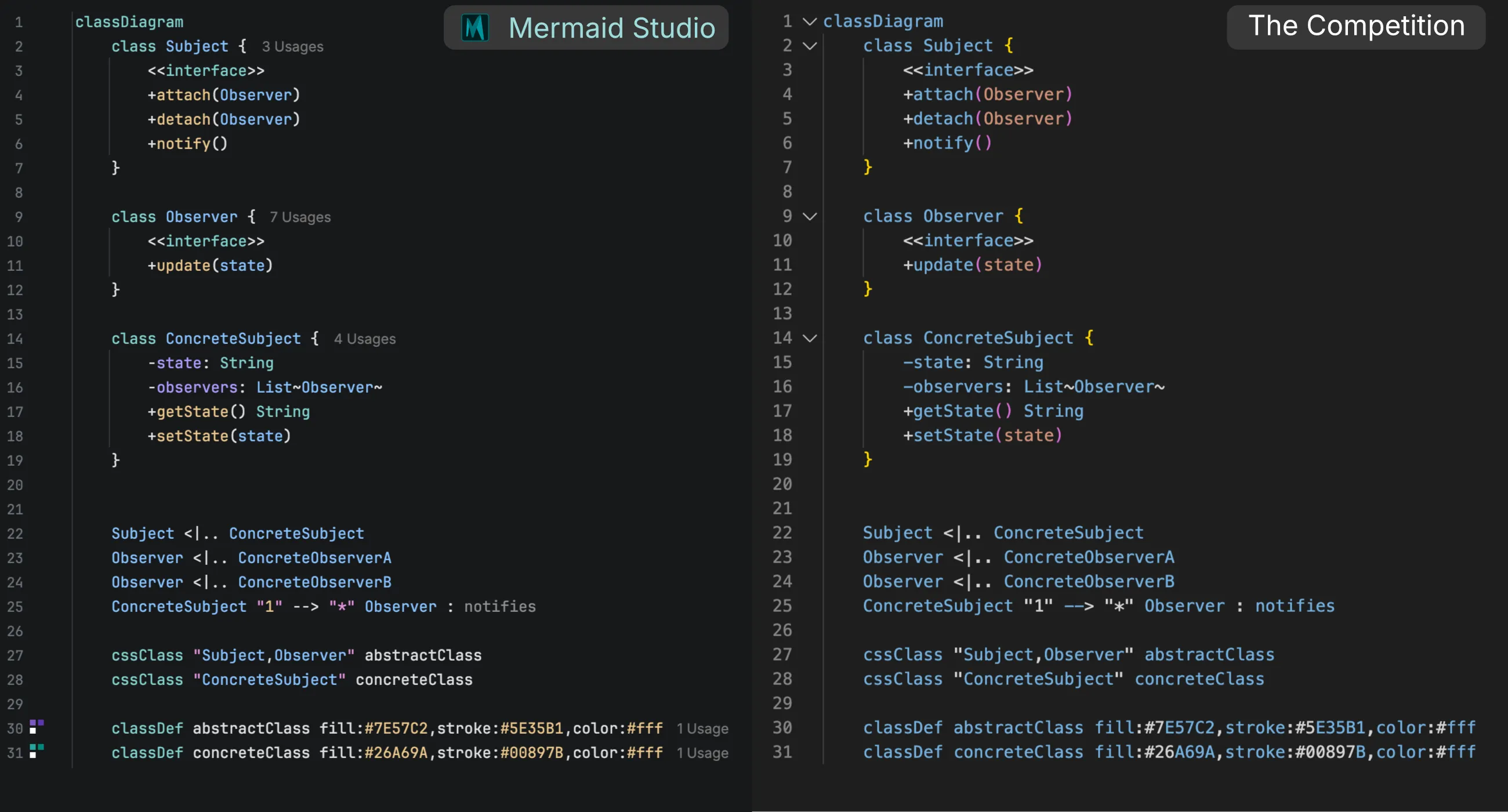
For example, every type identifier in a class-diagram member position is resolved against the file, and declared classes, generic parameters, primitives, and built-in types such as String or List each get their own color scheme attribute.
A class List { } declaration in your file makes every List reference highlight as a declared class instead of a built-in collection.
This parser foundation also powers Mermaid Studio’s code completion, error detection, and refactoring capabilities.
Basic Highlighting
Section titled “Basic Highlighting”Some newer diagram types share a generic diagram parser instead of a dedicated grammar: Use Case and Agentflow diagrams and the Railroad IR, ABNF, and PEG notations.
This generic parser enables “good enough” highlighting without the overhead of validating syntax exactly against the official Mermaid.js grammars. It’s also configurable, so it is able to support diagram-specific keywords, operators, and other common token types.
What basic highlighting includes
Section titled “What basic highlighting includes”The generic diagram language reads the diagram body with a shape-based lexer, so the editing basics work without a per-type grammar:
- Token highlighting — keywords, identifiers, strings, numbers, comments, and operators each get their own color scheme attribute
- Quote and bracket auto-close — typing an opening quote, parenthesis, bracket, or brace inserts the closing pair
- Brace matching — the editor highlights the matching bracket for the pair under the caret
- Code folding — multi-line brace pairs collapse to
(...),[...], or{...}placeholders (this also includes keyword-based pairs) - Parser errors in the editor — the Mermaid.js parser diagnostics inspection is on by default, so mistakes the renderer reports are marked in place while the diagram shows in a preview
For diagrams using the generic parser that use common style grammar idioms, like classDef or style statements, more advanced support is available.
This includes consistent style statement highlighting, CSS completion, class name completion and rename, and warnings for unused or unknown classes.
Features that do not depend on the diagram grammar work the same for basic-tier types as for every other diagram type, such as the live preview, frontmatter completion, and export.
What basic highlighting leaves out
Section titled “What basic highlighting leaves out”The generic language accepts any token stream, so nothing that requires understanding the diagram is available:
- No Mermaid Studio syntax validation — the editor shows only the errors Mermaid.js reports, and only while the diagram shows in a preview
- No completion of names — node, actor, and rule names are not completed
- No references — rule and node names cannot be renamed, resolved, or searched with Find Usages
- No formatting, structure view, or structural inspections
The Basic highlighting status bar indicator
Section titled “The Basic highlighting status bar indicator”When the active editor contains a basic-tier diagram, the status bar shows a Basic highlighting entry, so you can tell the editor is not validating the syntax itself. Hover the entry for a tooltip naming the diagram type, for example “Mermaid Railroad (ABNF): basic highlighting is active. Syntax validation is not available for this diagram type.”
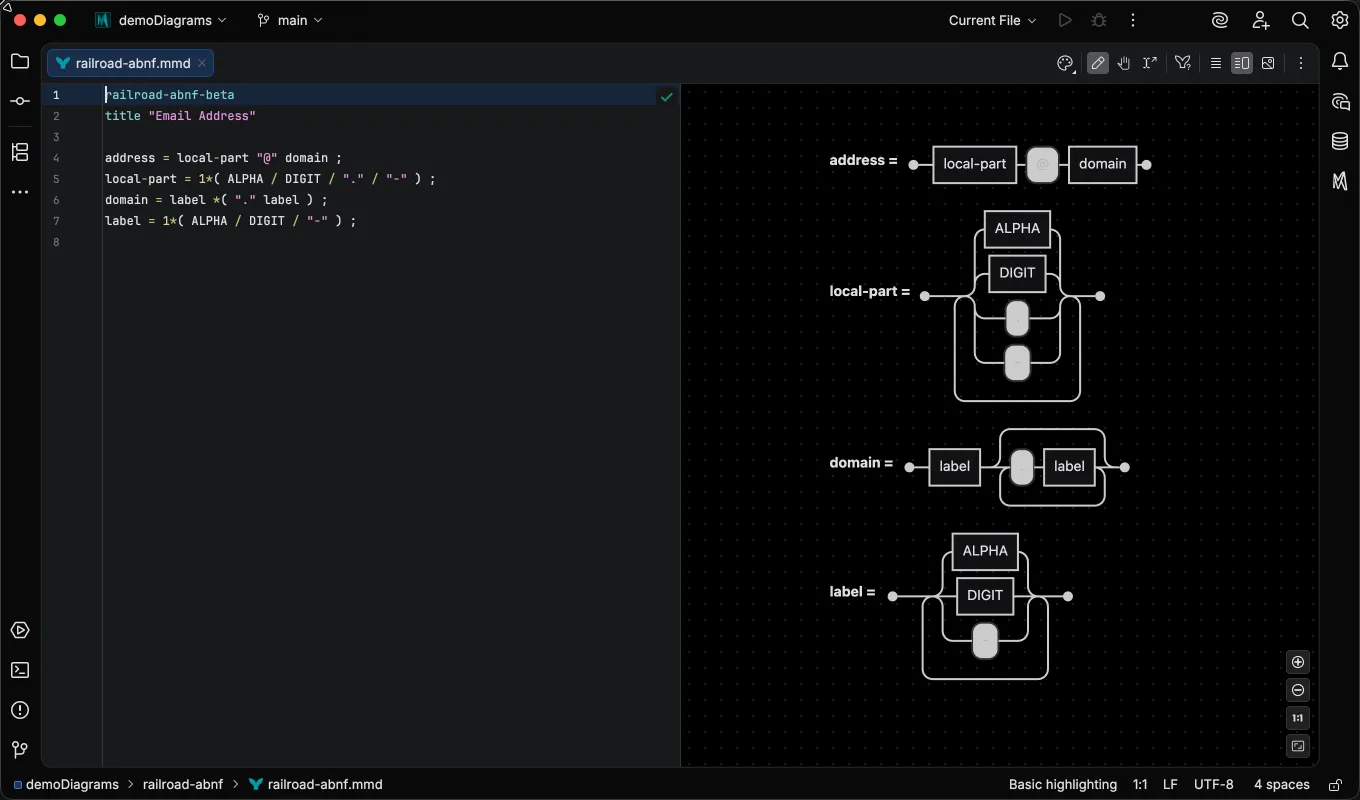
The indicator disappears when you switch to a file backed by a dedicated grammar.
Basic vs semantic highlighting
Section titled “Basic vs semantic highlighting”For a valid diagram, the two tiers look almost identical, since both color strings, comments, numbers, and operators the same way. The difference shows in two places.
First, a dedicated grammar colors identifiers by role.
In Railroad EBNF, a rule name on the left-hand side of a definition gets the declaration color while references to it on the right-hand side get the reference color, and
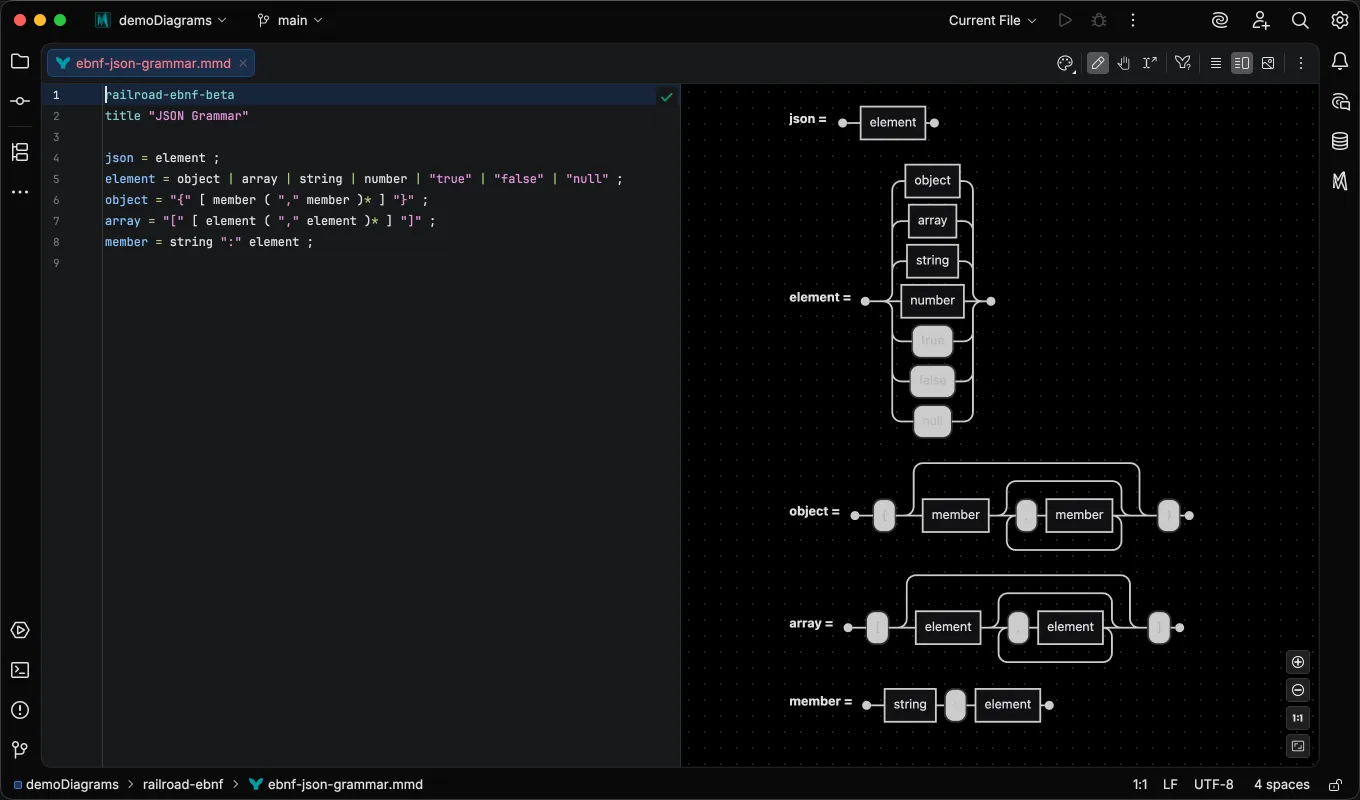
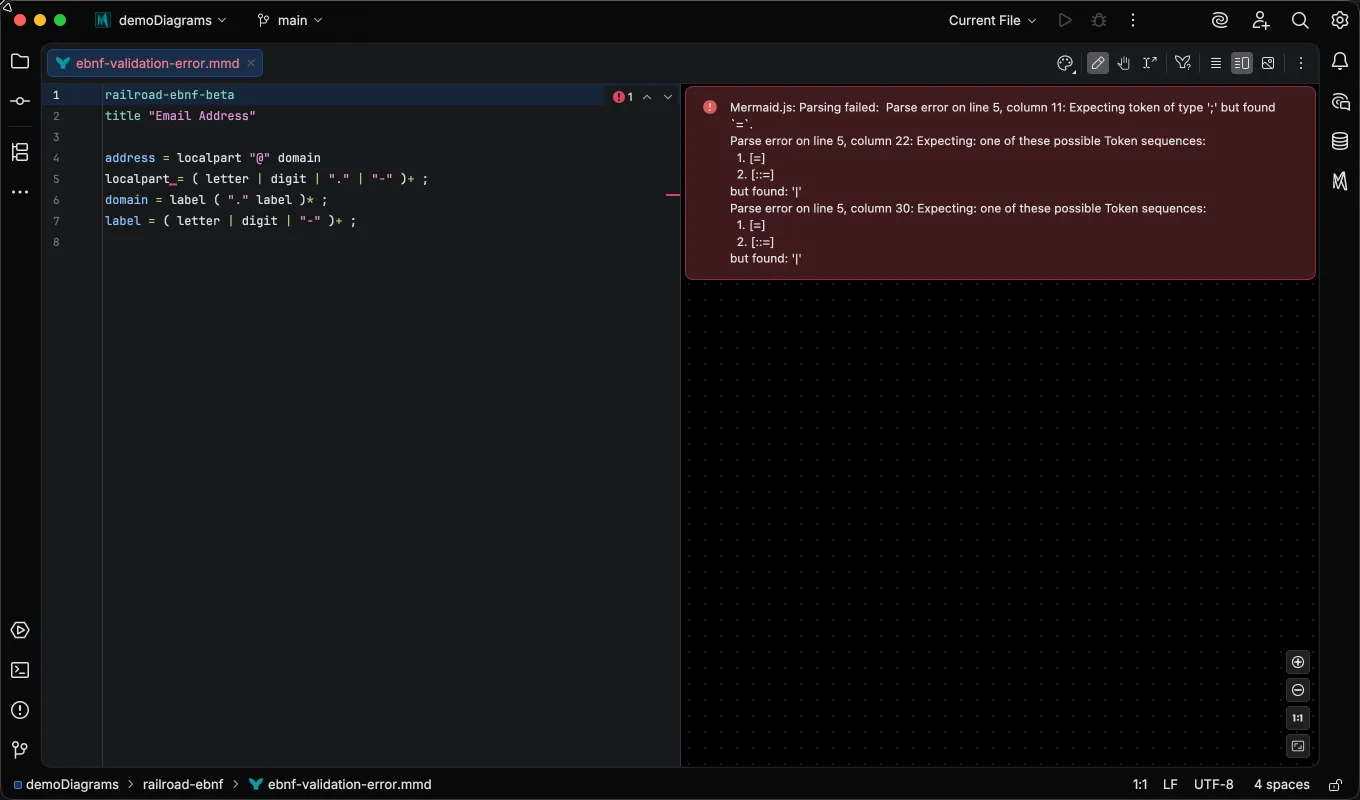
Second, a dedicated grammar validates as you type. In the EBNF file below, the parser marks a missing semicolon with an error annotation and the inspections widget reports it:
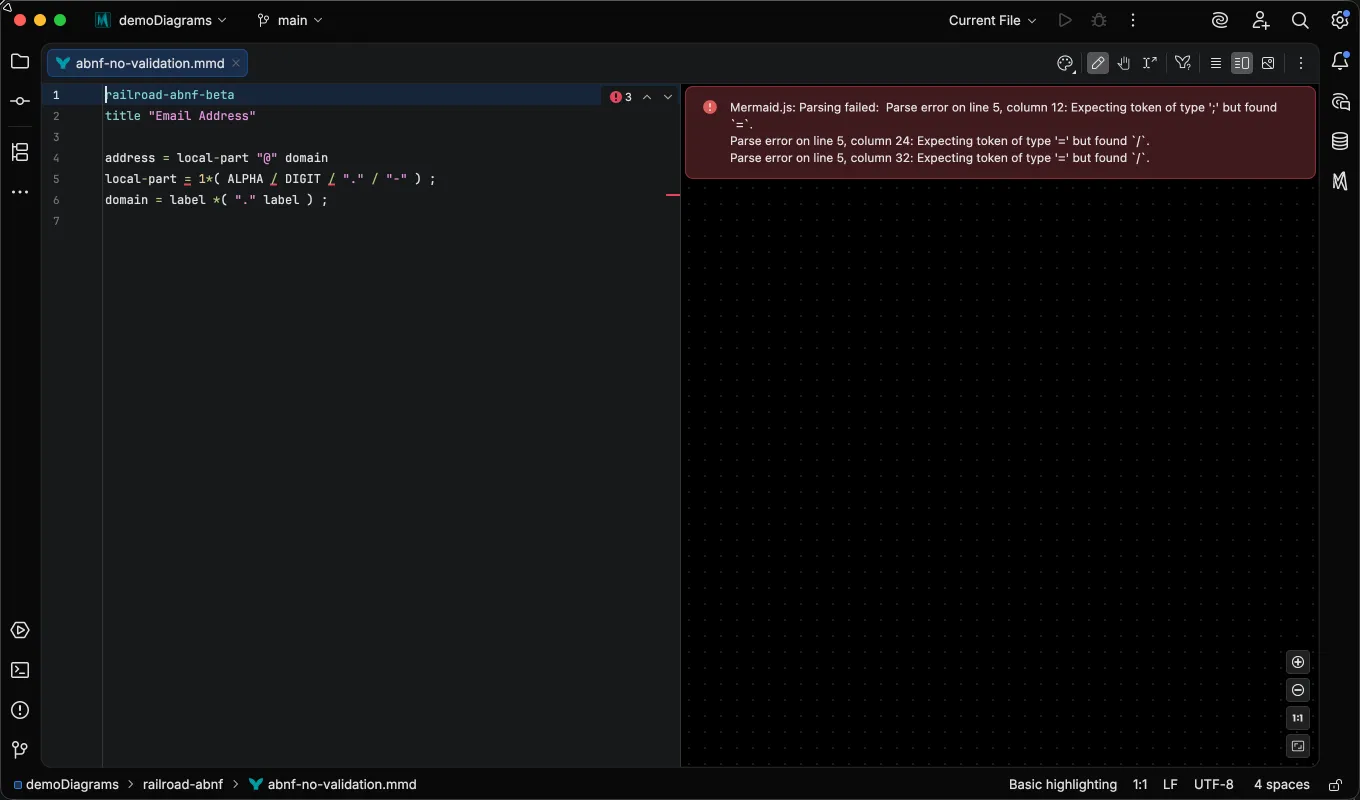
In an ABNF file, the same mistake is marked too, but the error comes from Mermaid.js rendering the preview. The parser diagnostics inspection maps the renderer’s parse error back to a source location and highlights it, so you see the problem without switching to the preview. Because the check runs in the preview, it only reports errors while the diagram is showing there:
Customizing Colors
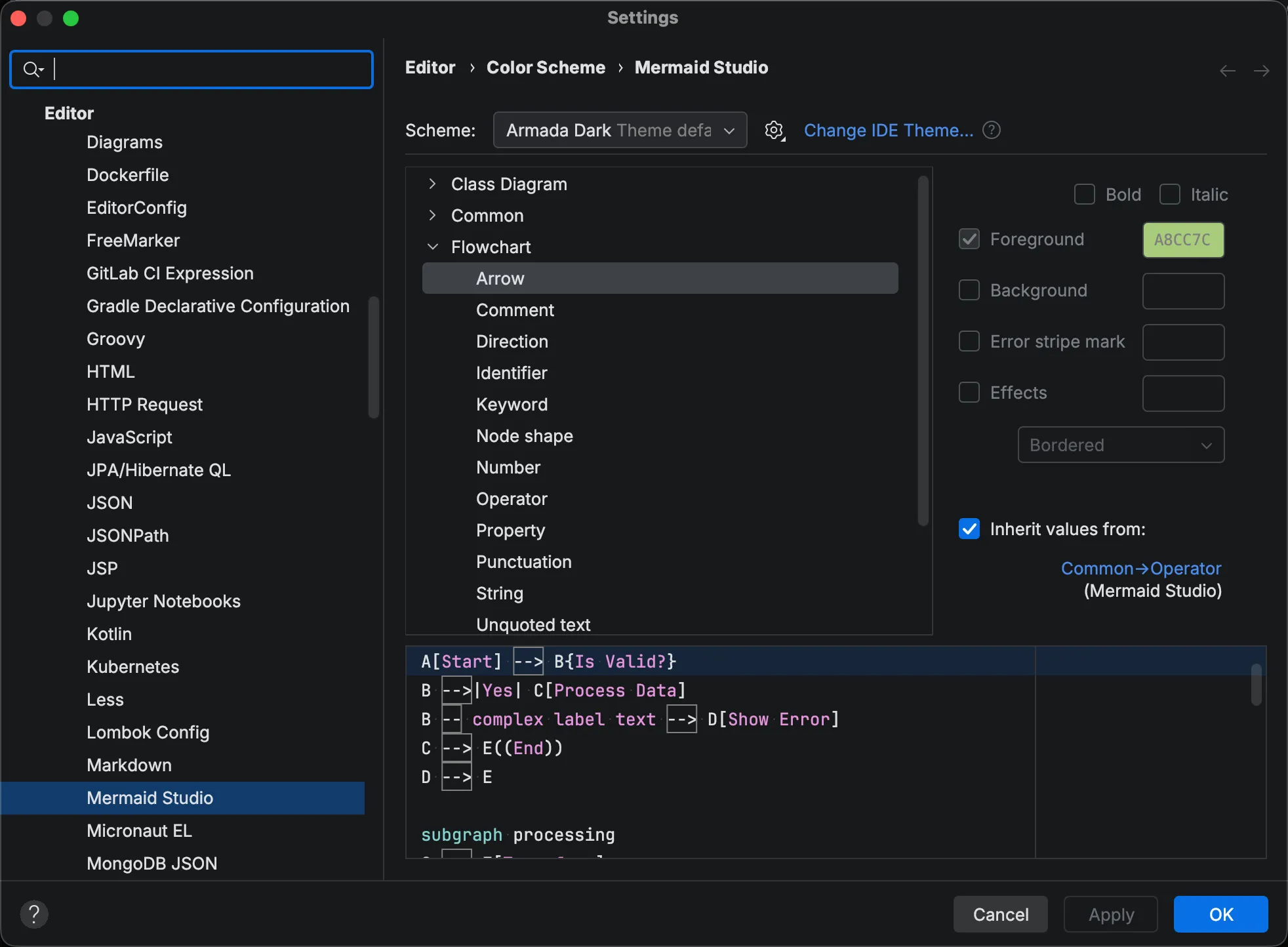
Section titled “Customizing Colors”Syntax highlighting colors adapt to your current IDE color scheme. You can also customize individual element colors.
-
Open Settings (
Command + Comma Command, Control + Alt + S CtrlAltS ). -
Navigate to Editor > Color Scheme > Mermaid Studio.
-
Expand a group and select the element you want to customize.
-
Adjust the foreground color, background color, or font style.
-
Click Apply to see your changes.
Common holds the attributes shared across diagram types, and the other groups cover the types that expose additional elements of their own, such as Flowchart, Class Diagram, and Railroad. Diagram types without a group of their own draw their colors from Common, so changing an attribute there applies everywhere it isn’t overridden.
Depth-Based Highlighting
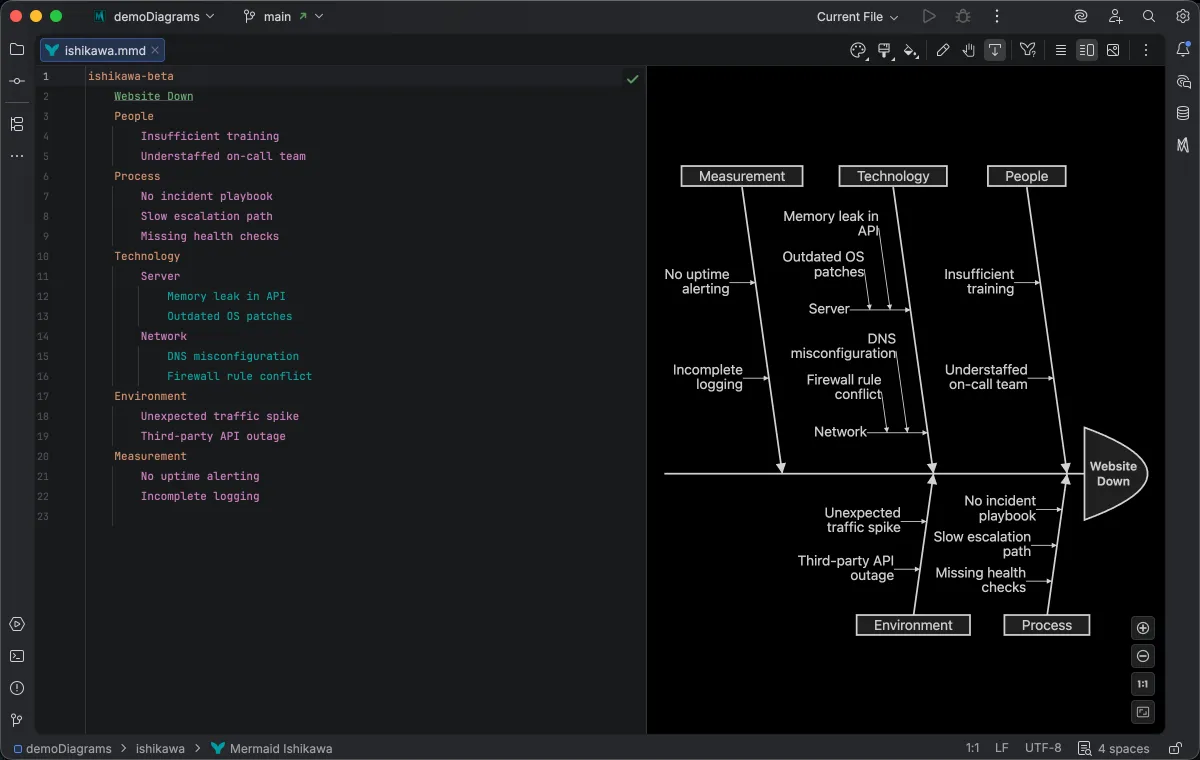
Section titled “Depth-Based Highlighting”Ishikawa (fishbone) diagrams use indentation-based depth highlighting, where causes at different nesting levels are colored distinctly. This makes it easy to see the hierarchy of causes at a glance without counting indentation levels.
Theme Compatibility
Section titled “Theme Compatibility”Mermaid Studio’s syntax highlighting uses the IDE’s editor color scheme system, so default colors match your preferred theme without any additional configuration.