Mermaid Runtime
Last updated:
Mermaid Studio lets you customize how diagrams are rendered through runtime configuration overrides. You can set global defaults or configure different settings for preview, markdown, and export contexts.
Mermaid.js Version
Section titled “Mermaid.js Version”Mermaid Studio bundles multiple Mermaid.js versions. You can choose which version to use for rendering in the Mermaid Runtime settings.
The version picker at the top of the Mermaid Runtime settings page. When no explicit selection is made, the default (latest) version is used.
Version Compatibility Hints
Section titled “Version Compatibility Hints”When using diagram type not supported by the active Mermaid.js version, a banner will appear at the top of the editor indicating which version is required.
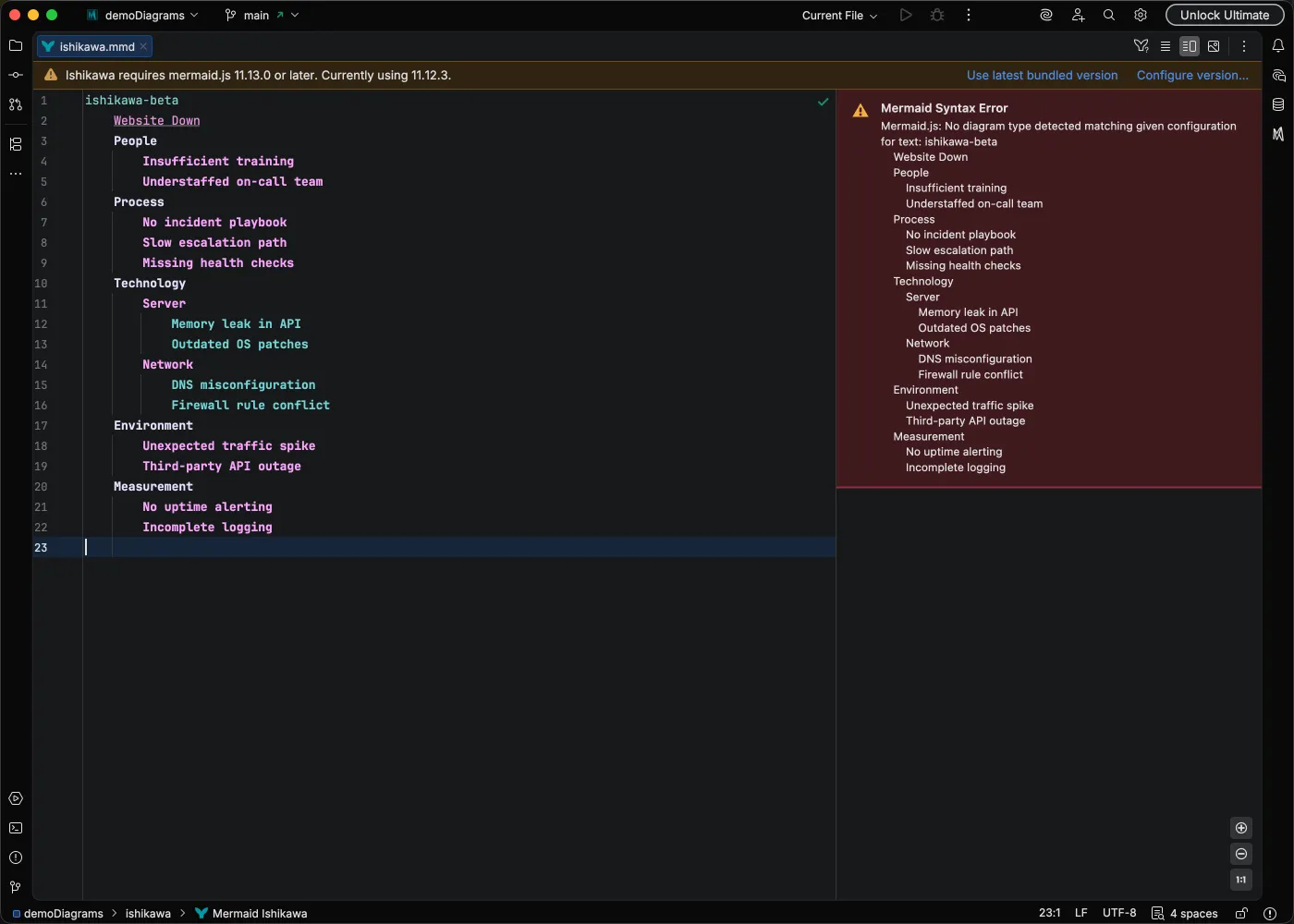
Version-related syntax compatibility issues will mention the version mismatch in the error message.
Bundled Versions
Section titled “Bundled Versions”The following Mermaid.js versions are currently bundled:
| Version | Notes |
|---|---|
| 11.13.0 | Latest (default) |
| 11.12.3 | Previous stable version |
Configuration Contexts
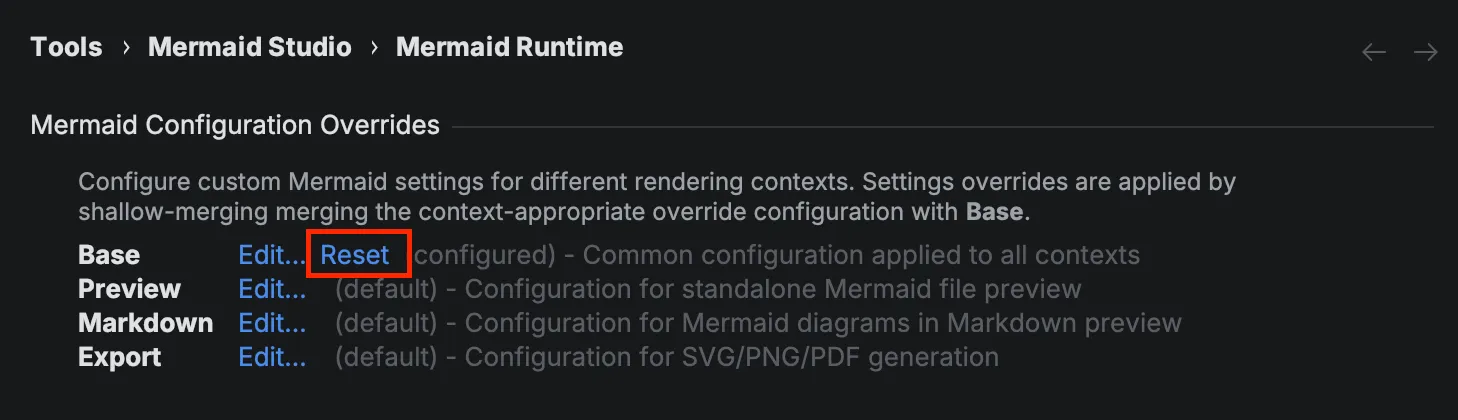
Section titled “Configuration Contexts”Mermaid Studio supports four configuration contexts:
| Context | Description |
|---|---|
| Base | Common configuration applied to all contexts |
| Preview | Configuration for standalone .mmd file preview |
| Markdown | Configuration for Mermaid diagrams in Markdown preview |
| Export | Configuration for SVG/PNG export and printing |
Configuration Merge Order
Section titled “Configuration Merge Order”When rendering a diagram, configuration is shallow-merged in the following order:
Each layer overrides values from the previous layer.
For example, if Base sets theme: dark and the Preview context sets theme: forest, previews will use the forest theme while other contexts use dark.
Editing Configuration
Section titled “Editing Configuration”-
Open Settings (
Command + Comma Command, Control + Alt + S CtrlAltS ) and navigate to Tools > Mermaid Studio > Mermaid Runtime.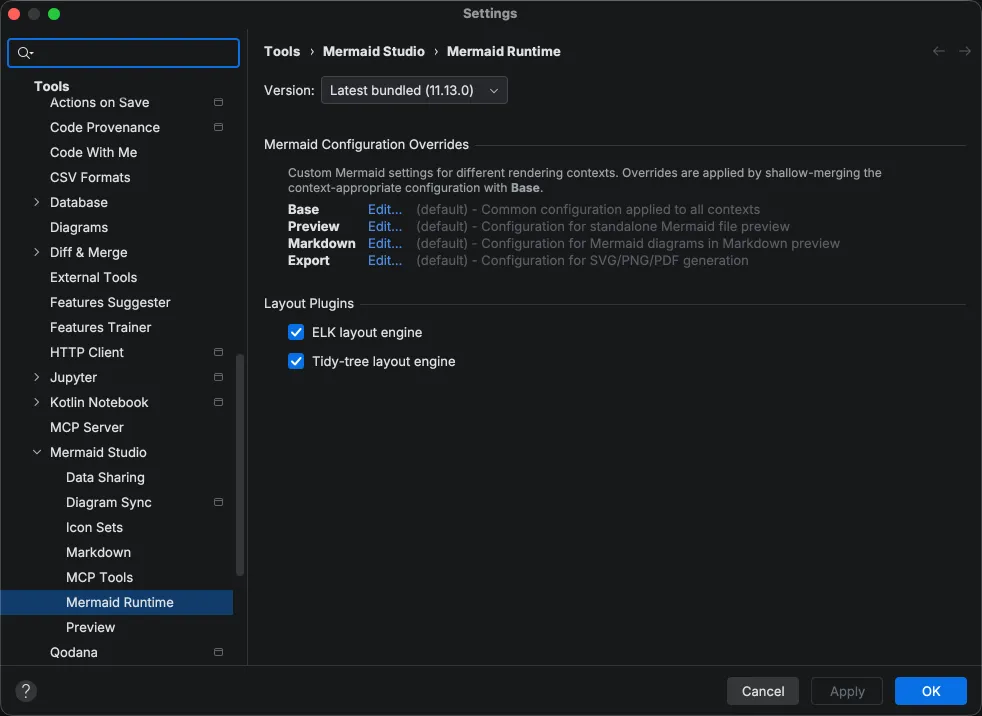
-
Click Edit… next to the context you want to configure.
-
Edit the YAML configuration in the editor that opens.
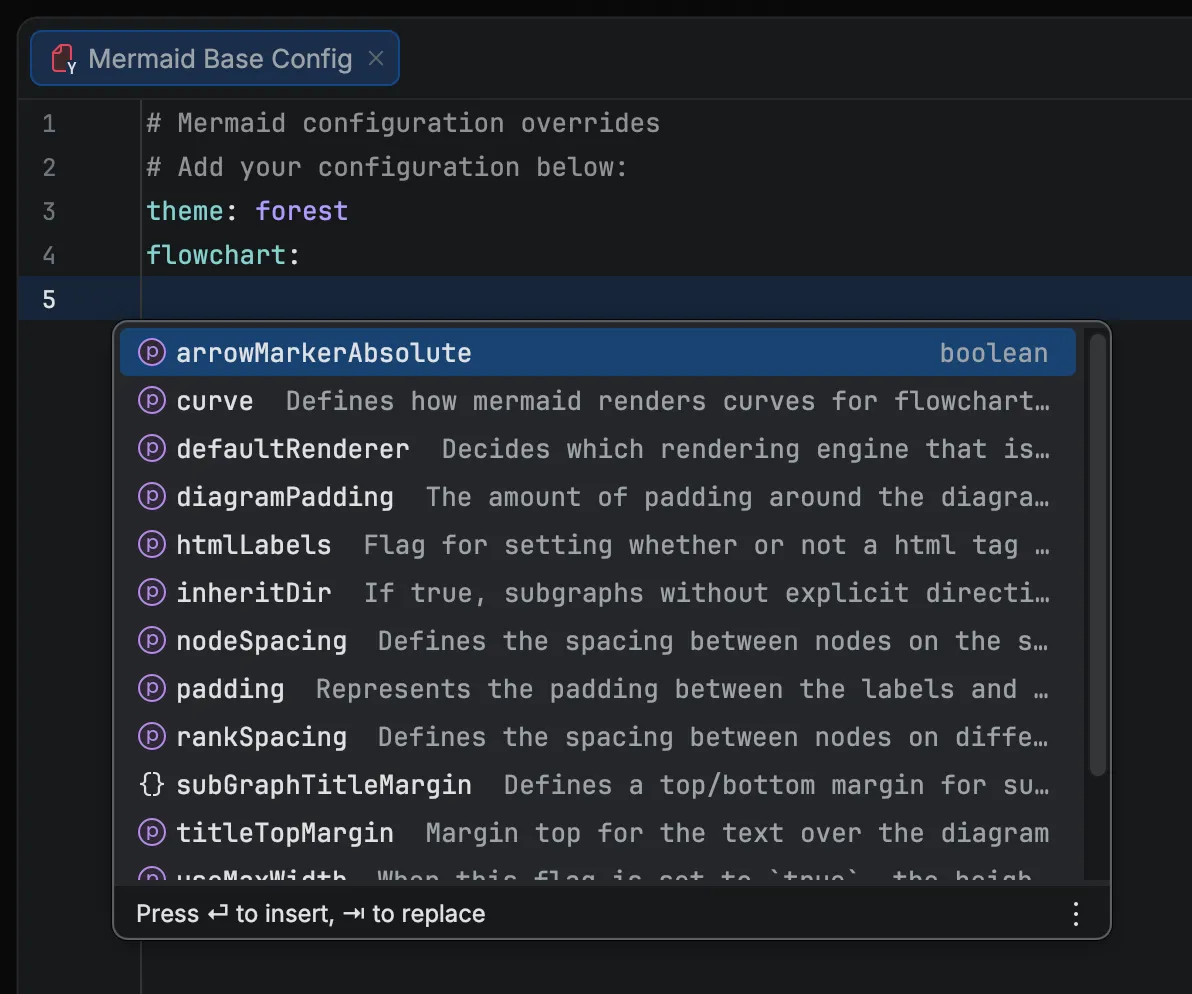
The editor provides JSON schema-based validation and code completion for all available Mermaid configuration options. See the Mermaid configuration docs for the complete list of options.
-
Save or close the file to apply changes.
To reset a context to defaults, click Reset next to that context.
Configuration Options
Section titled “Configuration Options”The table below lists common configuration keys. The editor provides code completion for all available options, and the full reference is in the Mermaid configuration docs.
| Key | Values | Description |
|---|---|---|
theme | default, dark, forest, neutral, base | Diagram color theme |
look | classic, handDrawn | Rendering style |
layout | dagre, elk, tidy-tree | Layout algorithm (see Layout Plugins) |
fontFamily | Any CSS font stack | Font used in diagrams |
You can also configure options for specific diagram types using nested keys like flowchart.curve or sequence.mirrorActors.
theme: neutralHand-Drawn Look
Section titled “Hand-Drawn Look”look: handDrawntheme: neutralfontFamily: "fantasy"Setting handDrawnSeed ensures consistent rendering across previews.
Diagram-Specific Options
Section titled “Diagram-Specific Options”Nest options under the diagram type key to target a specific diagram:
flowchart: curve: stepLayout Plugins
Section titled “Layout Plugins”Mermaid Studio includes optional layout plugins that provide advanced layout algorithms. Enable them in the Mermaid Runtime settings, then reference them with layout: in your configuration or frontmatter.
ELK Layout Engine
Section titled “ELK Layout Engine”ELK (Eclipse Layout Kernel) provides layered, force-directed, and tree layouts for flowcharts.
- Check ELK layout engine in the Mermaid Runtime settings
- Set
layout: elkin your configuration or frontmatter
Tidy-Tree Layout
Section titled “Tidy-Tree Layout”Tidy-tree provides optimized tree layout for hierarchical diagrams. Currently supported only in mindmap diagrams.
- Check Tidy-tree layout engine in the Mermaid Runtime settings
- Set
layout: tidy-treein your configuration or frontmatter
Layout plugins may increase preview loading time and memory usage.
Per-Diagram Configuration
Section titled “Per-Diagram Configuration”You can also configure individual diagrams using YAML frontmatter, which takes precedence over runtime configuration overrides:
---config: flowchart: curve: cardinal---flowchart LR A[Start] --> B{Decision} B -->|Yes| C[Action] B -->|No| D[Skip] C --> E[Done] D --> EExample Configuration
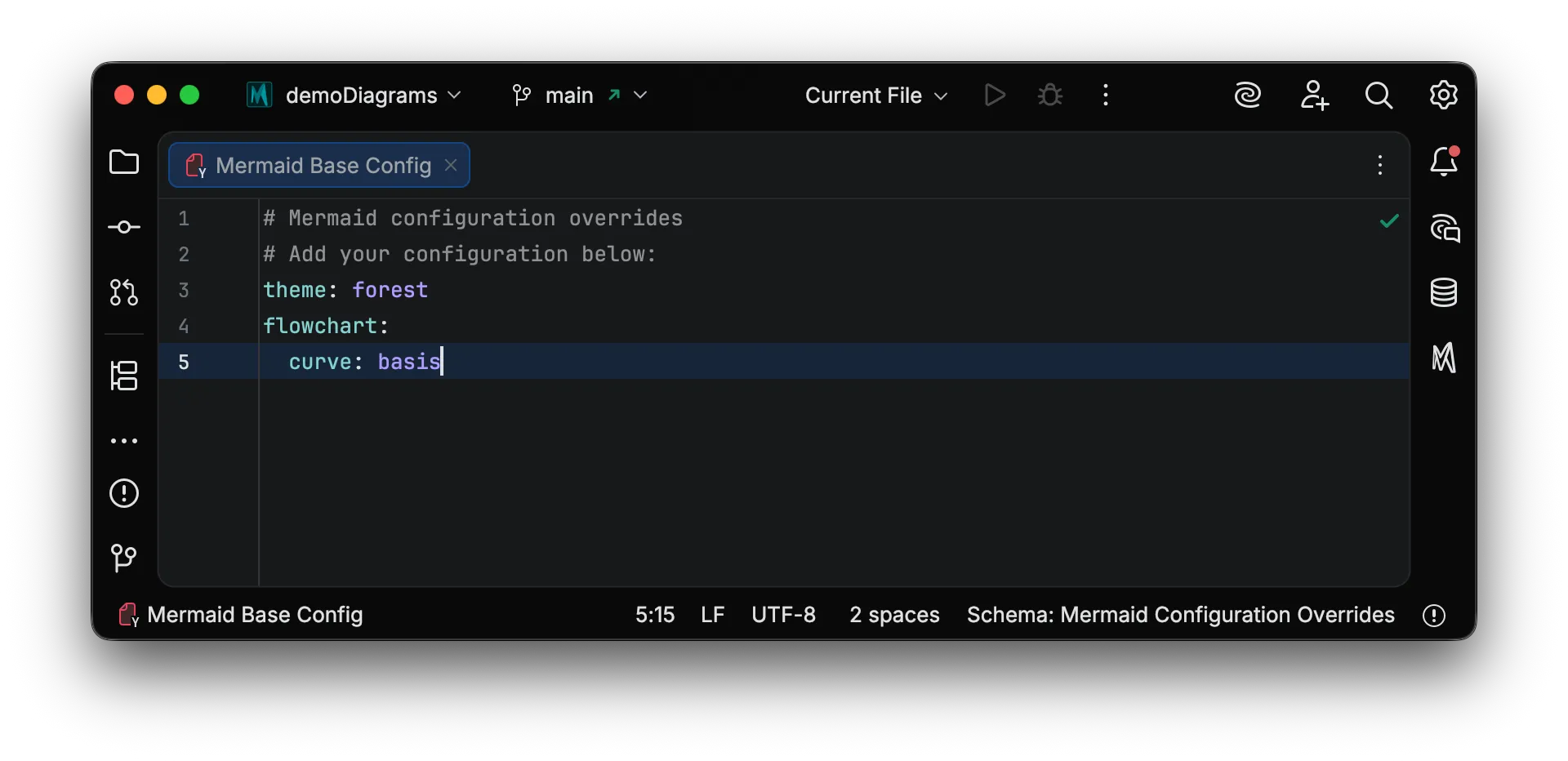
Section titled “Example Configuration”The config editor supports YAML with schema-based validation and code completion: