
Architecture Diagram
Last updated:
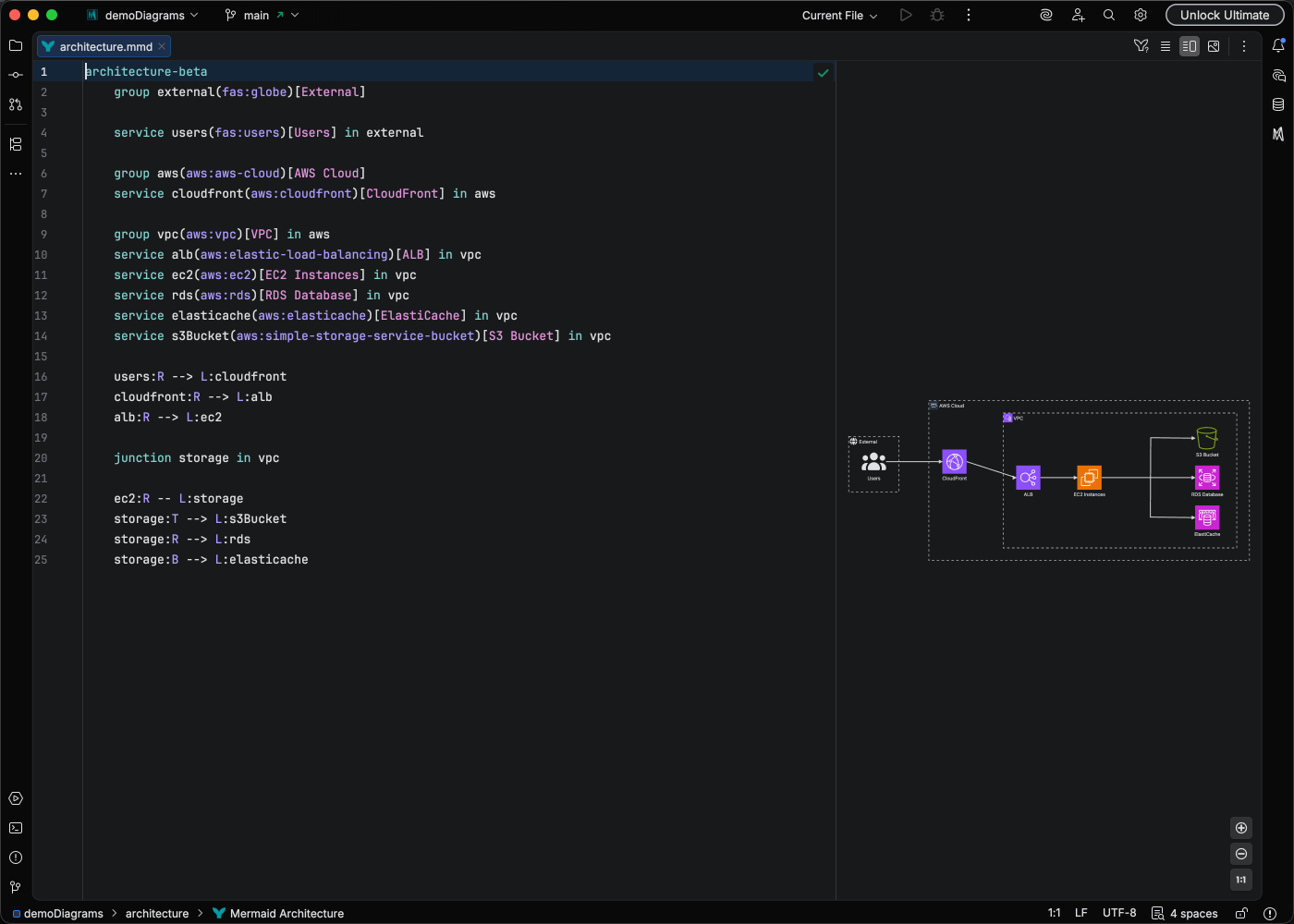
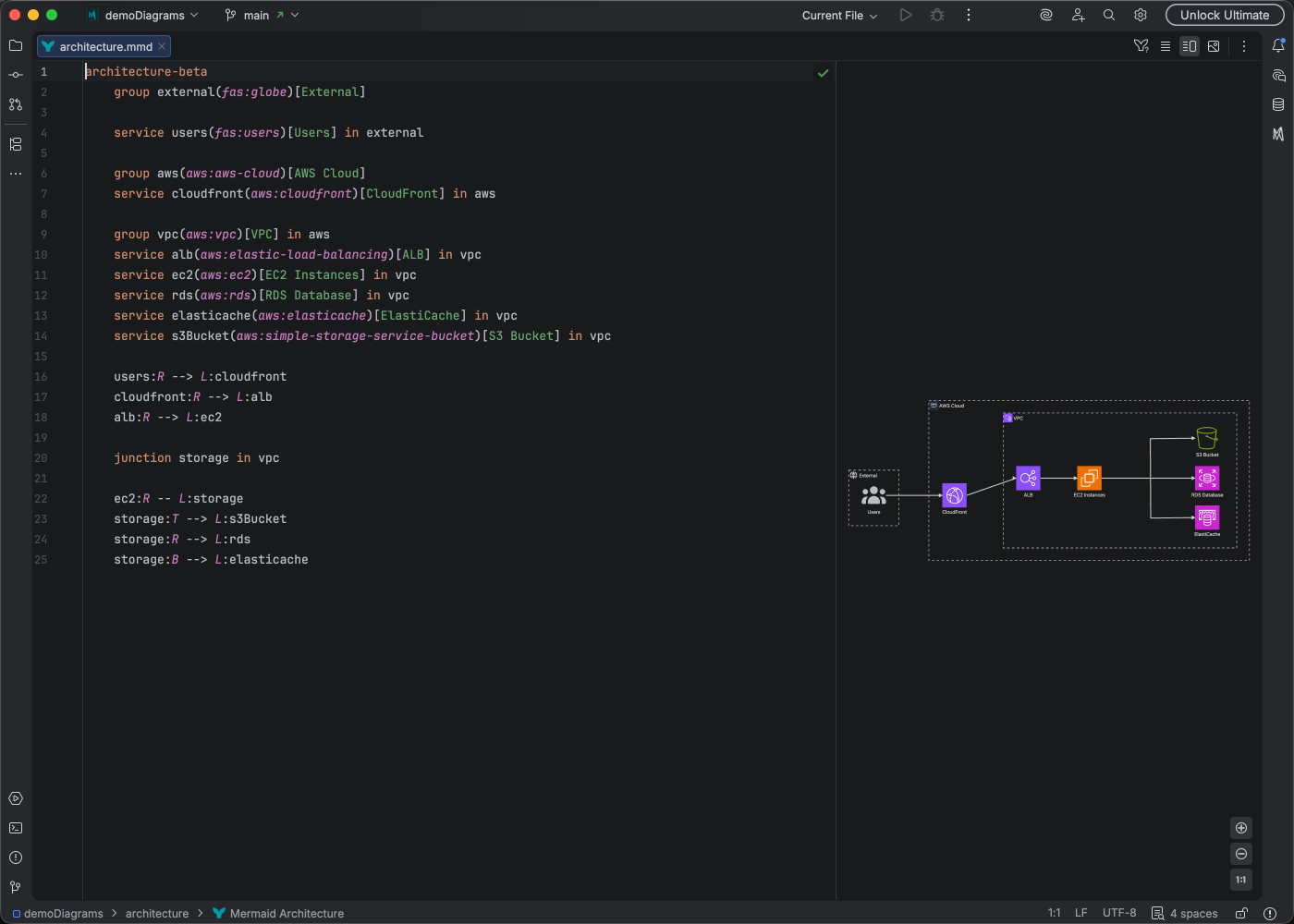
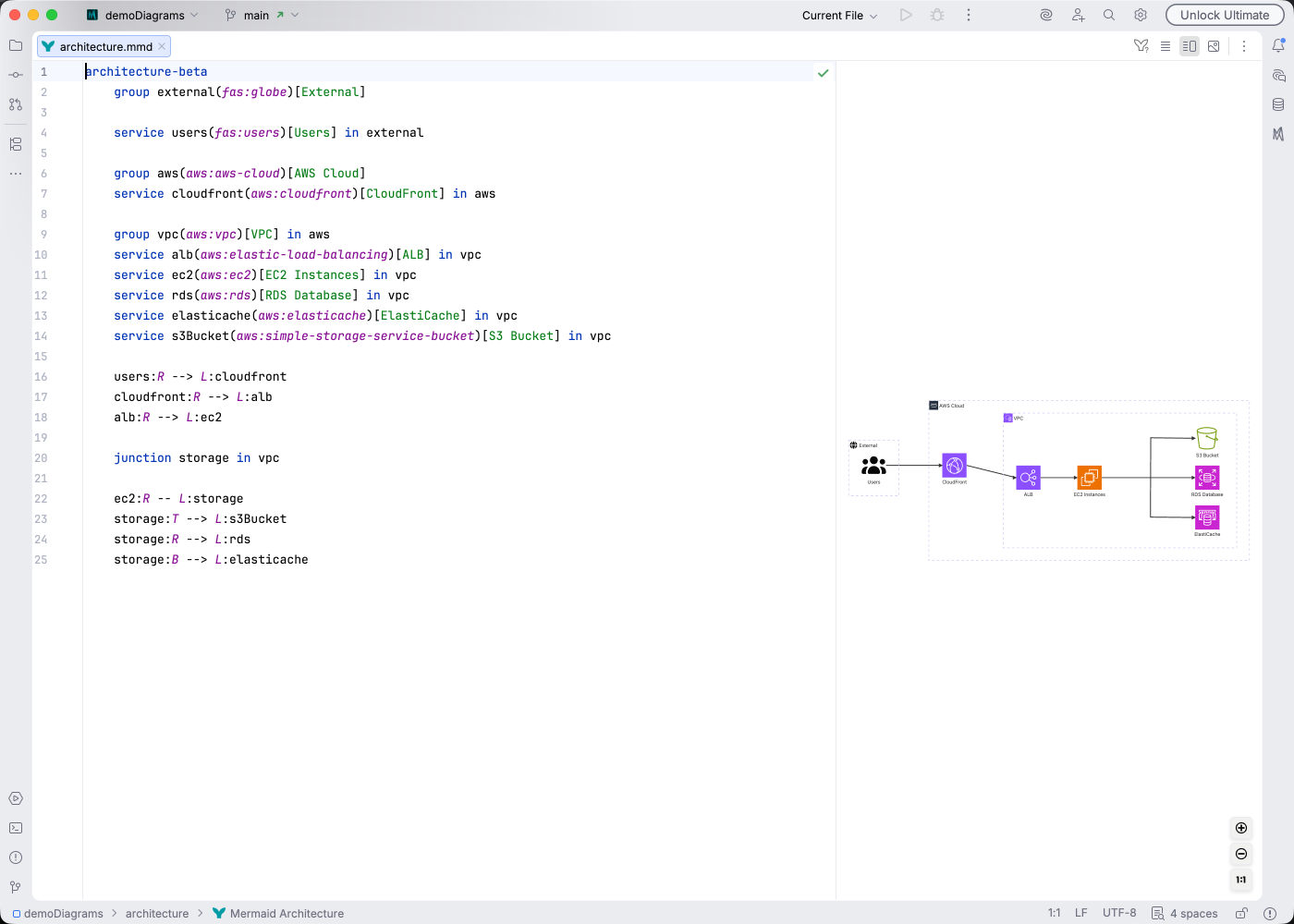
Architecture diagrams display system components, services, and their relationships using cloud-style iconography.
Syntax Highlighting
Section titled “Syntax Highlighting”Syntax highlighting integrates directly with IntelliJ’s color scheme system, so diagram colors always match your editor theme.
IDE Support
Section titled “IDE Support”Mermaid Studio provides comprehensive support for architecture diagrams:
- Syntax highlighting for groups, services, edges, and junctions
- Code completion for keywords, edge syntax, and icon names
- Rename refactoring to update service and group names
- Find usages to locate references to services
- Brace matching for group boundaries
- Inspections to detect structural issues
- Navigation bar for quick access to diagram elements
- Structure view for hierarchical overview
- Documentation hover for element information
- Formatting - Auto-format your diagram code
Learn More
Section titled “Learn More”For complete syntax documentation including icon types and junction connections, see the Mermaid.js Architecture documentation.