
Git Graph
Last updated:
Git graphs display commit history, branches, and merges in a visual format that mirrors Git workflows.
Syntax Highlighting
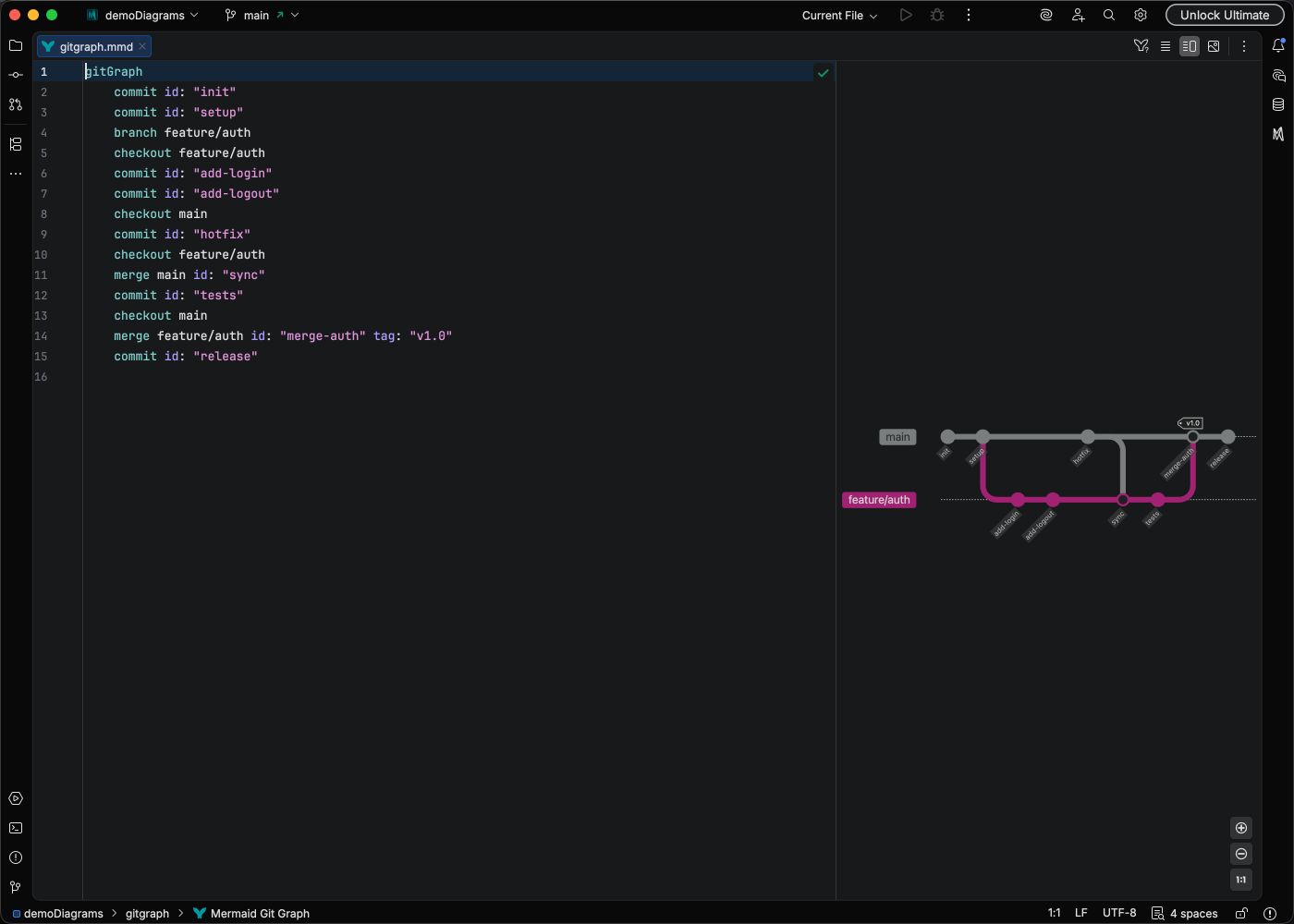
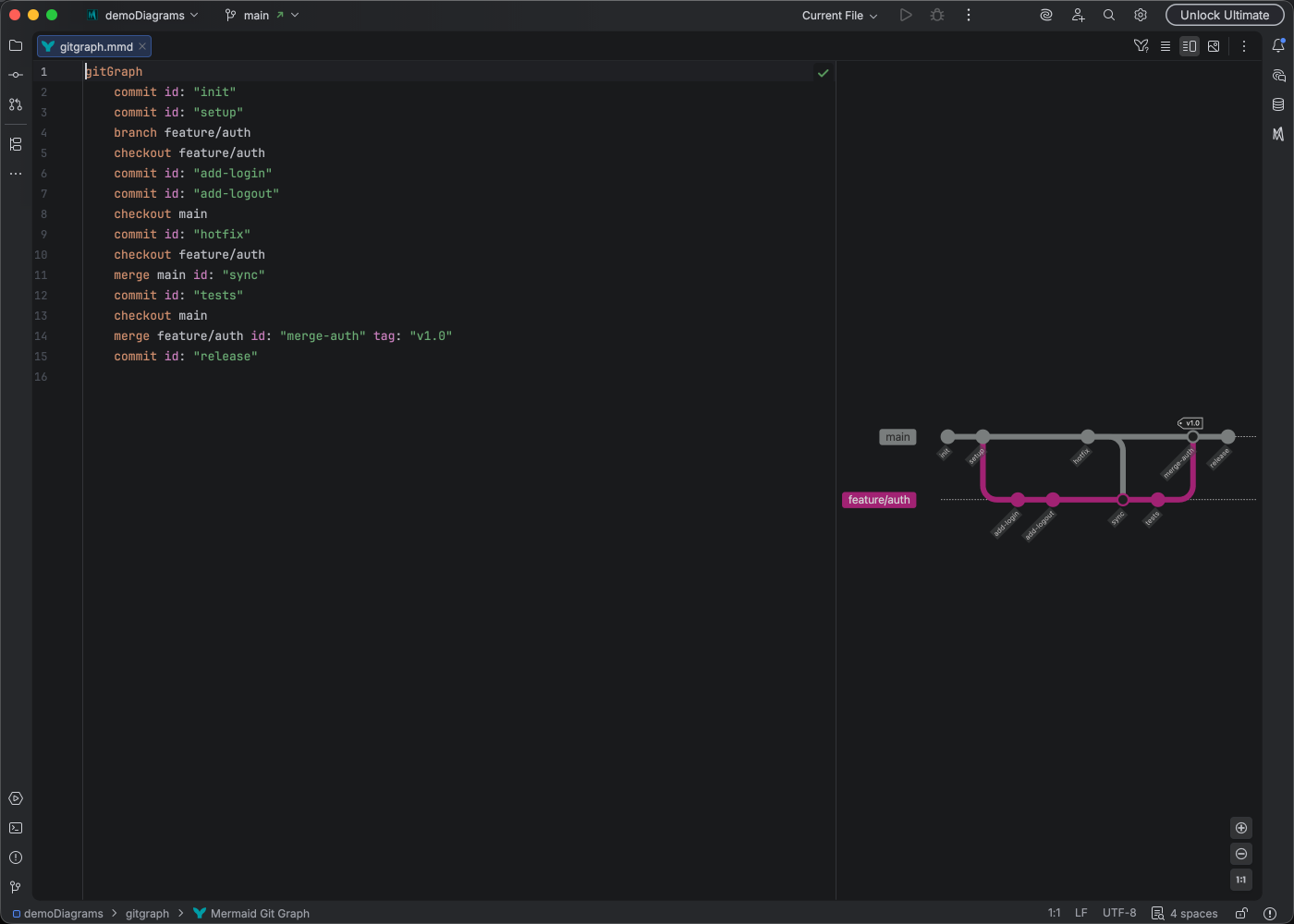
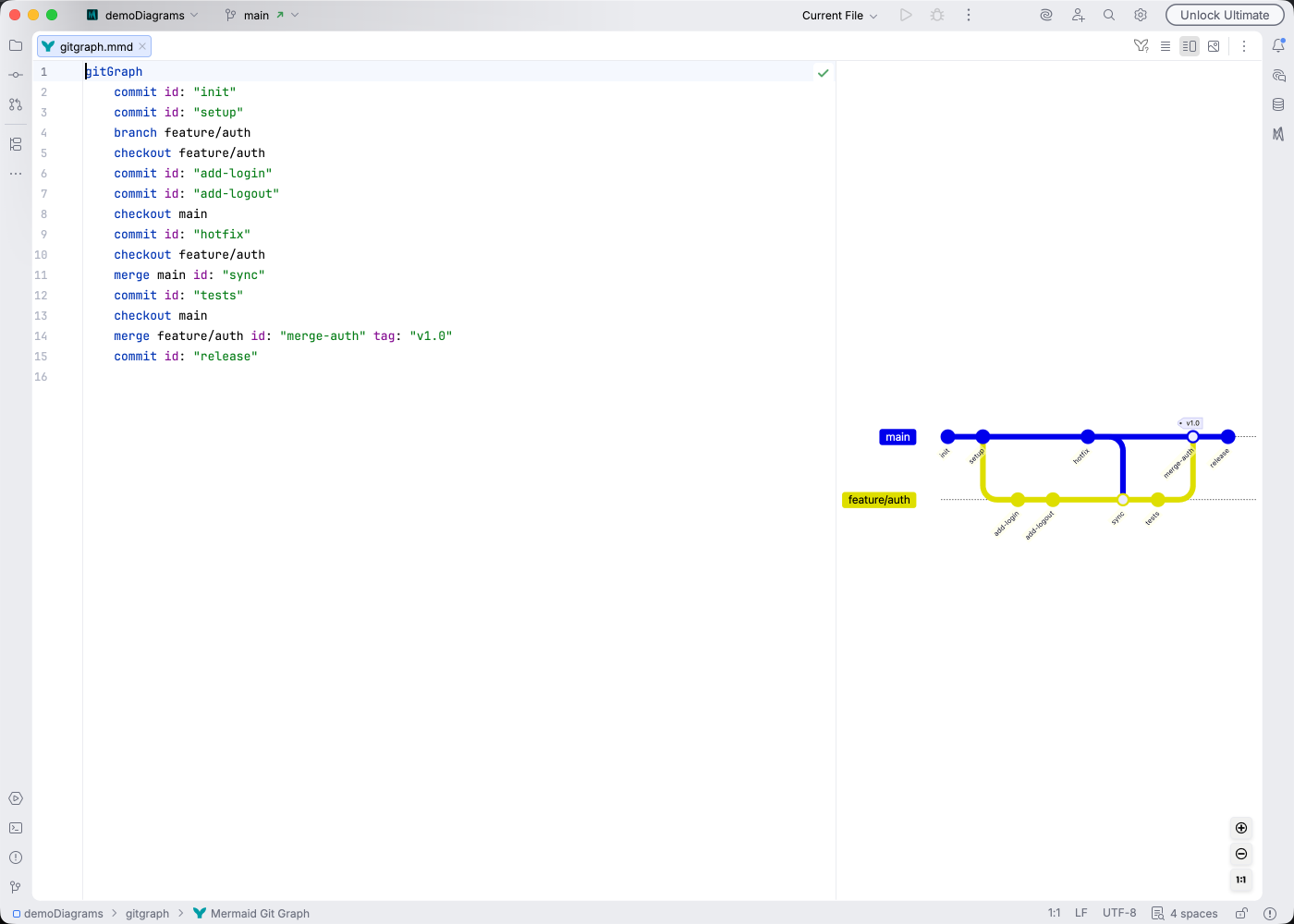
Section titled “Syntax Highlighting”Syntax highlighting integrates directly with IntelliJ’s color scheme system, so diagram colors always match your editor theme.
IDE Support
Section titled “IDE Support”Mermaid Studio provides comprehensive support for git graphs:
- Syntax highlighting for commits, branches, and merges
- Code completion for statement keywords, attribute keys, commit types, branch references, and commit IDs - with smart filtering that excludes already-used attributes, self-merge branches, and forward references
- Code formatting with configurable indentation via Code Style settings
- Code folding to collapse branch segments
- Rename refactoring to update branch, commit ID, and tag names across all references
- Find usages to locate branch and commit ID references
- Structure view with branch segment grouping and commit/merge/cherry-pick tree
- Navigation bar with context-aware icons
- Inspections to detect issues like unresolved or forward branch references, self-merges, invalid cherry-pick operations, duplicate commit IDs, and duplicate tags
- Quick fixes to declare missing branches or correct cherry-pick parent attributes
Learn More
Section titled “Learn More”For complete syntax documentation including cherry-pick, tags, and custom themes, see the Mermaid.js GitGraph documentation.