
Mindmap
Last updated:
Mindmaps help you organize ideas hierarchically around a central concept. They are perfect for brainstorming, planning, and visualizing the structure of complex topics.
Syntax Highlighting
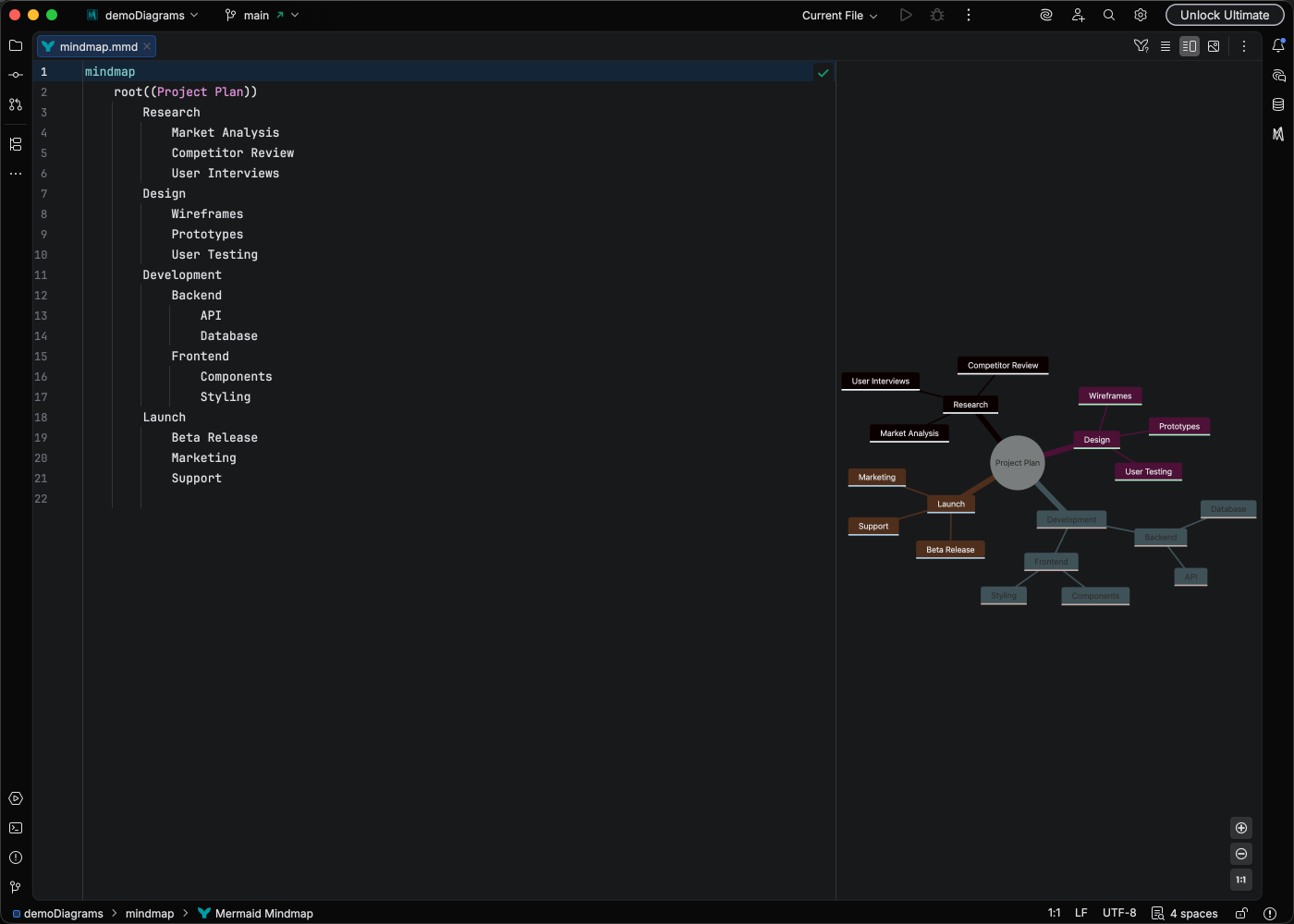
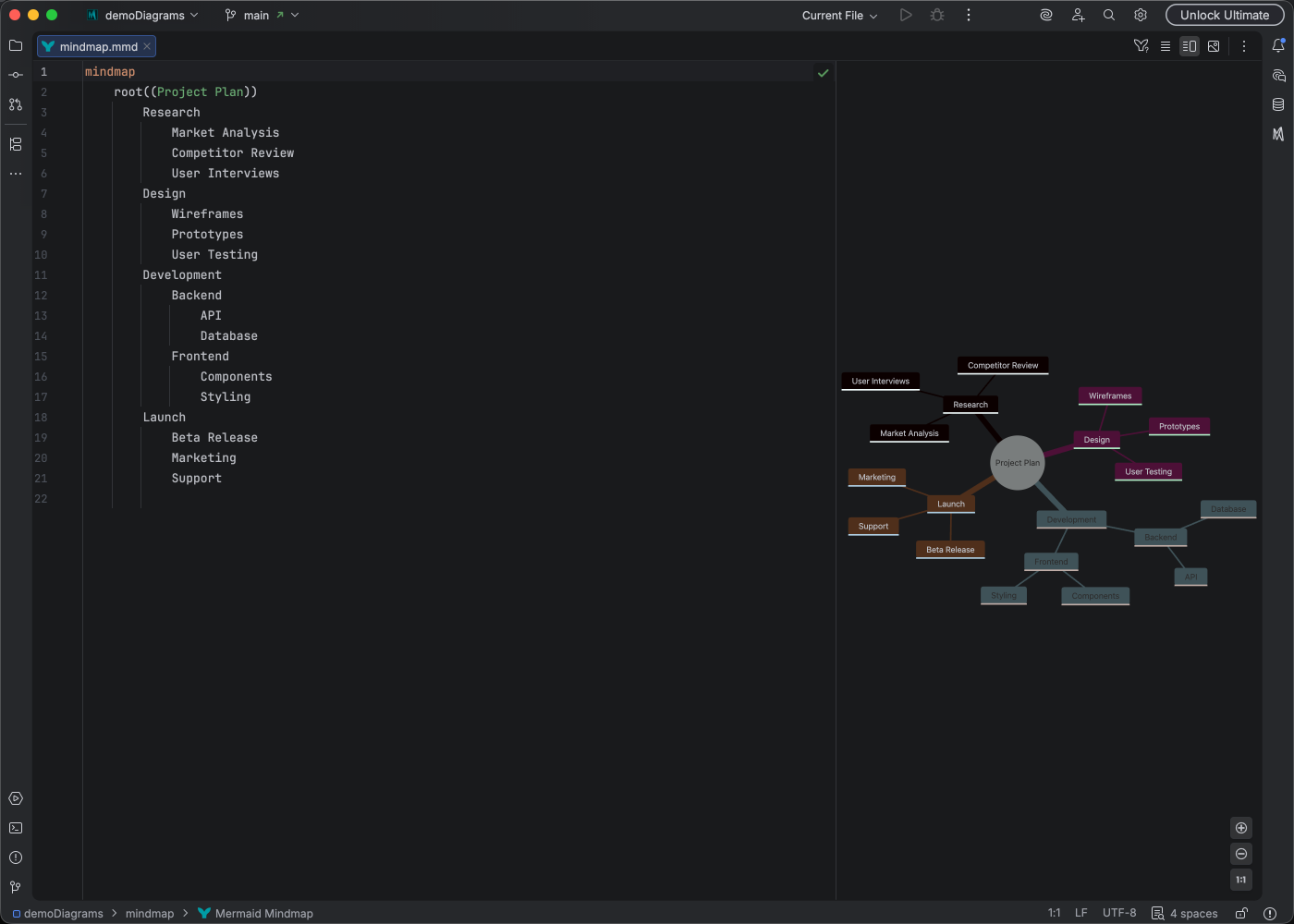
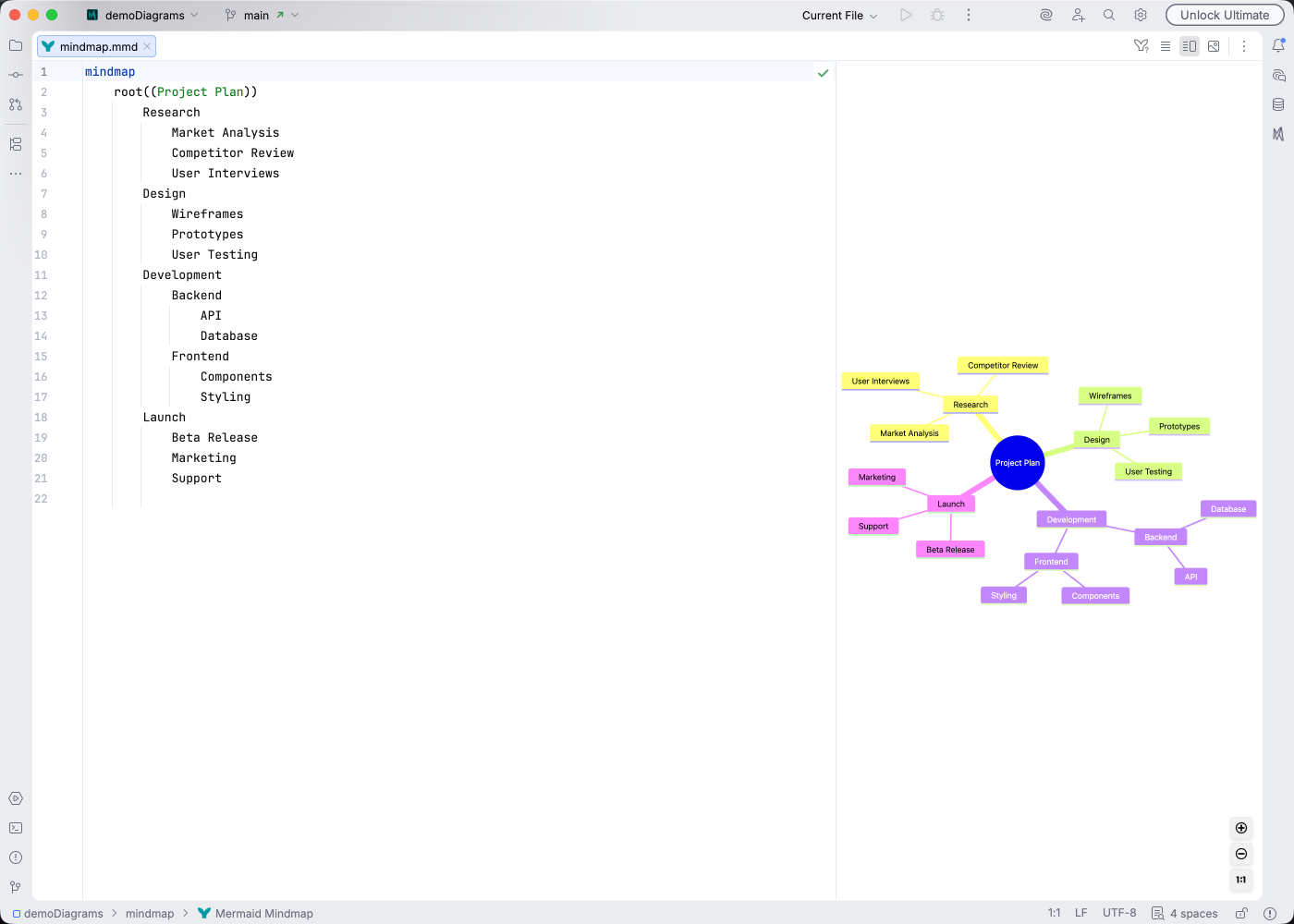
Section titled “Syntax Highlighting”Syntax highlighting integrates directly with IntelliJ’s color scheme system, so diagram colors always match your editor theme.
IDE Support
Section titled “IDE Support”Mermaid Studio provides comprehensive support for mindmaps:
- Syntax highlighting for nodes at different hierarchy levels
- Rename refactoring to update node identifiers
- Find usages to locate node references
- Code folding to collapse branches
- Formatting to maintain proper indentation
- Inspections to validate mindmap structure
- Brace matching for node shape syntax
- Navigation bar for quick access to nodes
- Structure view for hierarchical overview
Quick Syntax Reference
Section titled “Quick Syntax Reference”Root Node Shapes
Section titled “Root Node Shapes”mindmap root((Circle Root))The root node uses double parentheses for a circular shape. Regular text creates a default rectangular shape.
Node Shapes
Section titled “Node Shapes”| Syntax | Shape |
|---|---|
id[text] | Square |
id(text) | Rounded |
id((text)) | Circle |
id))text(( | Bang |
id)text( | Cloud |
id{{text}} | Hexagon |
Hierarchy
Section titled “Hierarchy”Indentation defines the parent-child relationships. Child nodes are indented under their parent:
mindmap root Level 1 Child A Level 2 Child Level 1 Child BFor full syntax details, see the Mermaid mindmap documentation.