
Treemap Diagram
Last updated:
Treemap diagrams display hierarchical data as nested rectangles, where the size and arrangement of each rectangle represents its position in the hierarchy. They are excellent for visualizing organizational structures, file systems, or any nested categorical data.
Syntax Highlighting
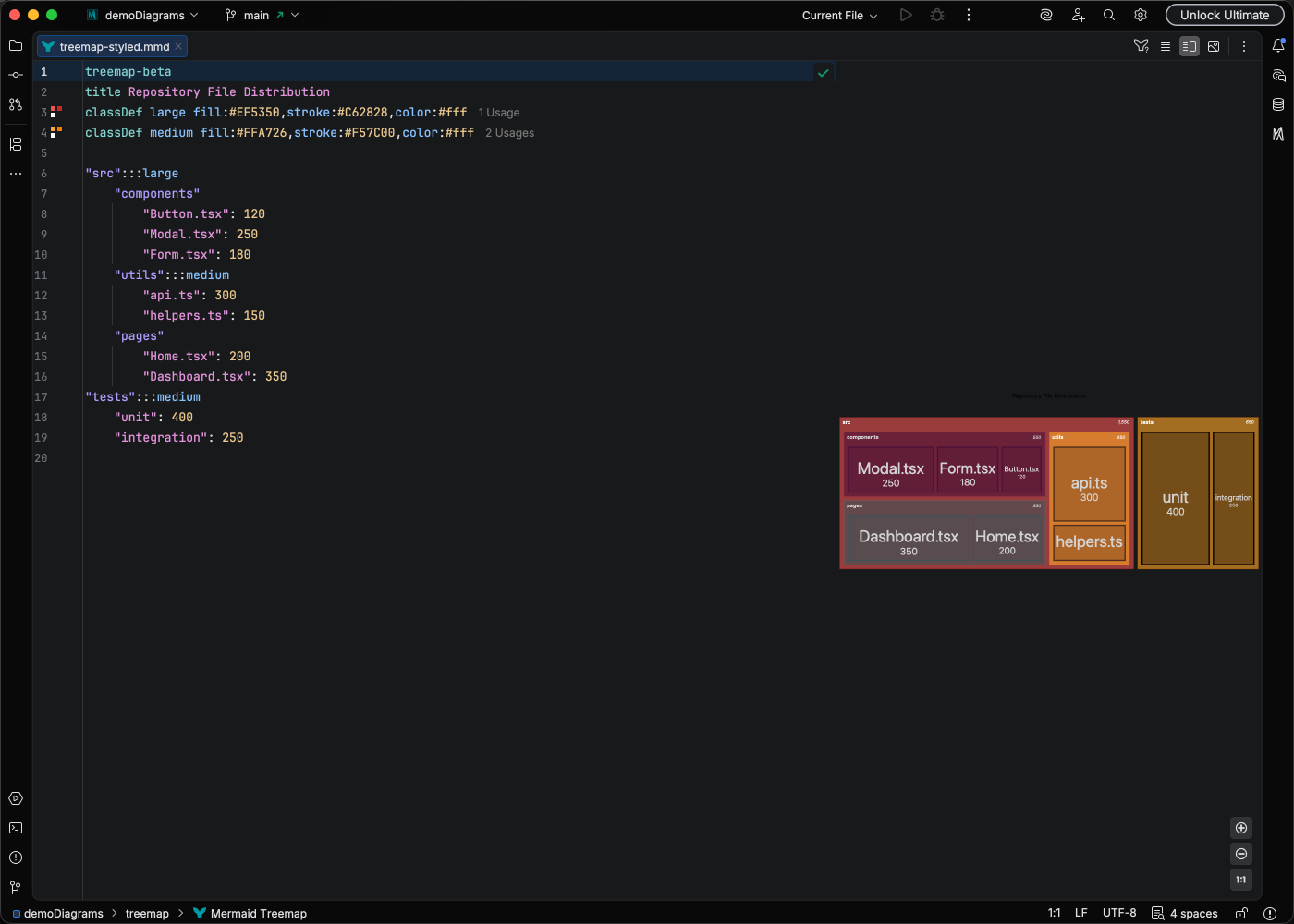
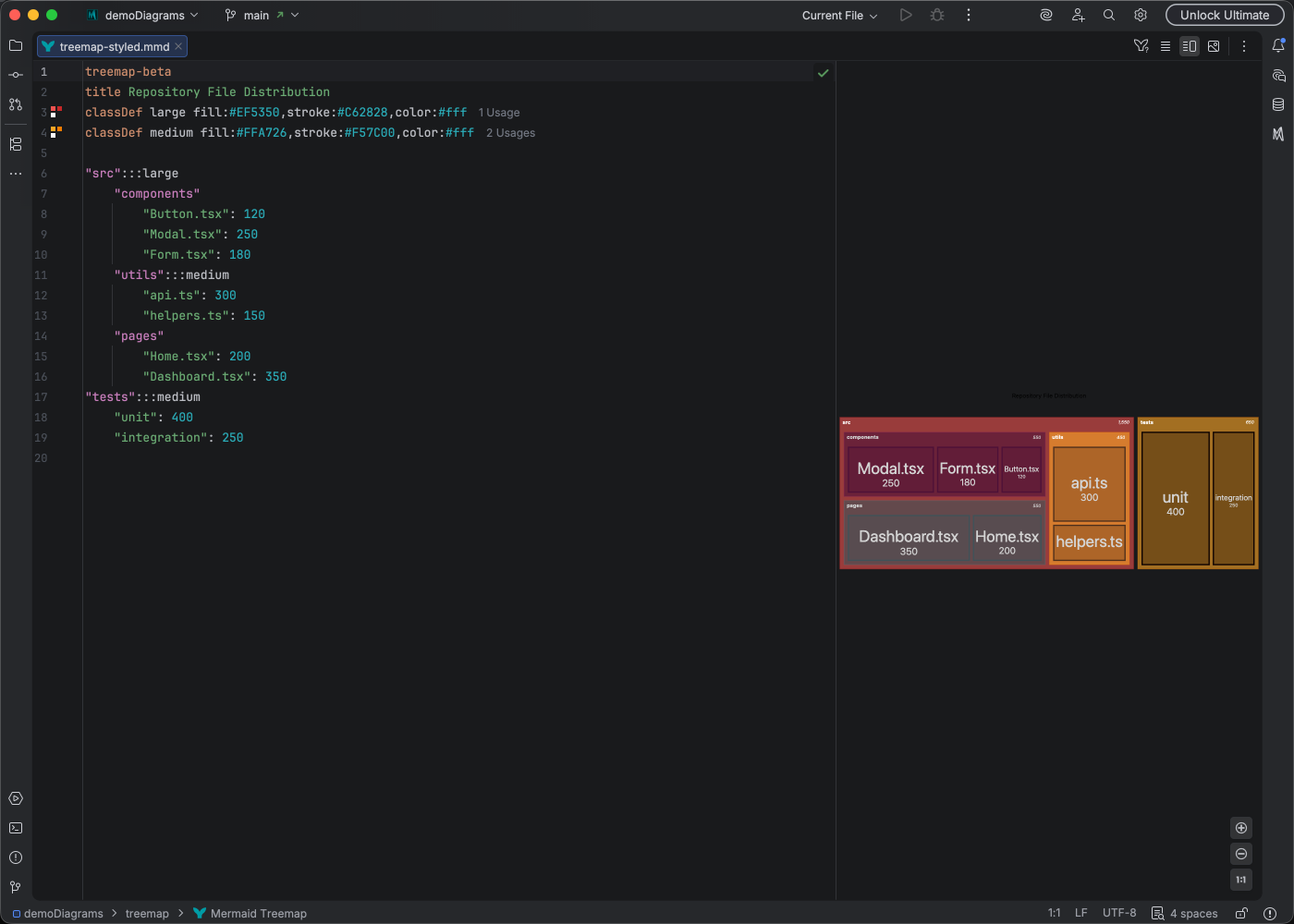
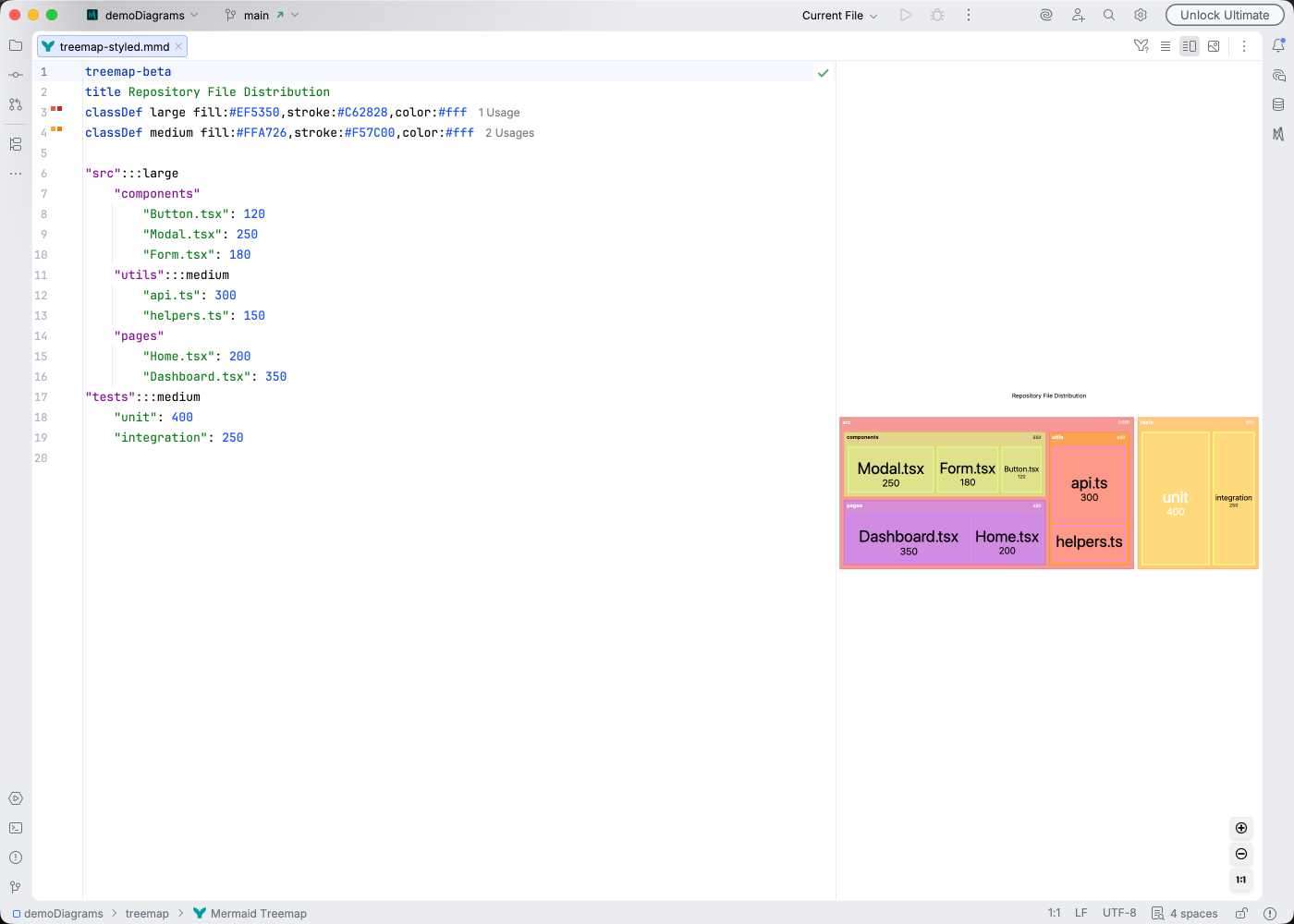
Section titled “Syntax Highlighting”Syntax highlighting integrates directly with IntelliJ’s color scheme system, so diagram colors always match your editor theme.
IDE Support
Section titled “IDE Support”Mermaid Studio provides comprehensive support for treemap diagrams:
- Syntax highlighting for nodes at different hierarchy levels
- Code completion for treemap syntax
- Rename refactoring to update node names consistently
- Find usages to locate node references
- Code folding to collapse branches
- Formatting to maintain proper indentation
- Inspections for structural issues
- Code Vision showing child counts
- Color provider for styling customization
- Navigation bar for quick hierarchy browsing
- Structure view for hierarchical overview
Quick Syntax Reference
Section titled “Quick Syntax Reference”treemap Company Engineering Frontend Team Backend Team DevOps Product Design Research Sales North America EuropeKey elements:
- Hierarchy is defined by indentation
- Each line represents a node in the tree
- Child nodes are indented under their parent
- No special syntax required for connections - the structure is implicit
For complete syntax details, see the Mermaid Treemap documentation.