
Venn Diagram
Last updated:
Venn diagrams show logical relationships between sets using overlapping circles. They are useful for comparing groups, illustrating shared characteristics, and visualizing set operations like unions and intersections.
Syntax Highlighting
Section titled “Syntax Highlighting”Syntax highlighting integrates directly with IntelliJ’s color scheme system, so diagram colors always match your editor theme.
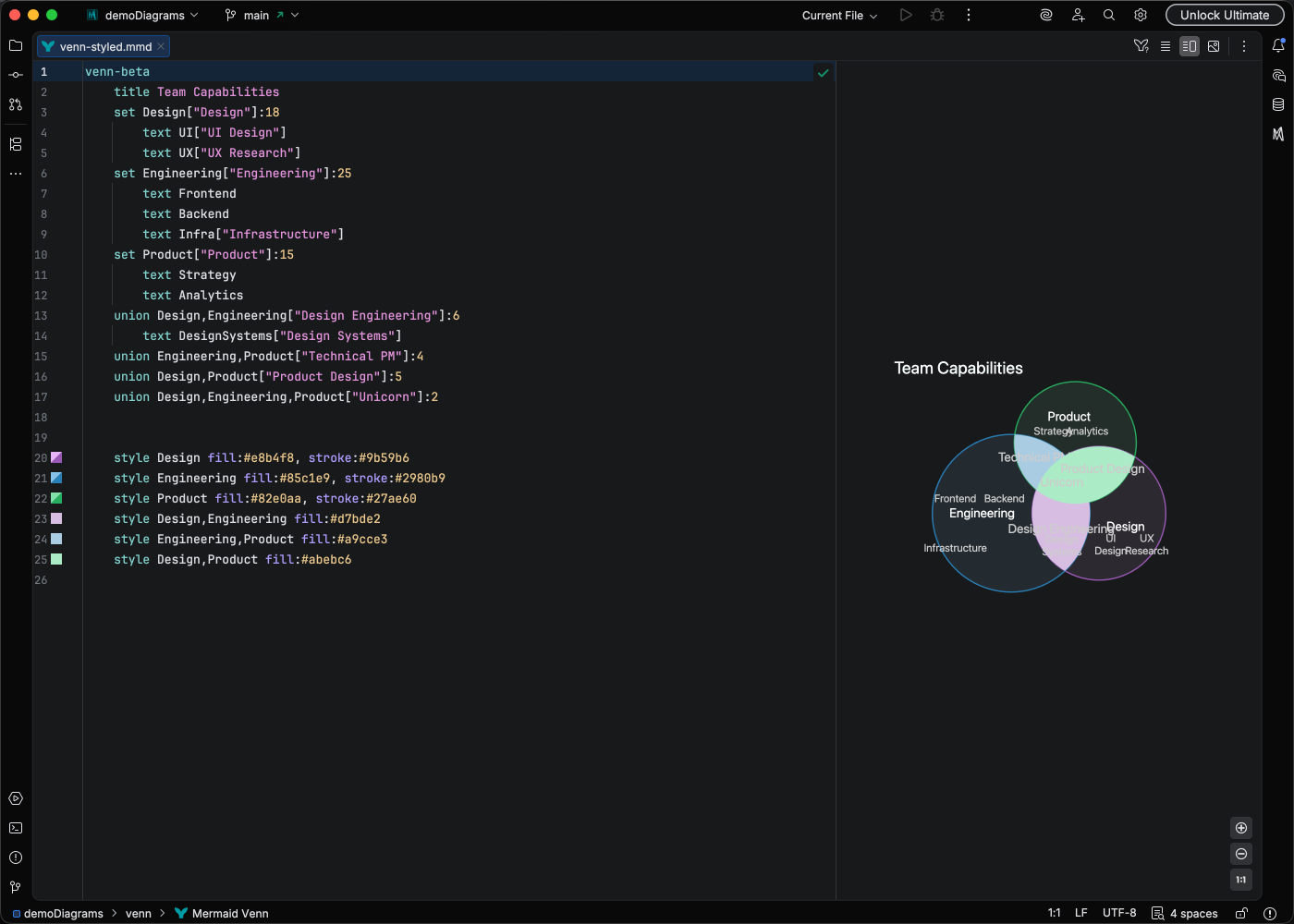
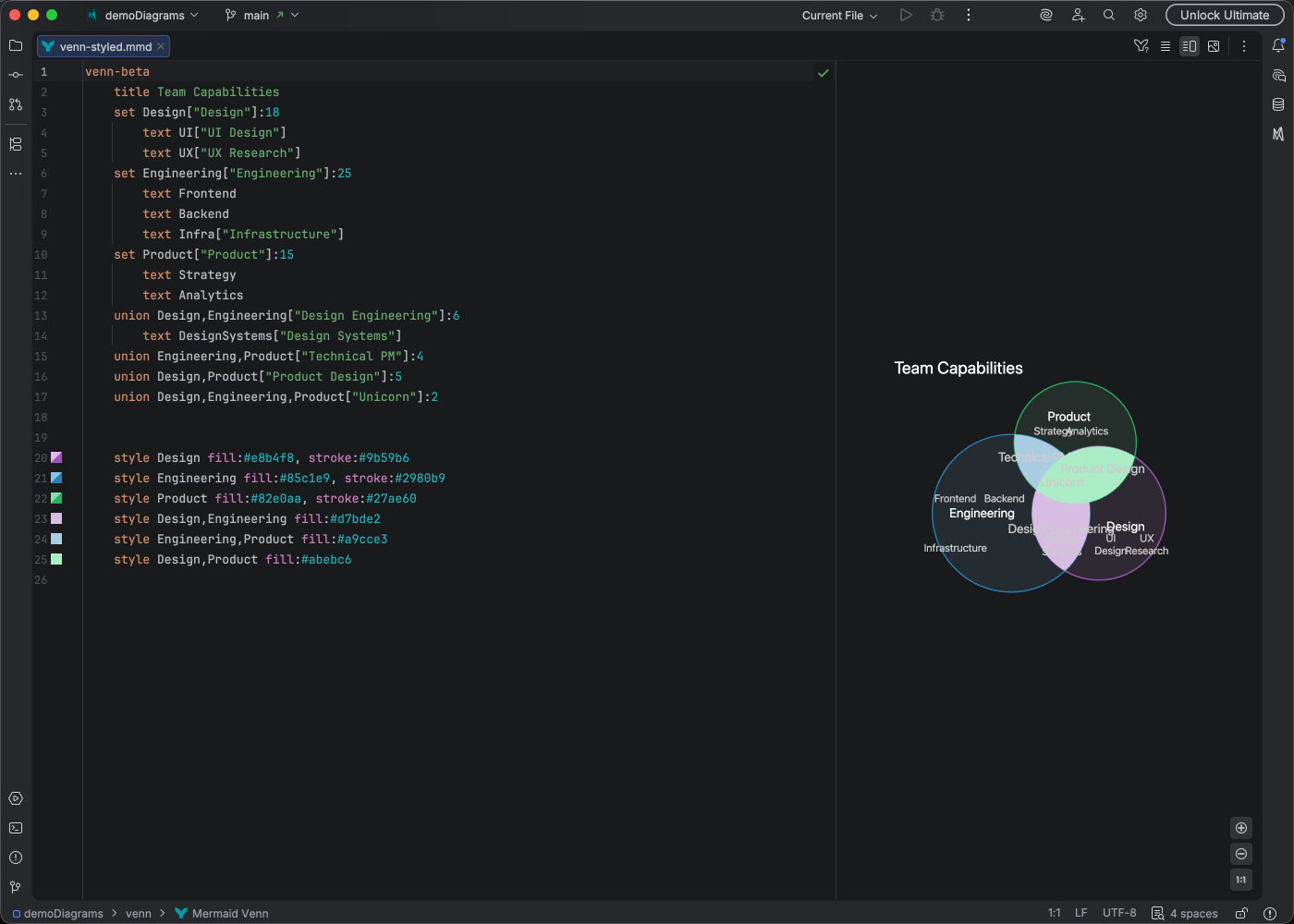
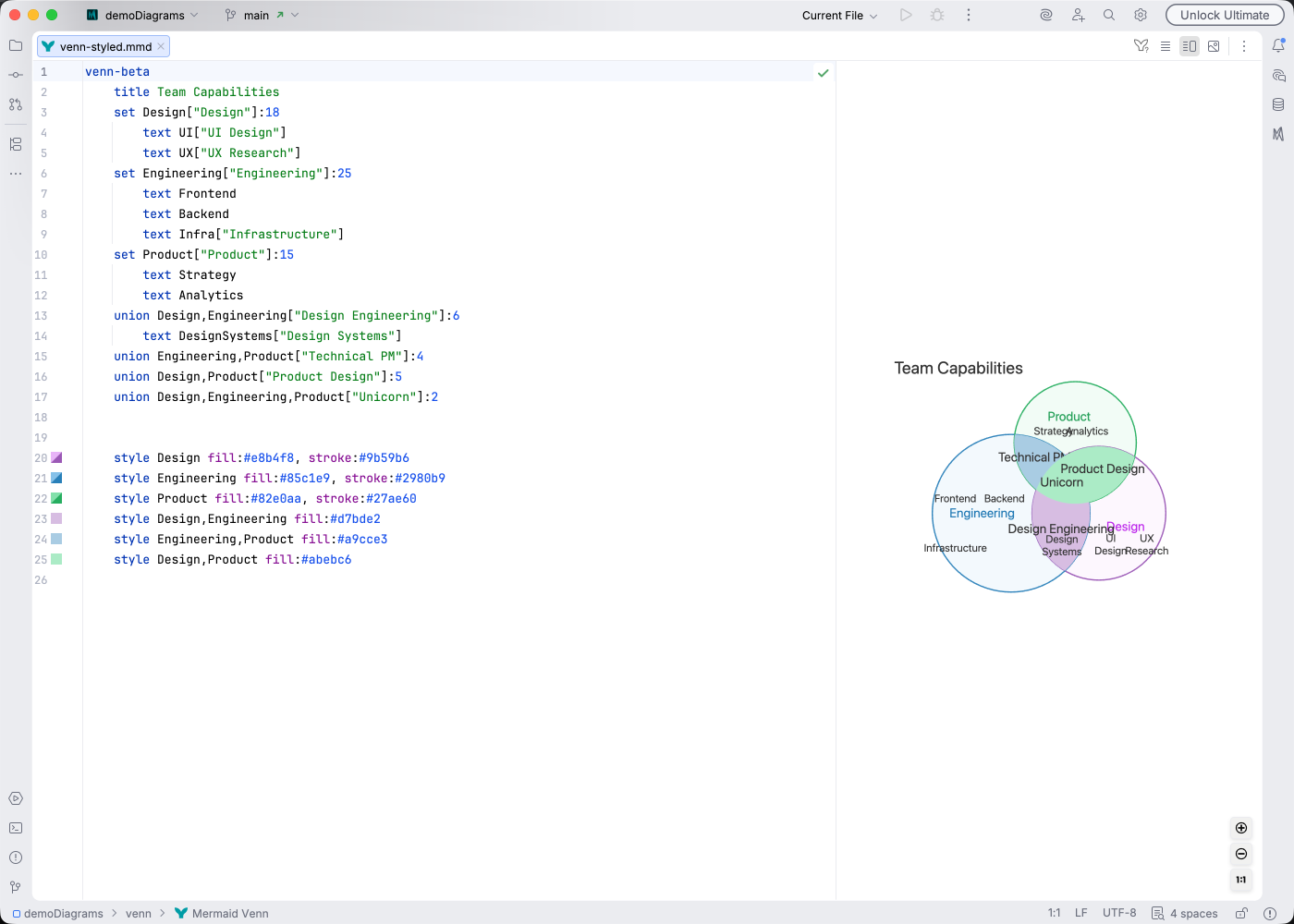
IDE Support
Section titled “IDE Support”Mermaid Studio provides enhanced support for Venn diagrams:
- Syntax highlighting for sets, labels, and intersections
- Code completion for Venn diagram keywords
- Code folding to collapse set definitions
- Formatting to clean up diagram structure
- Brace matching for navigating paired delimiters
- Structure view for an overview of sets and unions
- Navigation bar for quick access to diagram elements
- Color provider for previewing and picking colors in style definitions
- Inspections to catch common issues:
- Union requires at least 2 sets
- Unresolved set reference in union
Quick Syntax Reference
Section titled “Quick Syntax Reference”venn-beta title Software Skills
set Frontend["Frontend Dev"]:20 text React text CSS["Styling"]
set Backend["Backend Dev"]:15 text Node["Node.js"]
set DevOps:10
union Frontend,Backend["Fullstack"]:5 union Backend,DevOps["SRE"]:3 union Frontend,Backend,DevOps:1
style Frontend fill:#ff6b6b style Backend fill:#4ecdc4Key elements:
- Start with
venn-beta - Define sets with
set <id>["label"]:size - Define unions (intersections) with
union <id1>,<id2>["label"]:size - Place text items inside sets or unions with indented
textstatements:text <value>["label"] - Style sets or unions with
style <target> fill:#hex, stroke:#hex - Unions must reference at least 2 existing sets
For complete syntax details, see the Mermaid Venn documentation.