
Formatting
Last updated:
Mermaid Studio can automatically format your diagram code to improve readability and maintain consistent style.
Reformatting often fixes minor syntax issues caused by improper spacing as well.
Code Style Settings
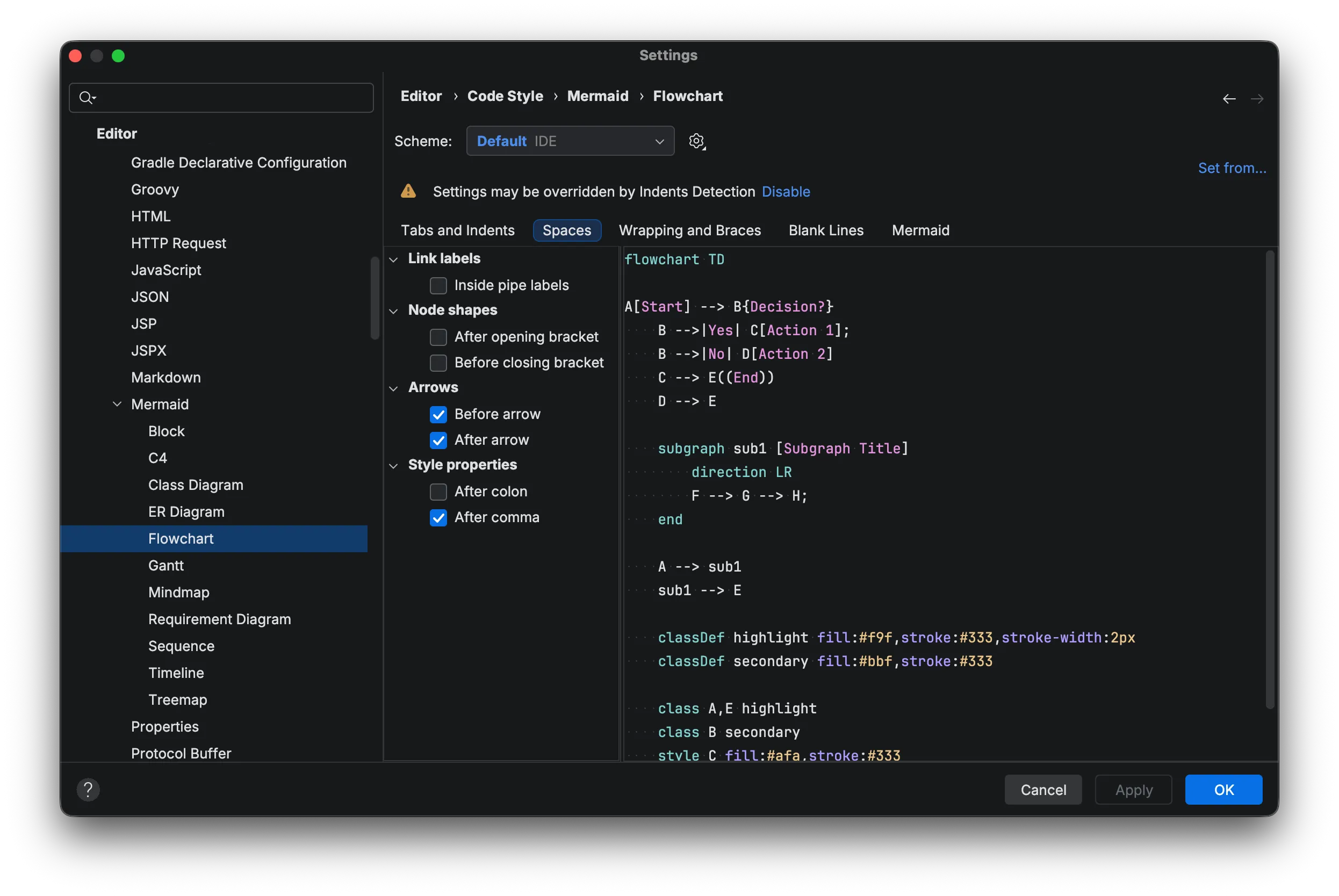
Section titled “Code Style Settings”You can customize the formatting behavior through the Code Style settings menu. All diagram code style settings mermaid-specific settings are under Editor > Code Style > Mermaid.
Supported Diagram Types
Section titled “Supported Diagram Types”The following diagram types have formatting support so far:
- Architecture
- Block
- C4
- Class Diagram
- ER Diagram
- Flowchart
- Gantt
- GitGraph
- Mindmap
- Requirement
- Sequence
- Timeline
- Treemap