
Wardley Map
Last updated:
Mermaid Studio provides language support for Wardley Maps inside IntelliJ IDEA and other JetBrains IDEs. Wardley Maps plot the components of a value chain against their stage of evolution, making them a popular tool for strategy and situational awareness. Components sit between a user-facing anchor and the underlying infrastructure they depend on, and each component’s horizontal position shows how commoditized it has become.
Syntax Highlighting
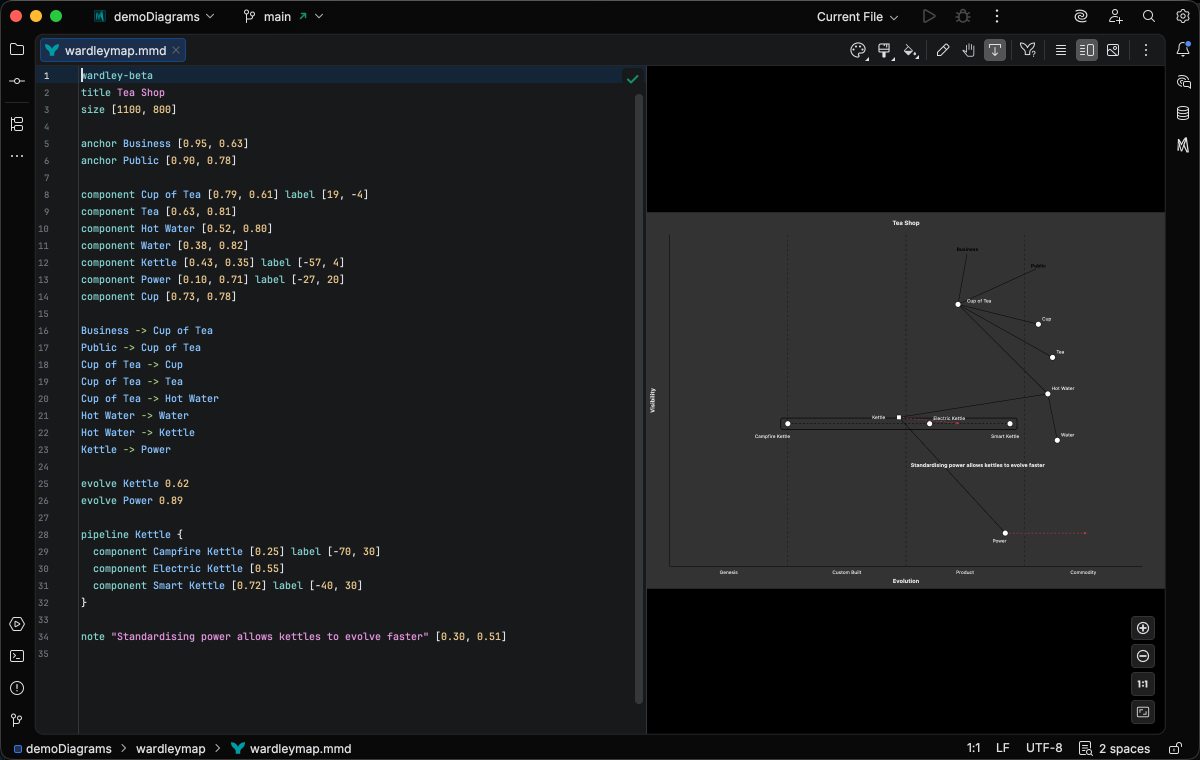
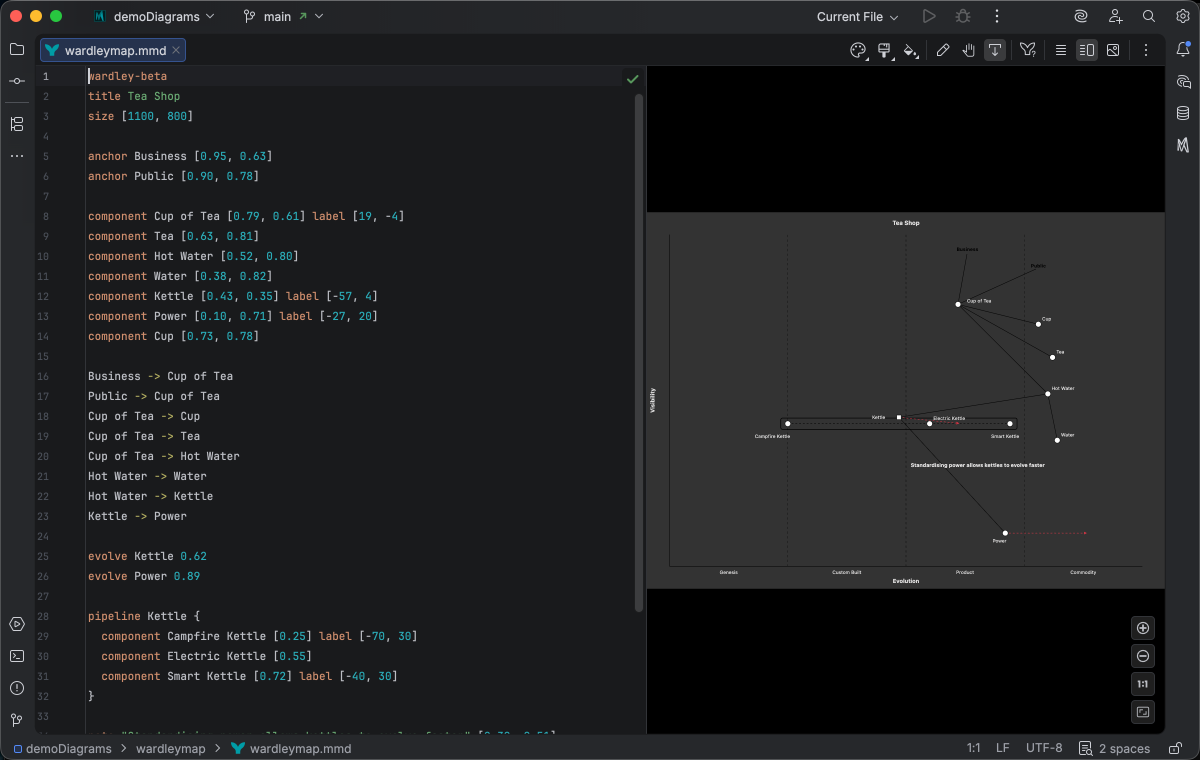
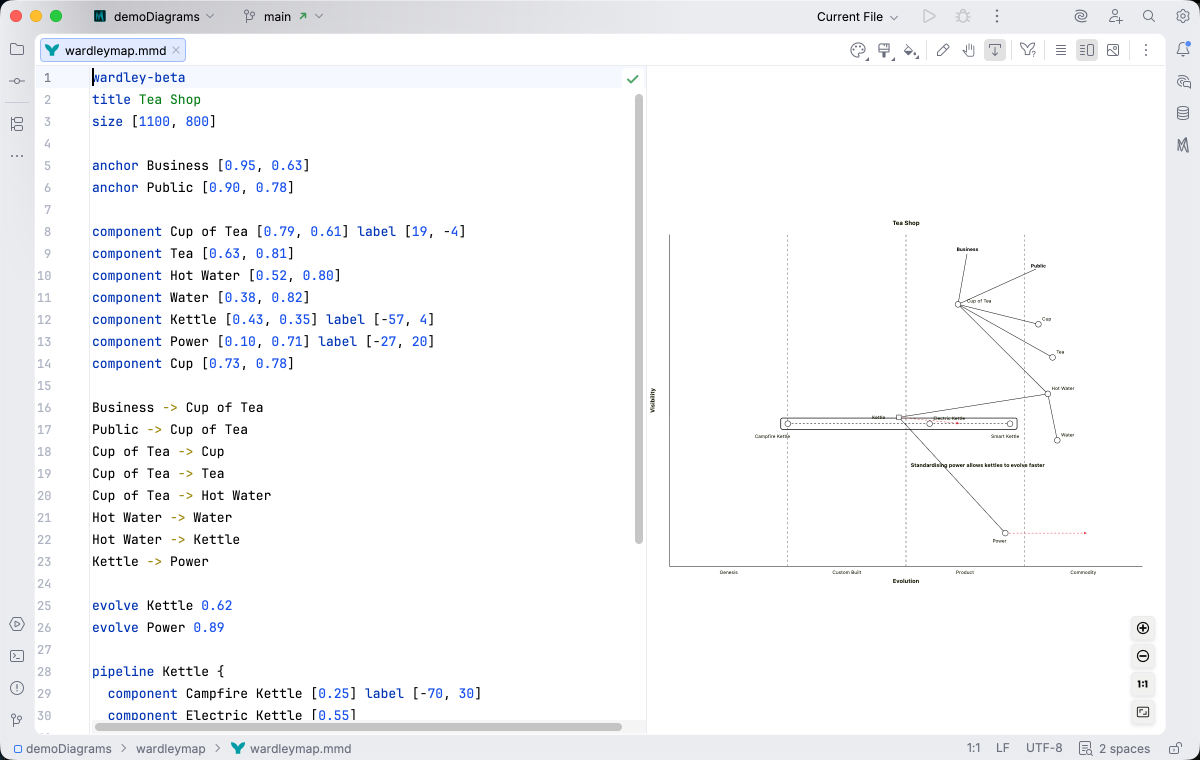
Section titled “Syntax Highlighting”Syntax highlighting integrates directly with IntelliJ’s color scheme system, so diagram colors always match your editor theme.
IDE Support
Section titled “IDE Support”The summary below shows the IDE support Mermaid Studio ships for Wardley Maps, grouped by capability.
Folding lets you collapse and expand structural blocks of the diagram source (subgraphs, frontmatter, multi-line strings) directly in the editor gutter. It keeps long diagrams navigable without forcing you to scroll past detail you don’t need right now.
Use the gutter triangles, Code → Folding, or the standard JetBrains shortcuts (
When the cursor sits next to a bracket, brace, or paren, Mermaid Studio highlights its matching pair across the whole diagram and lets you jump between them. This is especially valuable in nested syntax (subgraph blocks, JSON-style style strings, multi-shape labels) where it’s easy to lose track of which closer goes with which opener.
The line-comment action (
When you type a quote character to start a string, Mermaid Studio inserts the matching closing quote and places the cursor between them. Backspacing through an empty pair removes both characters at once. This keeps quoted labels balanced and reduces fiddly cursor work.
A dedicated Grammar-Kit parser backs the highlighting, so tokens are colored by what they mean in the diagram (a type reference versus a label versus a style), not just what they look like. The same parser validates the syntax as you type, flagging malformed statements in place instead of letting one mistake cascade through the file.
This is the foundation richer features build on; the same grammar drives completions, refactoring, and inspections.
Per-diagram annotators apply rule-based highlighting above the lexer and parser, running on every keystroke and painting their results directly in the editor. Mermaid Studio uses them across the full range the platform supports: highlighting that token types alone cannot decide (coloring a reference by what it resolves to), semantic errors and warnings (an edge pointing at an undefined node, an invalid direction value), and inline cues such as marking duplicate labels. Unlike inspections (configurable checks listed in Settings), annotators are always on, whether a rule ends in a color or a warning.
Completion and validation for the YAML frontmatter block above the diagram body, driven by the diagram type’s slice of the Mermaid.js config schema. Config keys, enum values, and color properties complete as you type, and unknown or mistyped keys are flagged in place.
Bundled and user-authored color themes with light and dark variants that apply to this diagram type from the Appearance menu or the Switch Diagram Theme action. Applying a theme writes the resolved theme variables into the diagram’s frontmatter, so the file renders the same outside the IDE.
Support focuses on the essentials of editing Wardley Map source, and the highlighter understands the notation’s naming quirks, including hyphenated component labels like front-end.
Quick Syntax Reference
Section titled “Quick Syntax Reference”wardley-betatitle Tea Shopsize [1100, 800]
anchor Business [0.95, 0.63]component Cup of Tea [0.79, 0.61] label [19, -4]component Tea [0.63, 0.81]component Hot Water [0.52, 0.80]component Kettle [0.43, 0.35] label [-57, 4]component Power [0.1, 0.7] label [-27, 20]
Business -> Cup of TeaCup of Tea -> TeaCup of Tea -> Hot WaterHot Water -> KettleKettle -> Power
evolve Kettle 0.62evolve Power 0.89
note "Standardising power allows Kettles to evolve faster" [0.30, 0.49]Key elements:
- Start with
wardley-beta. Requires Mermaid.js 11.14.0+. - Use
titlefor the map title andsize [width, height]to set canvas dimensions. - Declare user-facing entry points with
anchor <name> [x, y]wherexis the value-chain axis (0 = invisible, 1 = visible to user) andyis the evolution axis (0 = genesis, 1 = commodity). - Declare components with
component <name> [x, y]. Addlabel [dx, dy]to offset the label from the point. - Connect nodes with
->to show dependencies along the value chain. - Mark a target evolution stage with
evolve <component> <x>. - Add free-form annotations with
note "<text>" [x, y]. - Use
%% ...for comments.
For complete syntax details including pipelines, flow annotations, and custom evolution stages, see the Mermaid.js Wardley Map documentation.