
Diagram Types
Last updated:
30 diagram types. Full IDE support.
Mermaid Studio supports every native Mermaid.js diagram type with syntax highlighting, validation, and live preview. Paid features like completions, inspections, and refactoring are available for 6 core types (plus Swimlane, a Flowchart variant) with a Core license, or all diagram types with a Studio license.
Process & Flow
Visualize workflows, processes, and system interactions
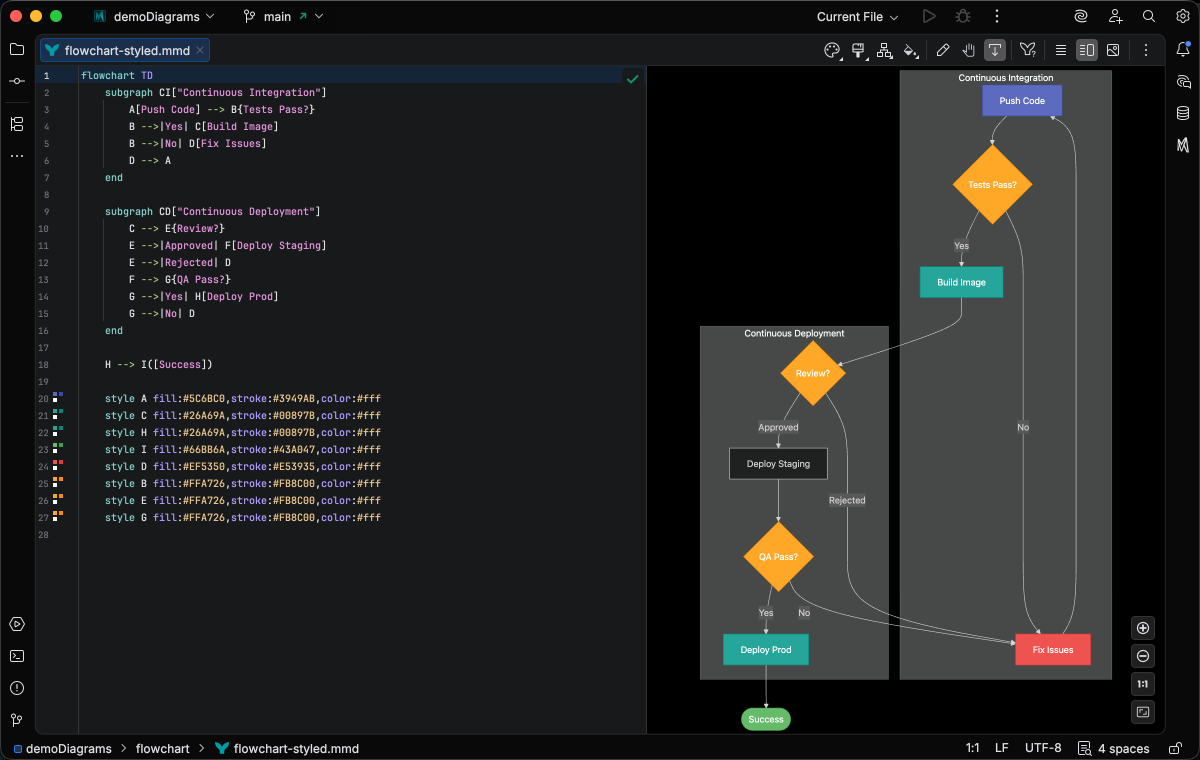
Flowchart Core
Process flows, decision trees, and workflows
Comprehensive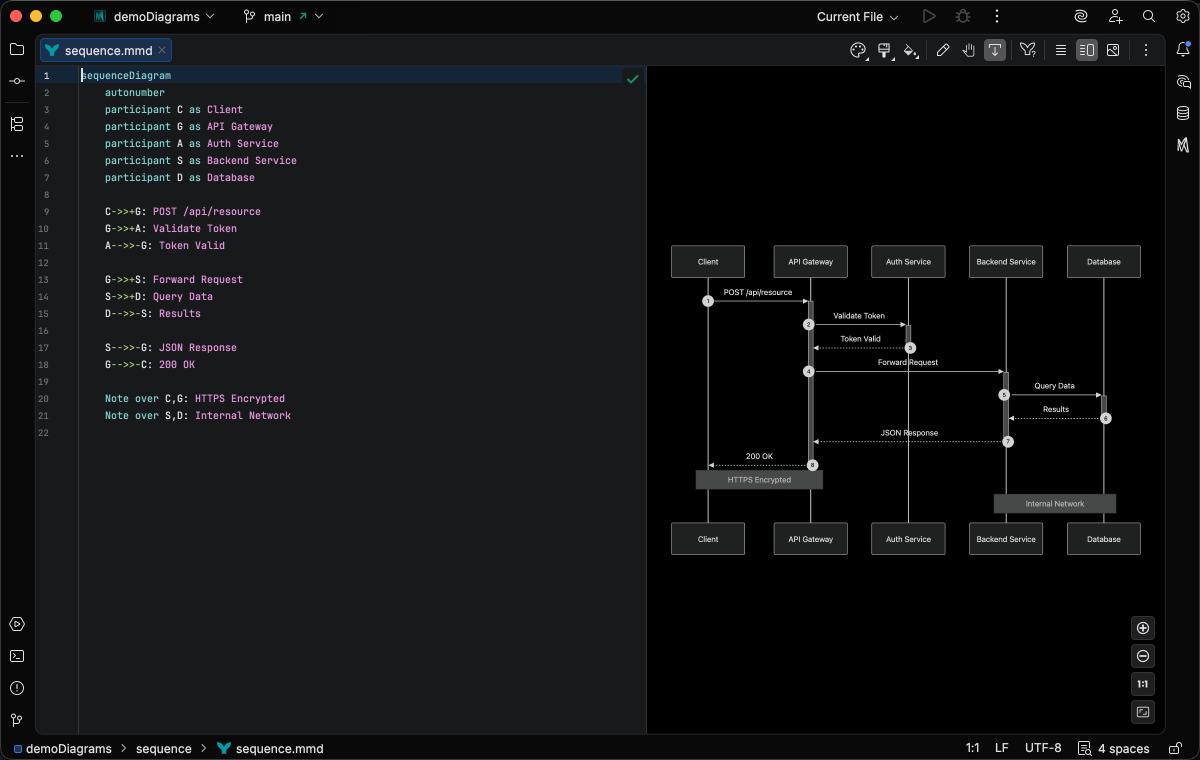
Sequence Core
Interactions between participants over time
Comprehensive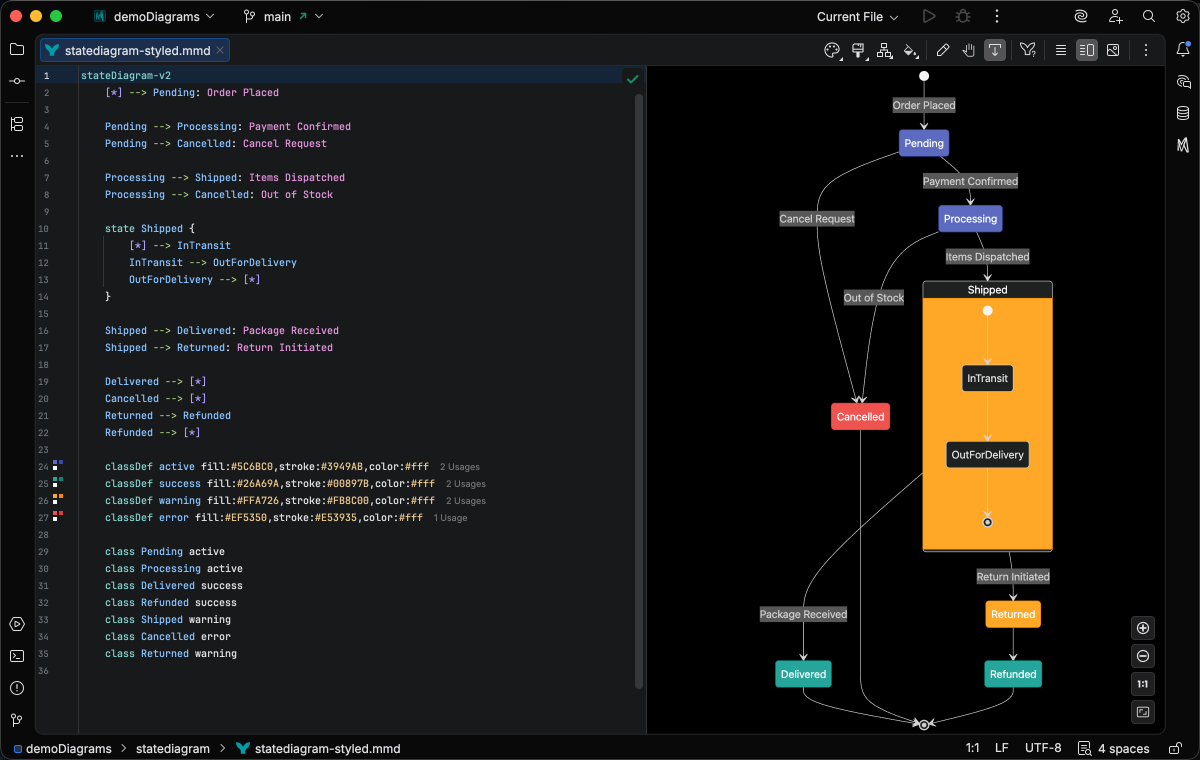
State Core
State machines and transitions
Comprehensive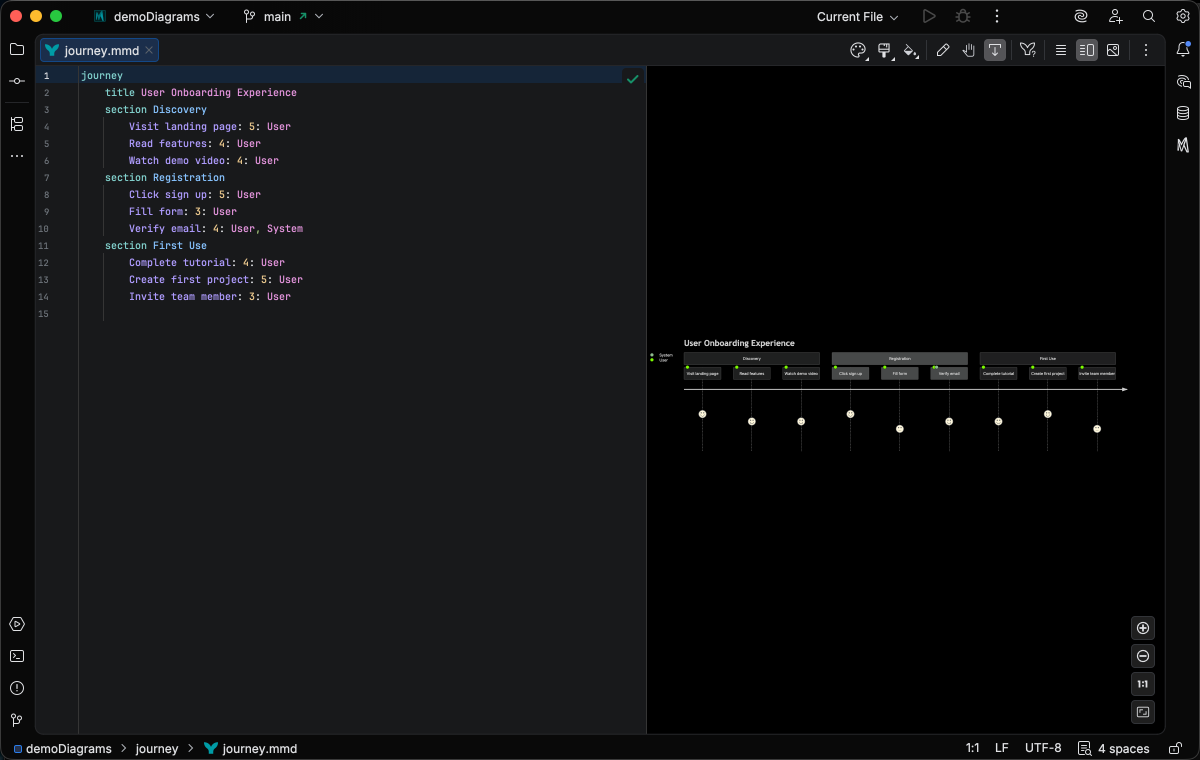
User Journey
Customer experiences and user interactions
Enhanced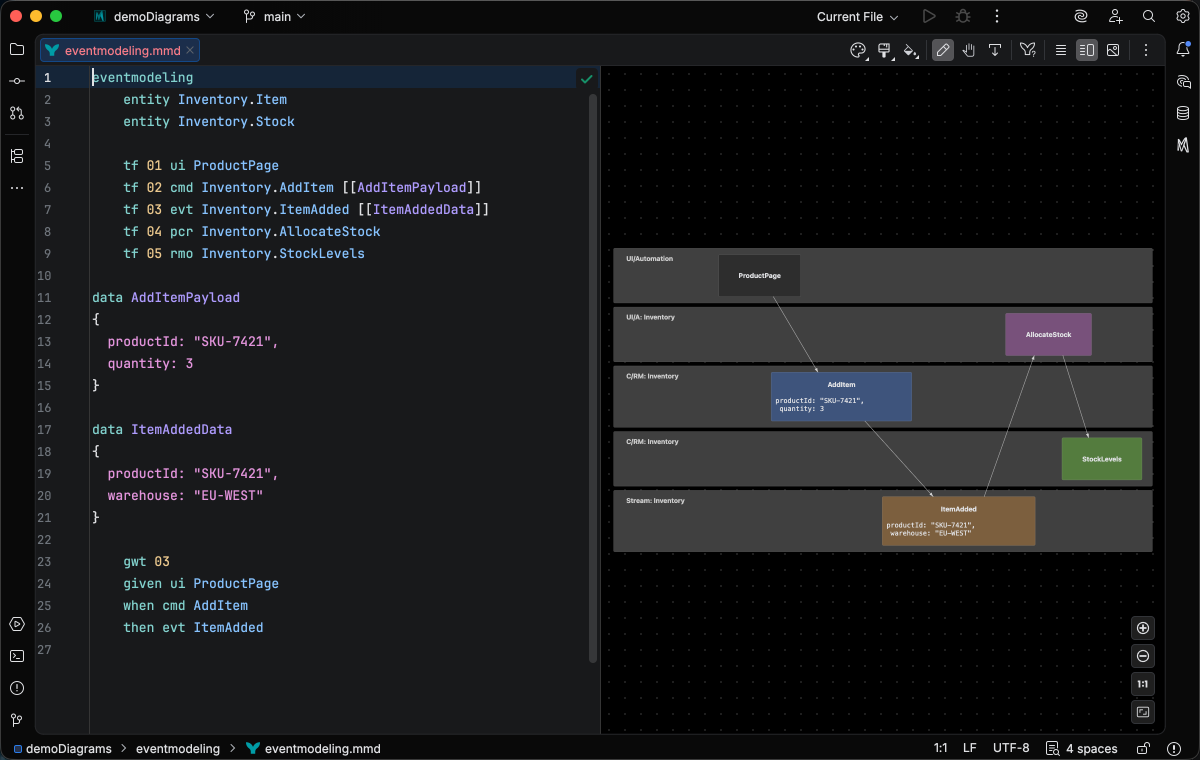
Event Modeling
Event-driven systems with UI, commands, events, and read models
Basic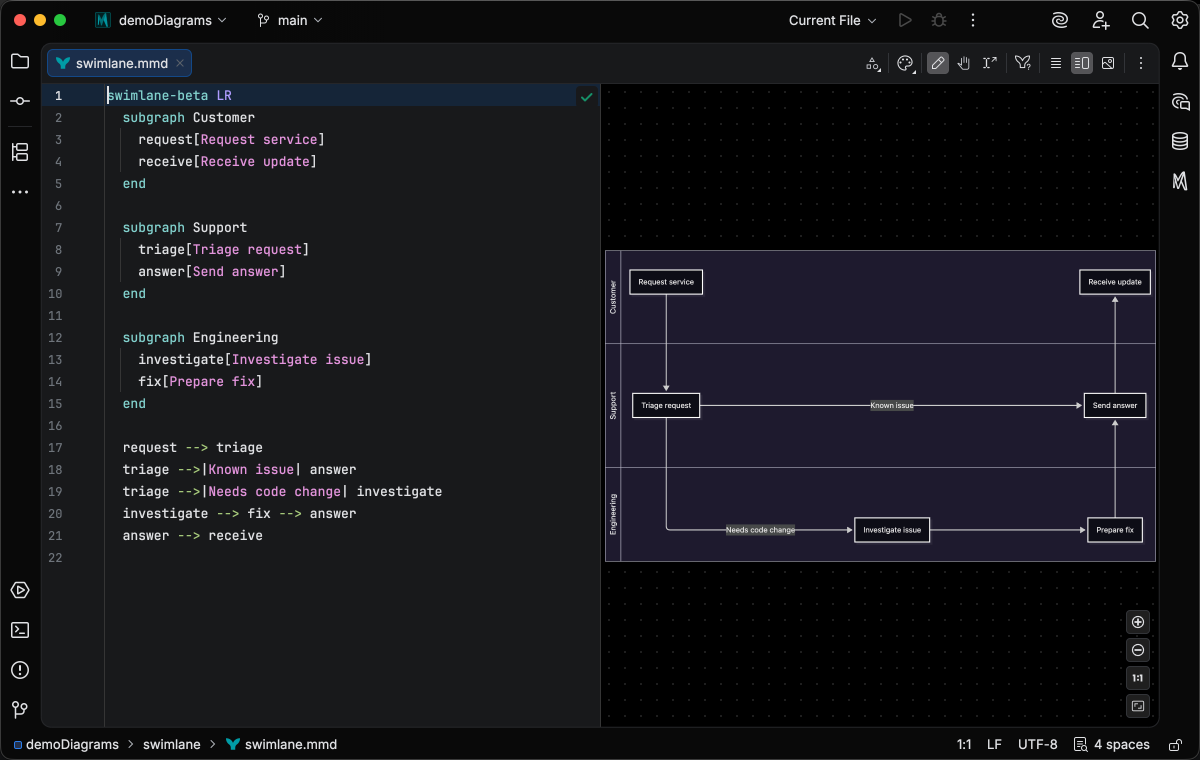
Swimlane Core
Flowchart lanes that group nodes by actor or stage
ComprehensiveArchitecture & Structure
Document system architecture and software design
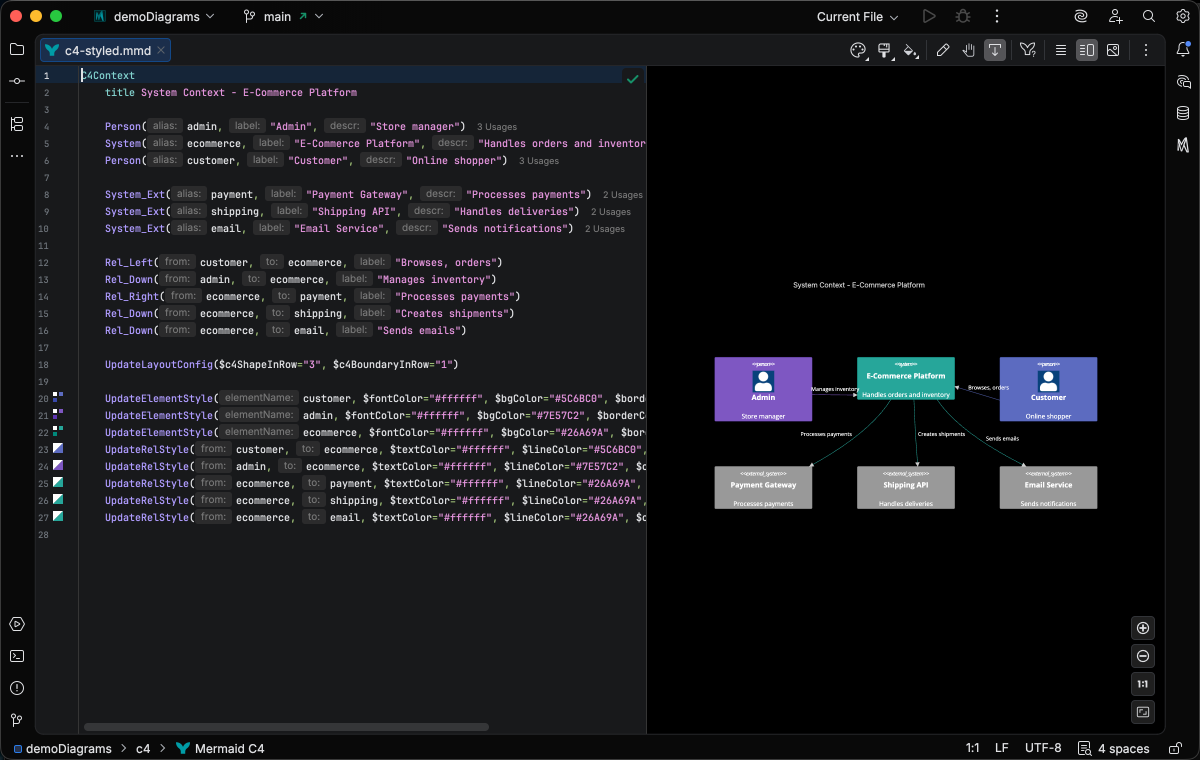
C4
Software architecture using the C4 model
Comprehensive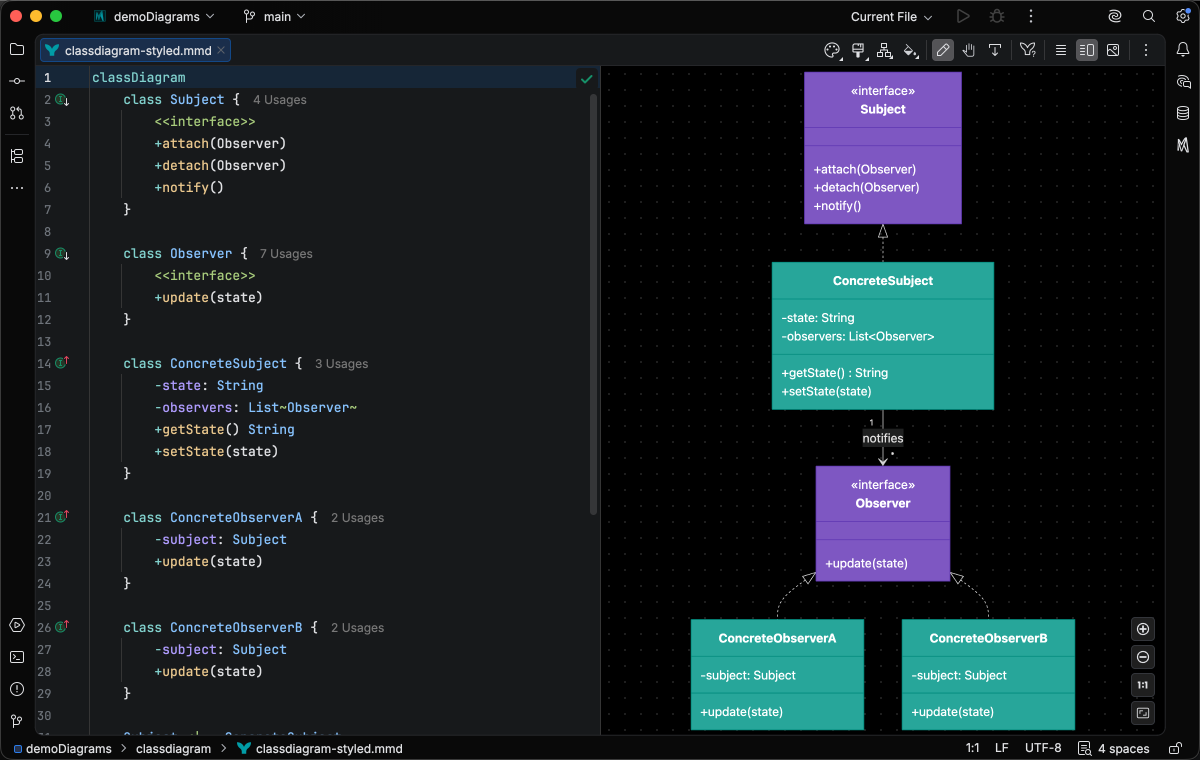
Class Core
Object-oriented designs and UML relationships
Comprehensive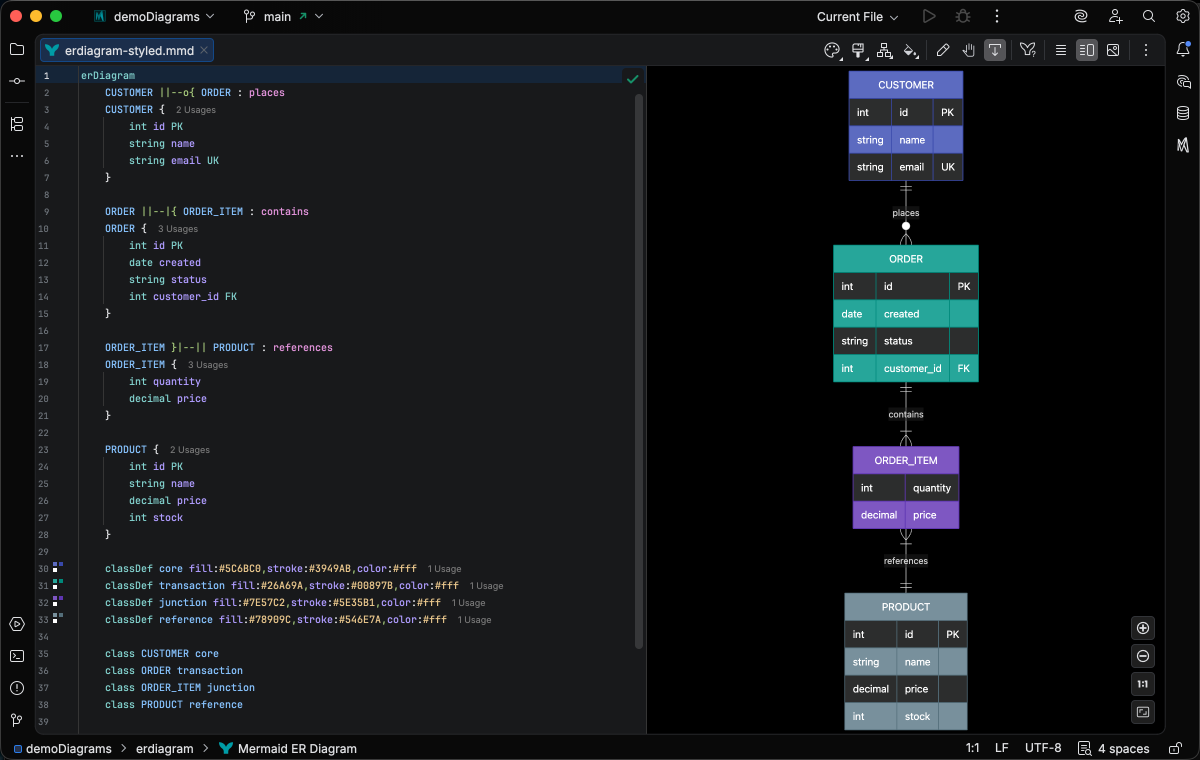
Entity Relationship Core
Database schemas and entity relationships
Comprehensive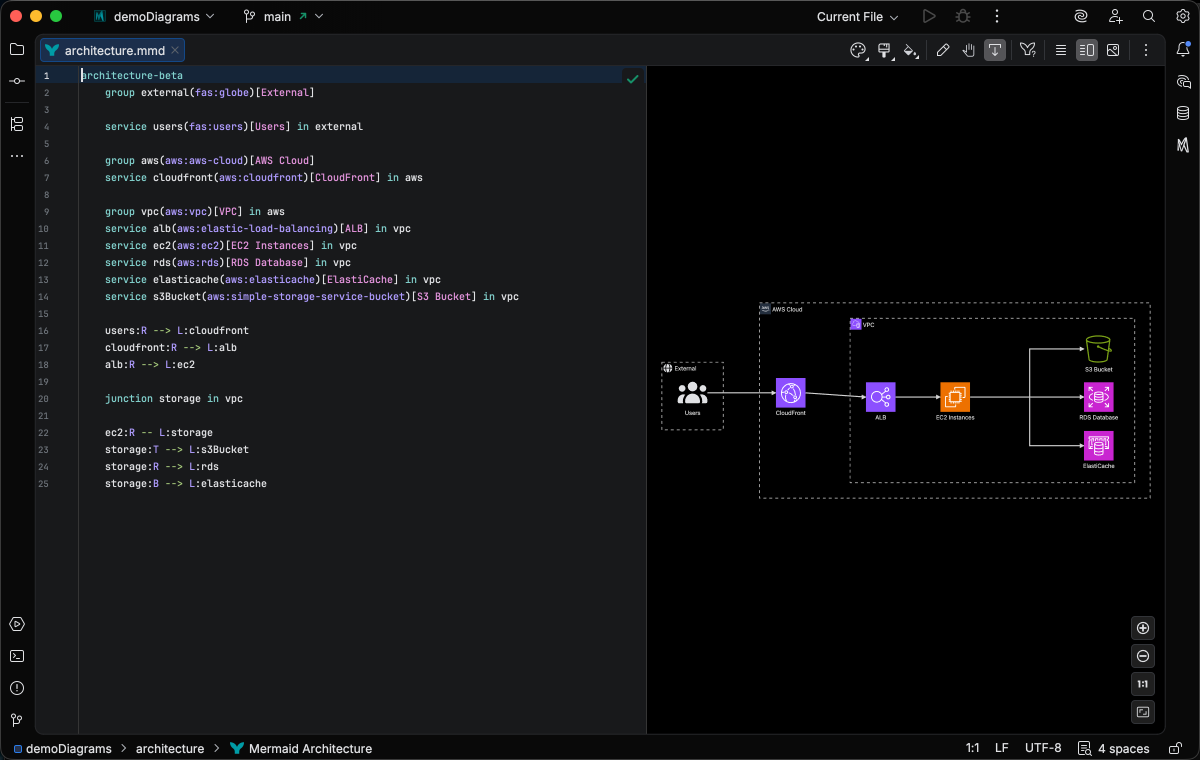
Architecture
System architecture with cloud-style icons
Comprehensive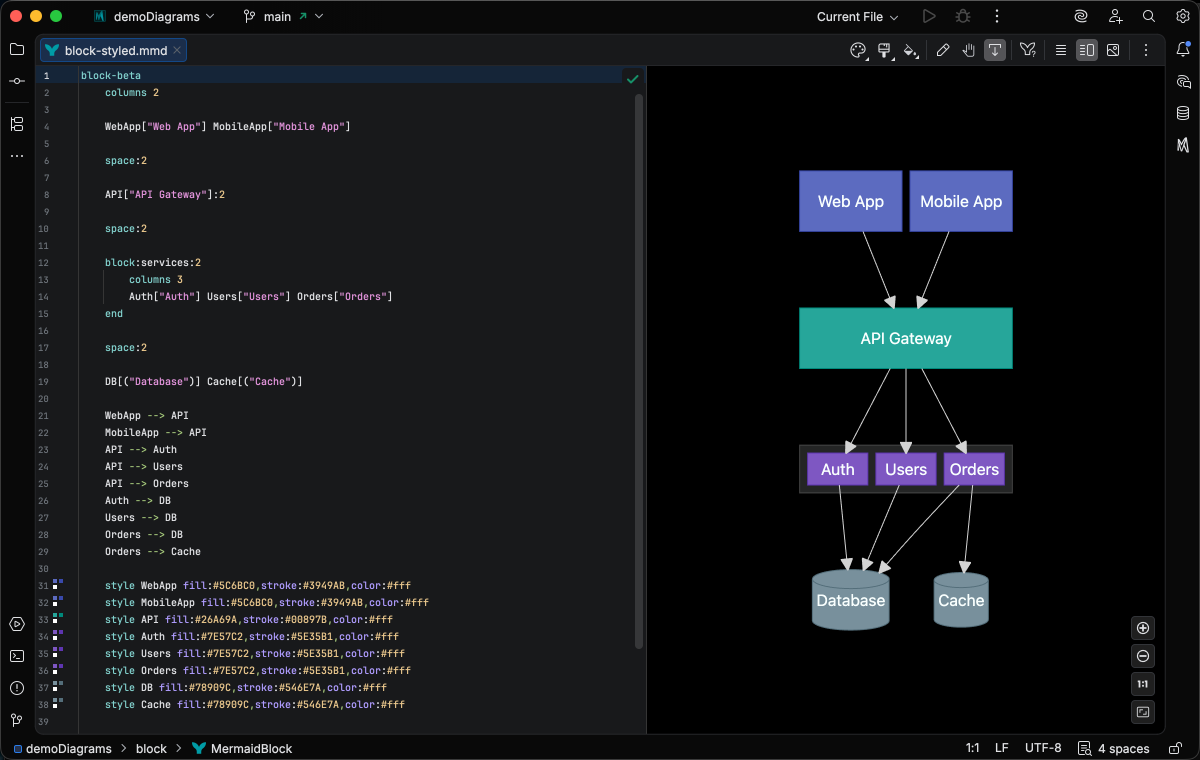
Block Core
Block-based architectural diagrams
Comprehensive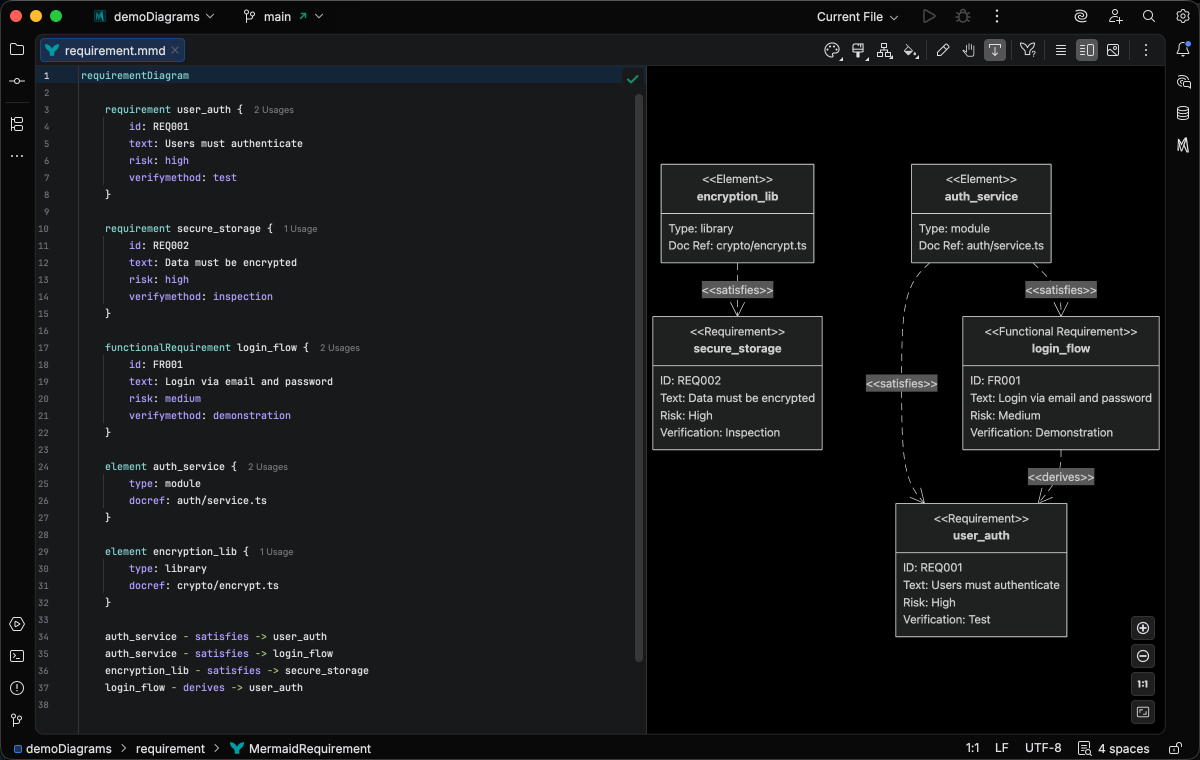
Requirement
System requirements and traceability
Comprehensive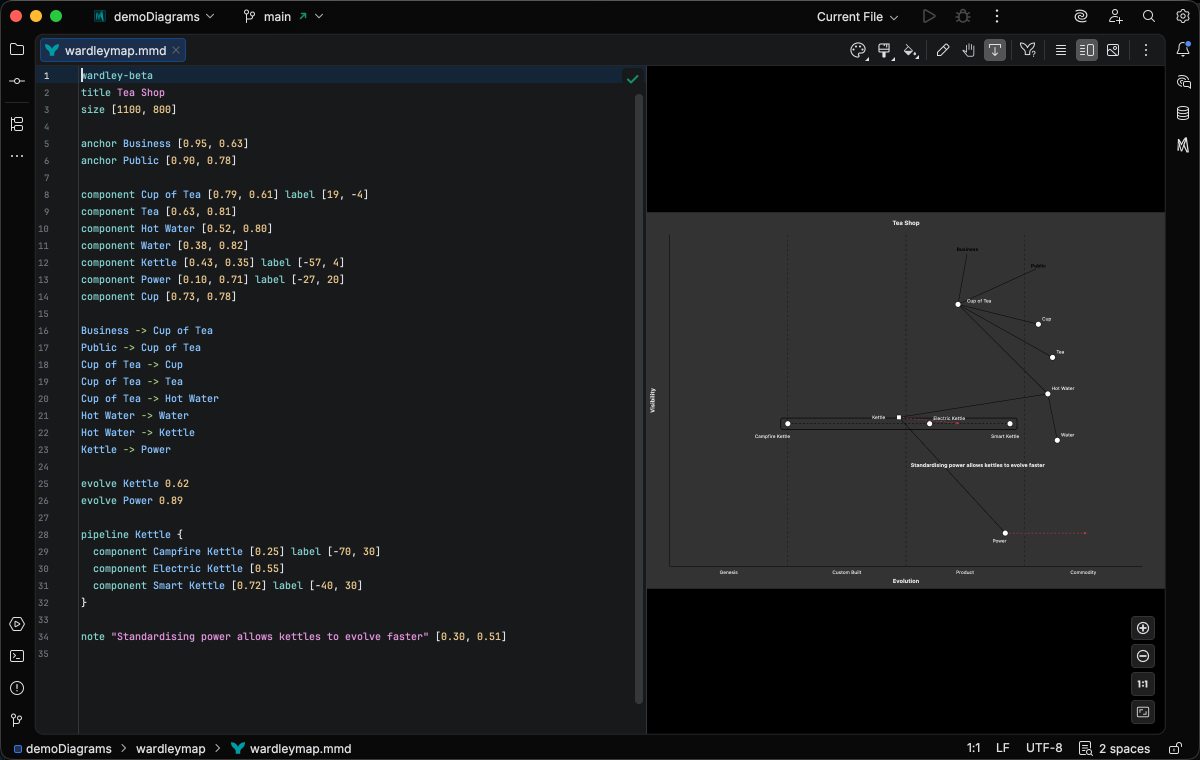
Wardley Map
Strategic value chain maps with evolution
BasicPlanning & Organization
Project planning, schedules, and idea organization
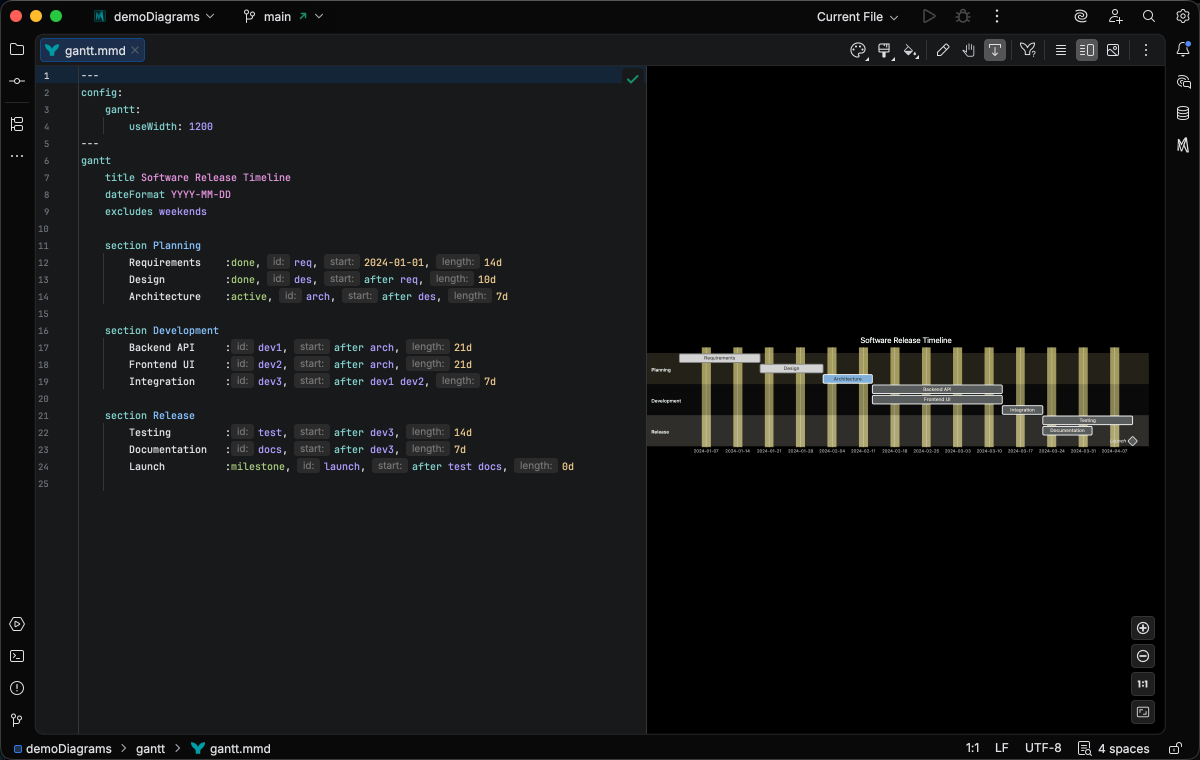
Gantt
Project schedules with tasks and dependencies
Comprehensive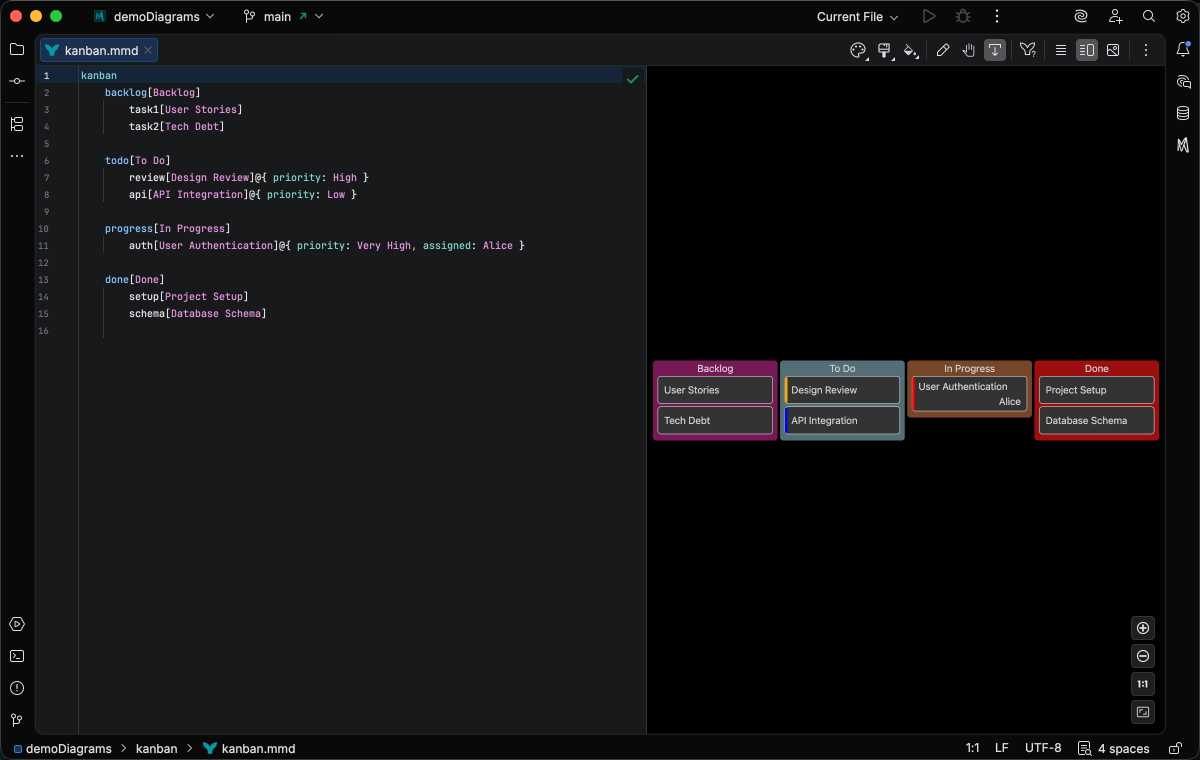
Kanban
Task boards and workflow stages
Enhanced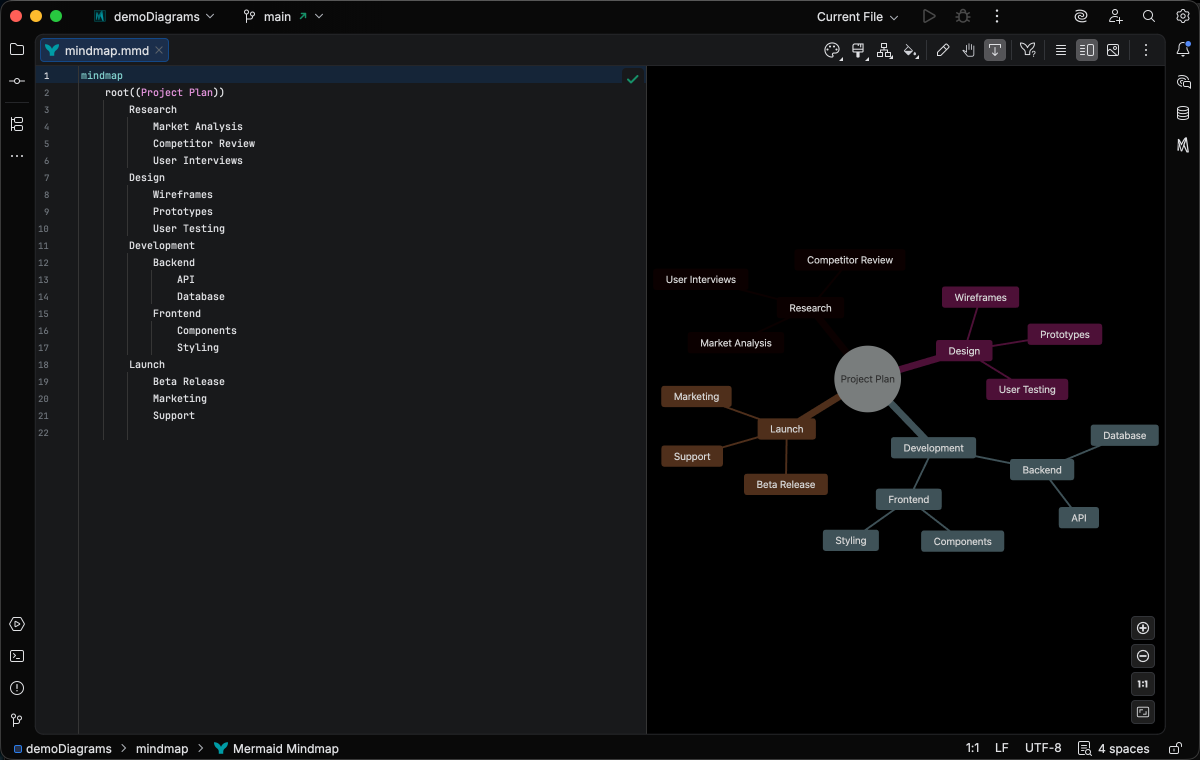
Mindmap
Hierarchical idea organization
Comprehensive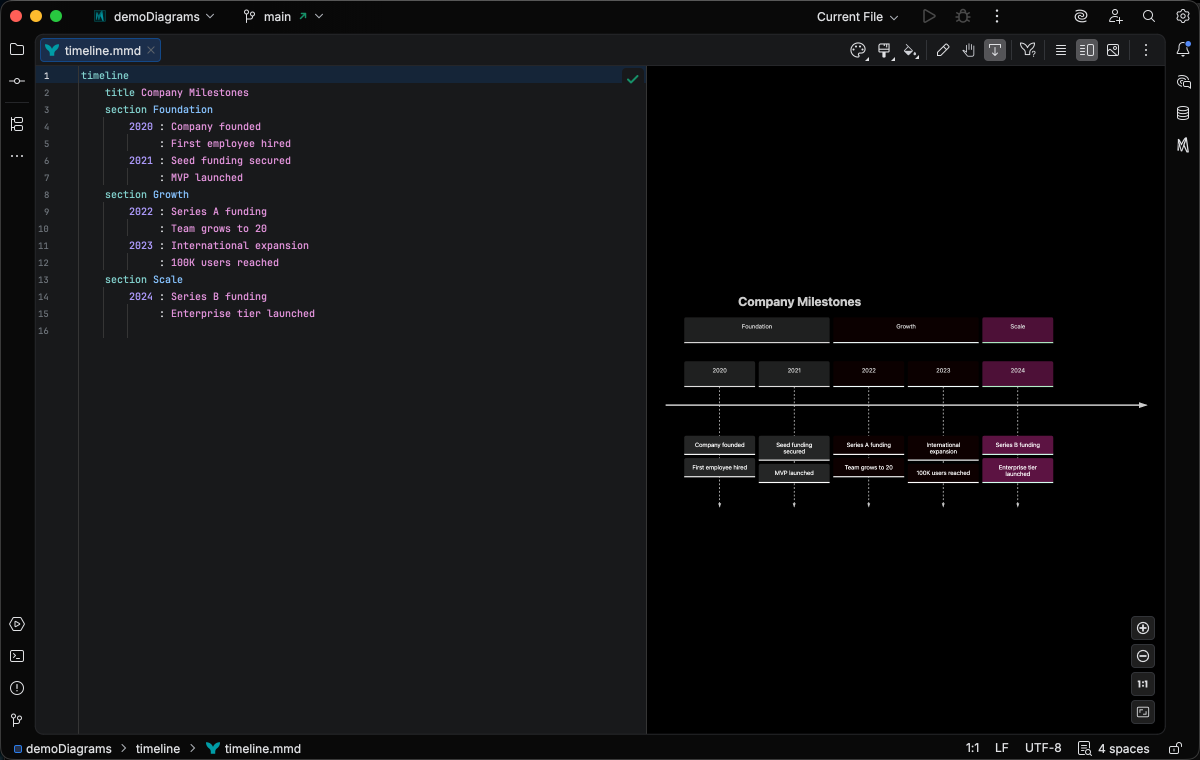
Timeline
Chronological events and milestones
Basic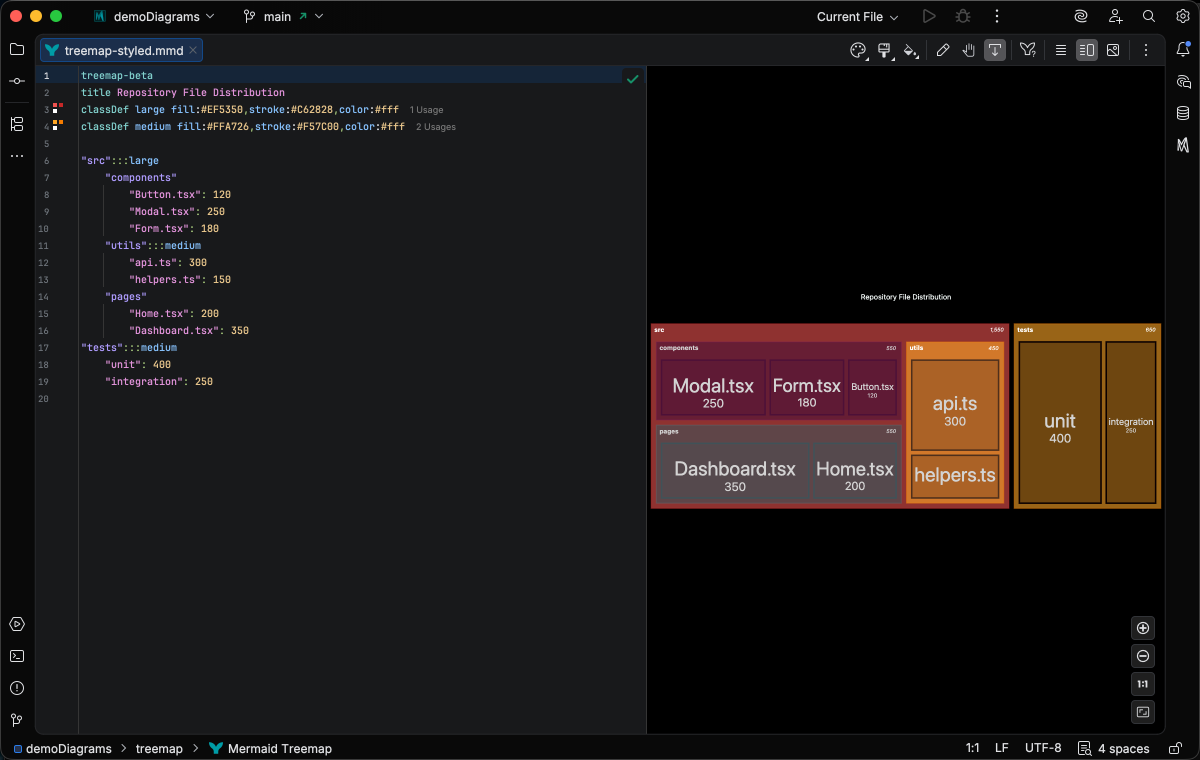
Treemap
Hierarchical data as nested rectangles
Comprehensive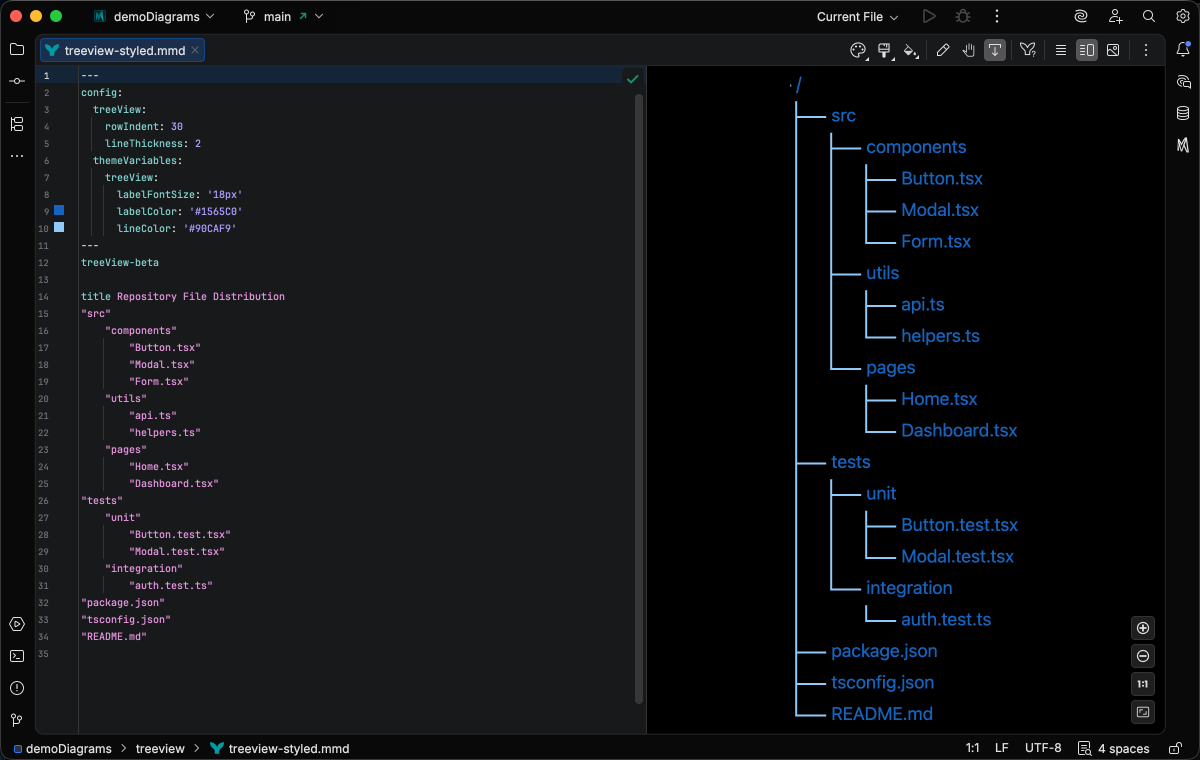
TreeView
Tree-style hierarchical outlines
BasicData & Analytics
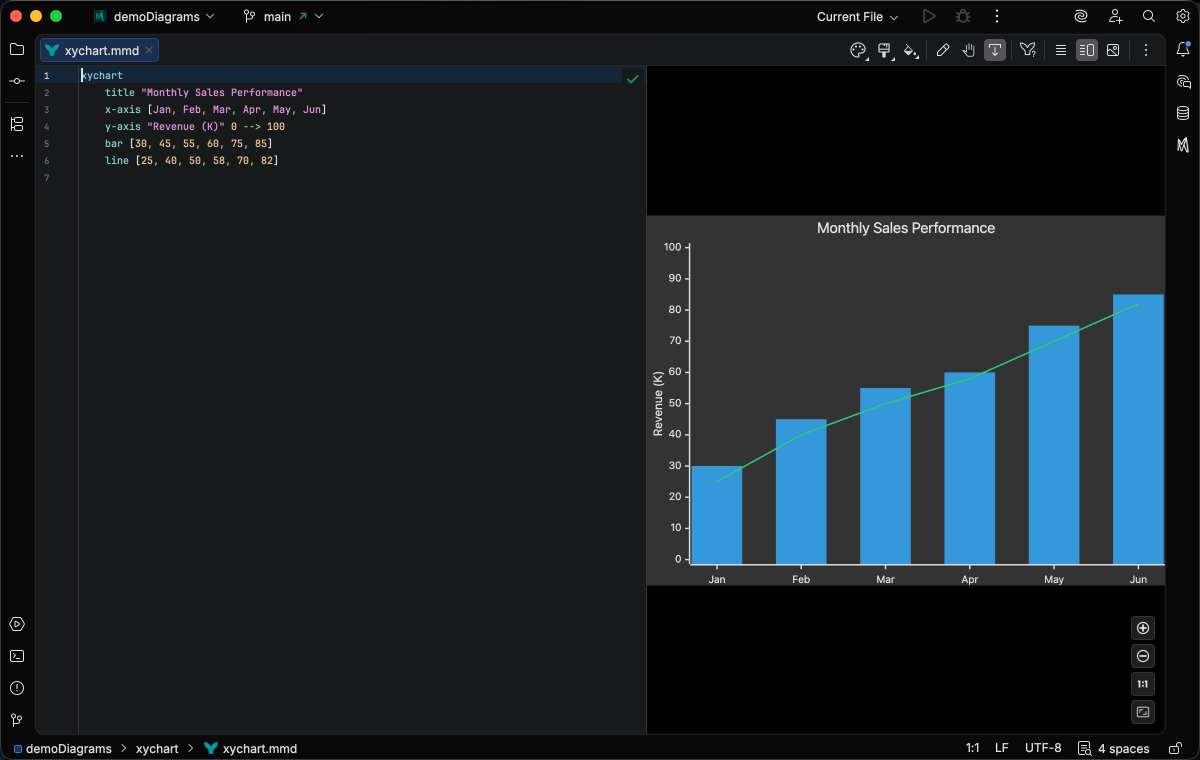
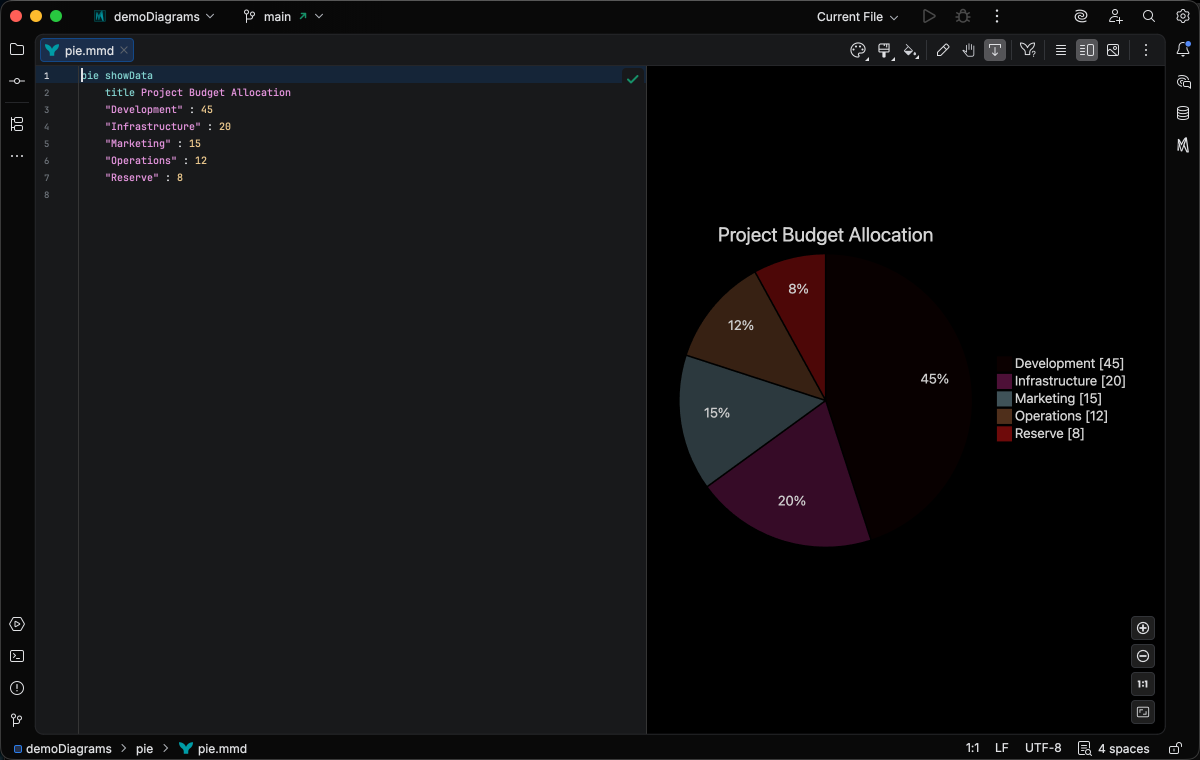
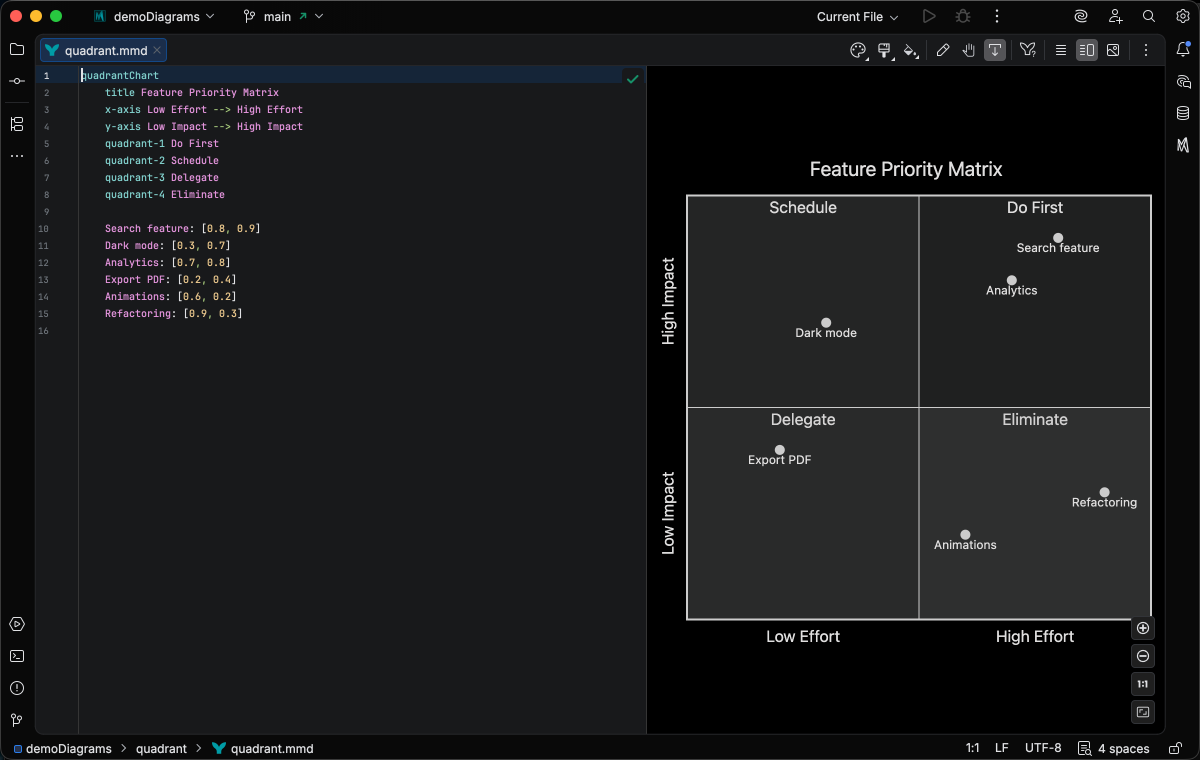
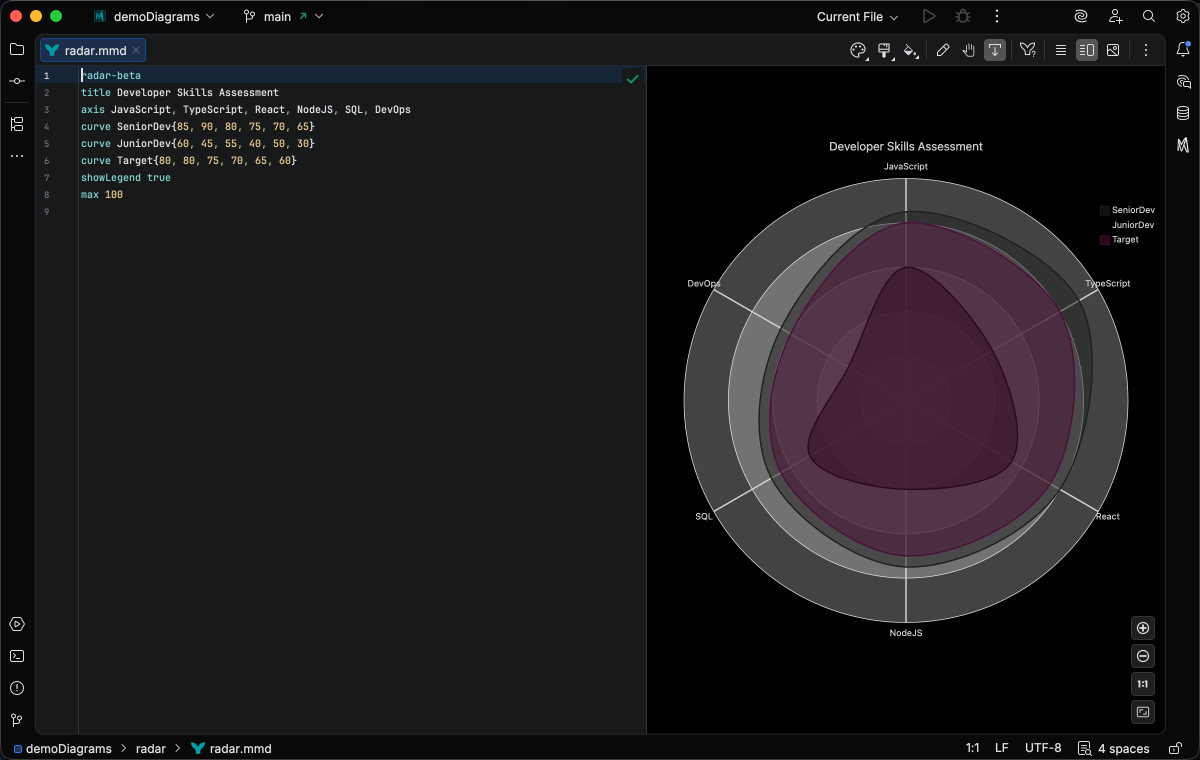
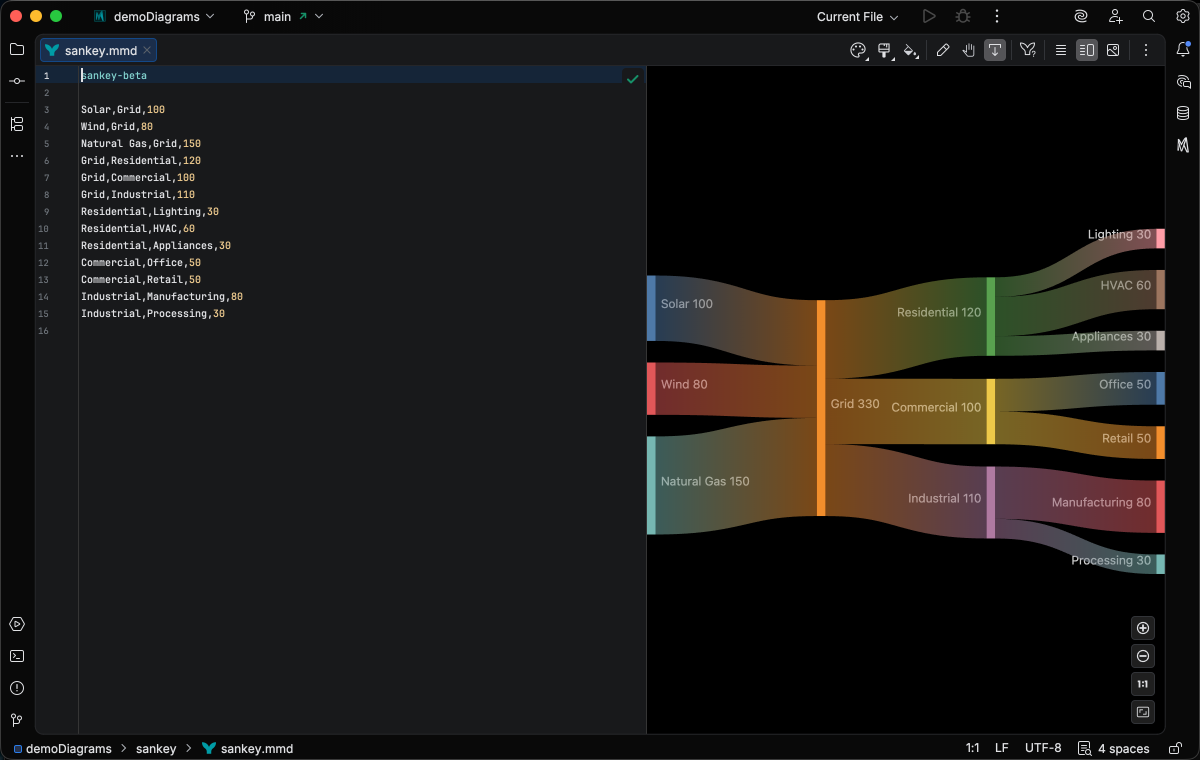
Charts and data visualization
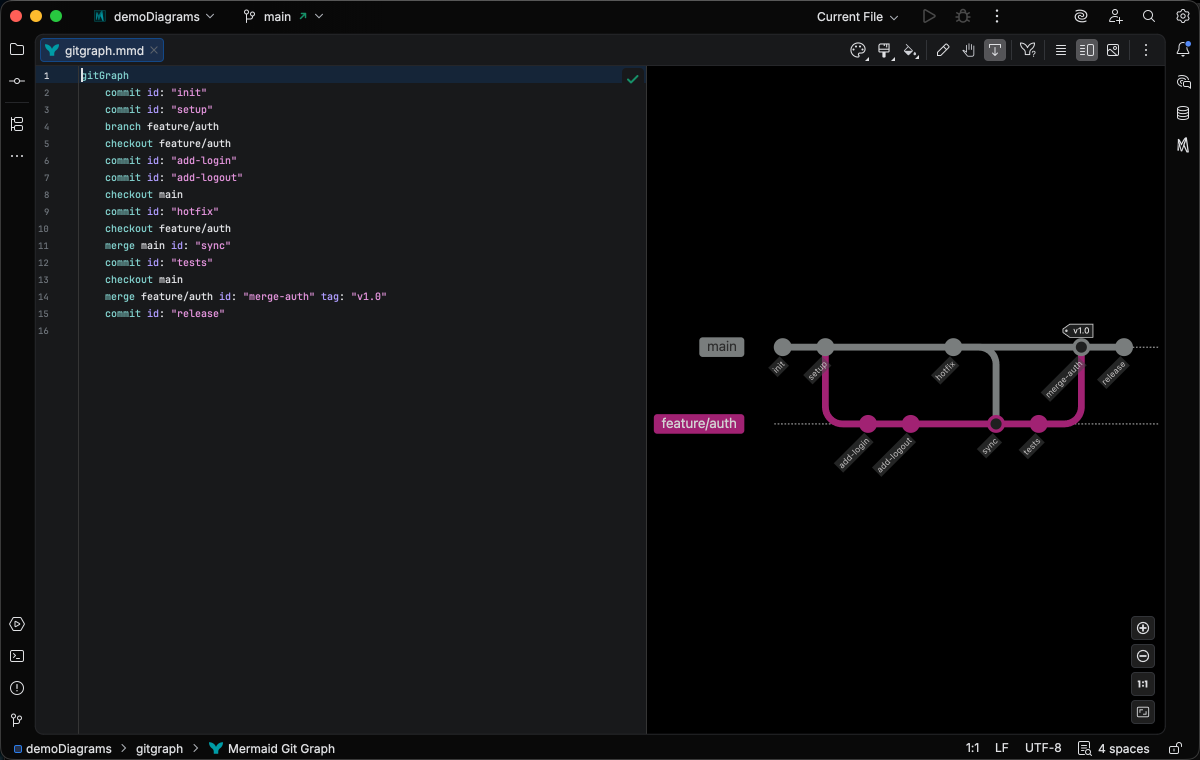
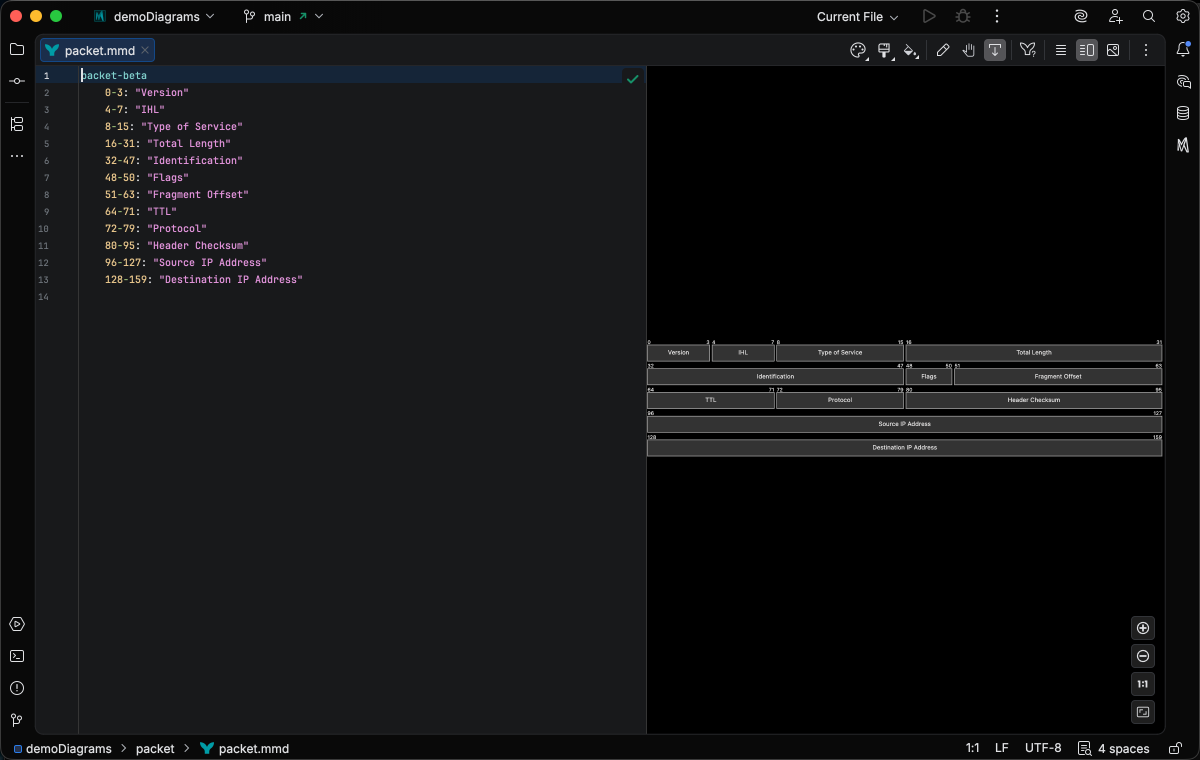
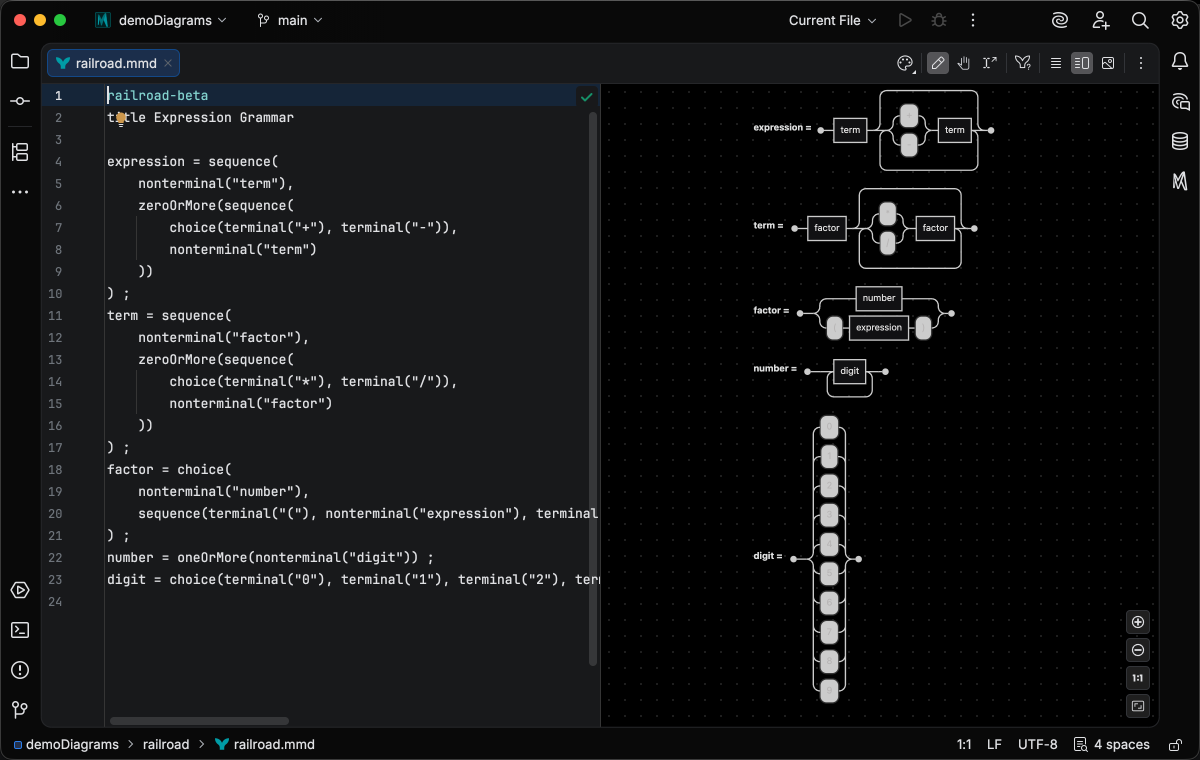
Version Control & Technical
Git workflows and technical diagrams
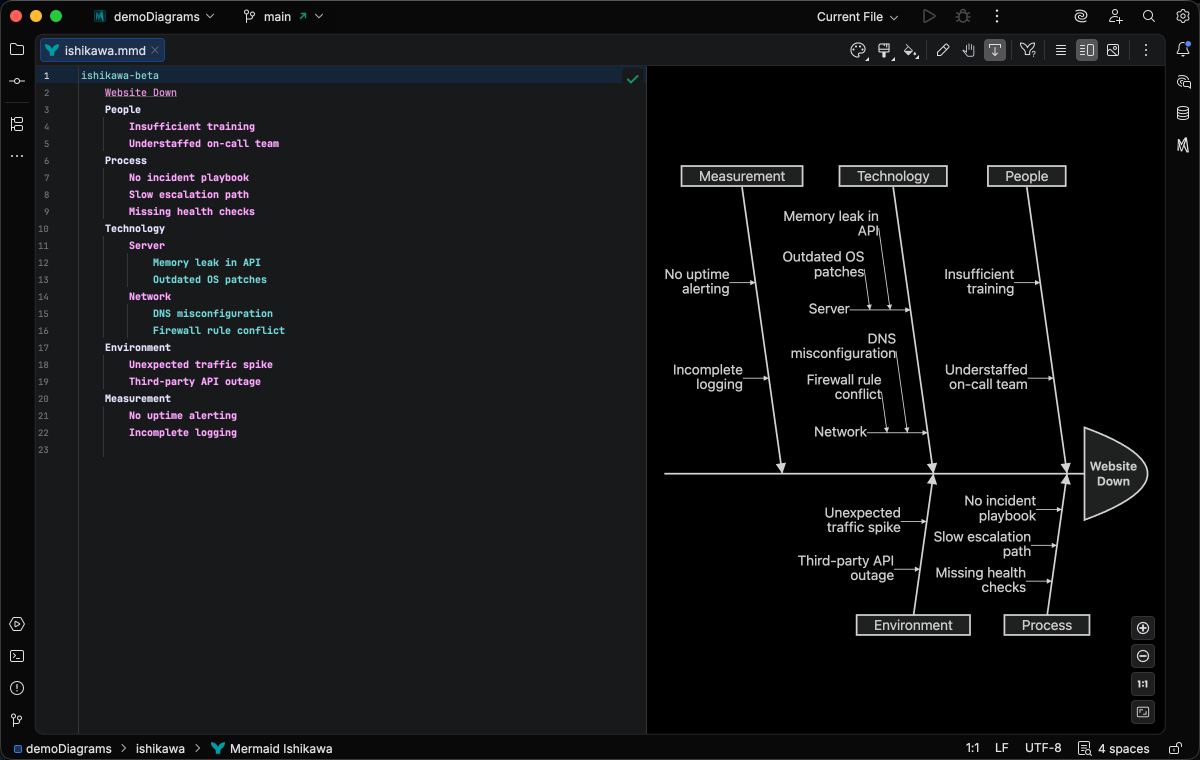
Analysis & Quality
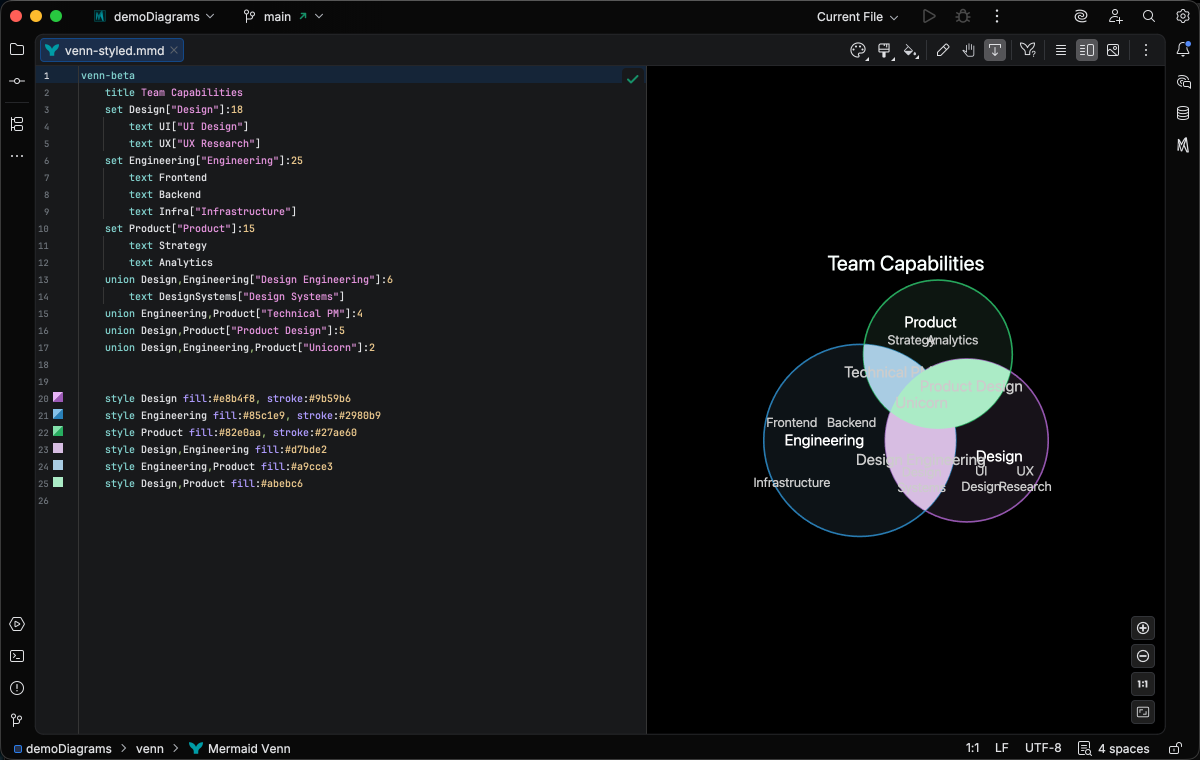
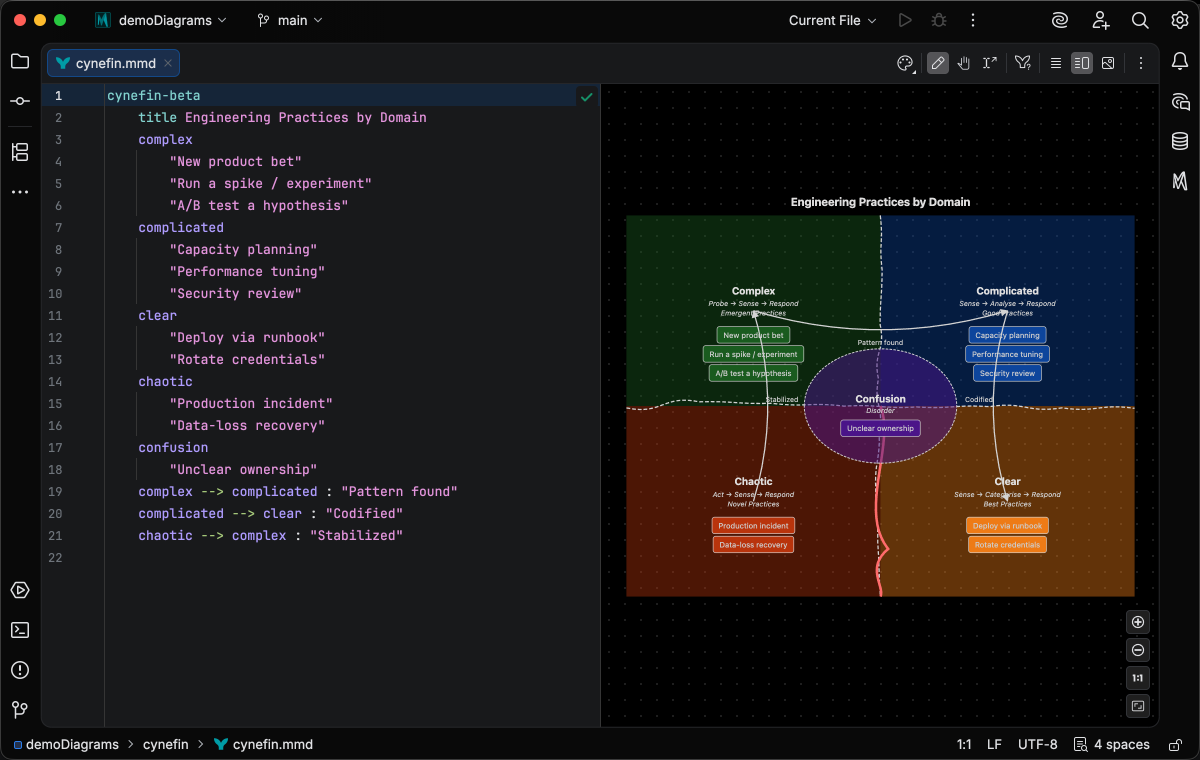
Root cause analysis and set relationships
Support Levels
Full IDE support including completion, refactoring, Code Vision, and advanced features
Completion, refactoring, and standard IDE features
Syntax highlighting, validation, and live preview
Diagram types marked Core receive full paid features with a Core or Studio license. All other types require a Studio license for paid features. Syntax highlighting, preview, and export are free for all types. Compare editions →
File Extensions
Mermaid Studio recognizes .mmd and .mermaid files. Diagrams also work in Markdown code blocks with the mermaid language identifier.